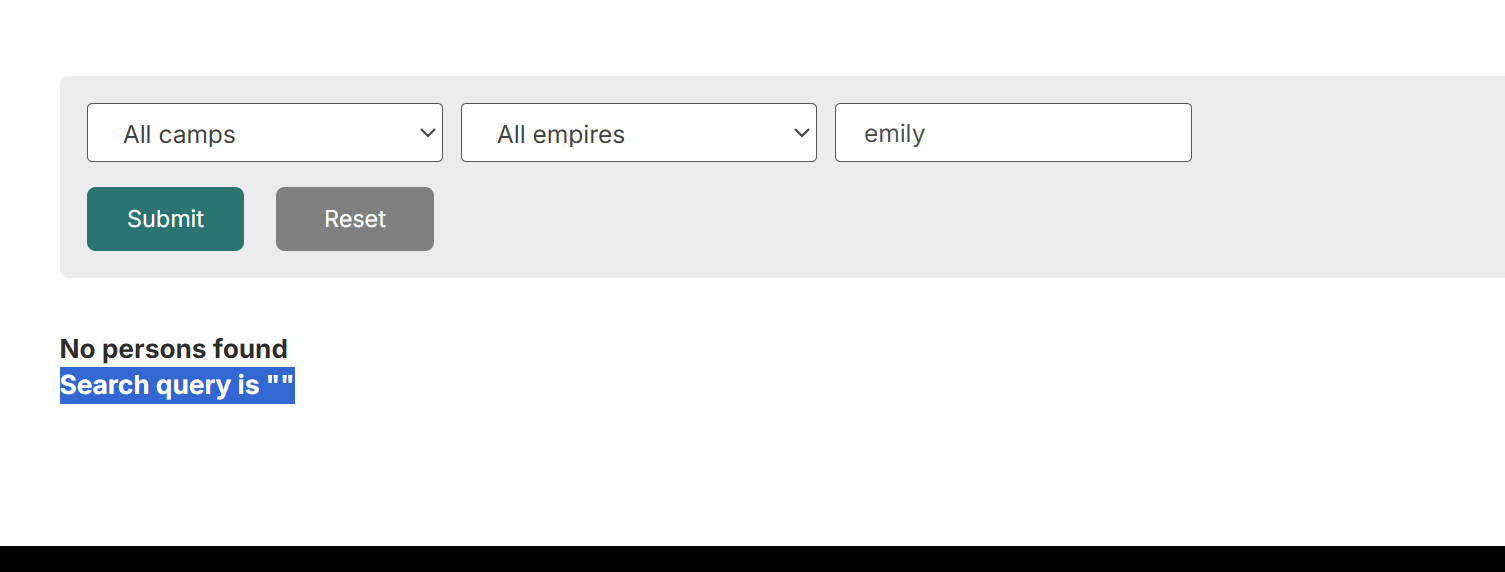
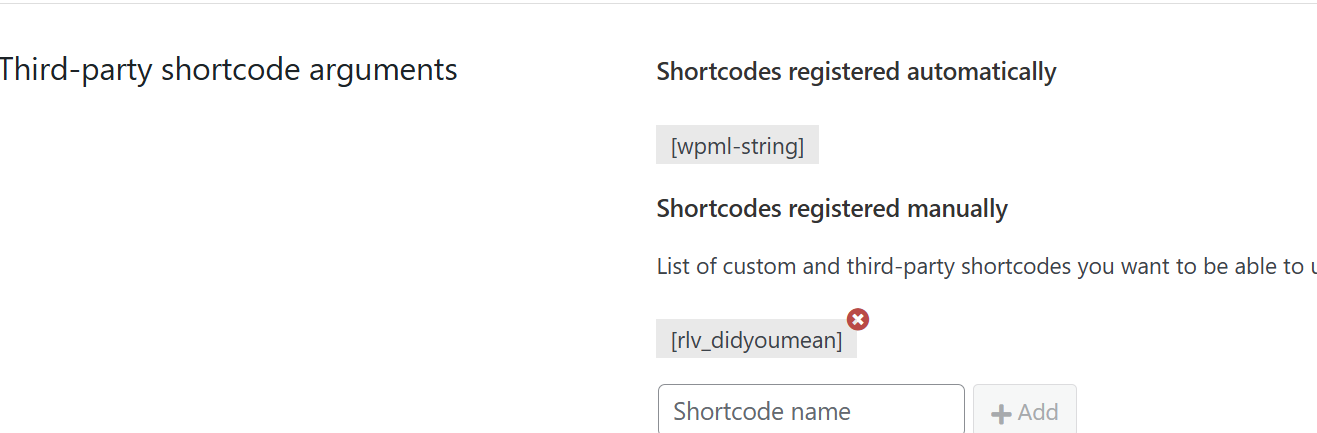
1) Tell us what you are trying to do?
- I am trying to use Relevanssi "did you mean" shortcode in the view when no results are found.
However, it didn't work, which made me contact Relevanssi support. We found that while Relevanssi relevanssi_didyoumean() function exists the get_search_query() returns nothing.
That's where Relevanssi support suggested to check with you guys whether you have any advice and/or ideas to make things work.
Here is the shortcode returing empty string
add_shortcode( 'rlv_didyoumean', function() {
$didyoumean = '';
if ( function_exists( 'relevanssi_didyoumean' ) ) {
$didyoumean = "<p>Search query is "" . get_search_query( false ) . ""</p>";
$didyoumean .= relevanssi_didyoumean(
get_search_query( false ),
'<p>Did you mean: ',
'</p>',
5,
false
);
}
return $didyoumean;
} );
2) Is there any documentation that you are following?
- regular documentation to register and use the shortcode within the Toolset view.
3) Is there a similar example that we can see?
- I couldn't find any
4) What is the link to your site?
hidden link
Hi,
Welcome to Toolset support. From what I understand, get_search_query() is empty because it only reads the WordPress main search (?s=). A Toolset View Search (custom search filter) does not set ?s=, so get_search_query() can be an empty string even when the View search is working.
I found out about the fact above from:
https://toolset.com/course-lesson/searching-texts-in-custom-fields-with-toolset-and-relevanssi/
Maybe if you can identify the view search URL parameter, you can use that instead of the normal WordPress search.
Submit the View search once and check the URL. Toolset sends View filters (including text search) as URL parameters. You need the exact parameter name used by your View.
Toolset provides shortcodes to read URL parameters / search terms inside Views, for example:
[wpv-search-term param="..."] (reads the View search term from the URL param you specify)
[wpv-param name="..."] (reads any URL param)
https://toolset.com/documentation/programmer-reference/views/views-shortcodes/#wpv-search-term
So you can replace the get_search_query(false) calls with the View’s URL parameter value, then pass that to relevanssi_didyoumean().
https://toolset.com/documentation/programmer-reference/views/views-shortcodes/#wpv-param
Place your “did you mean” output inside the View’s No items found area. [wpv-no-items-found] ... [/wpv-no-items-found]
I will not be able to give you an exact code but I tried to give you info what can be done in this context.
Thanks.
Thank you. I was able to edit Relevanssi to use Toolset search parameter instead