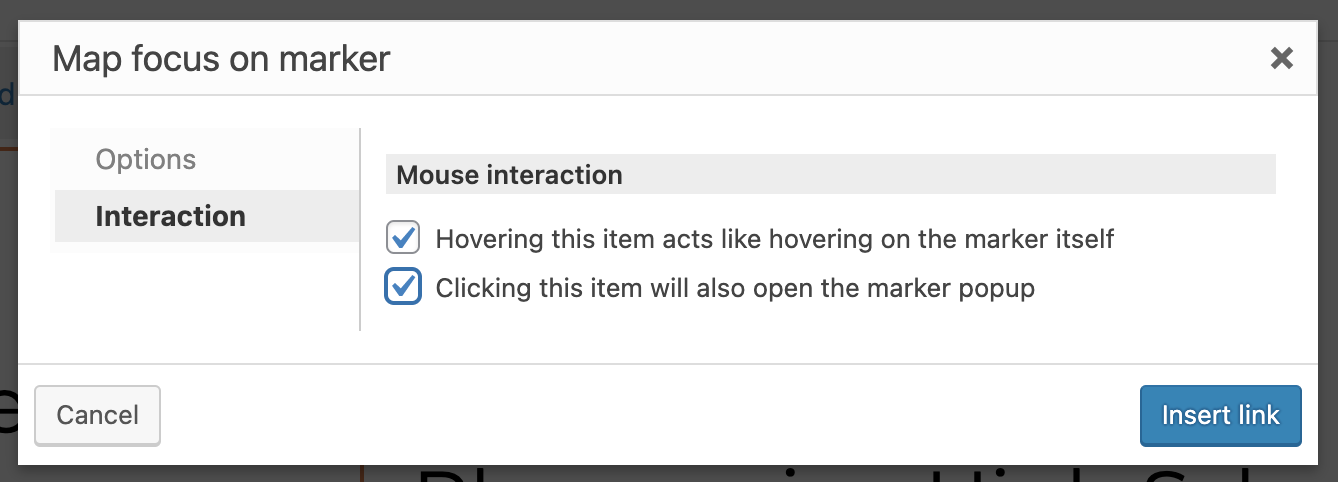
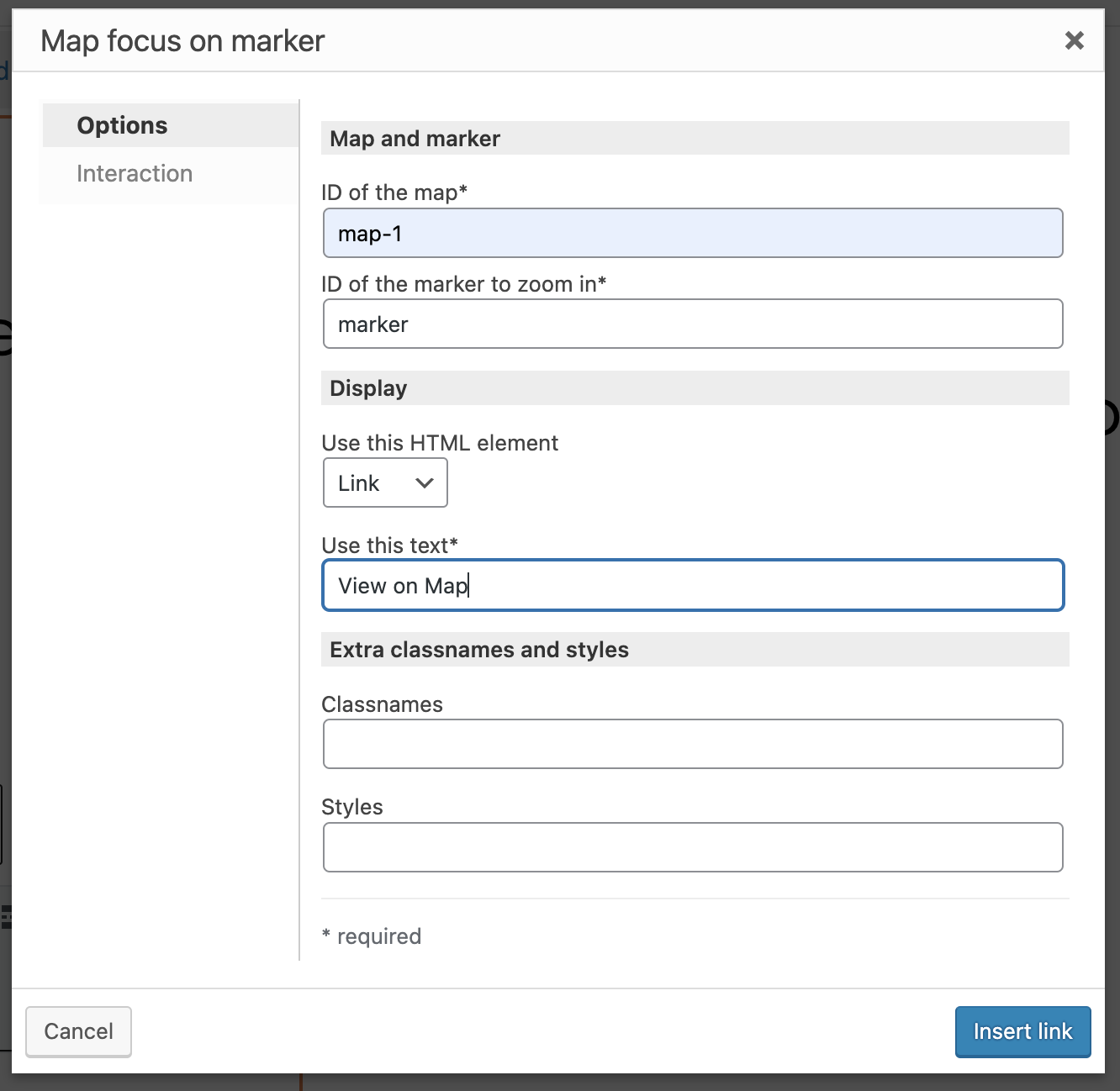
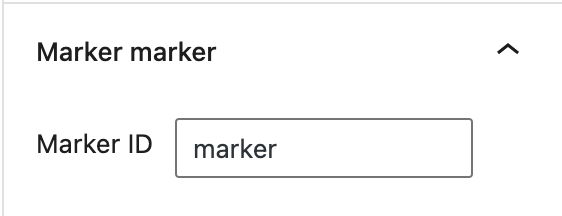
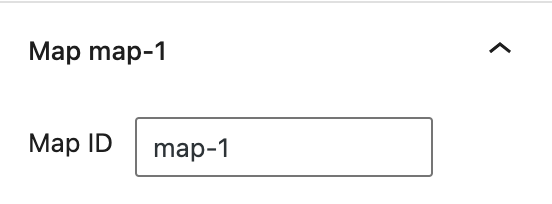
Hello, we've set up our View with Search and Map using the Block Editor. We then added the "Focus Map Marker" button to our View Output and entered all the required information in the block fields to connect it to our Map on the same page.
The problem, is that when you click the "focus map marker" button it only opens the infowindow for the first listing. Why is it not identifying the correct marker for each listing?
Toolset View and Map can be seen on this page hidden link
See screenshots of settings for button and map. Thank you.
Hello,
The "Focus on map" button requires each marker uses unique marker ID, see below test site:
Login URL:
hidden link
Map page:
hidden link
1) In view's loop, display a shortcode block, with the marker shortcode + "Focus on map" shortcode:
[wpv-map-marker map_id='map-2' marker_id='marker-[wpv-post-id]' marker_field='wpcf-test-address-1'][wpv-post-title][/wpv-map-marker]

<a href="#" class="js-wpv-addon-maps-focus-map js-toolset-maps-open-infowindow-map-map-2-marker-marker-[wpv-post-id]" data-map="map-2" data-marker="marker-[wpv-post-id]">view on map</a>
Each marker will use an unique ID: marker-[wpv-post-id]
2) In the map block, you don't need to setup the maker source
Test it in frontend:
hidden link
click on the link "view on map", It works fine
More help:
https://toolset.com/documentation/programmer-reference/maps/maps-shortcodes/#map-focus-on-marker
https://toolset.com/documentation/programmer-reference/maps/maps-shortcodes/#wpv-map-marker
Thank you for the instructions and the demo site for reference. With that I was able to replicate the correct setup on my site and get it working. My issue is resolved now.4