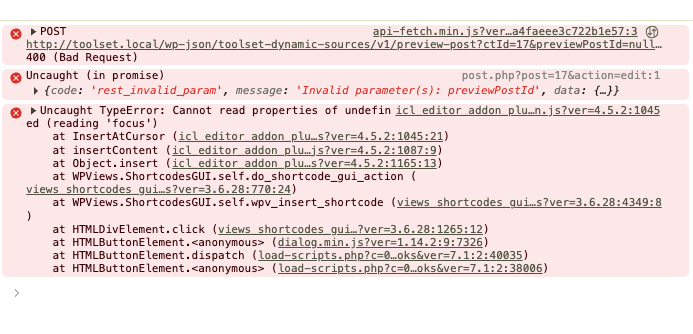
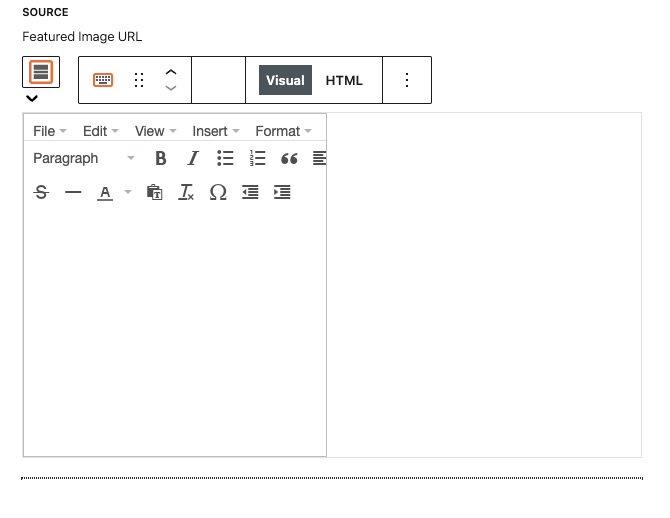
I am trying to use the Fields and Text block to build out a line of text that combines several fields. The block is not interactive in visual or html modes. The button to insert views and fields is missing, but when you click on the spot it does display all the available fields and you can go through the wizard to select and setup a field, but it never gets added to the fields and text block.
I had this problem with a transition project and then tried this is a fresh local install with only Toolset Types, Toolset Blocks, and Toolset Access running in the default theme.
Steps to reproduce
1. Setup vanilla WordPress 7.1
2. Install Toolset Types 3.6.3, Blocks 1.6.28, and I have access (but it isn't setup yet)
1. Create a posttype
2. Create a single template
3. Add a container
4. Add the Fields and Text block - Note that it doesn't work at all.
I've included a screenshot of the block and the errors reported in the console if it is helpful. With all the warnings in the console I would say you all have some work to do to get current on the block editor. Since I'm trying to use your products on a new project right now I hope that is in the roadmap. Do you have the roadmap published somewhere?
This is a local install so I can't share it, but like I said when I noticed the issue I spun up a fresh wordpress install with just Toolset installed and the issue was easy to repeat.
Additionally, the Toolset Image block appears to be missing a lot of its styling so I think there are other issues as well. I have tried this with the default bootstrap off and using bootstrap 4.
Jonathon
Hi,
Welcome to Toolset support. We are aware of the issue. You will need to either downgrade to WordPress 7.0.4 or wait for the next release of Toolset to fix the issue.
Thanks.
I will not hold you to it, but is the next version months away or weeks away?
Jonathon
Hi Jonathon,
I can not give an ETA, but it should be a matter of weeks from what I see in the internal records.
But let's have that as a guesstimate and not an official one. 🙂
For now, you can easily install the Core Rollback plugin. (make sure you have a backup)
Go to WP Dashboard > Tools > Core Rollback.
Select 7.0.4 and you will be redirected to the update page.
Click Install 7.0.4 and it should be available for you in no time.
Thanks.
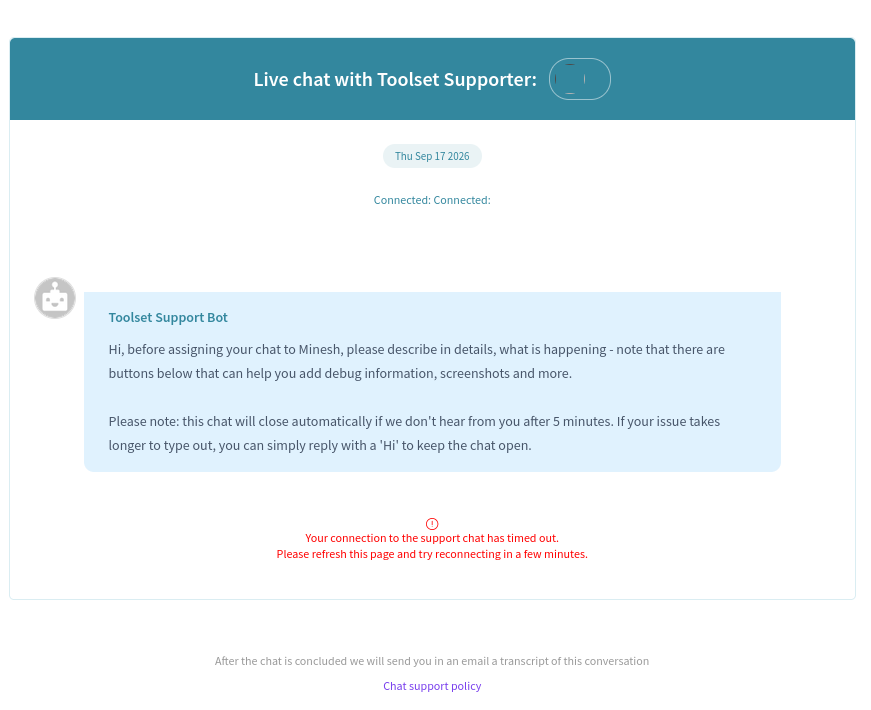
I know you don't want other topics in existing ones, but I have tried for an hour to submit a ticket and I keep getting stuck in your chat bot that times out every 20 second. How can I just open a ticket? As far as I can tell your chat bot is either broken or doesn't like chrome browsers
Hi,
Would you please open up a new browser window and test opening a support ticket again?
If the same issue happens, I'd appreciate it if you could send a screenshot here.
In a case there is a fail, also please ask your question here and I will split this ticket and create a new ticket for you to follow up.
Thanks.
I have tried to use your support chat on two different computers, in two different networked environments, trying Safari, Chrome, Firefox browsers between the two computers. In the middle of typing my first response usually between 10-15 seconds the screen changes to the screenshot attached. Even if I type a very fast sentence and hit send I still get the timed out message.
Additionally for your website I have disabled all security and allowed all cookies in one browser but that also hasn't improve the situation. I would encourage you all while you look into this to create a third button that doesn't start a chat but displays your old ticket form. Some people don't need a chat, they need to ask for help.
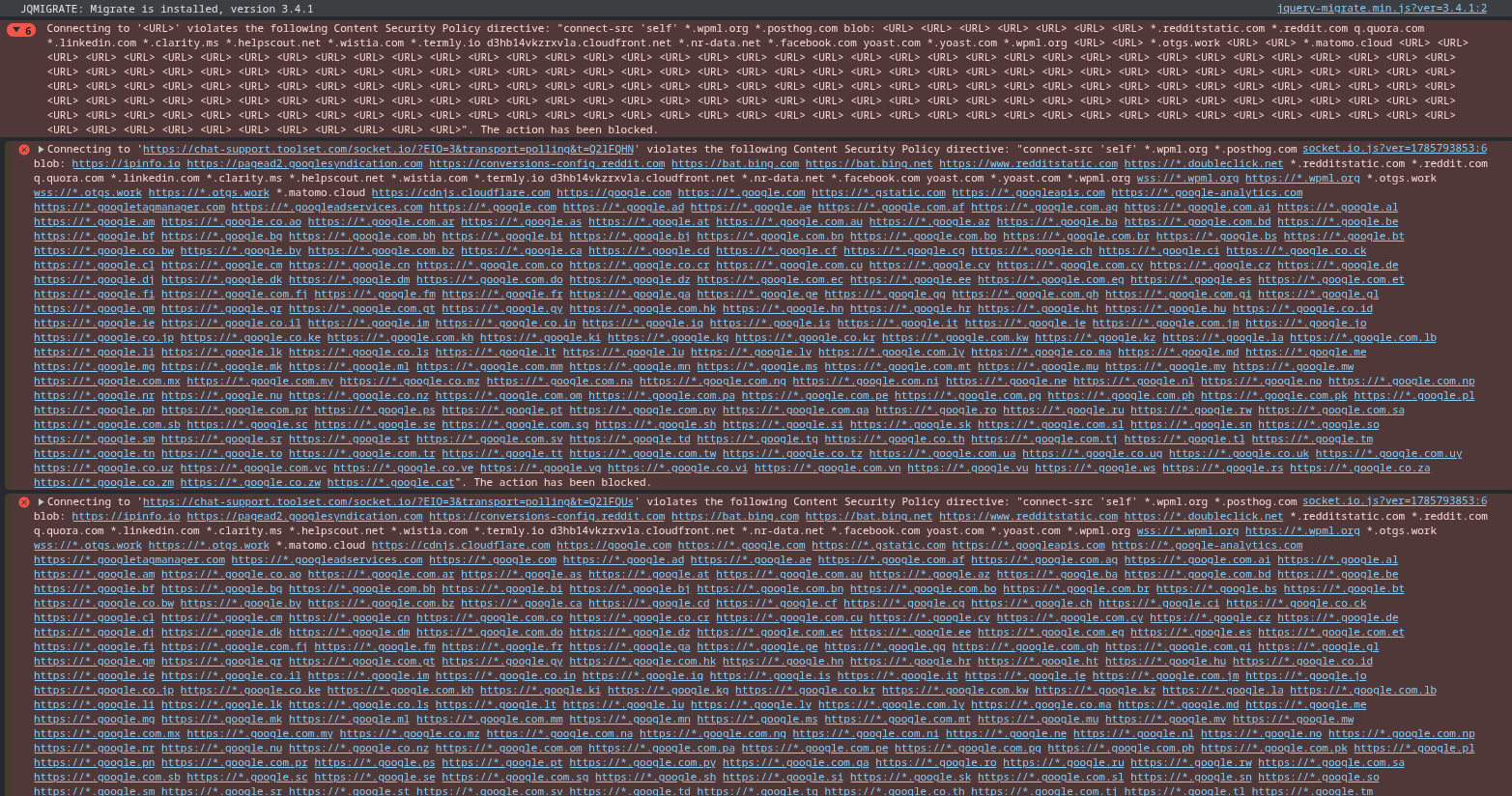
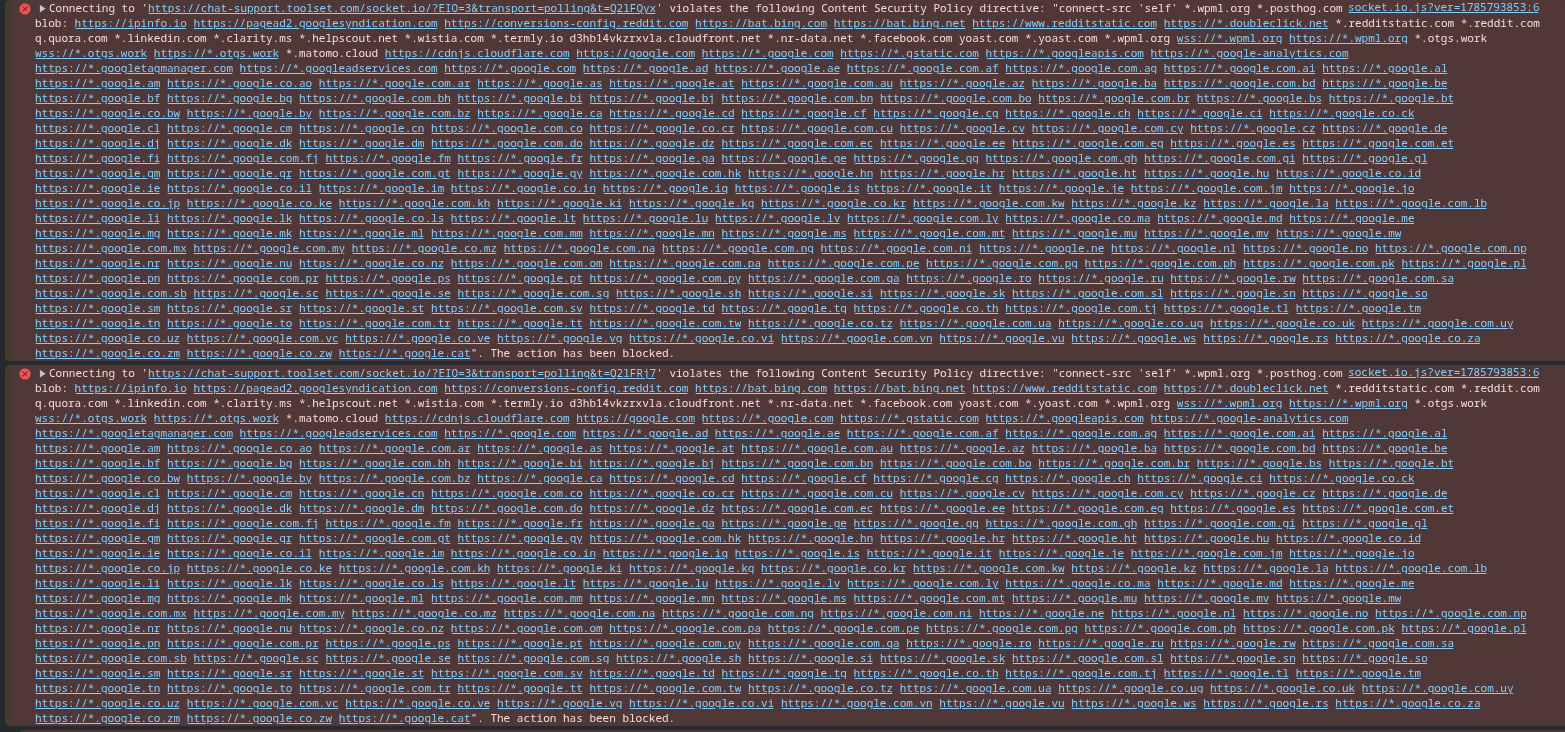
Additionally I am attaching screenshots from my browser console in case it is relevant which I assume it is since each line says an action is being blocked.
I hope this additional information is helpful.
Thank you for the report. Now you should be able to open up a new ticket.
Please refresh the browser cache, and this time you will not see a chat feature and you can open up a normal ticket.
Thanks.
Submitted a ticket and rolled by test site back to WP7.0.4 and the Field and Text block works as expected again.