Hi there,
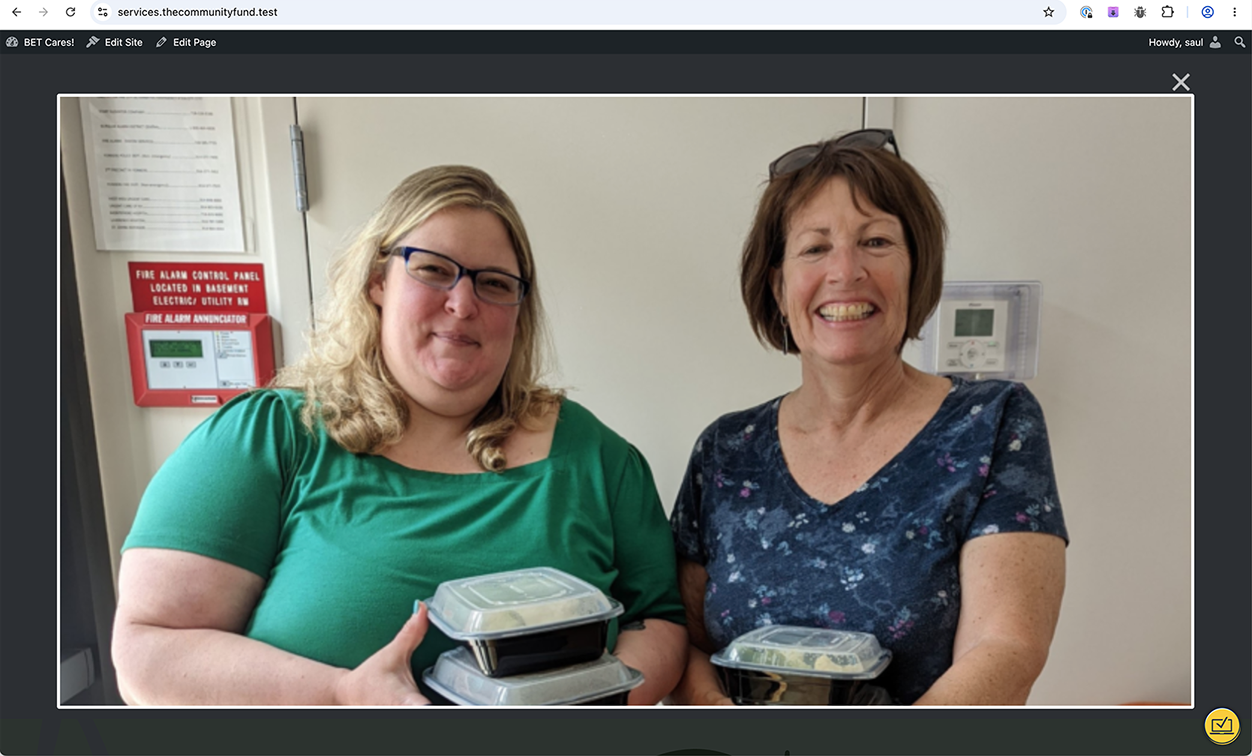
On the "Image Slider" Toolset block, on the public face of the site, the images can be clicked to view a larger version. See attached. Is there a way to disable this behavior? I don't want visitors to be able to see a larger version.
Thanks.
Saul
Hi Saul,
I checked this, and I do not see a built-in option in the Toolset Image Slider block to disable the click/lightbox behavior.
As a workaround, you can try disabling pointer events for the slider images with custom CSS:
.tb-image-slider a {
    pointer-events: none;
}
If that affects other sliders, add a custom CSS class to this specific block and target only that slider.
Custom CSS can be added in the Toolset template editor or through the page/template’s custom CSS area, depending on where the block is used. Toolset also allows adding custom code from Toolset → Settings → Custom Code if needed.
Thanks.
Christopher,
This doesn't really disable the behavior, but I appreciate your attempt.
Thanks.
Saul