Hello guys,
I would like to create static pages in which I want to implement a posts view. I would like to be able to choose a city and a radius of 200km around and display the results in a page (which I created myself and not a dynamic results page). This will allow me to manually customize the pages of each zone. I'm looking for a shortcode or an iframe that I can adapt according to the location and the radius of action.
Did you know if it is possible ? Best thanks 🙂
Hello,
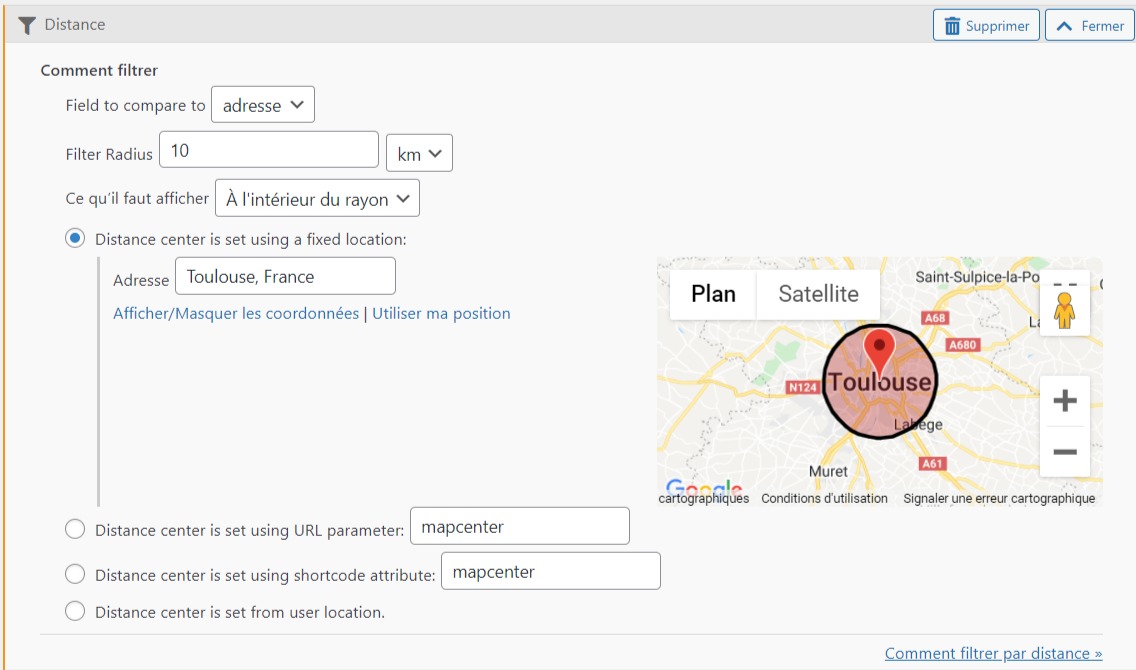
It is possible with Toolset plugins, you can follow our document to setup the distance filter in post view, and filter by option: Distance center is set using a fixed location
See our document:
https://toolset.com/course-lesson/filtering-and-ordering-map-markers-by-distance/
Screenshot:
https://toolset.com/wp-content/uploads/2018/12/toolset-maps-distance-filter-dialog-options.png
Hello, thanks a lot for your answer,
I don't think this documentation meets my needs.
I don't want the user to use search.
I would like my results to be already filtered in the page.
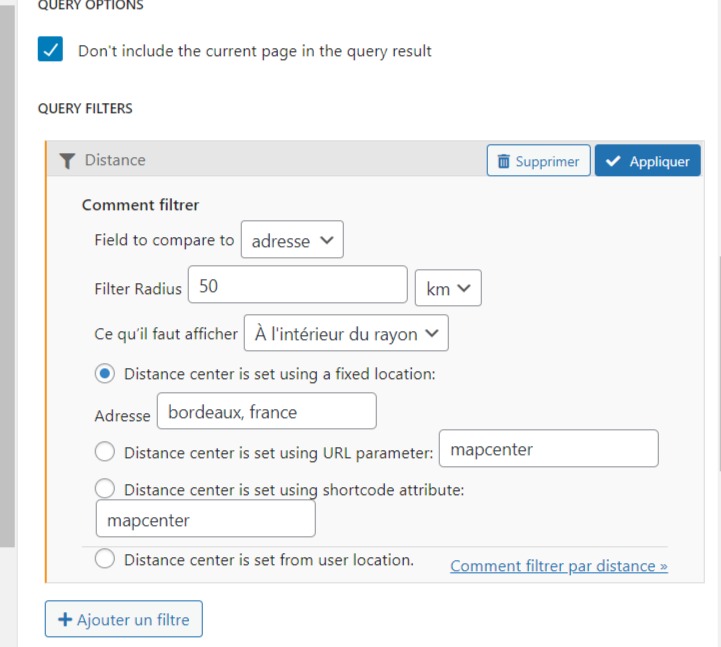
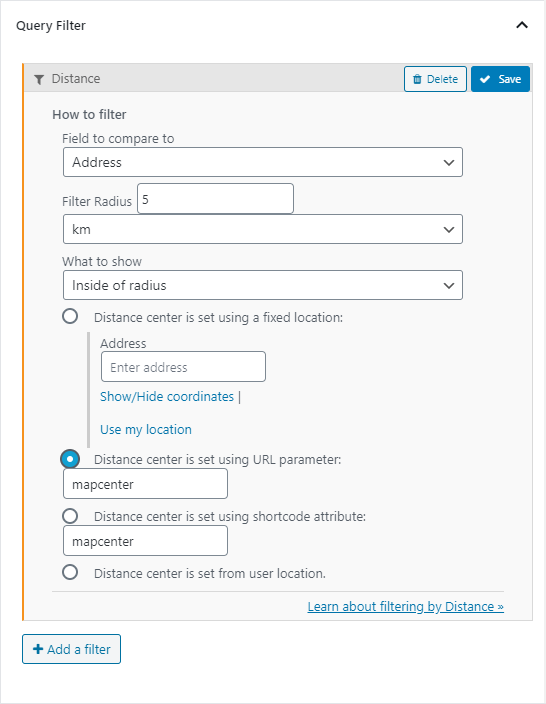
I inserted a view in page block editor and found this setting (see image), but this doesn't change anything when I set it and save.
Maybe there is a better alternative?
update : when I save my page block editor with Query filter and reload it, the query filter is removed
There is a known issue to setup the distance filter in View block, please try to setup the post view with legacy editor:
Follow below document to enable legacy editor:
https://toolset.com/course-lesson/enabling-legacy-version-of-toolset-views/
And setup the distance filter.
Ok, I'm using legacy editor.
I made a new view, I put it in a page.
All my posts are here without distance filter.
But with the distance filter, no post goes up.
I try all the "Field to compare to" parameters.
I feel like I'm missing out on something...
Thanks a lot for your help
EDIT : it works now 😉
Thanks to you a lot.
Here is my next problem and I'm not sure about how resolve it...
I want to bulk import all my page (around 100 pages). 1 page equals a city.
Actually I have to make 1 view for each city
Is it possible to create a dynamic view based on a parameter (adress) for each page?
I thought of a shortcode, but I don't know how to use it.
Thank you 🙂
EDIT :
With a bit of work I managed to get my view's shortcode to work manually.
[wpv-view name="page-seo2" mapcenter="paris, france"]
Do you know how I could dynamically fetch a custom field that I will call "archive-center" in a category of posts?
EDIT2 :
I created a custom field in the taxonomy called "archive-center", I tried to call it in the mapcenter value but without success, the shortcode does not work,
Here is my shortcode :
[wpv-view name="page-seo2" mapcenter="[types termmeta="archive-center"][/types]"]
In front I have the end of the shortcode : [/types]"]
I assume the original question of this thread is resolved, according to our support policy we prefer one ticket one question, for other new questions please check the new thread here:
https://toolset.com/forums/topic/here-is-my-next-problem-and-im-not-sure-about-how-resolve-it/