I have created a custom post type with a custom field called "clients". I used the directions from here:
https://toolset.com/forums/topic/dropdown-that-shows-all-users/#post-590063
To create a drop down of users to be linked to the post.
Now I need to filter the view so that only the post the user is linked to shows to them.
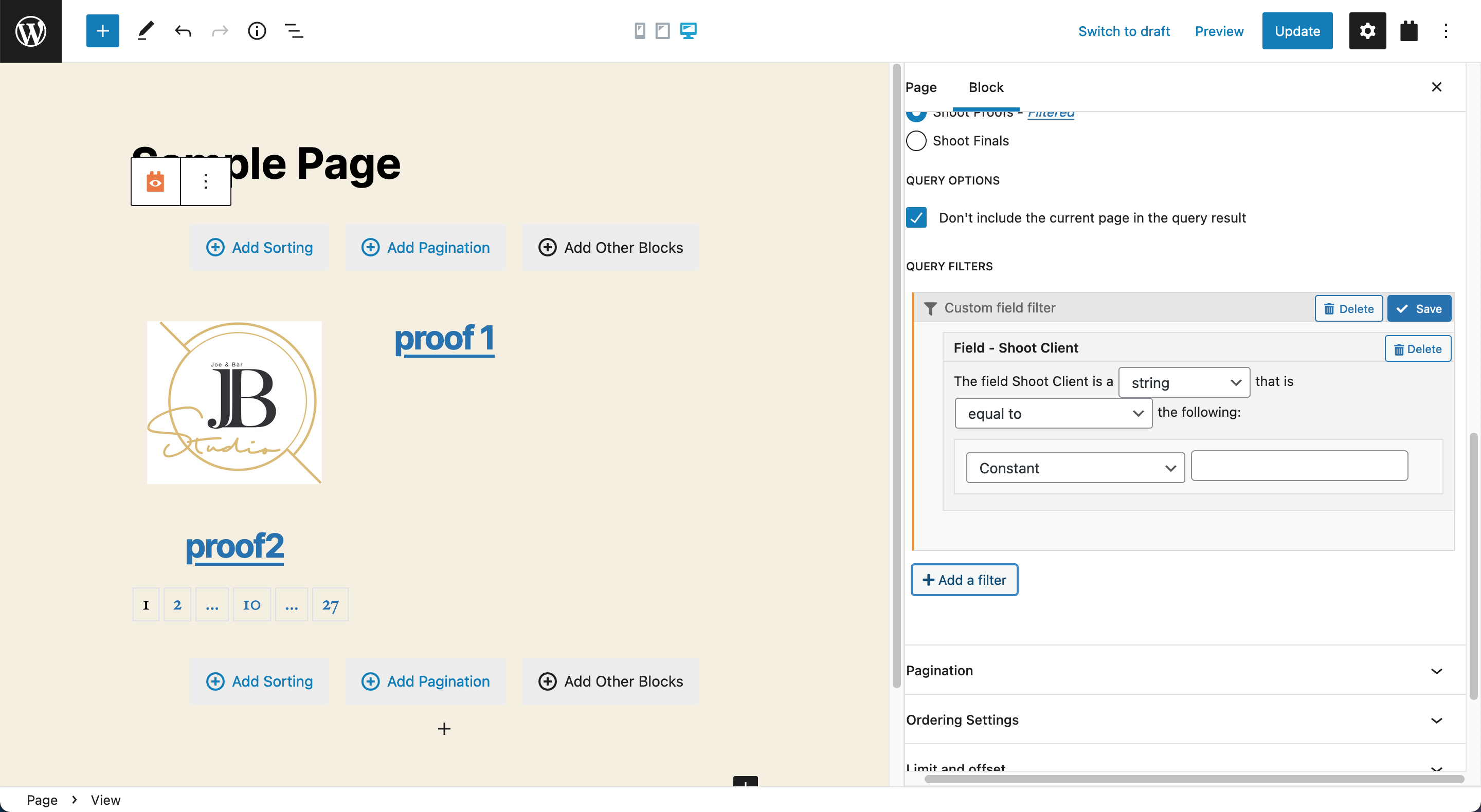
I tried filter the view by the custom field, but can not find a way to make custom field filter parameters equal to the users ID of the logged in user.
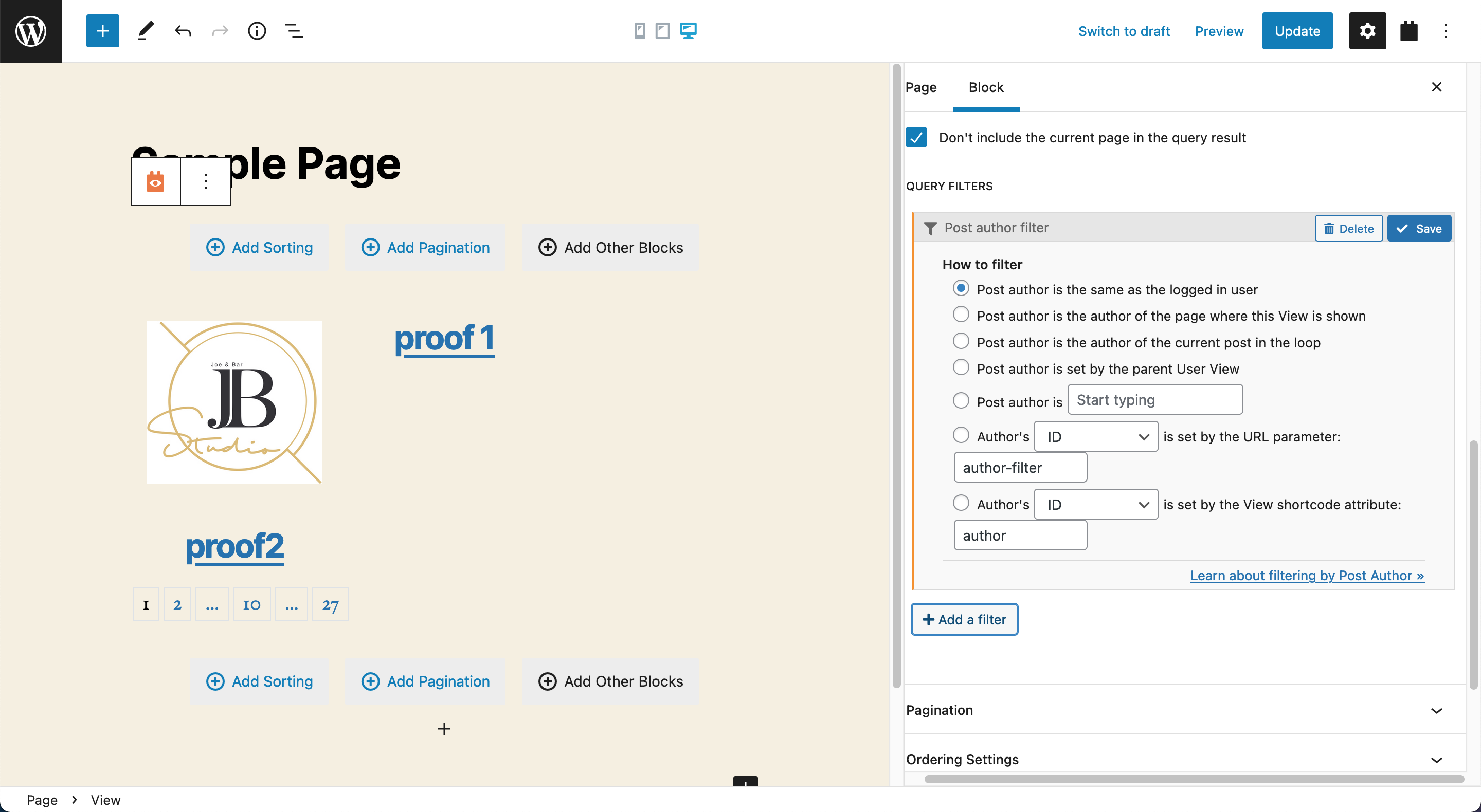
My goal is to achieve the same thing that happens when you set the author filter "Post author is the same as the logged in user". Only post related to or authored by the author show in the list.
I only want to show the post to the client/user selected from the "client" custom field
Hello,
In your case, you just need to put the custom field "clients" into view's search form, and test again.
https://toolset.com/course-lesson/creating-a-custom-search/#steps-for-creating-custom-searches
It should be able to display the "clients" select dropdown in search form, and filter the results by "clients" field
I tried this and it does not work to achieve what I am looking to accomplish. With the view search the client must be selected then click the search button to filter post. This is not what I want to do. I want the user current logged in user set and the post auto filtered with nothing done by the client. Jut like when you filter a post by author and set the author as the logged in user.
Goal:
This is for a photo shoot project. The photographer will upload their client photos to a custom post type named proofs. There is also a custom field that is connected to that post type named Client that pulls a list of users for the photographer to select the client the photoshoot belongs to.
https://toolset.com/forums/topic/dropdown-that-shows-all-users/#post-590063
Then when the photographer's client logs into their account, they will automatically see all proofs post assigned to them by the custom field.
This is why searching will not work. It will require the client to login to their account and then search for their photoshoot proofs. to find the proofs post type that they where assigned to.
I want the same result as filter by author with the settings set to logged in users is author.
That way the post are auto filtered as soon as the page loads. The end user client should not have to manually perform a search to find the proofs post type assigned to them.
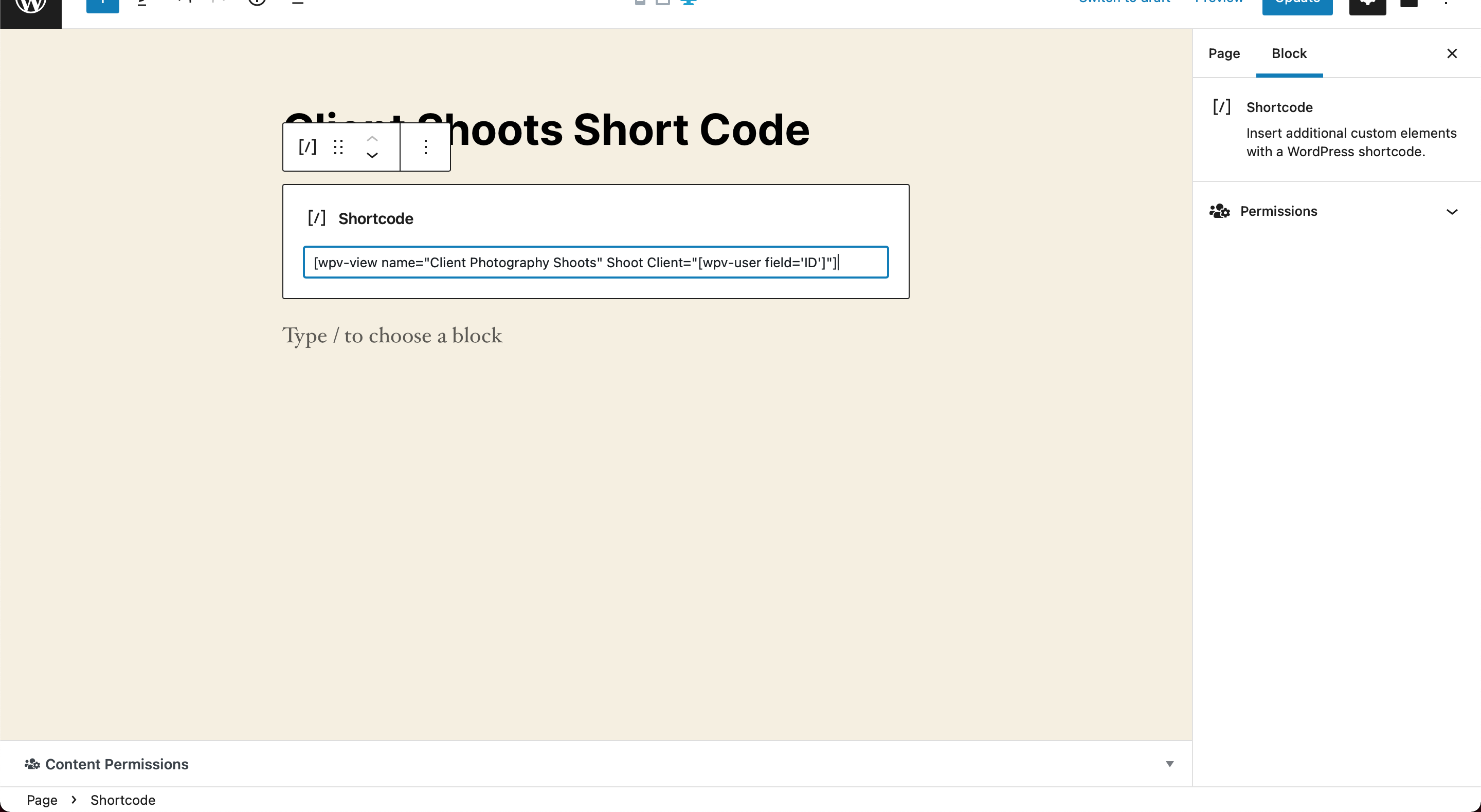
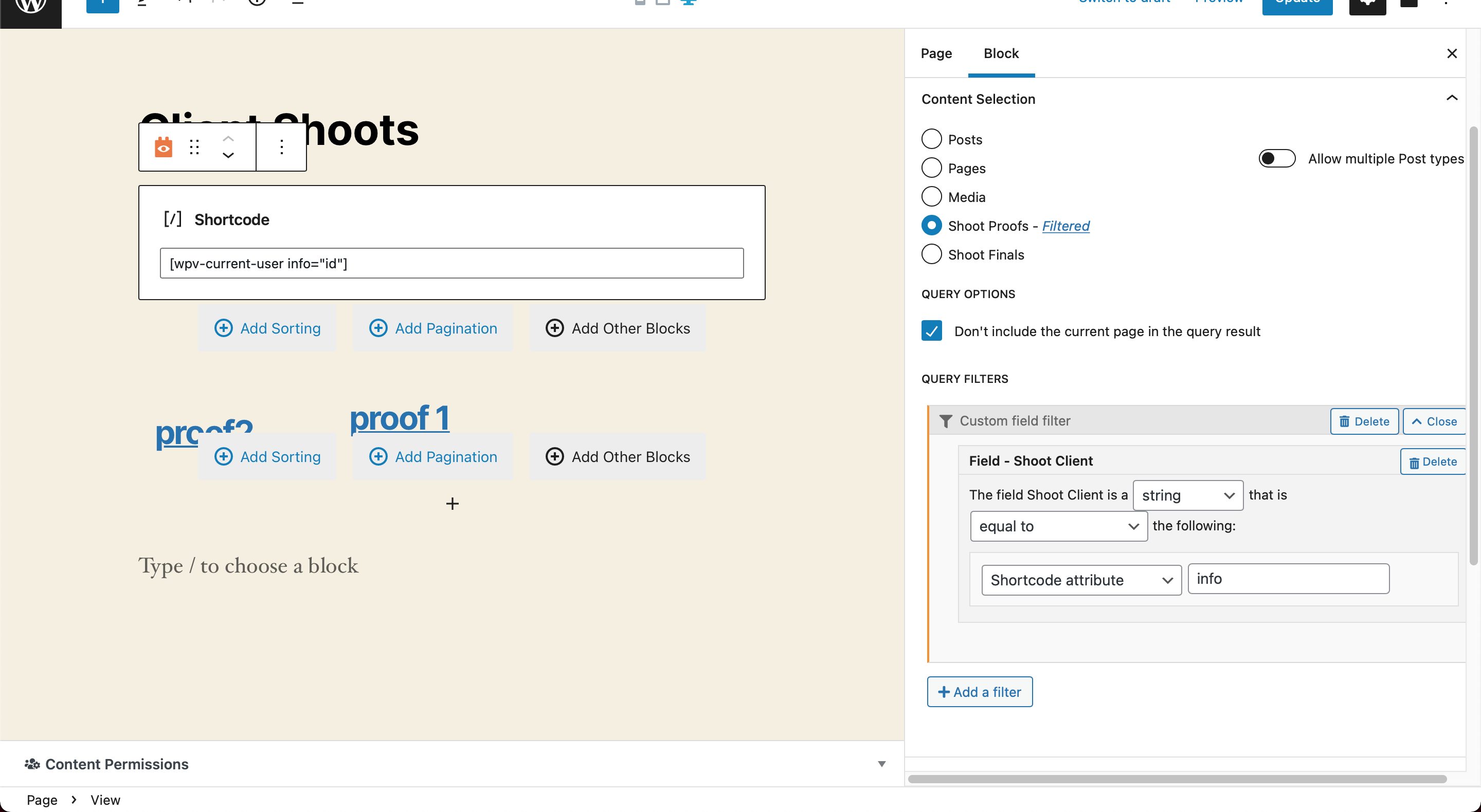
Am I missing an obvious step? I can get the shortcode view to work and filter the loop by passing the [wpv-current-user info="id"] to Shoot Client. But there is no styling. I would like to use the block view to filter but I cant seem to get it to work properly.
When using the block view what am I supposed to place in next to shortcode attribute. I cant place [wpv-current-user info="id"]. I get a message only lowercase letters and no special characters allowed.
I cant find any full and complete documentation on this only half answers.
Please provide a test site with the same problem, fill below private message box with login details, also point out the problem page URL and view URL, I can setup a demo for you