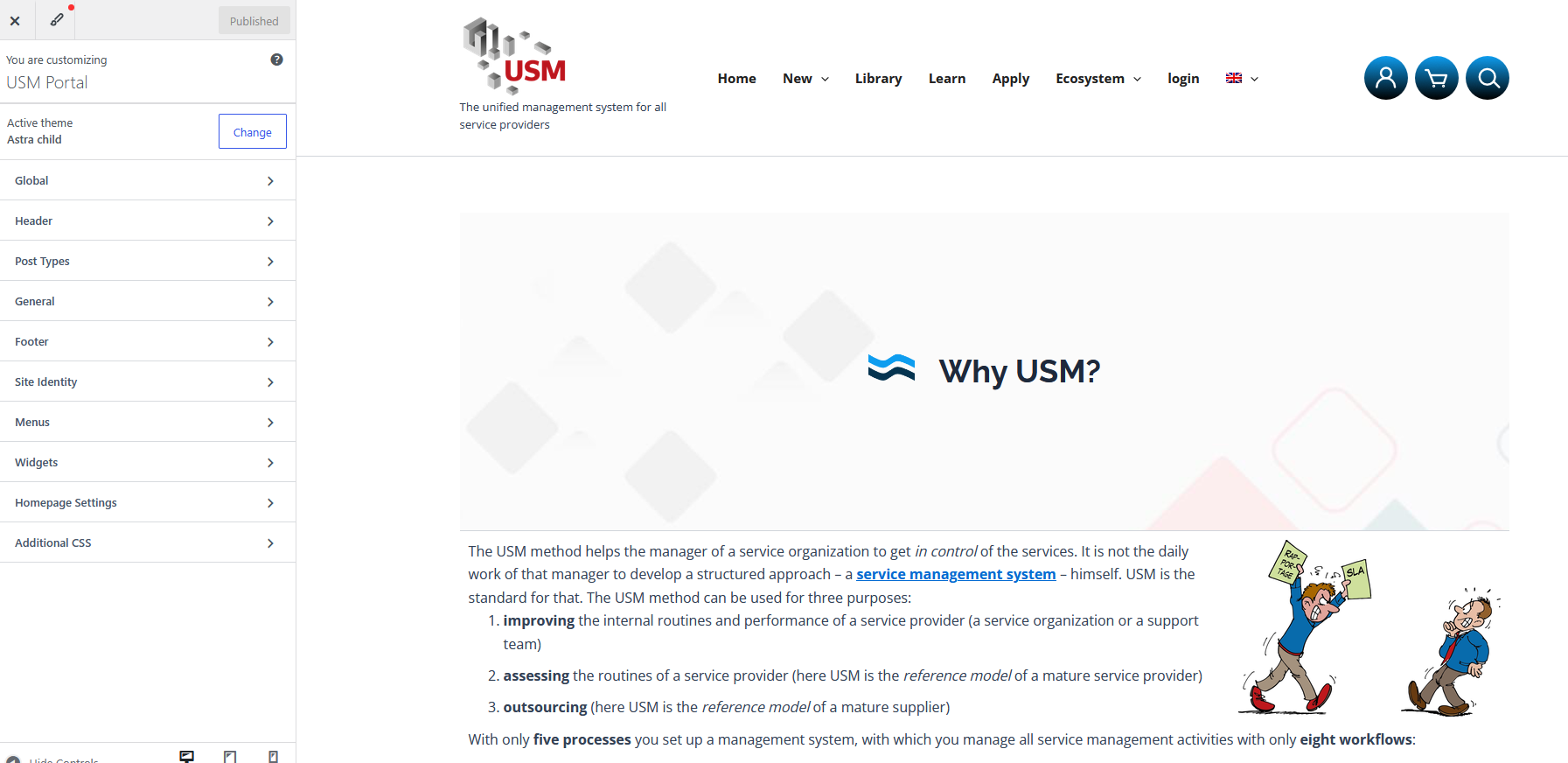
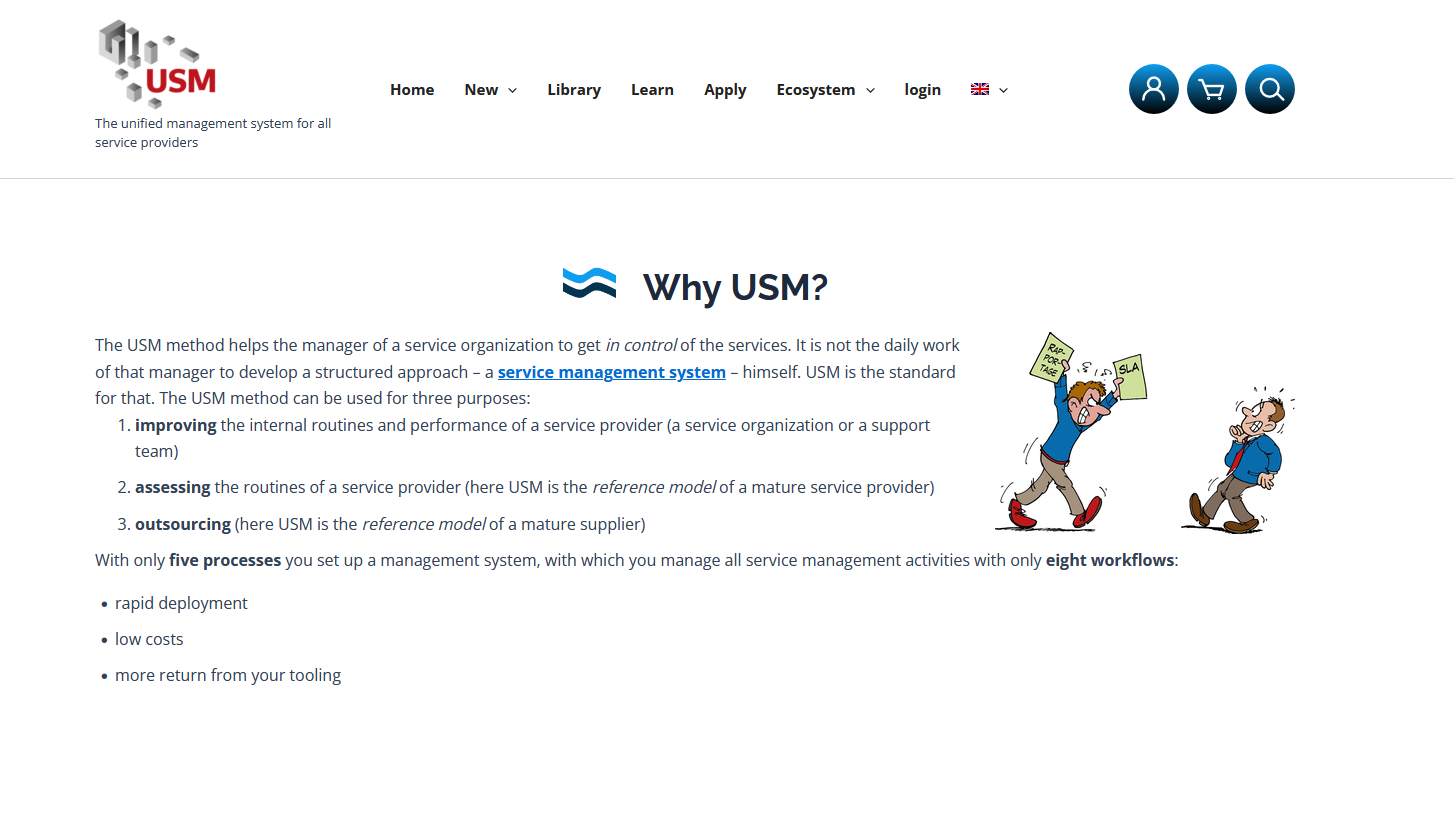
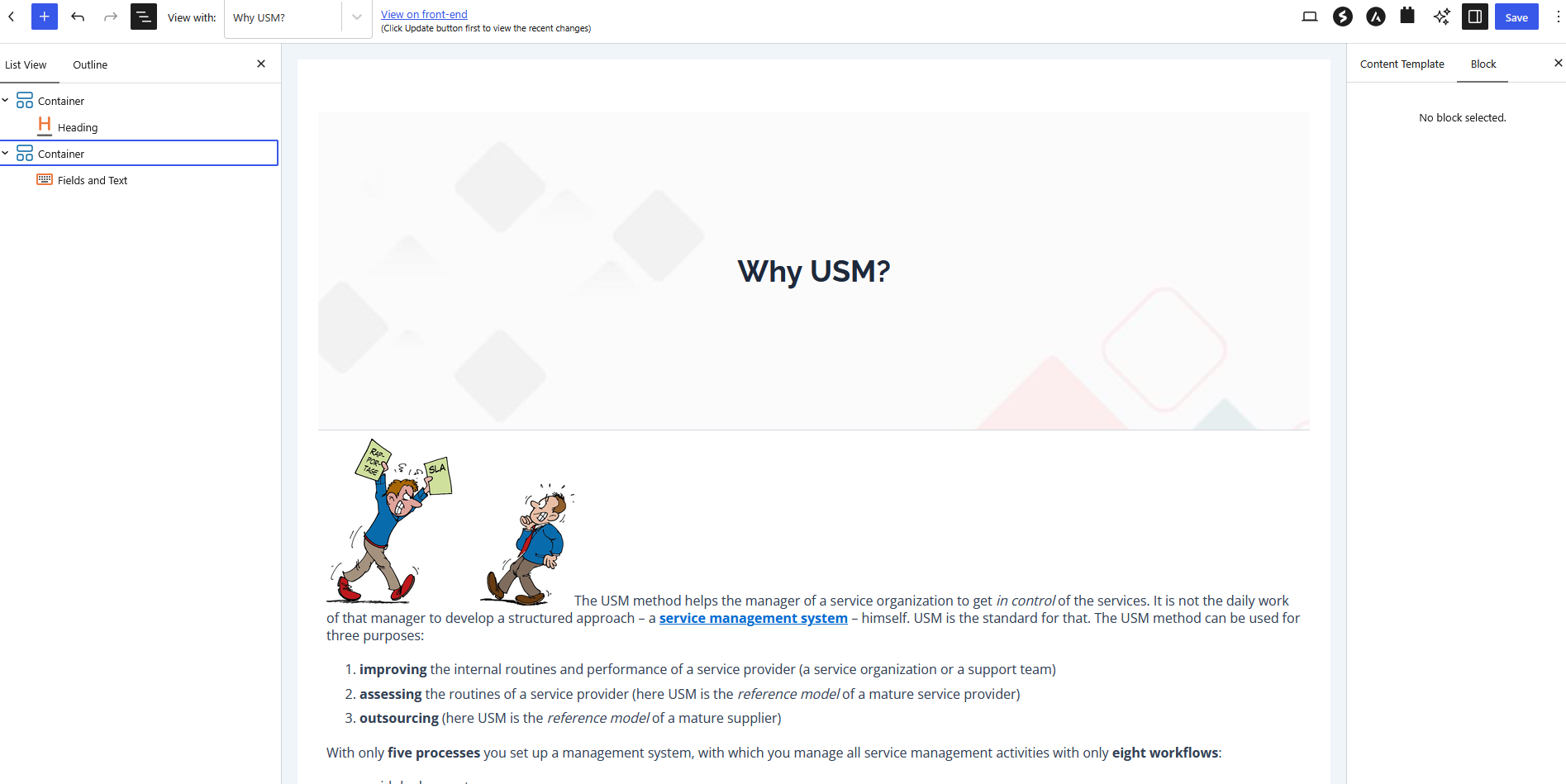
I am trying to: create a content template for pages on a website with Astra Pro, Spectra Legacy and Toolset. It appears that certain elements, especially Spectra containers, don't show their style properties at the front end. The strange thing is that the do show when I click Customizer with a page open; then I see a background appear in a Spectra container, as well as the container height setting. I already tried:
- disabling File Generation in Spectra / Settings / Asset Generation
- emptying browser cache (no server cache or plugin cache active)
- debugging with the Views debug tool
Link to a page where the issue can be seen: sorry, this is a development site that can not be exposed publicly
I expected to see: the content template with all it's styles and positionings that I have built
Instead, I got: the both field values (post-title and post-content) without the styling and positioning I had built
I include screenshots of the content template in the Gutenberg editor (Schermafbeelding 2026-11-18 151910.png), a page front end (Schermafbeelding 2026-11-18 152006.png) and the same page front end in the customizer (Schermafbeelding 2026-11-18 152032.png)
Hello,
Thank you for the details. I could reproduce this on my test site.
Toolset Blocks loads the Spectra styles for blocks inside a Content Template, but only when the template is shown on posts. When the template is assigned to pages, those styles are not loaded, so the Spectra containers lose their background, height and spacing. I will report this to our developers.
Until it is fixed, you can add a small snippet that loads the Spectra styles for pages too.
Please follow the steps below:
1. Go to Toolset → Settings → Custom Code.
2. Add a new snippet, paste the code below, and save it.
3. Activate the snippet.
4. Reload a page that uses the Content Template.
add_action( 'wp', function () {
	if ( ! is_page() || ! class_exists( 'UAGB_Post_Assets' ) ) {
		return;
	}
	global $post;
	$ct_id = (int) apply_filters( 'wpv_content_template_for_post', 0, $post );
	if ( ! $ct_id ) {
		return;
	}
	$assets = new UAGB_Post_Assets( $ct_id );
	$assets->enqueue_scripts();
} );
The custom code suggested above is not part of our official support policy. We will not be able to maintain or guarantee that it will work. It is an attempt to help you understand what should be done for scenarios where the built-in Toolset features are not there to handle your request.
Thanks.
Thanks for the snippet. This provides for the missing Spectra CSS on pages with the content template.
There's one more thing: the content template contains a full width Spectra container. In order to extend this container beyond the Astra content area we added this CSS to the content template:
.usm-banner-full.alignfull {
width: 100vw;
margin-left: calc(50% - 50vw) !important;
margin-right: calc(50% - 50vw) !important;
}
html { overflow-x: clip; }
Adding this CSS in the Toolset CSS editor of the content template didn't work. Adding it in the Spectra Custom CSS box was the solution, which makes sense as the CSS is part of the not rendered Spectra CSS. This information may be useful for your developers.
Hello,
Thank you for confirming that the snippet works, and for the note about the full-width container CSS.
I have added your note to the report for our developers, so they can check why the CSS from the Content Template's CSS editor did not apply on pages.
For now, keeping that CSS in the Spectra Custom CSS box is a good solution.