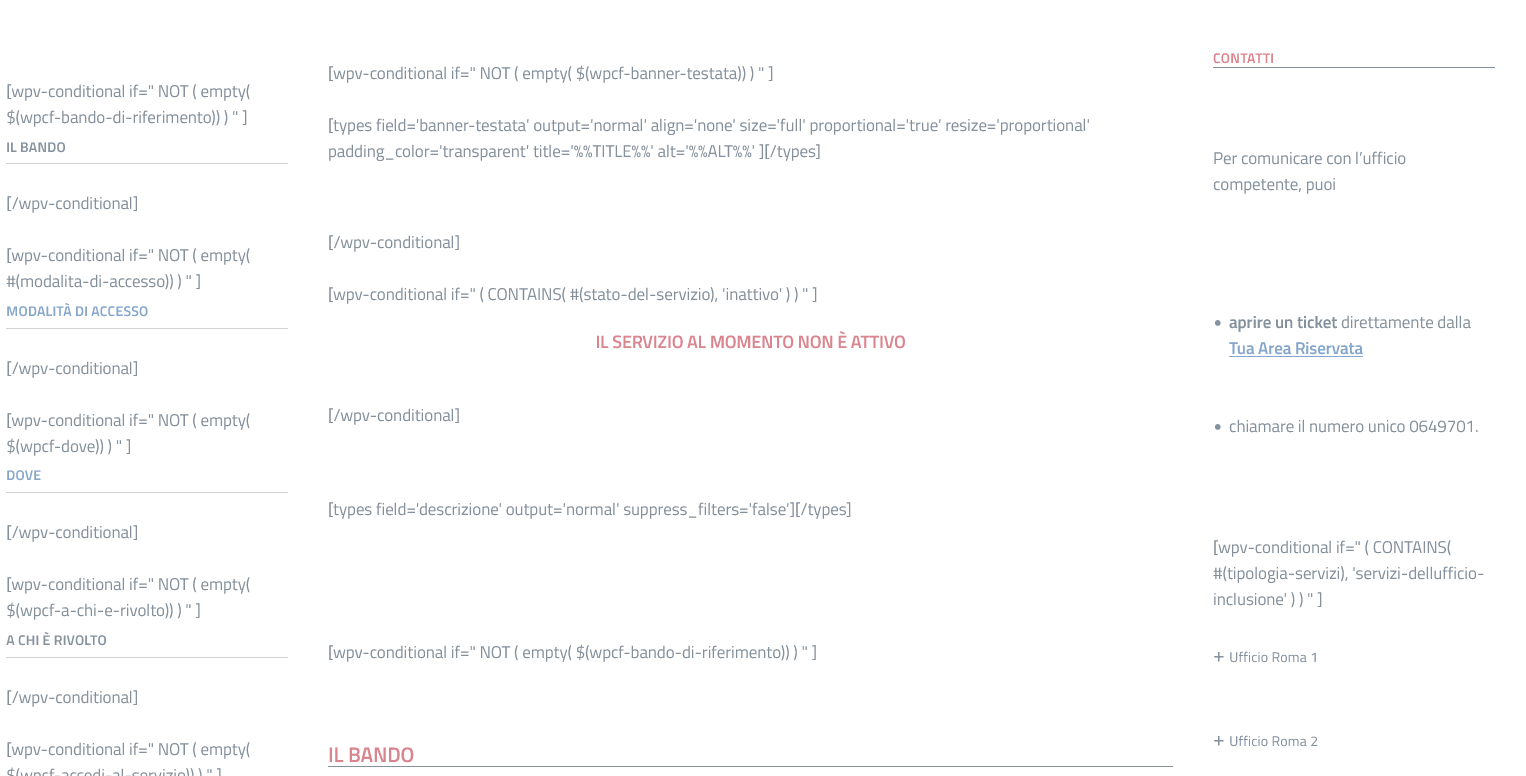
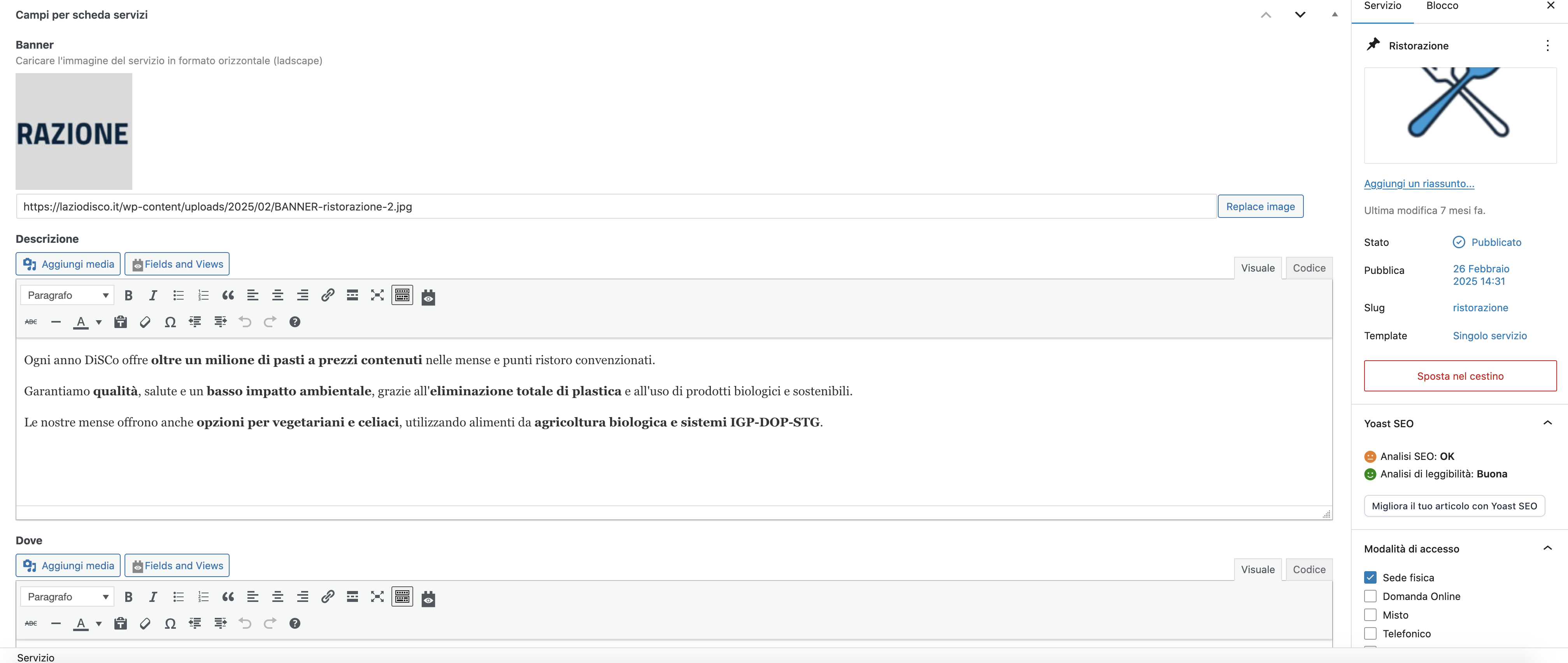
On the custom content editing page, wpv-conditional tags (error-image attachment) are shown instead of custom fields (correct-image attachment). However, only one of the two site administrators has this problem. Searching for answers in the Support Documentation it is indicated as a problem caused by the outdated Toolset block plugin (which however is not yet tested for the new version of WordPress!), but it seems strange that, if so, it only occurs to one of the administrators. By the way, it was still working fine a week ago and the plugin was already obsolete. How can we solve it? Do we have to wait for the new version of the plugin or are there configurations or anything else we can do to fix it?
Hello. Thank you for contacting the Toolset support.
That is really strange and it looks like the issue is specific to your site for now as I do not see any other users reproted such issue in recent time.
Based on the debug information you shared, I see you are using outdated Toolset Blocks plugin, what is you update it to latest version?
Also, what if you try to disable all other third-party plugins and check with only Toolset plugins active - do you see any difference?