Can you tell me the best way to display a conditional block if a user is NOT logged in? I have tried the following, none of which seem to work:
1) If current user role = 'guest'
2) If current user role is blank
3) If current user ID = 0
4) If current user ID is blank
It would be nice if there were simply an option that said "if user logged in" but does not seem to exist. Thanks for any help.
-- Aaron
Hi Aaron,
Thank you for getting in touch.
We actually do have a shortcode that can check the users logged in status. The shortcode you can use is [wpv-current-user info="logged_in"]
This shortcode will return true or false if the user is logged in or not. You can therefore use this in our conditional statement to check the status of the user.
Here is a simple example below.
[wpv-conditional if="('[wpv-current-user info='logged_in']' eq 'true' "]
Do something if logged in
[/wpv-conditional]
Please let me know if this helps.
Thanks,
Shane
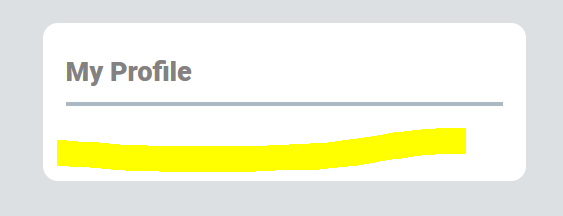
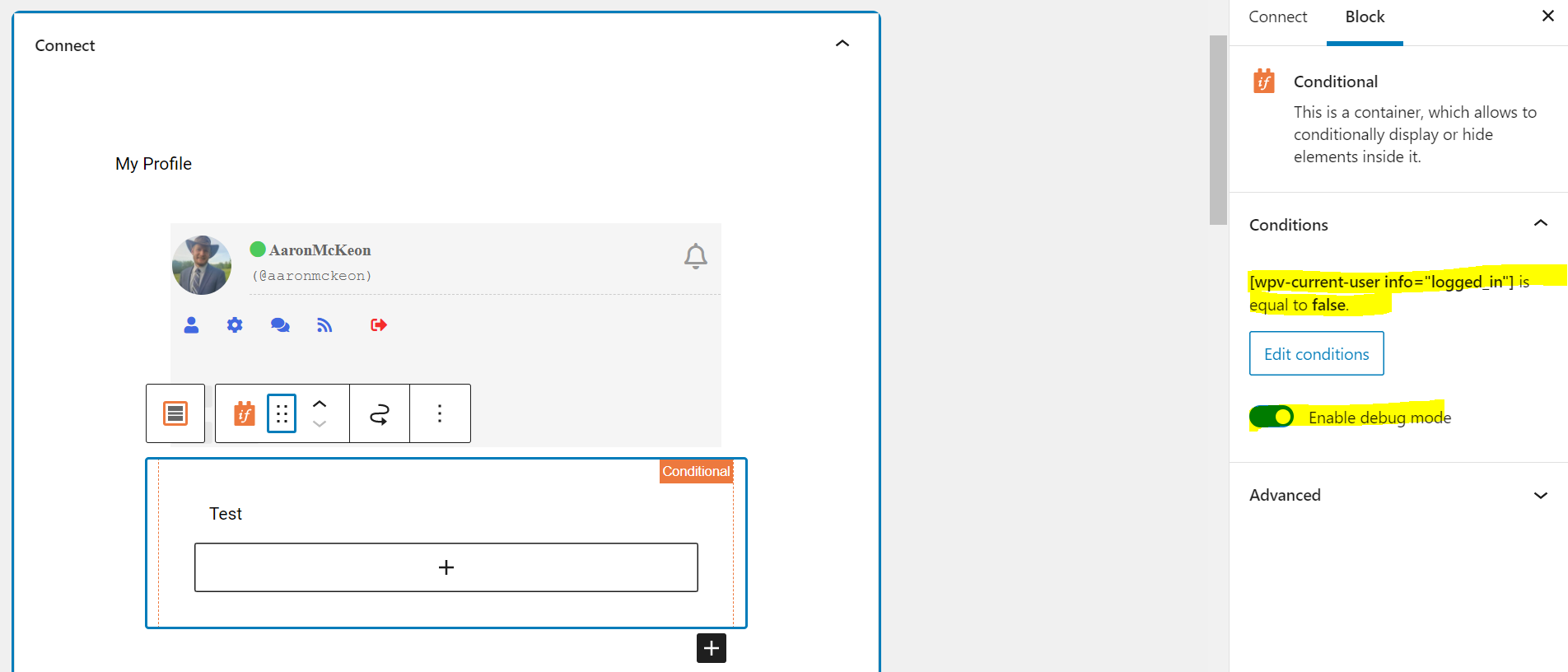
Thanks. That is helpful, although it's still not working. Attached are two screenshots. I tried enabling debug mode but even that output does not appear. Does it being inside a widget have an impact? When I add the shortcode you provided as text inside a paragraph block it correctly displays "false" but it doesn't seem to have the desired effect inside the conditional block.
Hi Aaron,
Based on your screenshot your use case is correct.
Would you mind allowing me to have admin access to the website so that I can have a more detailed look at this for you ?
Please where applicable please provide me with a link to an example page where I can see the issue.
I've enabled the private fields for your next response.
Thanks,
Shane