Tell us what you are trying to do?
I am trying to display custom content on the WooCommerce My Account page and display it conditionally, it should display only posts from a certain post category.
Is there any documentation that you are following?
Yes this one: https://toolset.com/course-lesson/using-toolset-conditional-block/
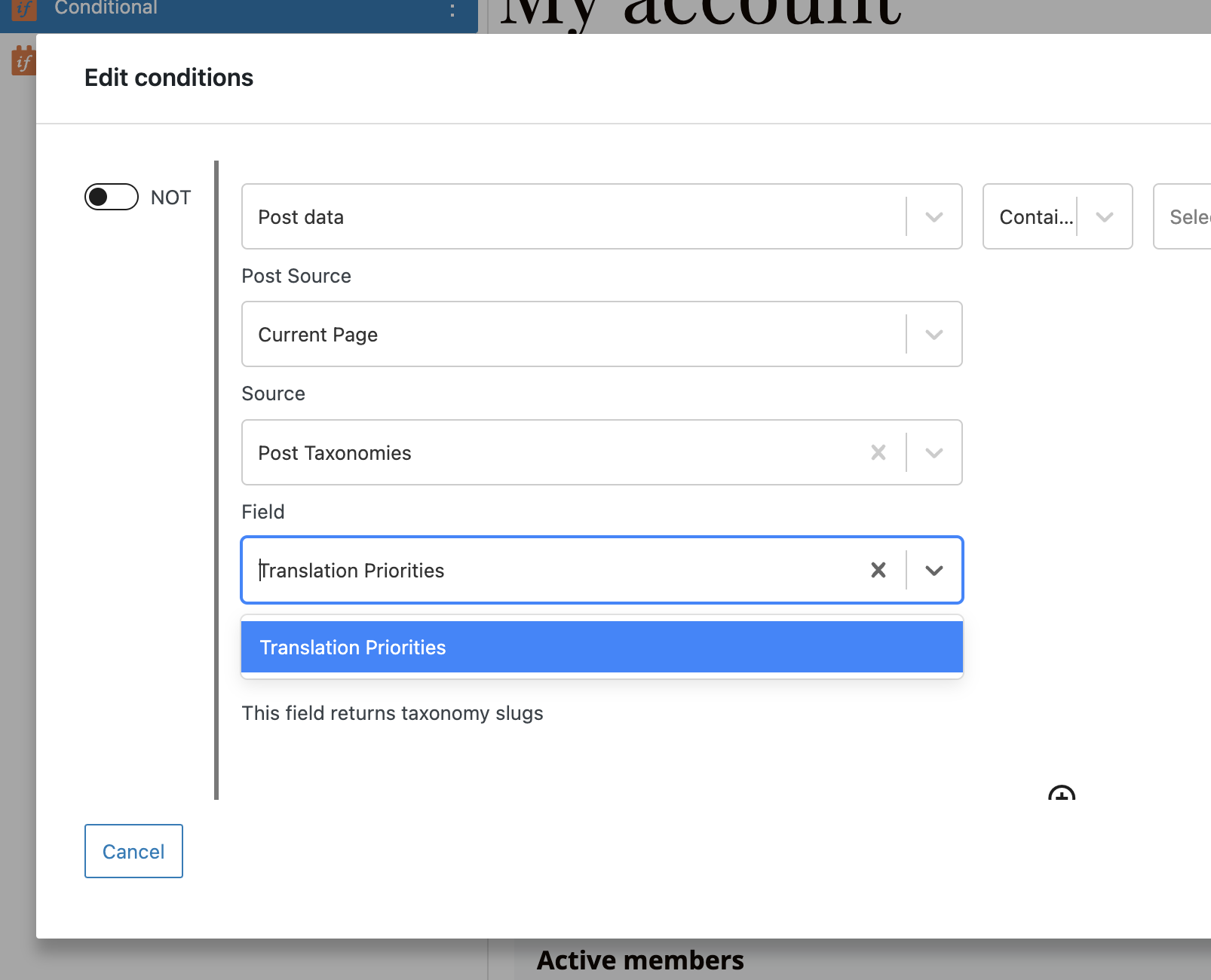
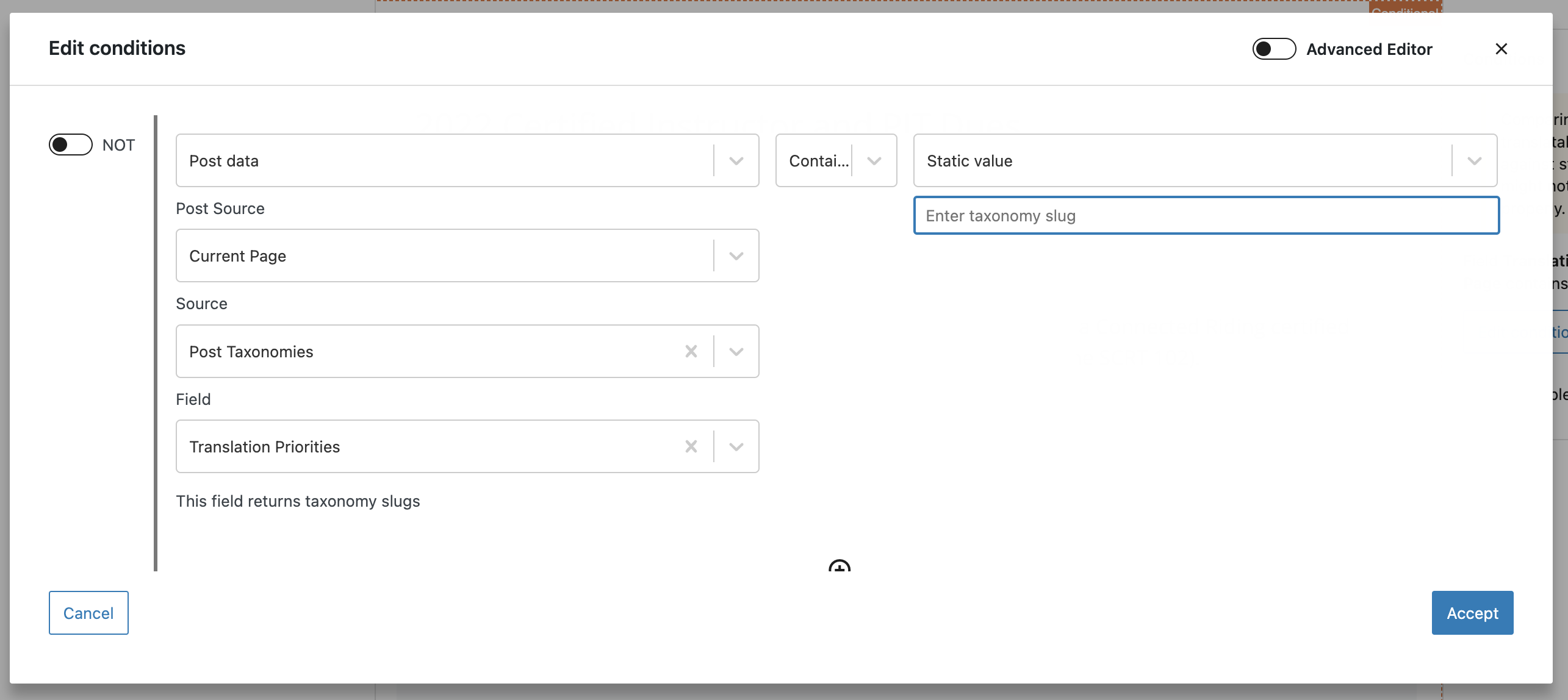
But I only get as far as setting the source "Post Taxonomies" and under field all I get is "Translation Priorities", not the actual post taxonomy.
Is there a similar example that we can see?
No but I'll attach a screenshot.
I did not get as far as adding a view block, right now I'm stuck on the settings of the conditions block. I know how I can accomplish what I want in theory (and have done so in the past) but for some reason I'm not seeing my taxonomy field (normal WP categories, not even a custom taxonomy) but only a field "translation priorities" (you can see it in the screenshot I have added).
I'm using WPML so don't know if this is causing the issue. I tried disabling WPML to see if it is making any difference and then I can't even set "Post Taxonomies" as the source, it's not there.
Both Toolset and WPML are up to date but maybe I'm missing something else.
yes it's pretty much that. I want to display content and/or one or more posts (regular WP posts, not a custom post type) based on a taxonomy term. The reason is that we have different membership levels assigned to taxonomy terms.
For example, member level A can see posts from taxonomy terms A, B and C. Member level B can see posts from taxonomy terms B and C and member level C can only see posts from taxonomy level C.
I have one post from taxonomy term B that should be displayed on the My Account page and visible only to members from level A and B and completely hidden from level C and anybody else. So my idea was to use a conditional block and put it in there but that is where I got stuck.
If that is so then you can make use of the Query Filter in our View Block.
You won't need to use the conditional block to filter out the posts. If you use the query filter on the view block it will automatically pull only the posts from your specific taxonomy.
So in your View block on the right hand side, highlight the custom search section and you should see the section for the query filter. Use this to add the Taxonomy query filter and from there you can select which taxonomy you want to filter the view by.
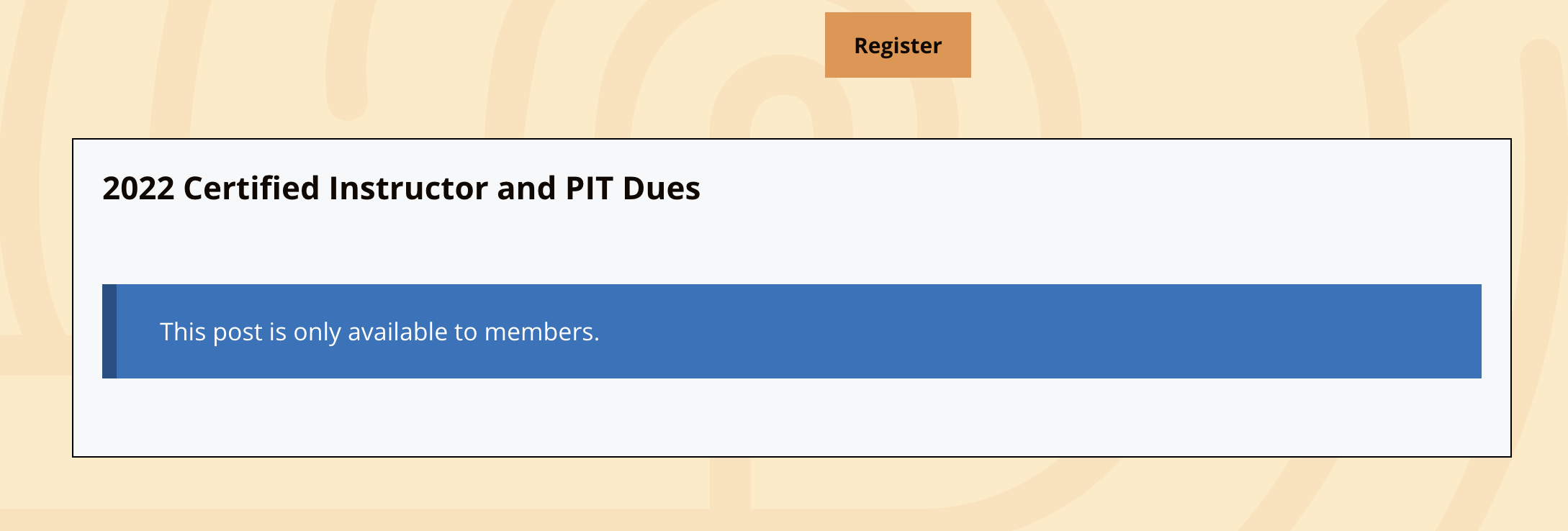
using the query filter on the view is only partially solving my problem. It does hide the post content but the title and no access message are still visible to anyone (see attached screenshot).
Ideally nothing at all would be displayed for visitors without the proper rights, that's why I thought I'd wrap this particular content in a conditional block.
The query filter in the view does give me 3 taxonomies to choose from, as it should: categories, tags and translation priorities. The conditional block however only shows me the latter and neither categories nor tags, that's where I am stuck.
In this case you wouldn't be checking against the taxonomy for the conditional block.
You would be checking against the user role. So you would create the conditional for the current user's role instead of the post taxonomy. Then you would add your view inside that conditional block.
thank you, I think I understand now. I have been playing with it a bit more and found a way to assign specific user roles by purchasing a product (= membership A, B or C) and therefore the conditional block with checking against the user role works well.