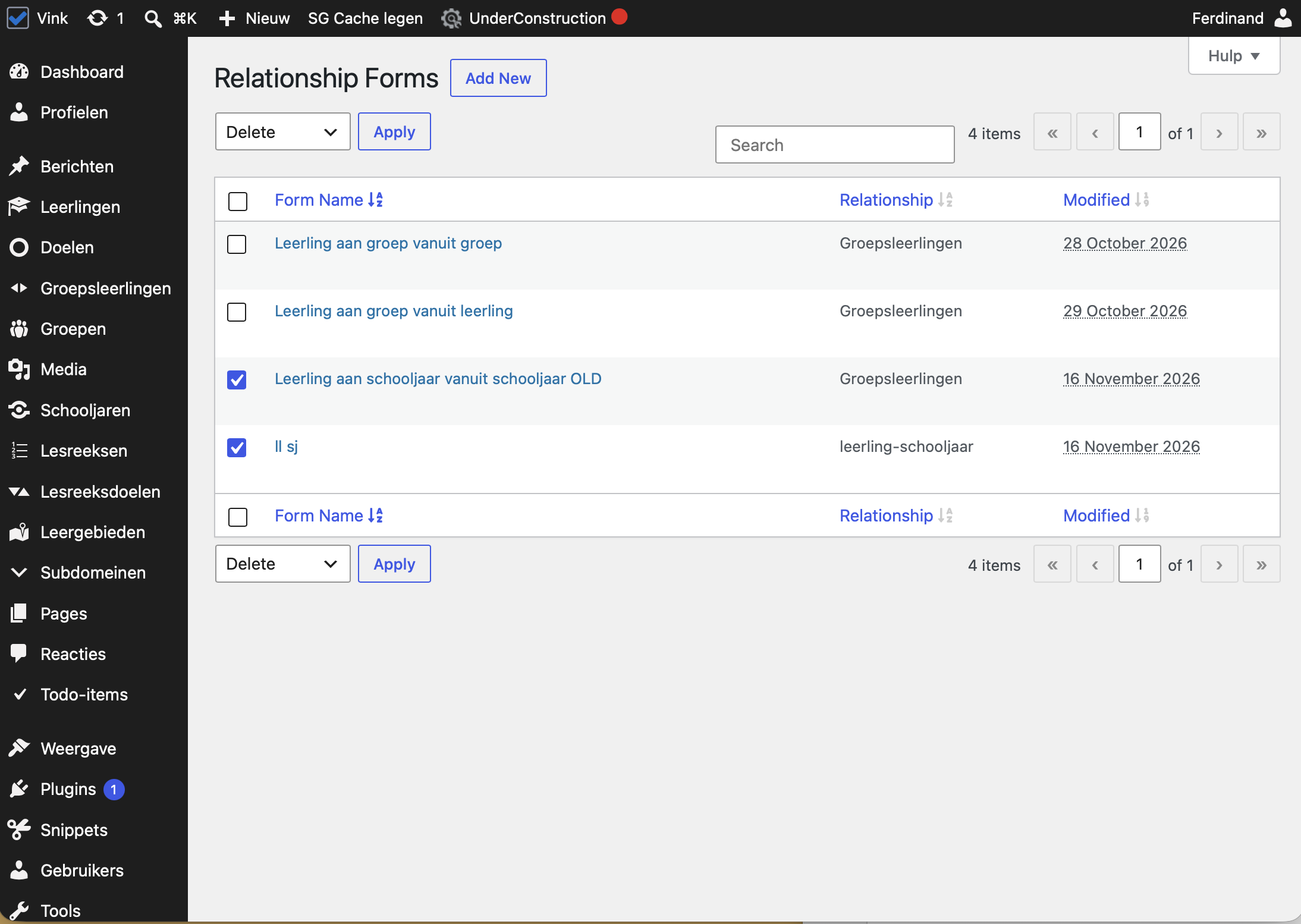
I am trying to: Delete two relationship forms (legacy)
I expected to see: The forms deleted
Instead, I got: nothing happens when pressing 'Delete' or 'Apply' (with bulk action)
Hello,
Thank you for reporting this.
We could reproduce the issue on a clean test site with the latest Toolset versions. The confirmation dialog for deleting a relationship form does not load, so clicking Delete does nothing.
I have escalated this to our developers.
Until it is fixed, you can use a small code snippet to make deleting work again. Please follow the steps below:
1. Go to Toolset → Settings → Custom Code.
2. Click "Add new", name the snippet "relationship-form-delete-fix" and click Create.
3. Paste this code below the existing lines in the snippet:
add_action( 'admin_footer', function() {
	if ( isset( $_GET['page'] ) && 'cred_relationship_forms' === $_GET['page'] ) {
		wp_enqueue_script( 'ddl-dialog-boxes' );
	}
}, 1 );
4. Set "Run context" to "WordPress admin", set "Run mode" to "Always", and save the snippet.
5. Make sure the snippet is active, then go to Toolset → Relationship Forms and delete the two forms.
I will update you here when the fix is released.
The custom code suggested above is not part of our official support policy. We will not be able to maintain or guarantee that it will work. It is an attempt to help you understand what should be done for scenarios where the built-in Toolset features are not there to handle your request.