Tell us what you are trying to do? Update plugins automatically
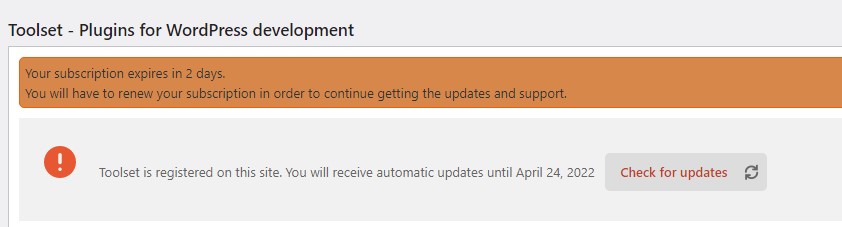
The interface says the key is registered correctly and is valid and we may update. When we try, it says that we cannot use the license since it will expire in two days. There is apparently no way for me to force the renewal early.
Is there any documentation that you are following? WP interface prompts
Is there a similar example that we can see? This website
What is the link to your site? hidden link
Hi,
Thank you for contacting us and I'd be happy to assist.
Can you please visit the installer support page and see if any other error or warning message is showing?
hidden link
If there are some errors or warnings, please share their screenshot, for further investigation.
regards,
Waqar
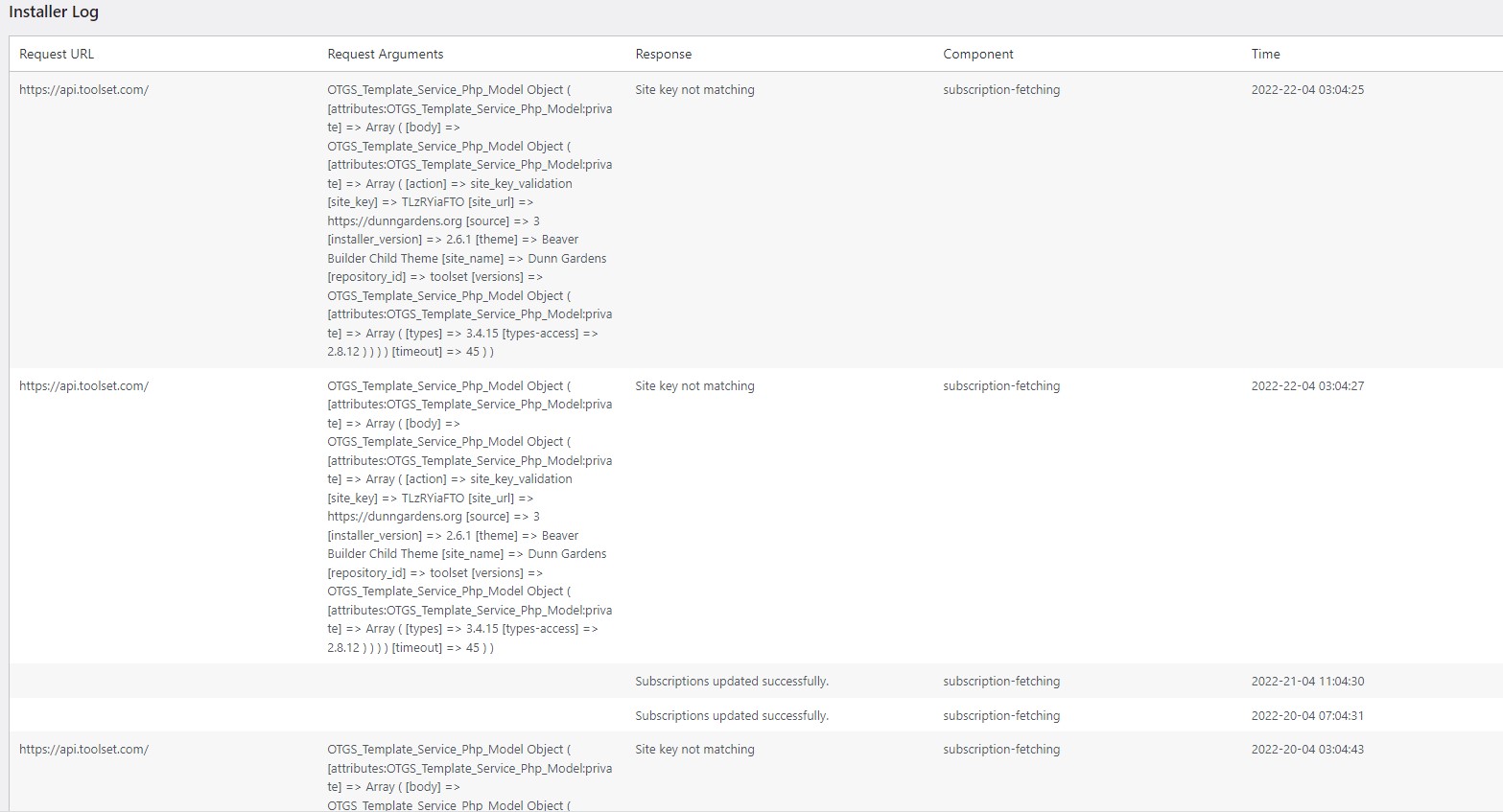
Error log. I highlisted the key at your website, then at dunngardens I deleted the old registration and pasted the new key.
Yes the log shows the new errors, and previous attempts also.
Is there a possible host name issue. This WP is on WPengine.
Alan
Clarification, highlisted is a typo --- I highlighted the key and copied it, then pasted it on Dunngardens, so I could not misstype.
I only misstype in texts here!!
The blue box keeps saying My issue is resolved but I really do need the next step of assistance.
Thanks, Alan
Thank you for sharing these details.
Each Toolset site key can be registered only for the single website, that it was generated for. If the website's address is changed or if the same key is used on the staging/development website, the site key mismatch error shows.
I would suggest regenerating the site key for your current website, following these steps:
- Please go to your Toolset account's sites management page: https://toolset.com/account/sites/
- Remove the site key which is showing the mismatch error message
- Register the same site again, making sure that the URL matches the one set at WP Admin -> Settings -> General -> Site Address (URL)
- Go to your site dashboard again and register the plugin with the newly generated key.
( ref: https://toolset.com/faq/how-to-install-and-register-toolset/ )
Let me know how it goes and if you need any further assistance around this.