I am trying to:
To use a custom form using the plugin with elementor, but for some reason it doesn't work on the live website anymore.
When I pull it to my local machine with the same settings it works just fine, but on the live server there is an issue.
Link to a page where the issue can be seen:
hidden link
This is a page where only logged in users, so if you need an account just let me know.
I expected to see:
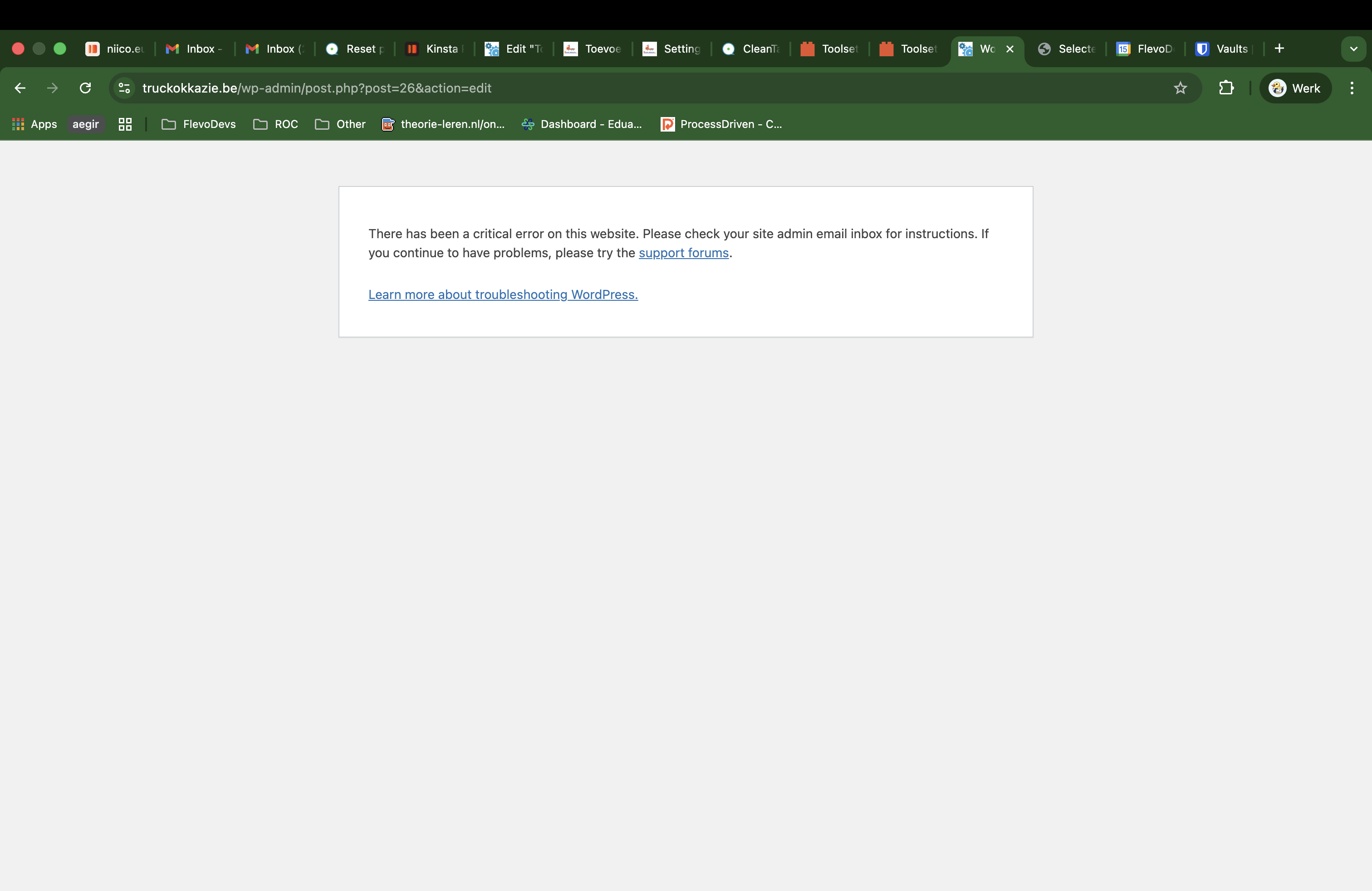
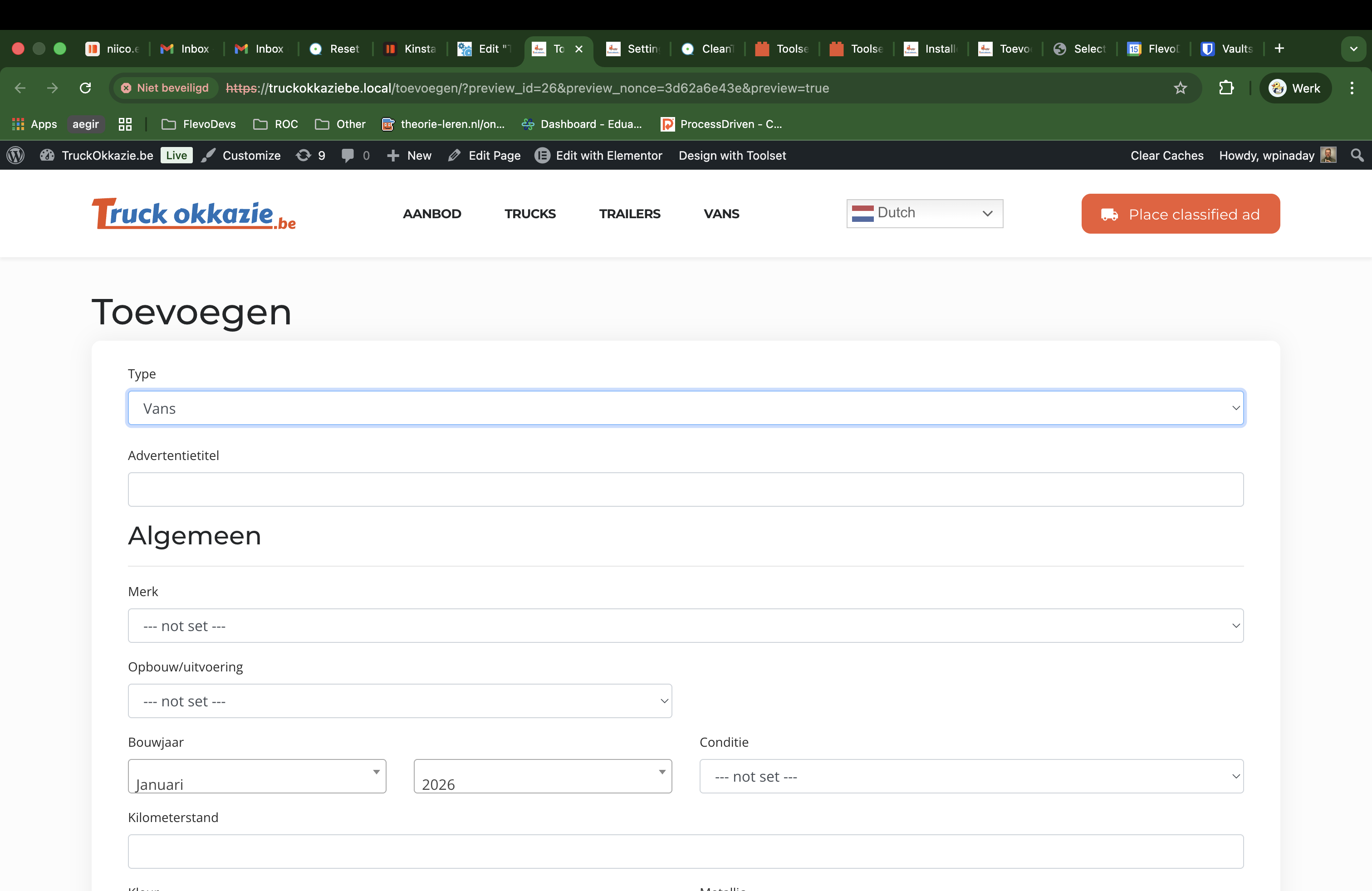
A working form just like in the first image "image-1.png" this is on my local docker server via DevKinsta
Instead, I got:
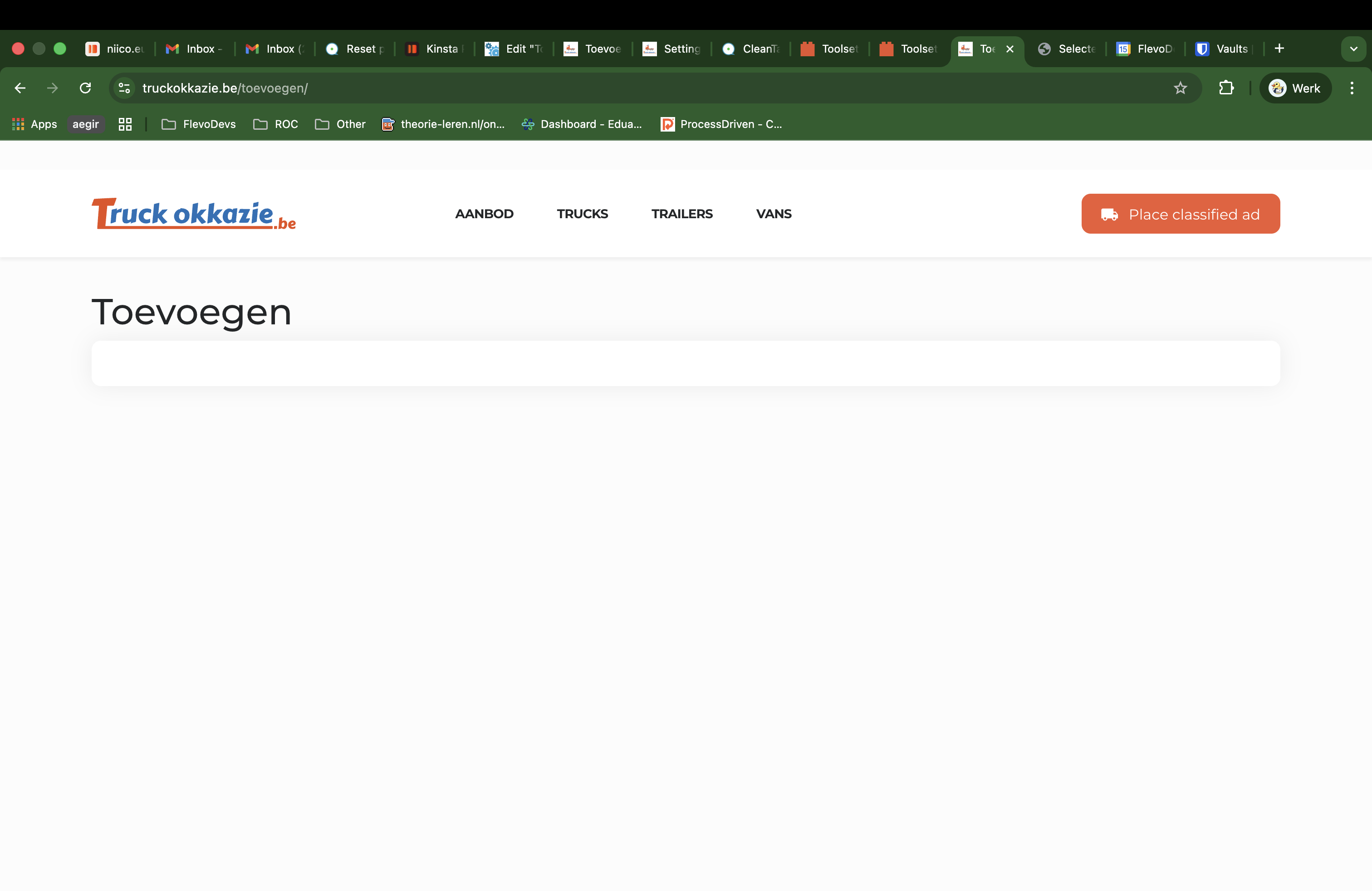
A blank screen with no working admin bar on the live website "image-2-live.png" and if I try to edit it I get a critical error and I can't change anything.
The error
I cant get the logs from the wp_debug, but if I check the server logs I get the following:
[error] 3464#3464: *588 FastCGI sent in stderr: "PHP message: PHP Fatal error: Uncaught Error: Attempt to assign property "editor_origin" on string in /www/truckokkaziebe_921/public/wp-content/plugins/cred-frontend-editor/library/toolset/cred/embedded/models/Forms.php:140
Hello,
Welcome to Toolset support. As this is happening only on the live website you need to check thyat what the difference is between the two.
might it be must use plugins or maybe some sort of caching?
Also are you sure the exact database is used in both scenarios?
Would you please check if you use another form on the page, it works ok?
By another form I mean a form that is created for another cusotm post type, and another form for the same custom post type, that way you can check the two and tell us which one works and which does not.
Finally, please check the form details on both installations, is visual buoilder used or code level is used, are the options exactly the same or not?
Thanks.
Hi Christopher,
I've made an exact copy of the website for on my local development via DevKinsta, is it possible to give you the debug info from the local site so you can check if there are any differences that I don't see?
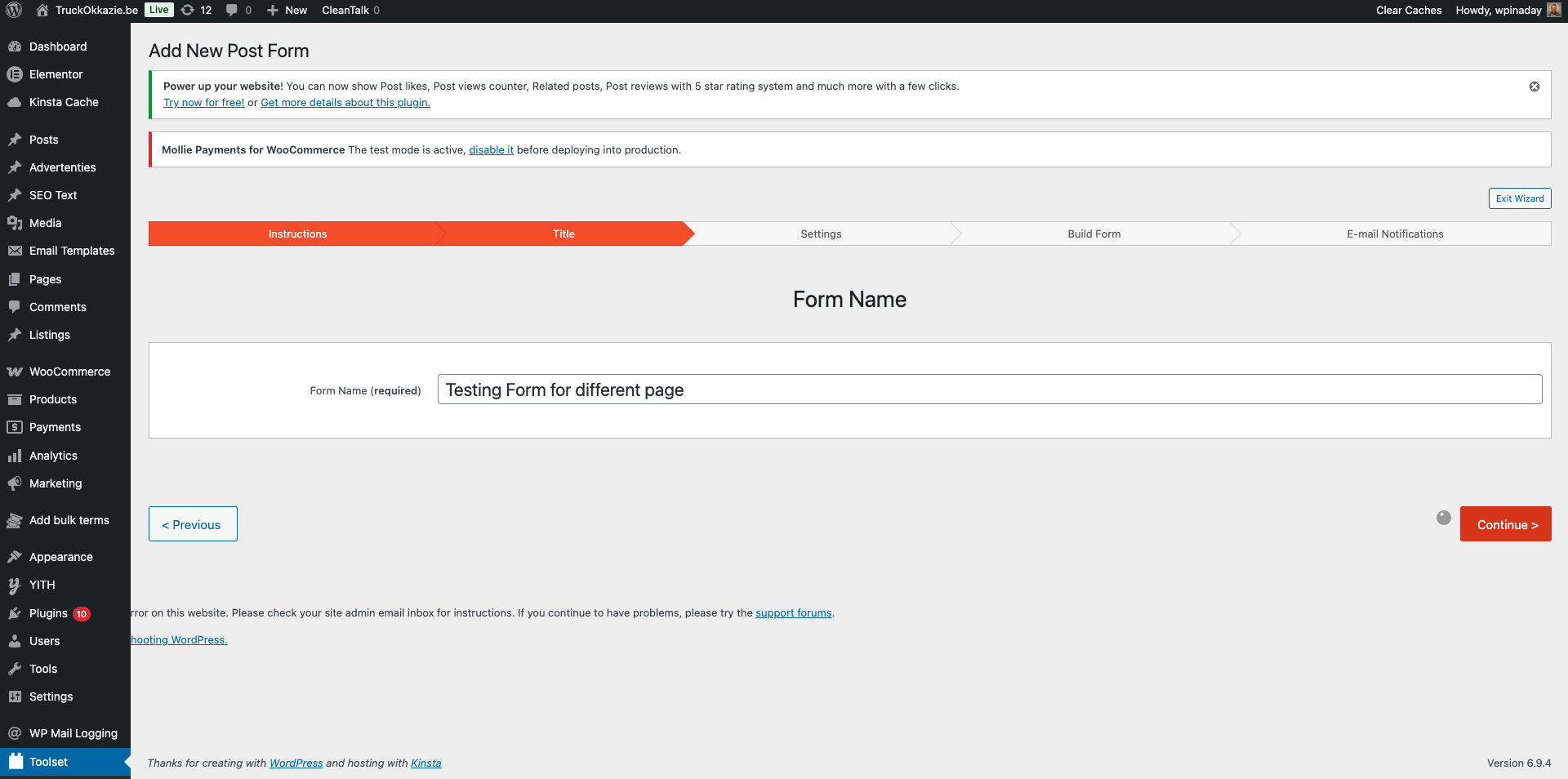
I can't even create a new form at this moment on the new website, because I get another critical error (see "image-create-form.png"). The error log gives these errors:
[error] 3464#3464: *2067 FastCGI sent in stderr: "PHP message: PHP Warning: Undefined array key "conditions" in /www/truckokkaziebe_921/public/wp-content/plugins/wp-views/vendor/toolset/toolset-common/toolset-forms/classes/class.conditional.php on line 288PHP message: PHP Fatal error: Uncaught TypeError: array_map(): Argument #2 ($array) must be of type array, null given in /www/truckokkaziebe_921/public/wp-content/plugins/wp-views/vendor/toolset/toolset-common/toolset-forms/classes/class.conditional.php:325
2026.04.15. 11:47:13
[error] 3464#3464: *2067 FastCGI sent in stderr: "PHP message: PHP Warning: Attempt to read property "ID" on null in /www/truckokkaziebe_921/public/wp-content/themes/TruckOkkazie/inc/beta/featured-image.php on line 6PHP message: PHP Warning: Attempt to read property "ID" on null in /www/truckokkaziebe_921/public/wp-content/themes/TruckOkkazie/inc/beta/featured-image.php on line 9PHP message: PHP Warning: Attempt to read property "ID" on null in /www/truckokkaziebe_921/public/wp-content/themes/TruckOkkazie/inc/beta/featured-image.php on line 12PHP message: PHP Warning: Undefined array key "conditions" in /www/truckokkaziebe_921/public/wp-content/plugins/wp-views/vendor/toolset/toolset-common/toolset-forms/classes/class.conditional.php on line 288PHP message: PHP Fatal error: Uncaught TypeError: array_map(): Argument #2 ($array) must be of type array, null given in /www/truckokkaziebe_921/public/wp-content/plugins/wp-views/vendor/toolset/toolset-common/toolset-forms/classes/class.conditional.php:325
2026.04.15. 11:47:08
[error] 3464#3464: *1994 FastCGI sent in stderr: "PHP message: PHP Warning: Attempt to read property "ID" on null in /www/truckokkaziebe_921/public/wp-content/themes/TruckOkkazie/inc/beta/featured-image.php on line 6PHP message: PHP Warning: Attempt to read property "ID" on null in /www/truckokkaziebe_921/public/wp-content/themes/TruckOkkazie/inc/beta/featured-image.php on line 9PHP message: PHP Warning: Attempt to read property "ID" on null in /www/truckokkaziebe_921/public/wp-content/themes/TruckOkkazie/inc/beta/featured-image.php on line 12PHP message: PHP Warning: Undefined array key "conditions" in /www/truckokkaziebe_921/public/wp-content/plugins/wp-views/vendor/toolset/toolset-common/toolset-forms/classes/class.conditional.php on line 288PHP message: PHP Fatal error: Uncaught TypeError: array_map(): Argument #2 ($array) must be of type array, null given in /www/truckokkaziebe_921/public/wp-content/plugins/wp-views/vendor/toolset/toolset-common/toolset-forms/classes/class.conditional.php:325
Finally, please check the form details on both installations, is visual buoilder used or code level is used, are the options exactly the same or not?
- The website is imported to the local site with the same settings, they used the shortcode notations as far that I could see.
Hi,
From the error log you shared it seems there is an issue with malformed conditionals.
I suggest that you create a new form from scratch and this time make sure that the conditions are created correctly.
I do not think trying to find out a complicated code error inside a malformed form would be wise time spent.