Skip Navigation

[Resolved] Best way to link to content template

This thread is resolved. Here is a description of the problem and solution.

Problem:

The client wanted users to view, edit, and delete their own posts from a “My Account” page and expected the View/Browse link to go directly to a specific Content Template. Attempts to link directly to the Content Template using Toolset’s link options and View shortcodes did not work as expected.

Solution:

In Toolset, Content Templates cannot be linked to directly. A Content Template is applied automatically when a visitor opens a post’s permalink. The correct approach is to link to the post URL itself. When the post is opened, Toolset renders it using the assigned Content Template for that post type.
For edit and delete actions, Toolset Forms’ built-in edit and delete post links should be used, as they correctly handle post IDs and permissions.

Relevant Documentation:

https://toolset.com/lesson-placement/lesson-placements-1622969-1655453/

https://toolset.com/lesson-placement/lesson-placements-1628523-1621091/

This is the technical support forum for Toolset - a suite of plugins for developing WordPress sites without writing PHP.

Everyone can read this forum, but only Toolset clients can post in it. Toolset support works 6 days per week, 19 hours per day.

This topic contains 1 reply, has 1 voice.

Last updated by Christopher Amirian 1 week, 2 days ago.

Assisted by: Christopher Amirian.

Author
Posts
#2840958
content template-2.jpg
content template.jpg
my account.png

Dear support team,

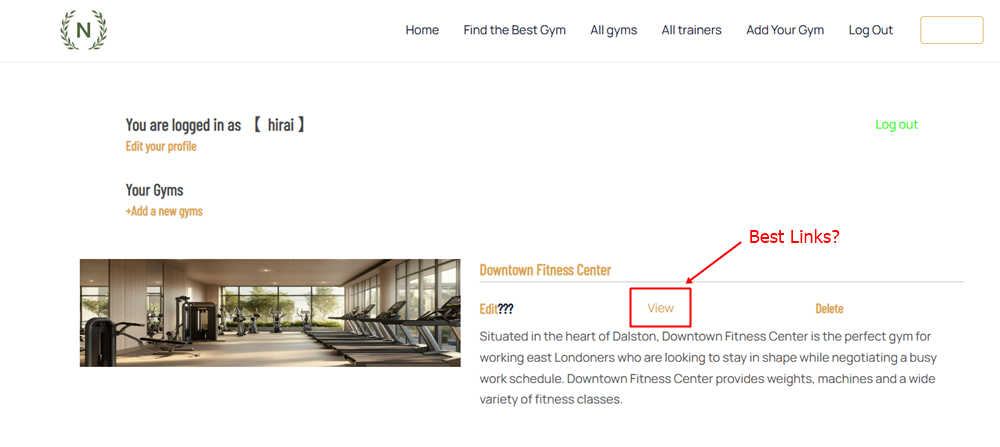
I want to allow users to view, edit and delete their items on the user account page.
I placed edit, view and delete links next to the items.
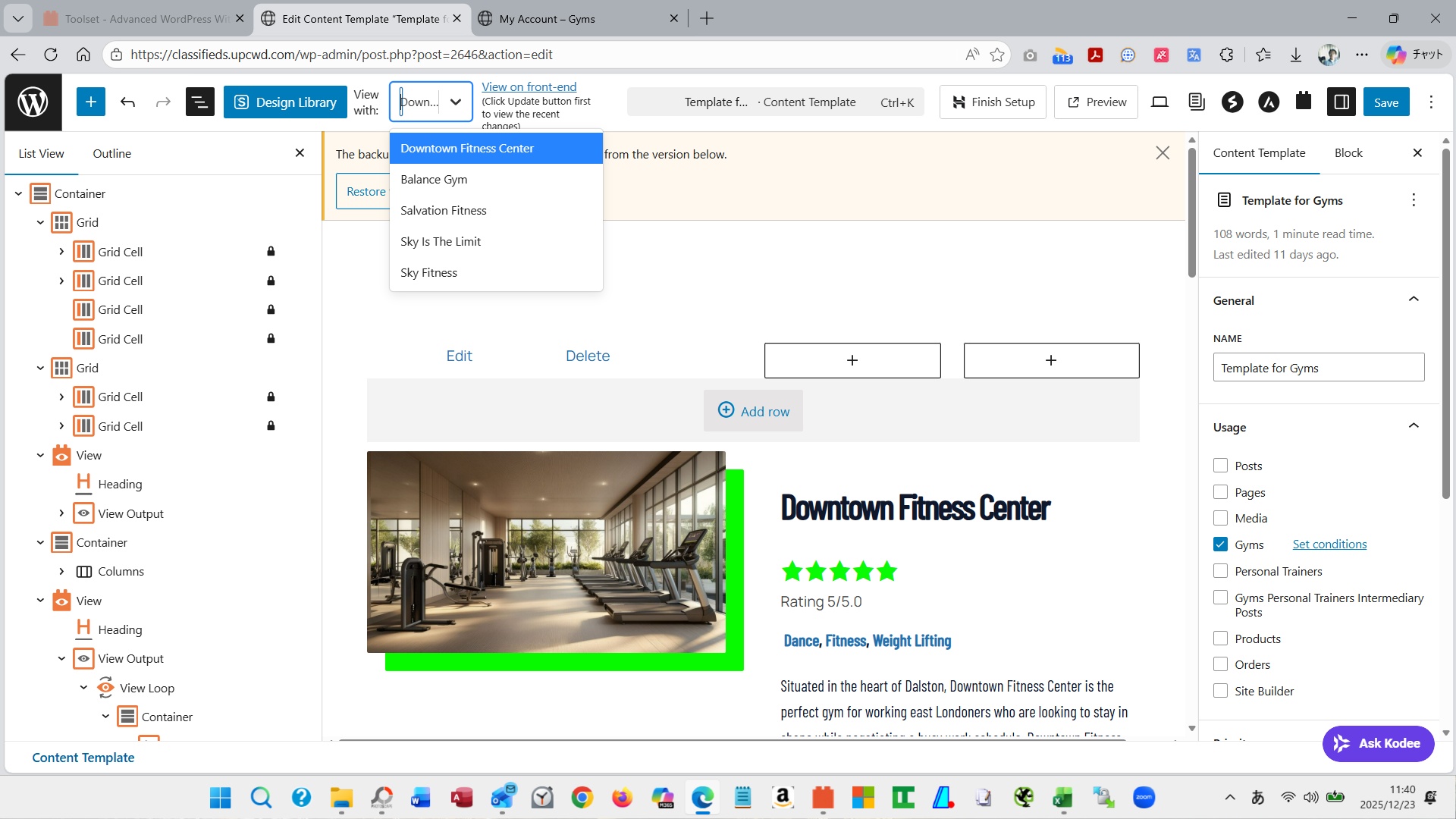
I wanted the browsing link to take me to the Content Template page.
There
1. I set it in Insert/edit Link in Field&Text of Toolset and selected data from Add Field or View.
2. Shortcode View
I've tried both of these, but they don't transition to the Content Template page very well.

Sorry, but I don't know if this view has a different way of thinking or a different way of transitioning, so I would appreciate your support.

Regards,

Yoshihiko

#2840991

Christopher Amirian
Supporter

Languages: English (English )

Hi Yoshihiko,

Welcome to Toolset support.

In Toolset you don’t link to a Content Template directly. A Content Template is applied when a visitor opens a post (its permalink). So the correct “View/Browse” link is simply the post URL — and then Toolset renders that post using the assigned template.

For more information:
https://toolset.com/lesson-placement/lesson-placements-1628523-1621091/

You can approach this in two ways:

Option 1 — “View/Browse” link

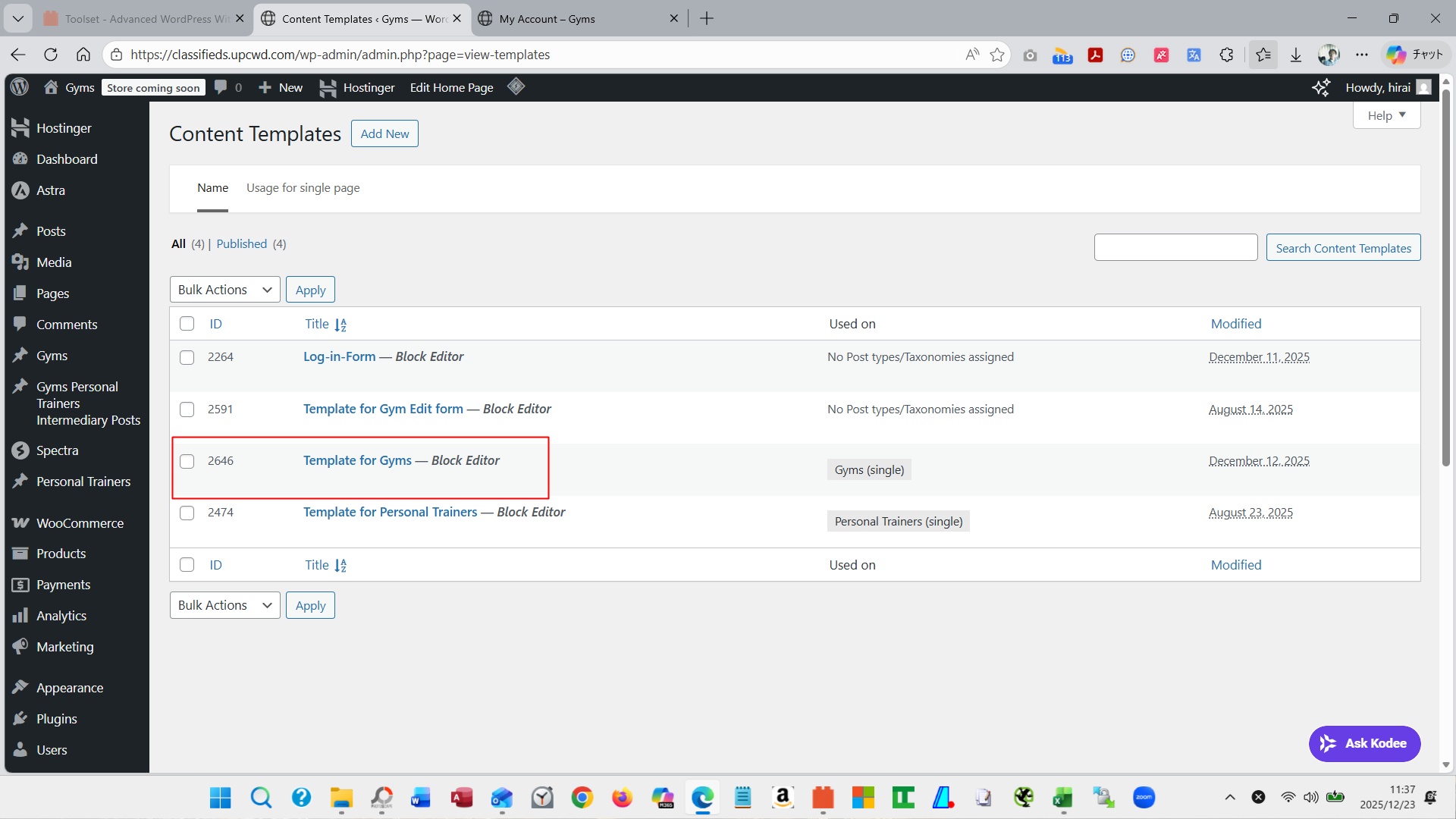
- Make sure your CPT has a single template assigned
- Create/assign the template that should display your Gym post (your “Content Template” for that post type).
- In the View that lists the user’s items, add a link to the post permalink using Toolset Views shortcodes:

Example 1:

[wpv-post-link]View[/wpv-post-link]

Example 2:

<a href="[wpv-post-url]">View</a>

Toolset will show that post using the assigned Content Template automatically.

Option 2 — “Edit” and “Delete” links (Toolset Forms way)

For edit/delete, you should use Toolset Forms’ built-in “Edit post link” / “Delete post link” approach (it generates the correct URL and passes the post ID properly). Toolset’s documentation shows this workflow for building a “My Account” page where users manage their items.

For more information:
https://toolset.com/lesson-placement/lesson-placements-1622969-1655453/

Thanks.