I am trying to: publish new post
Link to a page where the issue can be seen: This issue is with "report and presentation" custom post type in backend. In front end it is working fine.
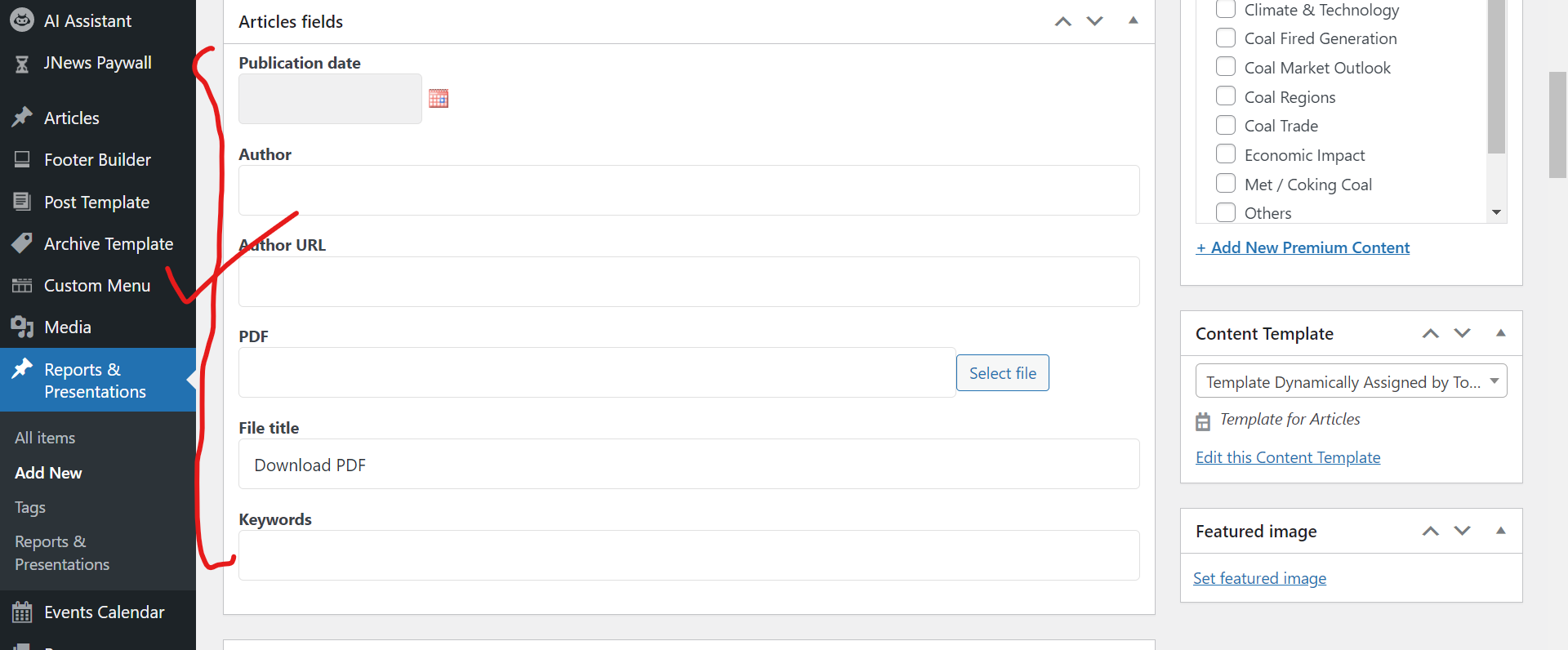
I expected to see: Before update it looks like this (check "correct" screenshot).
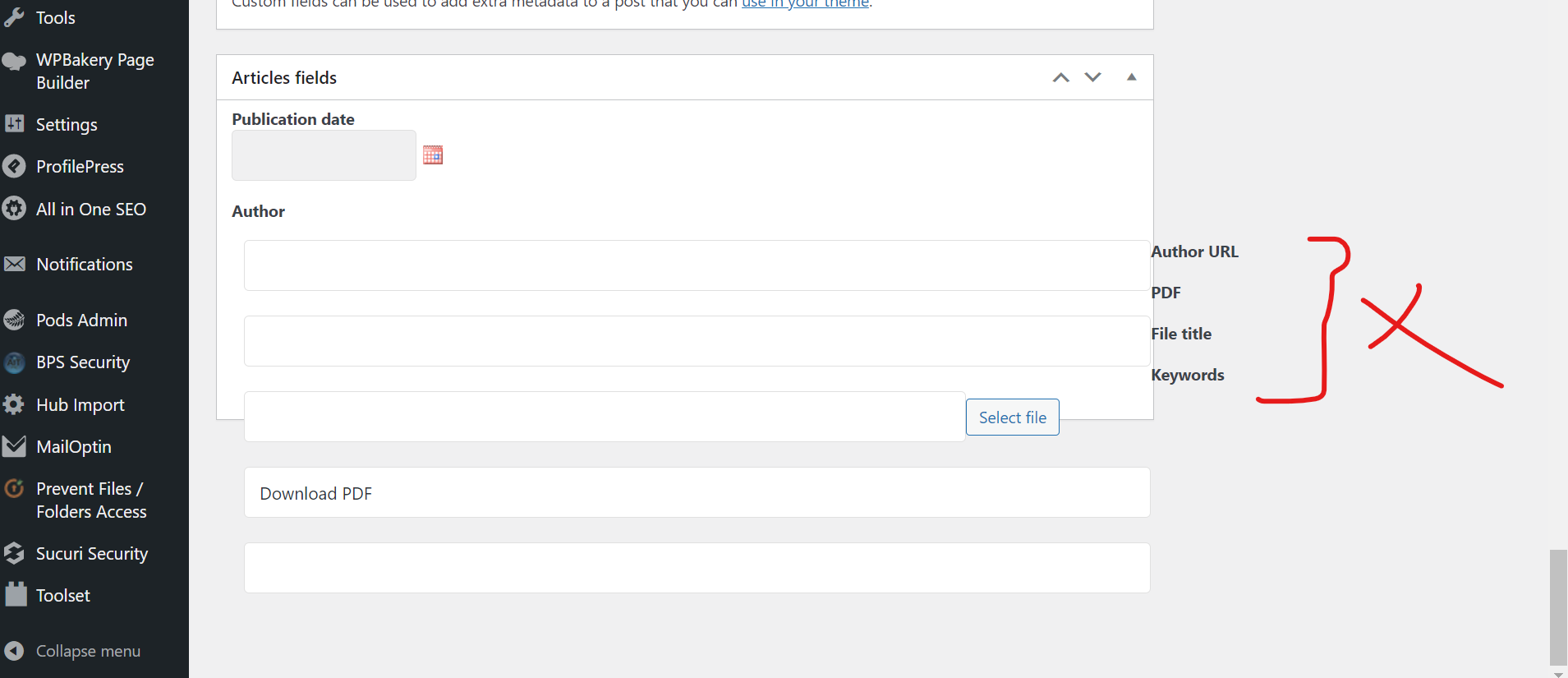
Instead, I got: After update, it looks like this ( check "issue" screenshot).
Hello,
I have tried it in a fresh WP installation + the latest version of Toolset plugins, it works fine.
See below test site:
Login URL: hidden link
Custom Field Group:
hidden link
See the result post:
hidden link
Is there any missing steps? Can you reproduce the same problem in above test site?
It was working fine on my website. Issue arises after update. You need to check id its clashing with my theme? Iam using Jnews theme. If required I can provide you wp-login details of my website. I have also provided you logs. You need to check that.
Why are you not replying?? Is this your support service?
I assume you can not reproduce the same problem in above sandbox website, and the problem only exists in your website, so it is a compatibility issue, please provide a copy of your website, you can put the package files in your own google drive disk, share the link only, also point out the problem post URL, I need to test and debug it in my localhost, thanks
https://toolset.com/faq/provide-supporters-copy-site/
Thanks for the details, the problem is another plugin of your website: Smart Coupons For WooCommerce Coupons
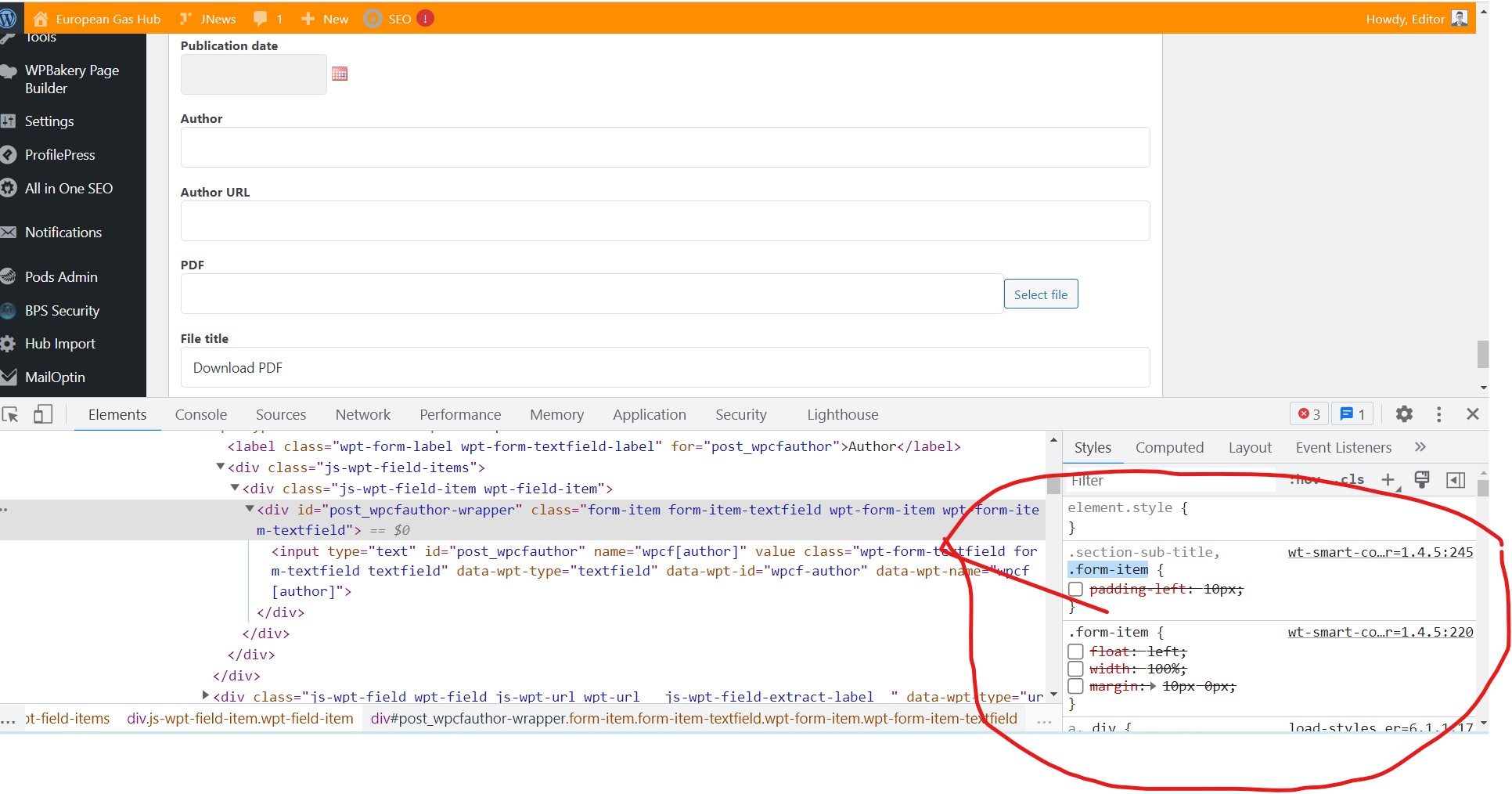
It apply it's own CSS style to all input fields in admin side.
You can simply try these:
Deactivate that plugin "Smart Coupons For WooCommerce Coupons" and test again
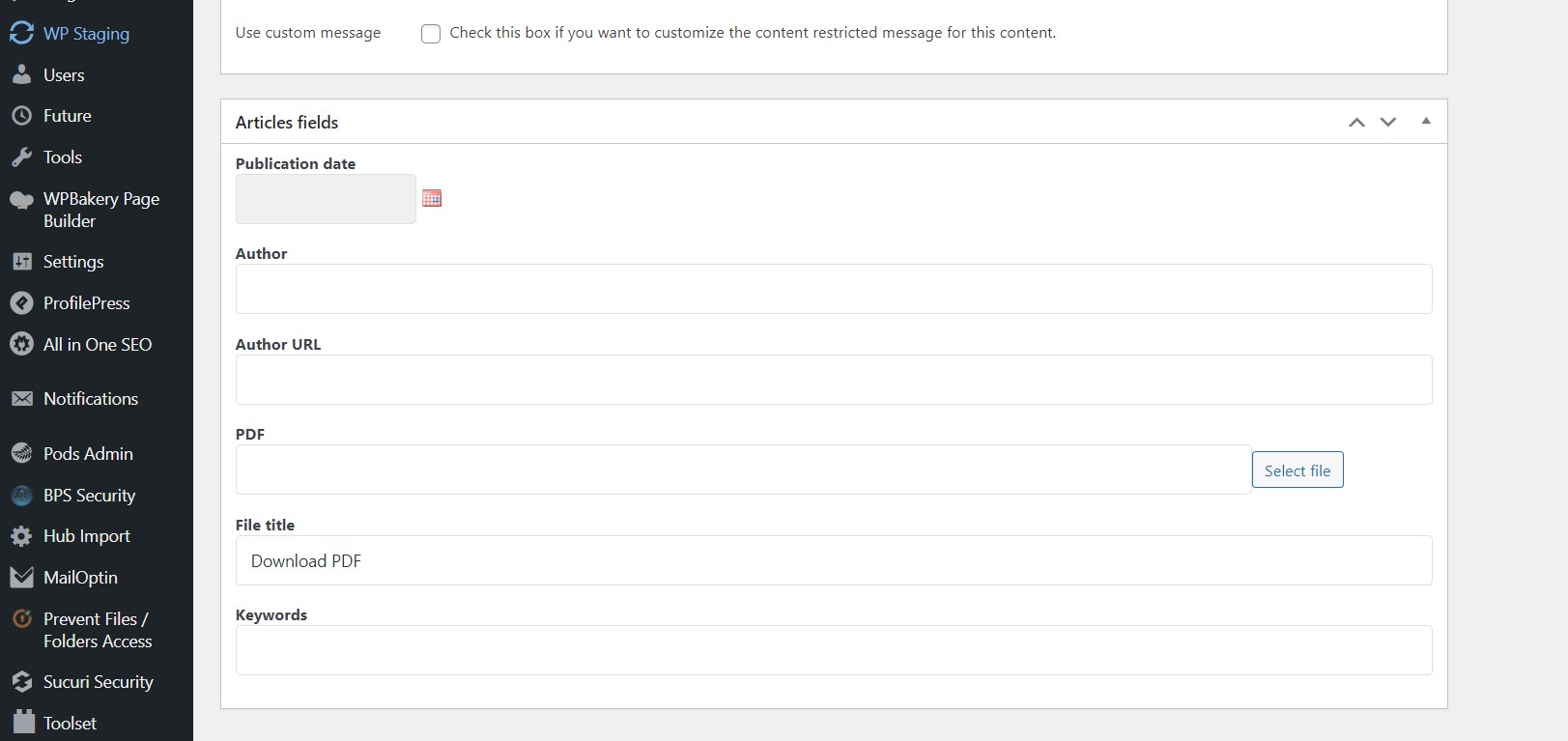
It works fine in my Chrome browser, see my screenshot articles-fields.jpg
The problem CSS codes is in the plugin file:
hidden link
Line 220~233:
.form-item {
  float: left;
  width: 100%;
  margin: 10px 0px;
}

.form-element {
  padding-left: 200px;
}
.form-item >label {
  float: left;
  min-width: 150px;
  padding-right: 50px;
}
It works fine after remove them, see my screenshot screenshot articles-fields-2.jpg
You will need to check it with the plugin author of "Smart Coupons For WooCommerce Coupons", check if it possible deactivate their CSS codes.
My issue is resolved now. Thank you!