Tell us what you are trying to do?
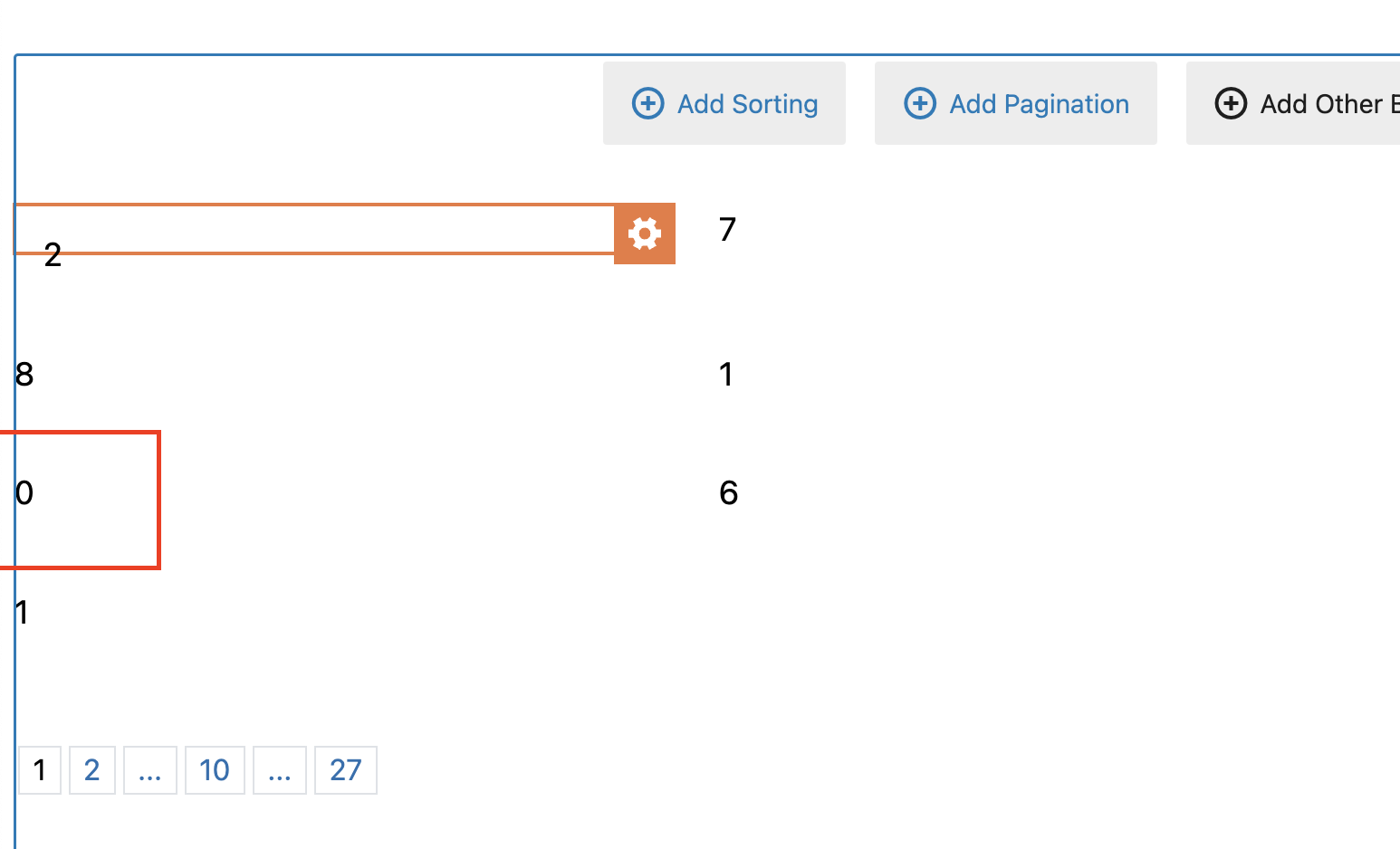
I have custom fields to show numbers on the front end. When I have a zero ("0") a number field, it shows blank in the blog post.
Is there any documentation that you are following?
No.
Is there a similar example that we can see?
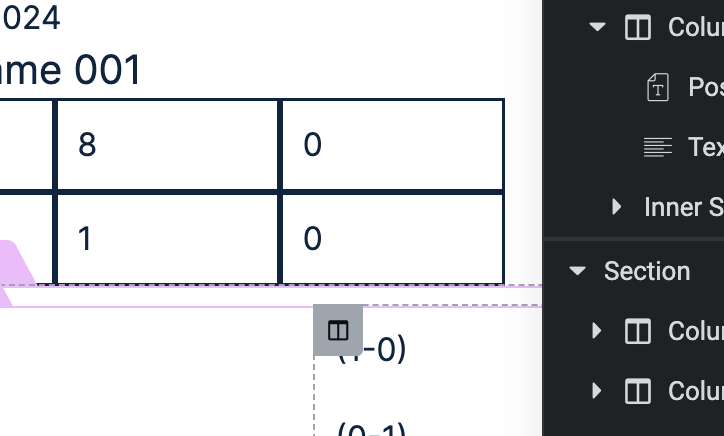
Yes...The last column in the game score should show "0" in each row. They are showing as blank despite zeroes entered on the backend form: hidden link
What is the link to your site?
hidden link
Hi there,
Would you please use the Toolset blocks in a native WordPress editor by adding a test page to retrieve the same custom field and see if the zero numbers show there?
The reason behind the test is that I think you using Elementor widgets might be the issue.
If the issue persists even with a test page, I'd appreciate it if you could give me the URL/User/Pass of the staging website or website copy so we can do tests there.
Please do not add live website info. Also tell us the name of the field you talk about.
You can set the next reply as private to provide the login info.
Thanks.
Hi Tom,
Thank you for the login information. I checked by adding a sample page and using the default WordPress editor and Toolset Views block and I do see that the 0s show correctly.
You can check it here:
hidden link
Also I checked the Elementor screen and found out that 0s show correctly in the Elementor backend builder but not the front end.
This shows there is something going on on the front end of the website which might be some sort of filter or Javascript code.
Would you please test the method below?
- IMPORTANT STEP! Create a backup of your website. Or better approach will be to test this on a copy/staging version of the website to avoid any disruption of a live website.
- Switch to the default theme such as "TwentyTwenty" by going to "WordPress Dashboard > Appearance > themes".
- Go to "WordPress Dashboard > Plugins" and deactivate all plugins except Toolset and Toolset add-ons.
- Check if you can still recreate the issue.
- If not, re-activate your plugins one by one and check the issue each time to find out the plugin that causes the problem.
Thanks.
Hi,
Thank you so much for looking into this.
I changed the theme to Twenty Twentyone and I deactivated all the plugins except the Toolset ones and Elementor and Elementor Pro. The issue was still there. When I deactivated the Elementor plugins, nothing showed on my pages.
Thanks,
Tom
Hi there,
Would you please watch this video to see the workaround?
hidden link
The shortcode that you need to use is:
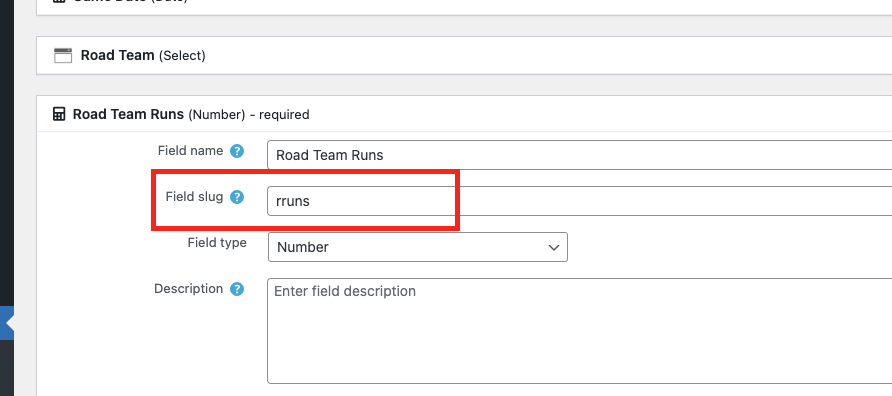
[types field='rruns' output='normal' format='FIELD_VALUE'][/types]
You can find the slug of each field by going to WordPress Dashboard > Toolset > Custom Fields and selecting the group in question. (Check the screenshot)
Thanks
That worked perfectly! Thank you so much...this is GREAT customer service!