I am setting up specific language editing permissions with WPML and Toolset. Following this manual: https://wpml.org/documentation/translating-your-contents/how-to-use-access-plugin-to-create-editors-for-specific-language/
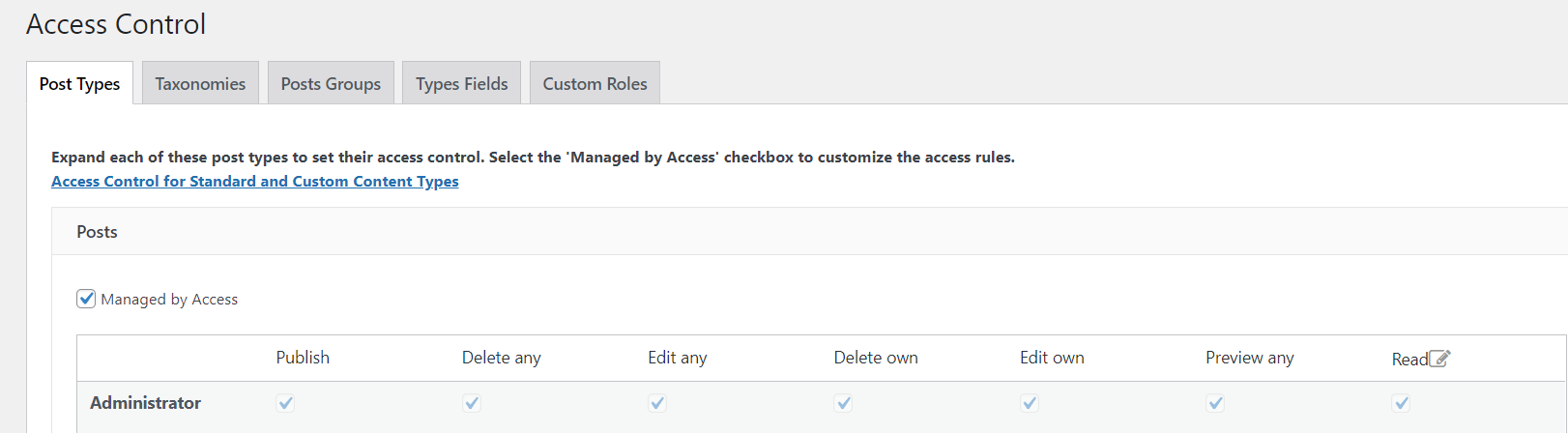
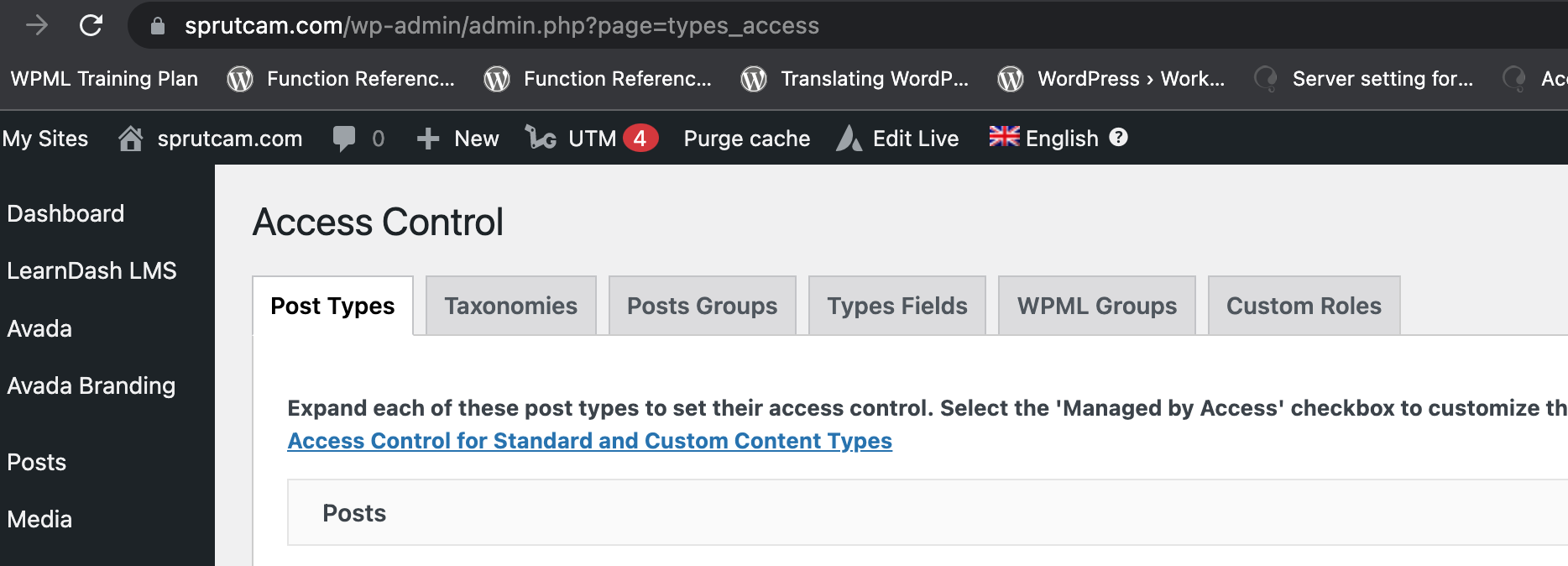
The problem is I don't have WPML Groups tab.
What am I doing wrong?
For clarification: I am using last versions of WPML and Toolset.
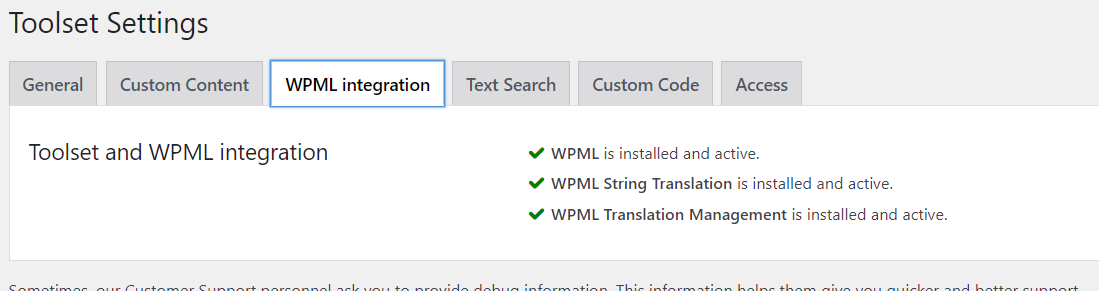
WPML integration tab also shows that all is fine
Shane Supporter
Languages:
English (English )
Timezone:
America/Jamaica (GMT-05:00)
Hi Andrey,
The WPML tutorial is a bit vague on this concept, however the WPML group is actually a Post Group. If you go to the Post Group tab you should be able to create the WPML Group as the tutorial depicted.
Please let me know if you have any further issues with this.
Thanks,
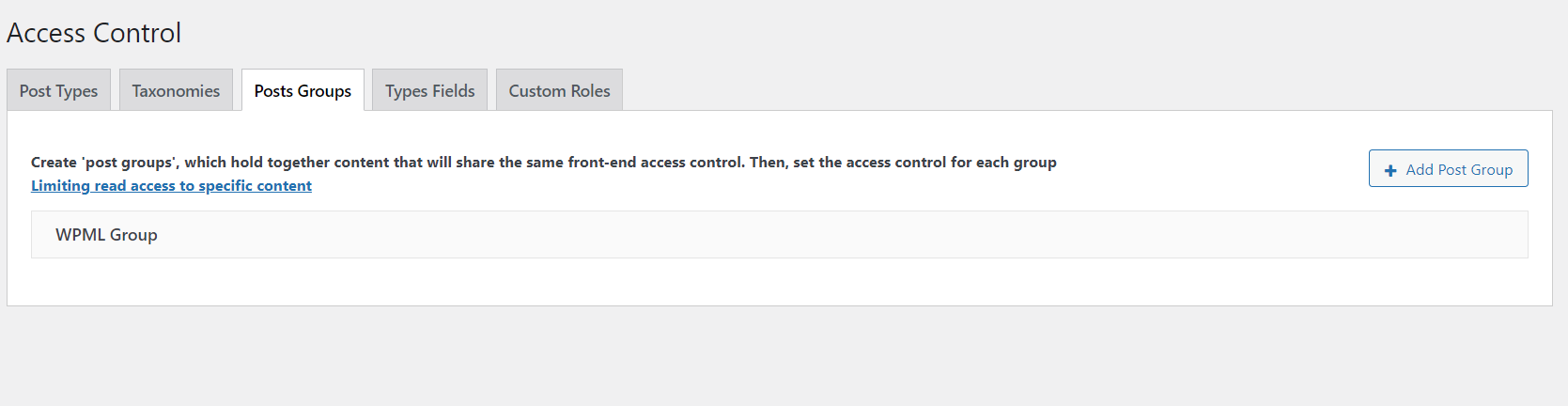
Hi, Okay I created a post group. What do I do next? How do I select a language?
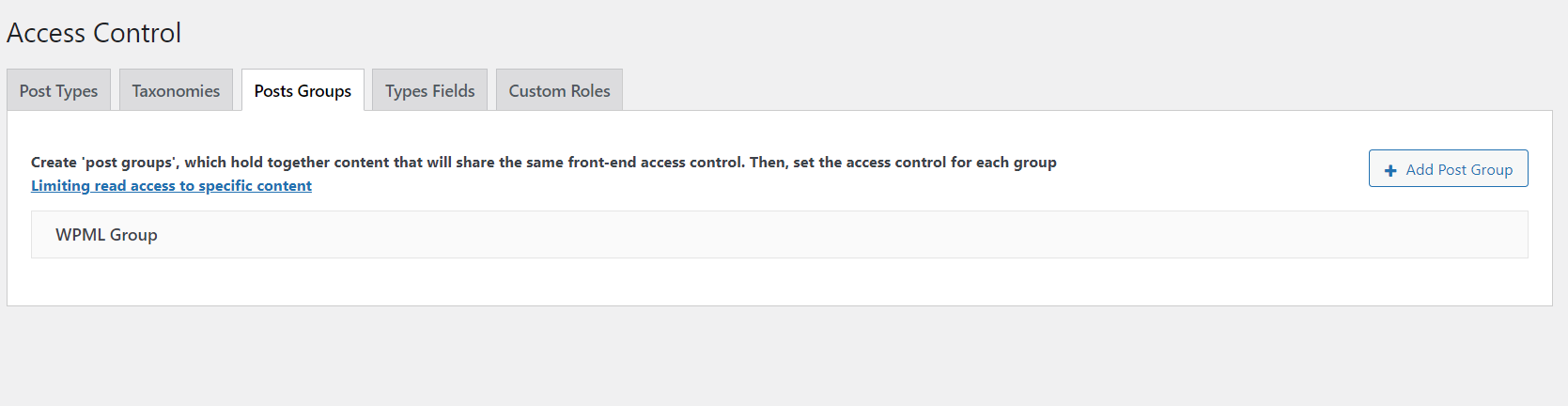
To clarify: I created Post Group and called it WPML group. Not sure that I am doing right.
To clarify: I created a Post Group and called it WPML Group. Not sure that I am doing right.
Shane Supporter
Languages:
English (English )
Timezone:
America/Jamaica (GMT-05:00)
Hi Andrey,
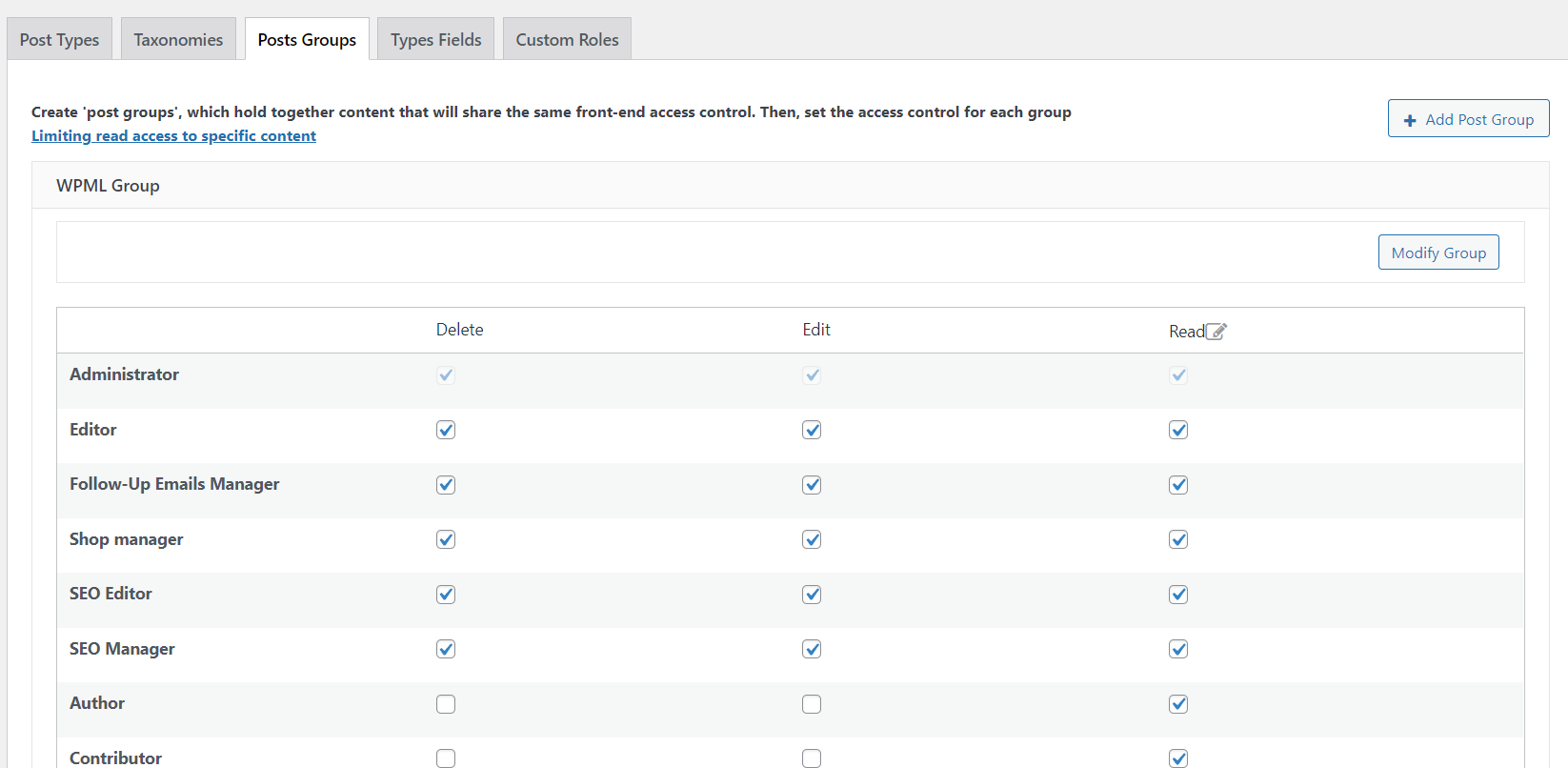
I did a run through on my end and I was able to find the WPML groups tab.
Did you setup your translators already ? Meaning have you gone through this step below?https://wpml.org/documentation/translating-your-contents/how-to-use-access-plugin-to-create-editors-for-specific-language/#setup-translator
Once I followed those steps then the WPML groups tab started to appear for me.
Thanks,
I purchased Toolset in order to make specific language access for editors. Please help me to solve this.
Shane Supporter
Languages:
English (English )
Timezone:
America/Jamaica (GMT-05:00)
Hi Andrey,
Would you mind allowing me to have admin access to the website so that I can have a more detailed look at this for you ?
I've enabled the private fields for your next response.
Thanks,
Shane Supporter
Languages:
English (English )
Timezone:
America/Jamaica (GMT-05:00)
Hi Andrey,
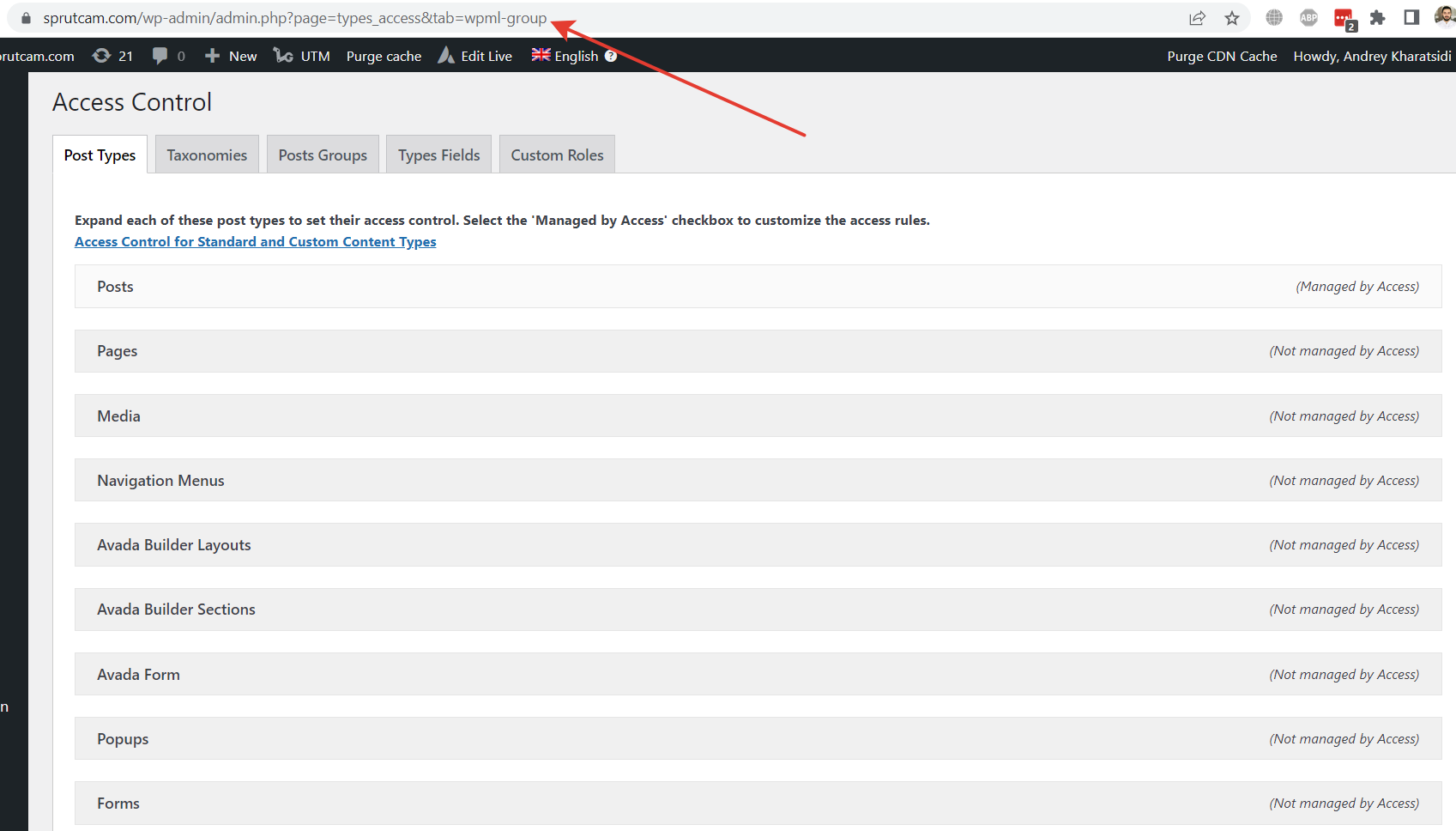
Not sure why you weren't seeing the WPML Group option but it is showing for me on your site.
It can be accessed from the link below.hidden link
Thanks,
May be I'm blind. Can you show me the screenshot. I don't have this tab when I follow your link. I attached what I see. There is no WPML Group.
Shane Supporter
Languages:
English (English )
Timezone:
America/Jamaica (GMT-05:00)
Hi Andrey,
Here is the screenshot.
Perhaps you need to clear the page cache and refresh to see if it shows up then.
Thanks,
When I switch to your user, I can see this tab. If I try to access it from my user - I don't.
Does it matter?