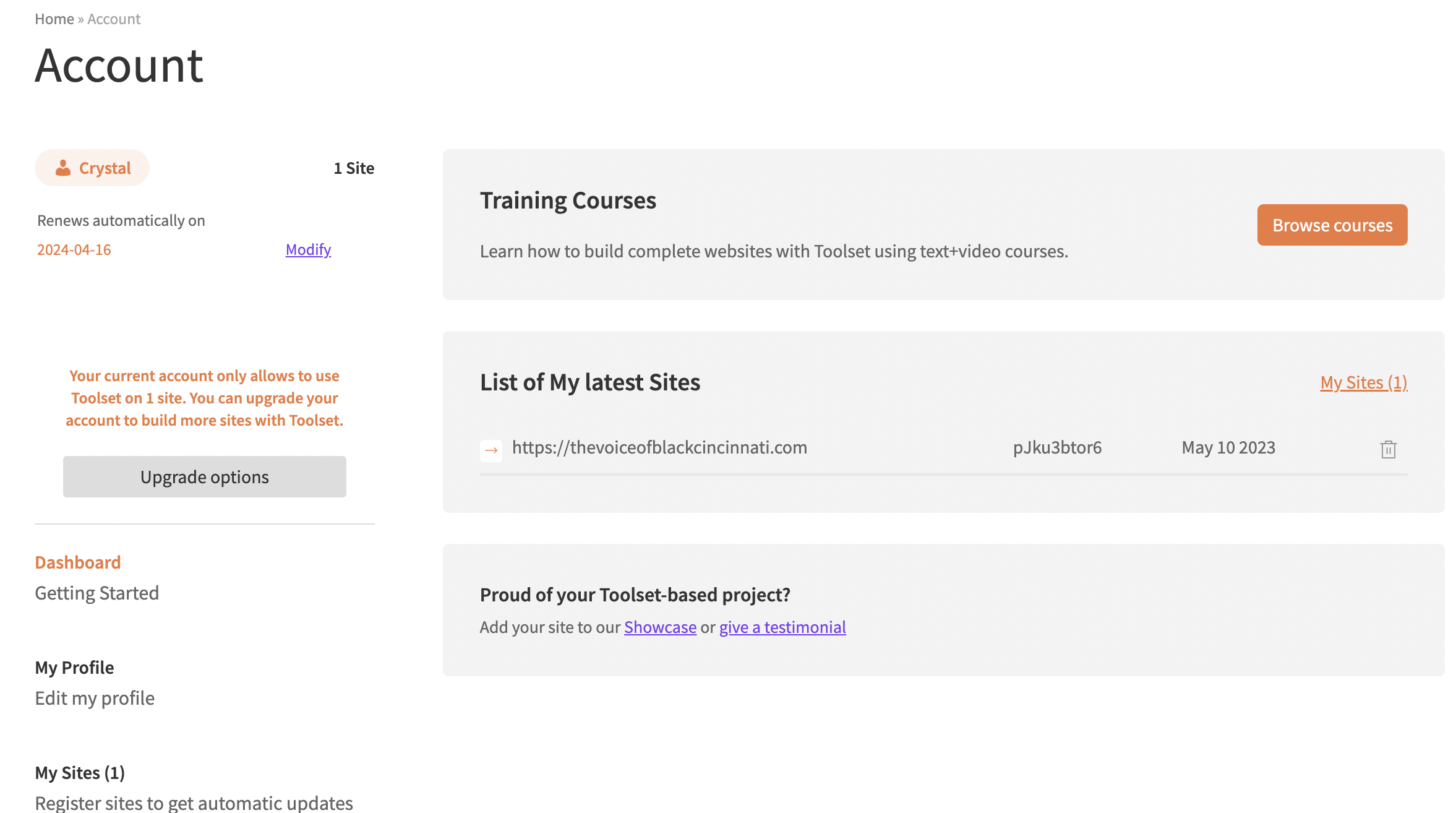
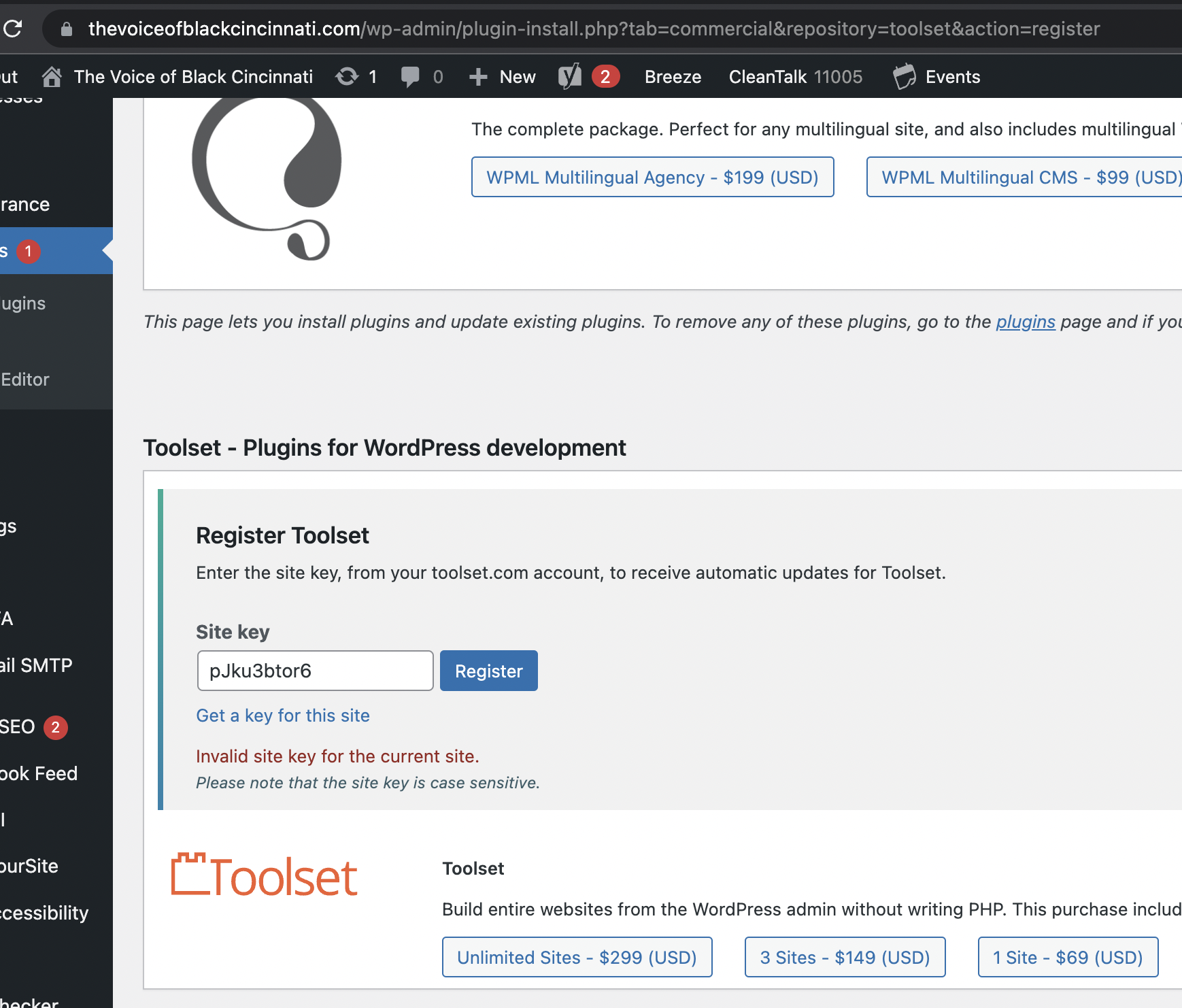
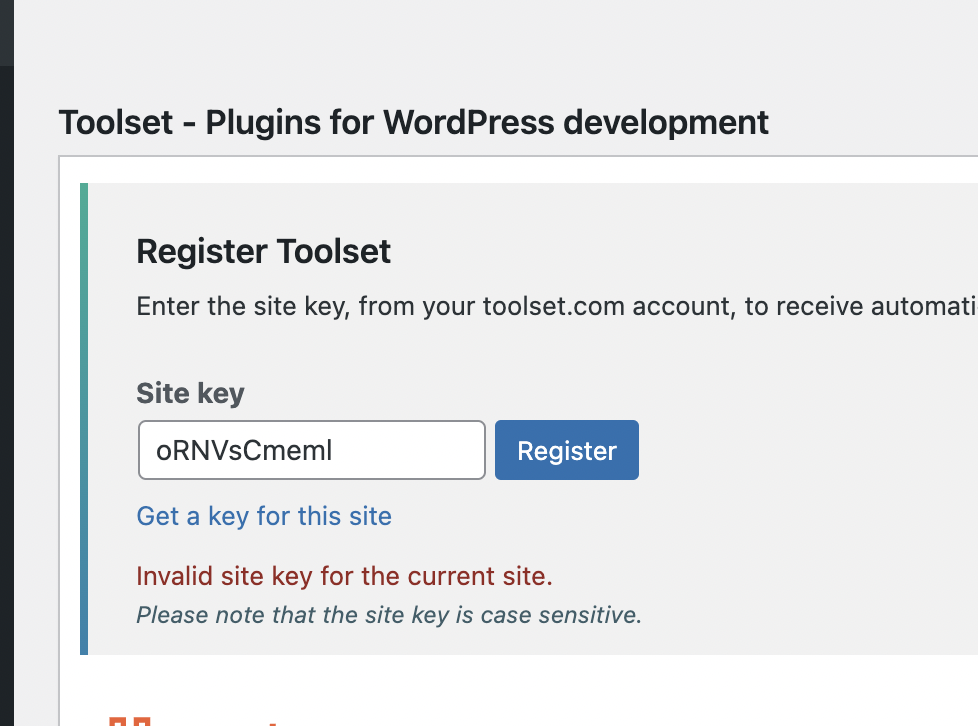
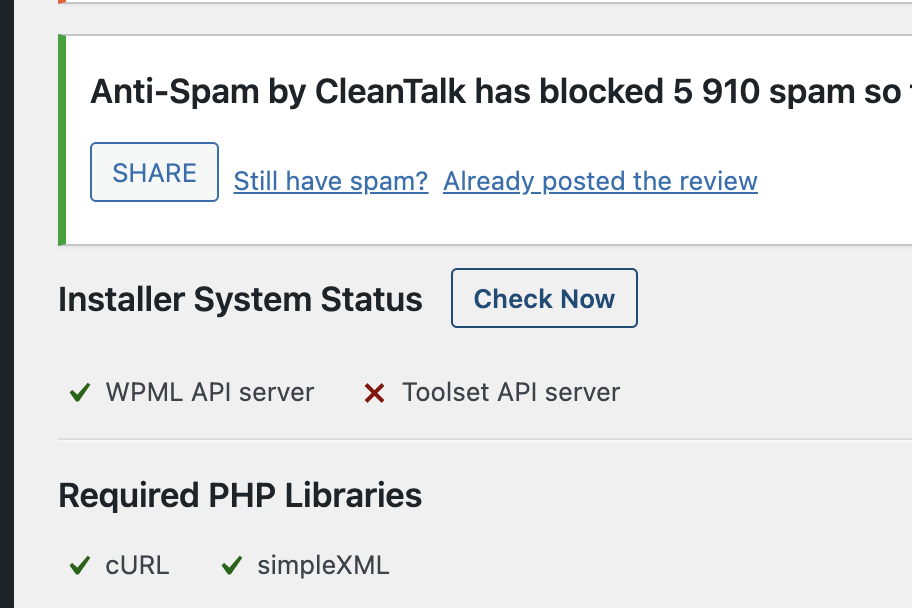
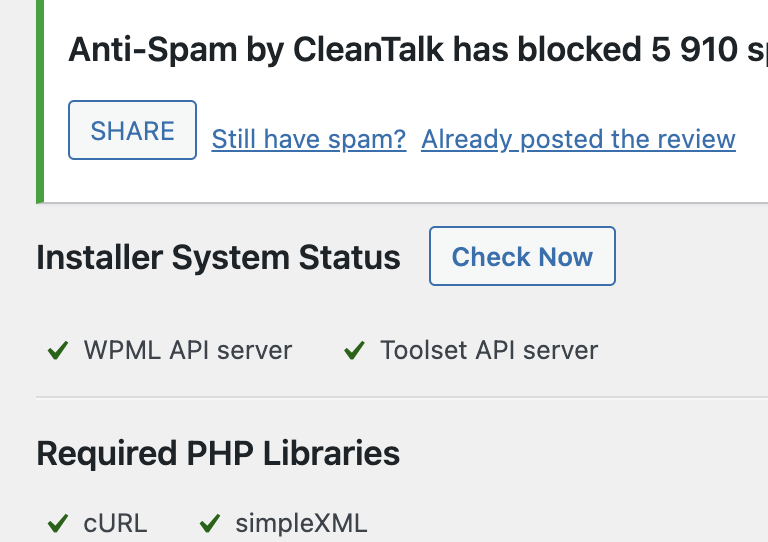
I have an account for 1 site. I created a site in the account and tried to add the code to the website and it keeps saying I have an invalid site key for the current site. Here are screenshots of my WordPress site and my account. Can you please tell me anything else to try to remedy this issue? Thank you!
May I kindly ask you which is the exact URL are you trying to register? Please make sure that it is the same one that appears in the Settings -> General -> URLs fields. If it is not, just follow these steps:
- Go to https://toolset.com/account/sites/
- Find the key of your affected site and erase it
- Create a new key (remember, use the same URL that appears in Settings -> General), and copy it
- From the WordPress dashboard navigate to Plugins -> Add New -> Commercial, Click on "unregister the site" on the right top next to Check for updates
- In this same plugins panel, click under the “Register” button below Toolset plugin
- Add your new Site Key copied above
It should be solved after this. Please give it a try and let us know how it goes.
And if instead of making the key directly in your wpml.org account, you try to use the 'Get a key for this site' link in the last screenshot you share?
If still not solved, I would like to request temporary access (wp-admin and FTP) to your site to take better look at the issue. You will find the needed fields for this below the comment area when you log in to leave your next reply. The information you will enter is private which means only you and I can see and have access to it.
Our Debugging Procedures
I will be checking various settings in the backend to see if the issue can be resolved. Although I won't be making changes that affect the live site, it is still good practice to backup the site before providing us access. In the event that we do need to debug the site further, I will duplicate the site and work in a separate, local development environment to avoid affecting the live site.
- Please make a backup of site files and database before providing us access.
- If you do not see the wp-admin/FTP fields this means your post & website login details will be made PUBLIC. DO NOT post your website details unless you see the required wp-admin/FTP fields. If you do not, please ask me to enable the private box. The private box looks like this: hidden link
Please, let me know if you need any additional details. Have a nice day.
When we go to hidden link, and click on 'check now', we can see that the communication with the Toolset servers is not working fine.
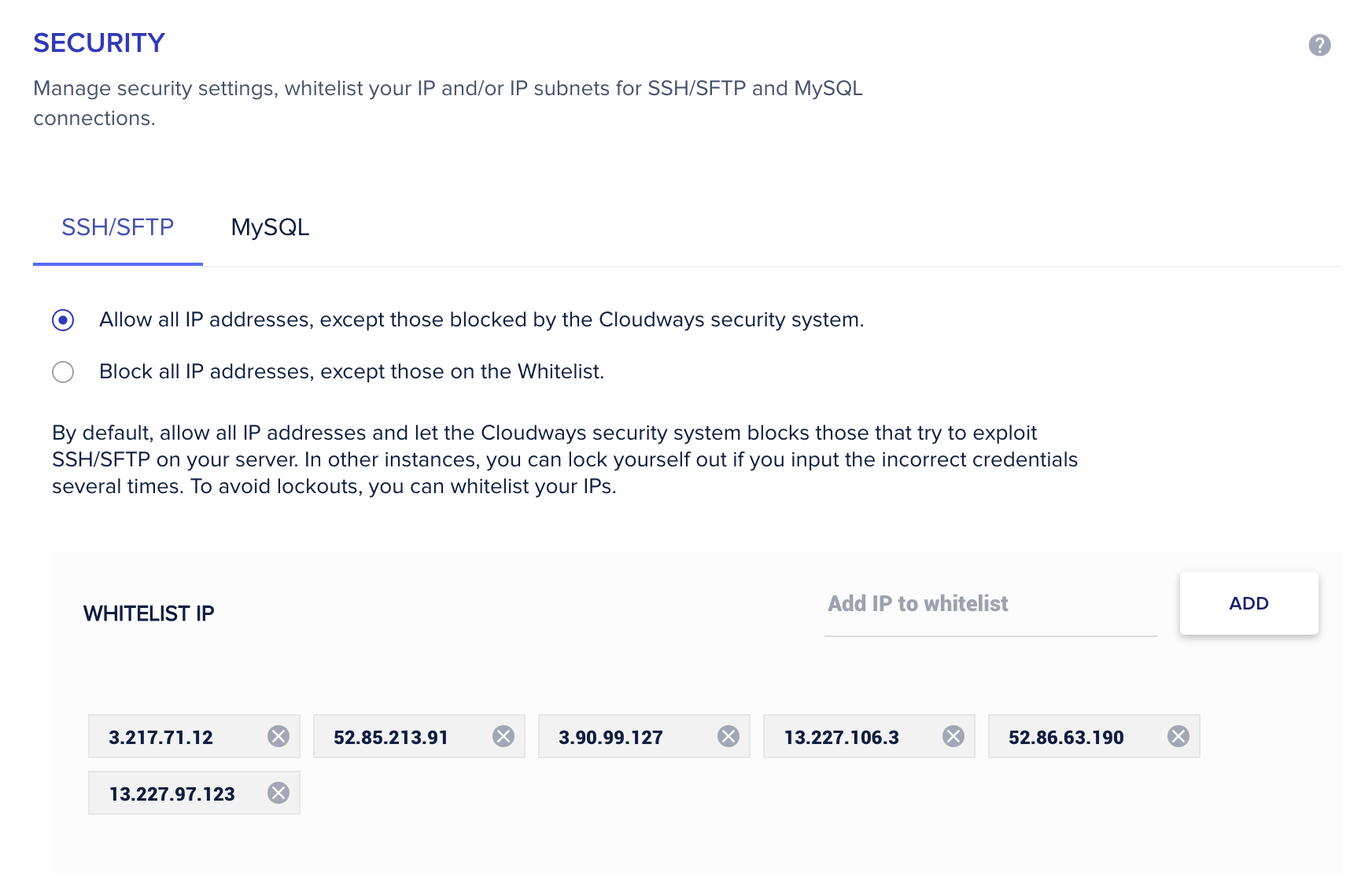
Having said that, may I kindly ask you to verify that the IPs for the following URLs are allowlisted with your hosting provider and then try one more time register the website?
hidden link hidden link hidden link hidden link
After giving allowlist to these URLs, just try to regenerate a new license key. Please keep us posted about your results. Thank you.
I have entered the ip addresses to be whitelisted and it doesn't seem to fix the issue. Also when I go to the Installer System Status page it shows a green check for toolset api server, but when I click "check now" it turns red. What else do you suggest?
Just to make sure, do we have your authorization to make a copy of the website and migrate it into another server? In order to perform more complex tests without compromising the live production.