Skip Navigation

[Resolved] Web browser hangs when trying to edit a content template

This support ticket is created 3 years, 3 months ago. There's a good chance that you are reading advice that it now obsolete.

This is the technical support forum for Toolset - a suite of plugins for developing WordPress sites without writing PHP.

Everyone can read this forum, but only Toolset clients can post in it. Toolset support works 6 days per week, 19 hours per day.

Sun Mon Tue Wed Thu Fri Sat
- 10:00 – 13:00 10:00 – 13:00 10:00 – 13:00 10:00 – 13:00 10:00 – 13:00 -
- 14:00 – 18:00 14:00 – 18:00 14:00 – 18:00 14:00 – 18:00 14:00 – 18:00 -

Supporter timezone: Asia/Kolkata (GMT+05:30)

This topic contains 6 replies, has 2 voices.

Last updated by Minesh 3 years, 3 months ago.

Assisted by: Minesh.

Author
Posts
#2492791
toolset-03.jpg
toolset-02.jpg
toolset-01.jpg

Tell us what you are trying to do?

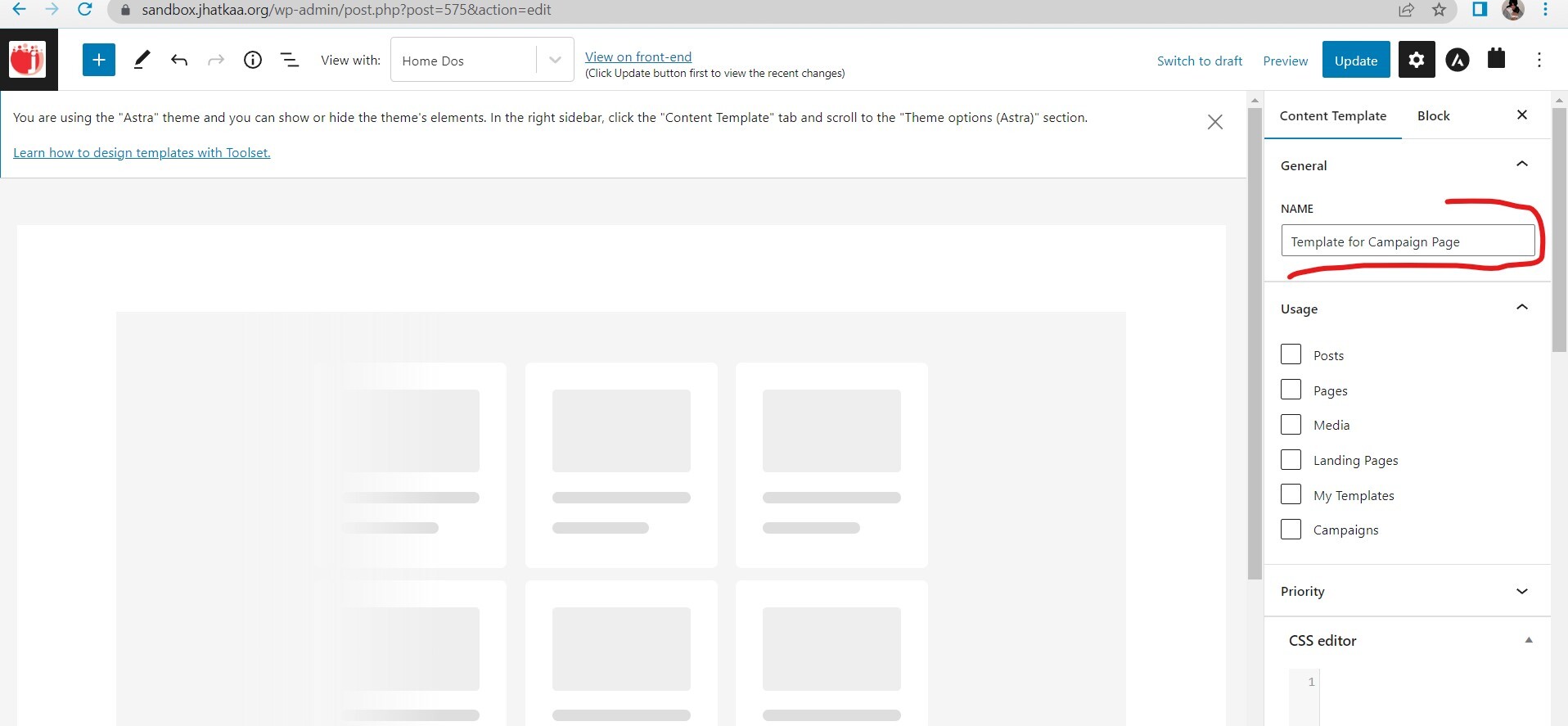
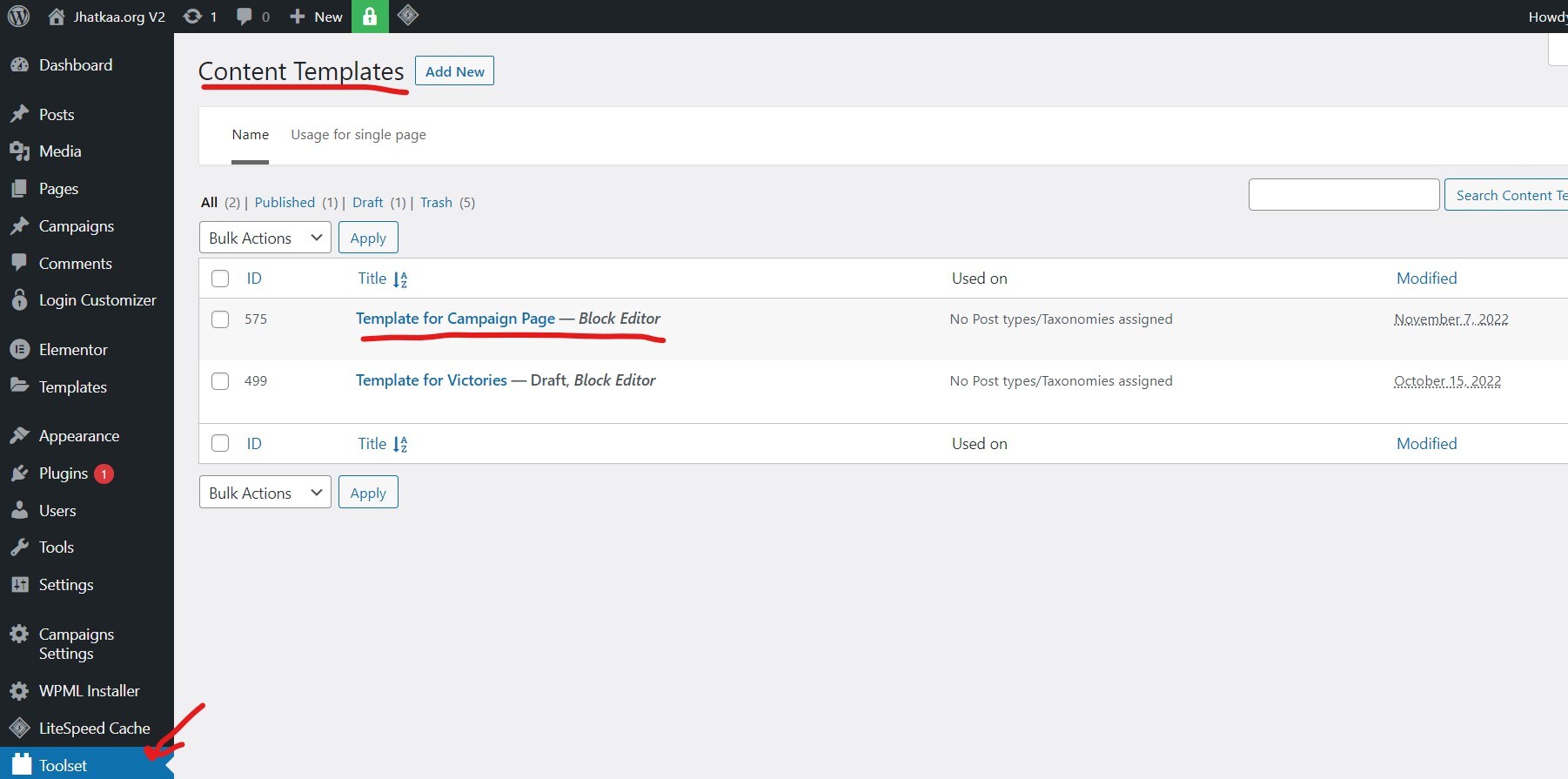
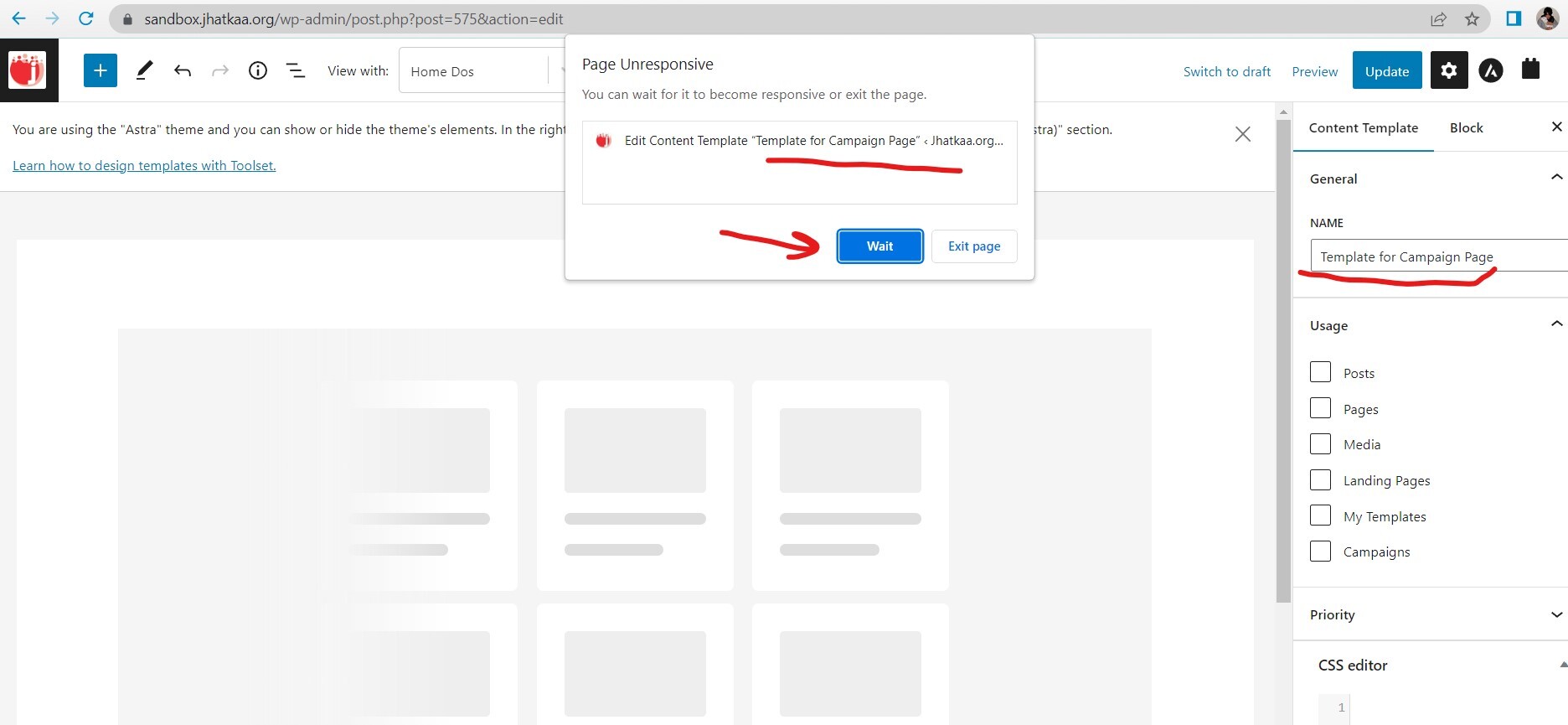
We have Toolset running on sandbox.jhatkaa.org. When I go to 'Toolset > Content Templates' in my wp dashboard and open a template named "Template for Campaign Page" that I created, my browser hangs. The ID of this content template is 575.

Is there any documentation that you are following?
I couldn't find any specific to this issue.

Is there a similar example that we can see?
Not that I know of.

What is the link to your site?
sandbox.jhatkaa.org

#2492841

Minesh
Supporter

Languages: English (English )

Timezone: Asia/Kolkata (GMT+05:30)

Hello. Thank you for contacting the Toolset support.

That is really strange. Is that a blank content template or have you added any other blocks to that content template?

If thats a blank content template what if you delete that content template and create brand new one and see if that helps.

#2493395

Hi Minesh,
Thanks for the quick response. The template is not blank and has a view.

#2493419

Minesh
Supporter

Languages: English (English )

Timezone: Asia/Kolkata (GMT+05:30)

That is really strange. I'll have to check if I'm able to see the issue.

Can you please share admin access details.

*** Please make a FULL BACKUP of your database and website.***
I would also eventually need to request temporary access (WP-Admin) to your site. Preferably to a test site where the problem has been replicated if possible in order to be of better help and check if some configurations might need to be changed.

I have set the next reply to private which means only you and I have access to it.

#2493807

Minesh
Supporter

Languages: English (English )

Timezone: Asia/Kolkata (GMT+05:30)

It seems the content template you try to edit is having "Fields and Text" block. There is a issue with that with WordPress version 6.1.

This is a known issue to us and here is the errata:
- https://toolset.com/errata/fields-and-text-block-broken-with-wordpress-6-1-update/

The workaround to resolve this issue is to downgrade the WordPress to version 6.0.3 that should help you to resolve your issue.

#2495945

Thanks Minesh! I will downgrade it and test it. Could you also please let me know when can we expect Toolset to upgrade the framework so that it works with latest wordpress version.

#2495989

Minesh
Supporter

Languages: English (English )

Timezone: Asia/Kolkata (GMT+05:30)

Ok, please let me know how it goes.