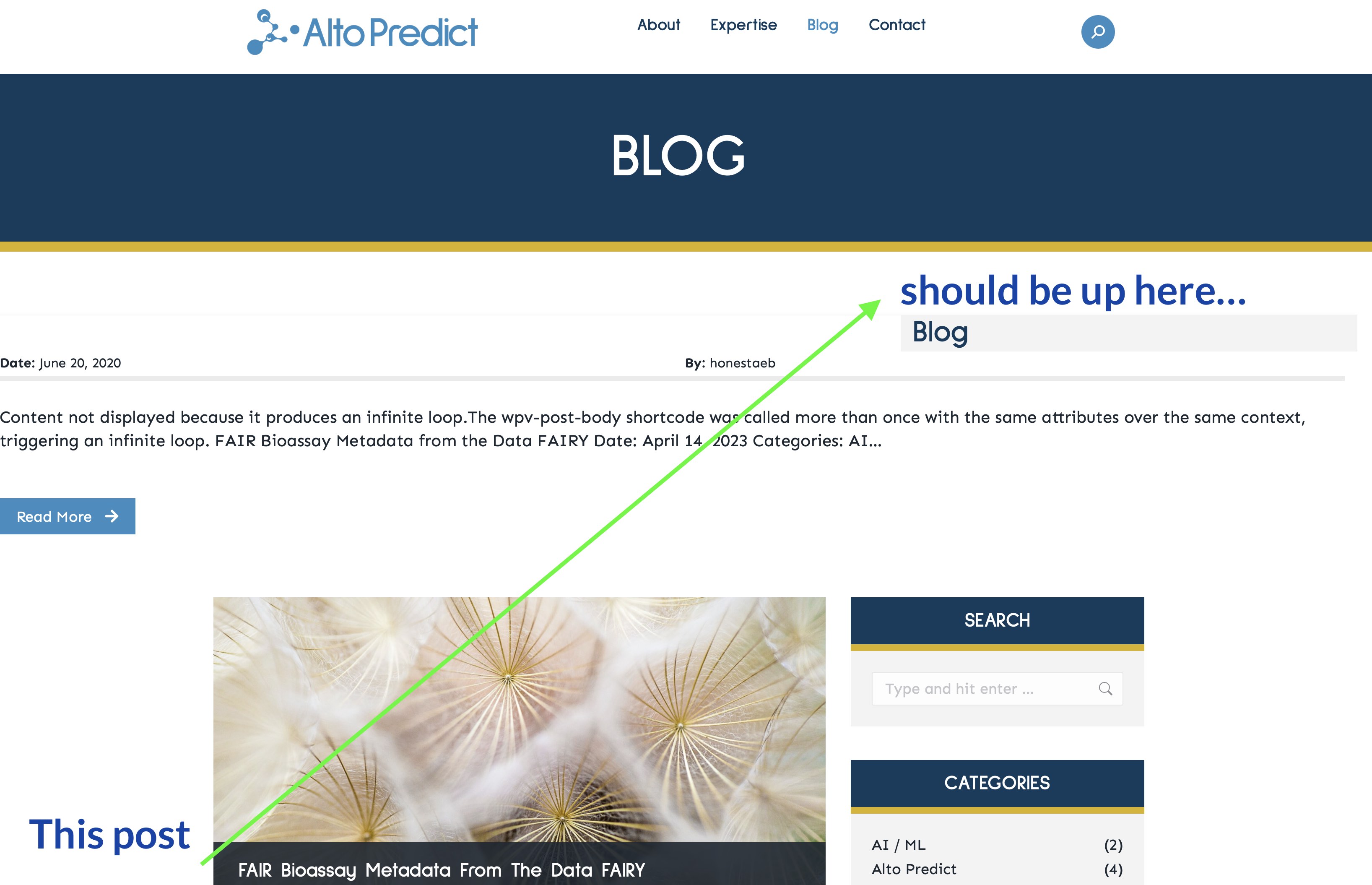
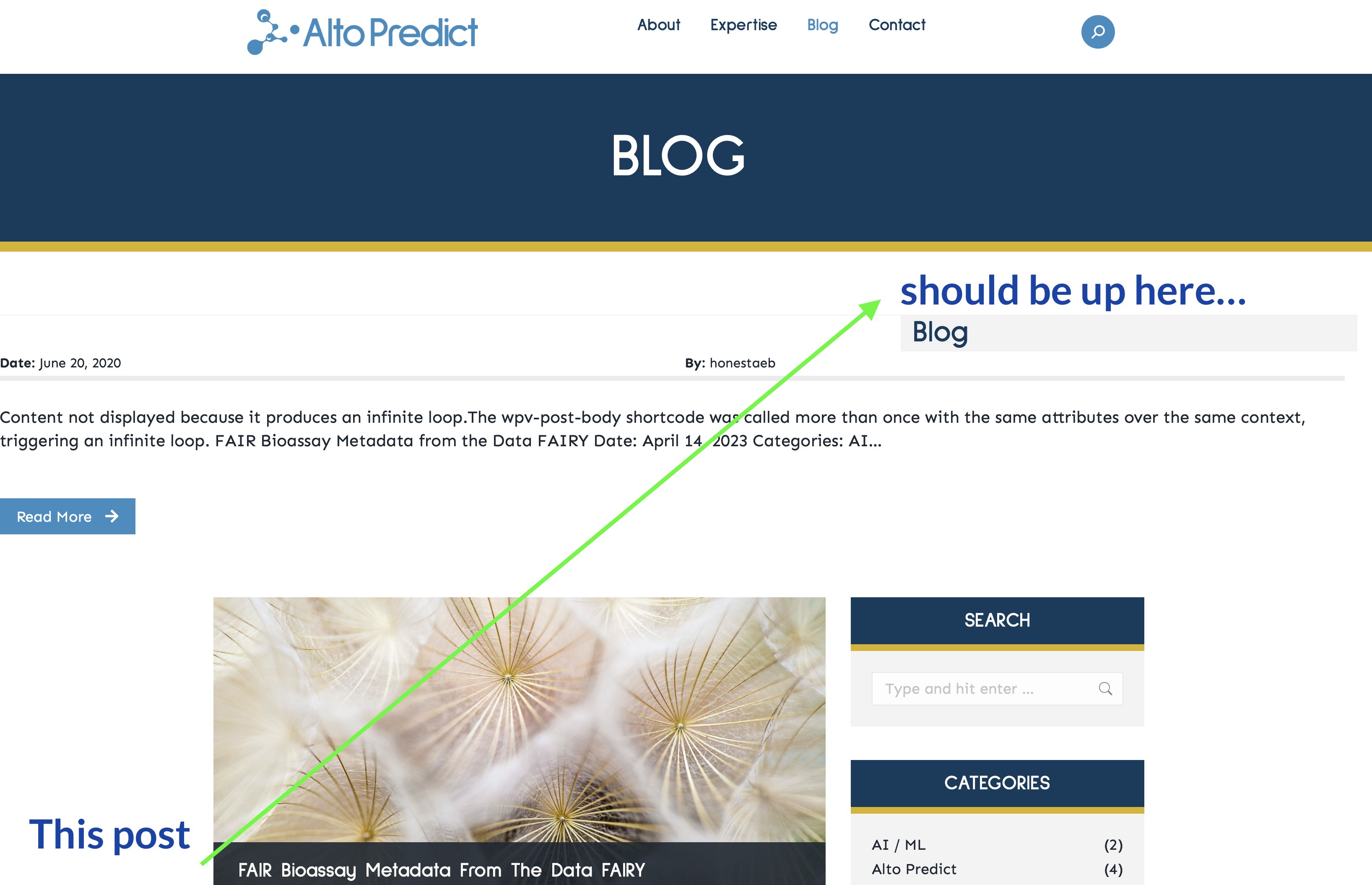
Tell us what you are trying to do?
I want to design an archive page template that allows me to put the first post full-width at the top of the page, then continue the loop into a column, then close the loop, before then closing out the rest of the layout for the page. If I take the first post out of the loop, the design works, but the functionality on that first post is lost (especially when using pagination). If I keep the post in the loop, the design breaks--most likely due to <div>s being closed after the template is processed through Toolset and WPBakery.
I've also tried the block editor, but it also has problems with the layout, and doesn't seem to use the [wpv-item index] tag.
Is there anything I can do? Maybe conditionals? Or using <div>s or other elements to keep the design intact after shortcodes are processed by WPBakery?
Is there any documentation that you are following?
I believe I've read every single document about views, archives, the wpv-item tag, as well as how to use the block editor. I've also searched through the forums to find someone who has a similar problem to me--some posts mention this, but the solutions offered didn't work in my case.
Is there a similar example that we can see?
Many websites have blog and home page layouts like this.
Hello. Thank you for contacting the Toolset support.
We can display different based on the view's current loop index using the conditional display.
Can you please tell me what archive you created as well as what item you want to display as first record and send me admin access details with problem URL of the frontpage and let me review your current setup and see if there is any possible workaround available to offer.
*** Please make a FULL BACKUP of your database and website.***
I would also eventually need to request temporary access (WP-Admin and FTP) to your site. Preferably to a test site where the problem has been replicated if possible in order to be of better help and check if some configurations might need to be changed.
I have set the next reply to private which means only you and I have access to it.
Logically - it is but obvious that if you visit to the blog home page, the top post would be the most recent blog post and this is expected and if you visit looking at a taxonomy archive, the first post would be the most recent post within that taxonomy.
Because lets say you are on taxonomy archive it will display only posts belongs to that taxonomy (term) archive. If the post is not belong to that taxonomy term archive then it should not display it. I hope this makes sense and this is how taxonomy archive works.
If you want that you always want the latest post to display just before the archive loop then we will have to workaround it by fetching the latest post and display it just above the archive loop and it will not be part of the archive loop or pagination.
It's OK if the featured post doesn't appear on page 2 of pagination. The most important thing is that I can have an archive page show the unbroken layout. The featured post can be hidden on page 2--it just needs to appear on page 1.
What if you create a view or even content template to that should be used to display that specific featured post and add that view or content template just before the archive loop output and check if that helps and once you done with that we can show/hide that featured post that we are displaying using the view/content template based on first page or other pages. Does that make sense?
if yes, you should go ahead and create a view that should help you to display that featured post or create a content template that should help you to display that featured post and then you should get back to me so I can help you with show/hide it on first and other pages accordingly.
Hi Dinesh, sorry for the late reply. We had a holiday weekend in the USA. Anyway, I have set up a view called "Blog Take 97", which displays nearly perfectly, except it doesn't show the first post's content at the top. You can see what I mean by visiting this page: hidden link
This currently uses a view, but I'd like it if I could use a custom archive instead.
Anyway, I have been spending a lot of time on this, and have not figured it out. Thank you for your help!!!
Hi Minesh, I've attached a screenshot of what I'd like to see.
To re-cap:
I am creating an archive for blog posts.
The archive should show the first post in the loop at the top of the page. This item uses a unique design
The archive should then show 9 more posts below. These items have a different design from the first.
At the end of the loop, pagination should be shown. Each page contains 10 posts.
Please let me know what other information you need. Thank you!
I do not see any screenshot with your previous reply. Maybe you can upload your screenshot to any online file sharing system and send me link where I can see it.
As its outside the view's loop it will not know what item or with what post ID item it will have to display.
As shared before with my previous reply you will have to create a custom shortcode that should return the desired post ID and pass it to item attribute. For example:
Where:
- It should display the item ID 999 post so you should replace 999 with the custom shortcode that should return the ID of your desired post you want to display.
visit the Toolset -> Settings page and click the Front-end Content tab. There, simply add your shortcode to the Third-party shortcode arguments section.
Ideally, the top post changes every time I click a pagination button. So, on page 1, the post will be the first post found in the loop (in my case, post ID 2107), but on page 2, it would be the 11th post found in the loop. Is there a way to dynamically get whatever post ID should be in that position?
No - there is no such feature available to split the post display in such a way that you can display one post outside the view/archive loop and another inside the loop.
You need to be specific with lets say featured post and that should be displayed outside the loop once you get the ID of that featured post.