Tell us what you are trying to do?
I have a one-third/two-thirds grid which I want to continue in tablet and mobile view. By default it reverts to half/half in tablet and mobile view but I cannot drag the column width.
When I hover over the gap between columns it looks as though it will drag but once clicked it simply moves the entire section and the columns remain the same width.
I have also tried to change widths on a different 3 column grid.
I have used grids frequently and not previously had this problem
Is there any documentation that you are following?
I am using WordPress 6.9
Toolset Types 3.6.1
Toolset Blocks 1.6.21
Is there a similar example that we can see?
What is the link to your site?
hidden link
Hi,
Welcome to Toolset support.
Would you please do 2 steps?
Check in a clean installation
I installed a clean WordPress 6.9 version and installed Toolset Types and Blocks.
You can login here:
hidden link
Can you check if the same issue happens there?
If yes, I'd appreciate it if you could use loo.com or another way and record your screen and share it with us.
Check minimal installation
If the above steps work ok, then it is not an inherent code-related issue, and it should be checked on your installation.
- IMPORTANT STEP! Create a backup of your website. Or better approach will be to test this on a copy/staging version of the website to avoid any disruption of a live website.
- Switch to the default theme, such as "TwentyTwenty" by going to "WordPress Dashboard > Appearance > themes".
- Go to "WordPress Dashboard > Plugins" and deactivate all plugins except:
. Toolset Blocks
. Toolset Types
- Check if you can still recreate the issue.
- If not, re-activate your plugins one by one and check the issue each time to find out the plugin that causes the problem.
Thanks.
Thank you for your response.
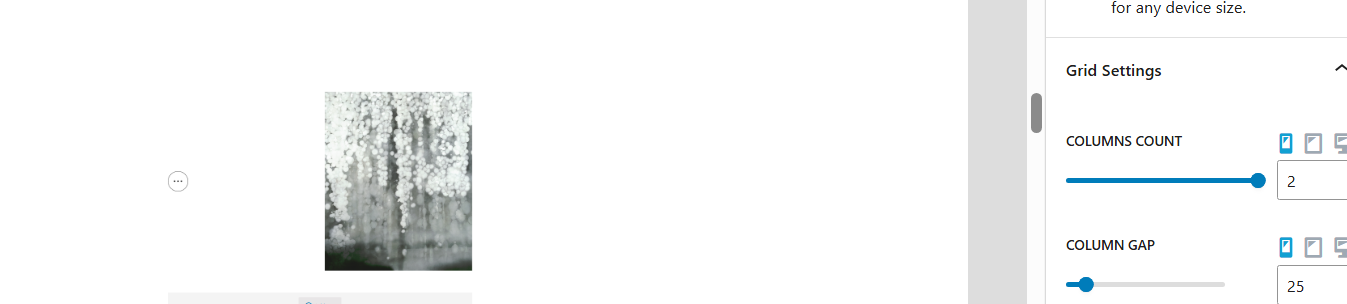
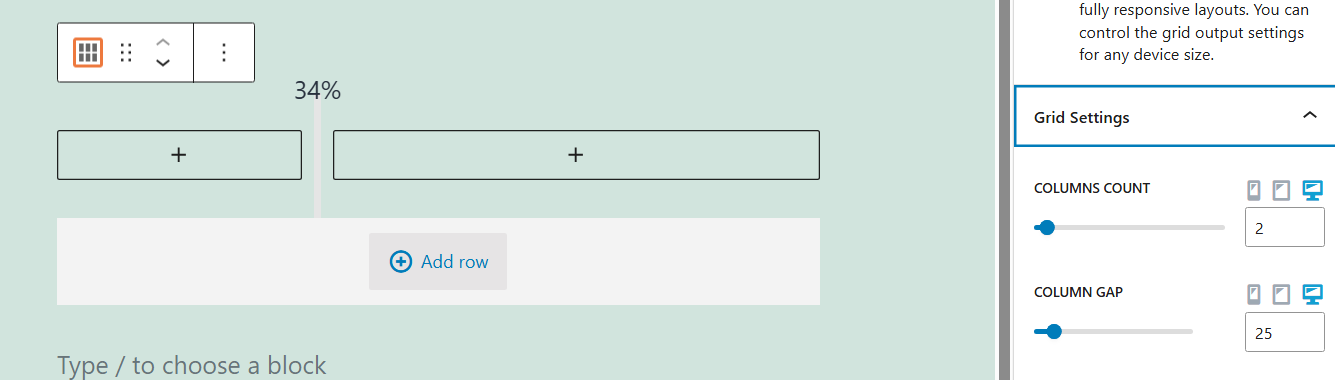
I have created a grid in the Sandbox environment and attach an image of the desktop settings as expected onethird/twothirds.
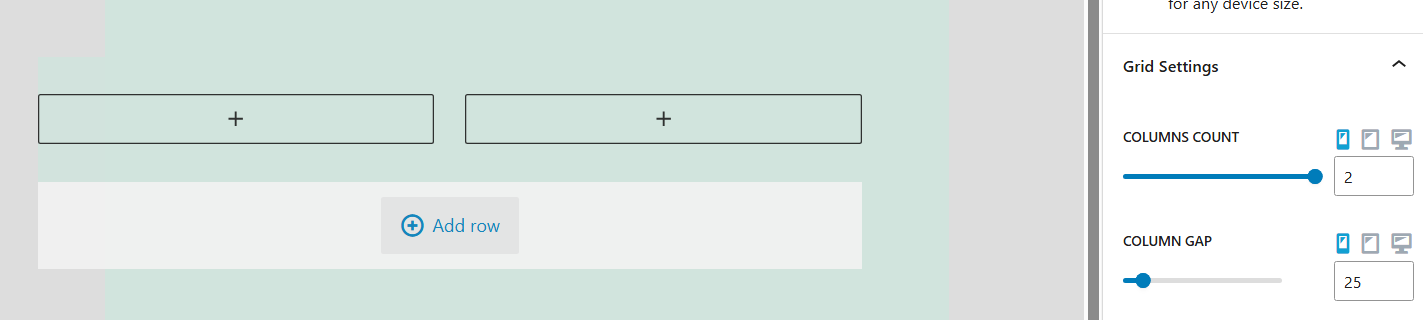
The second image shows my attempt to change column width in mobile view where the section is moved across the screen rather than adjusted for widths.
I have then done a similar image in my site. Not very clear, but here it minimises the section and moves it over to the left without any width adjustment.
I have also done the minimal installation check and the issue persists when only Toolset plugins are active.
I hope what I have provided is useful. I have not come across this in years of happily using Toolset grids.
Thank you for your help
Hi,
We will do our best to help, Just to make sure if I understood correctly, It worked with no issues on a clean installation that I provided correct?
But it still has issues on your site. Am I correct?
If so, I'd appreciate it if you could give me the URL/User/Pass of your WordPress dashboard after you make sure that you have a backup of your website.
It is absolutely important that you give us a guarantee that you have a backup so if something happens you will have a point of restore.
Make sure you set the next reply as private.
Thank you.
Would you please check this video?
hidden link
Did I understand the issue correctly?
Thanks.
Thank you Christopher
Your video is an excellent illustration of the problem I am having.
At the moment I am unable to proceed with development involving Toolset grids with variable column widths.
I'm not glad that you are having the same problem but it does confirm mine!
I would be very grateful if this could be resolved as quickly as possible.
Many thanks
Thank you. This is reported as a bug.
I will not be able to give an ETA for a fix. If I have more information, I will share.
But the fix should be available in upcoming releases of Toolset.
Thanks,.