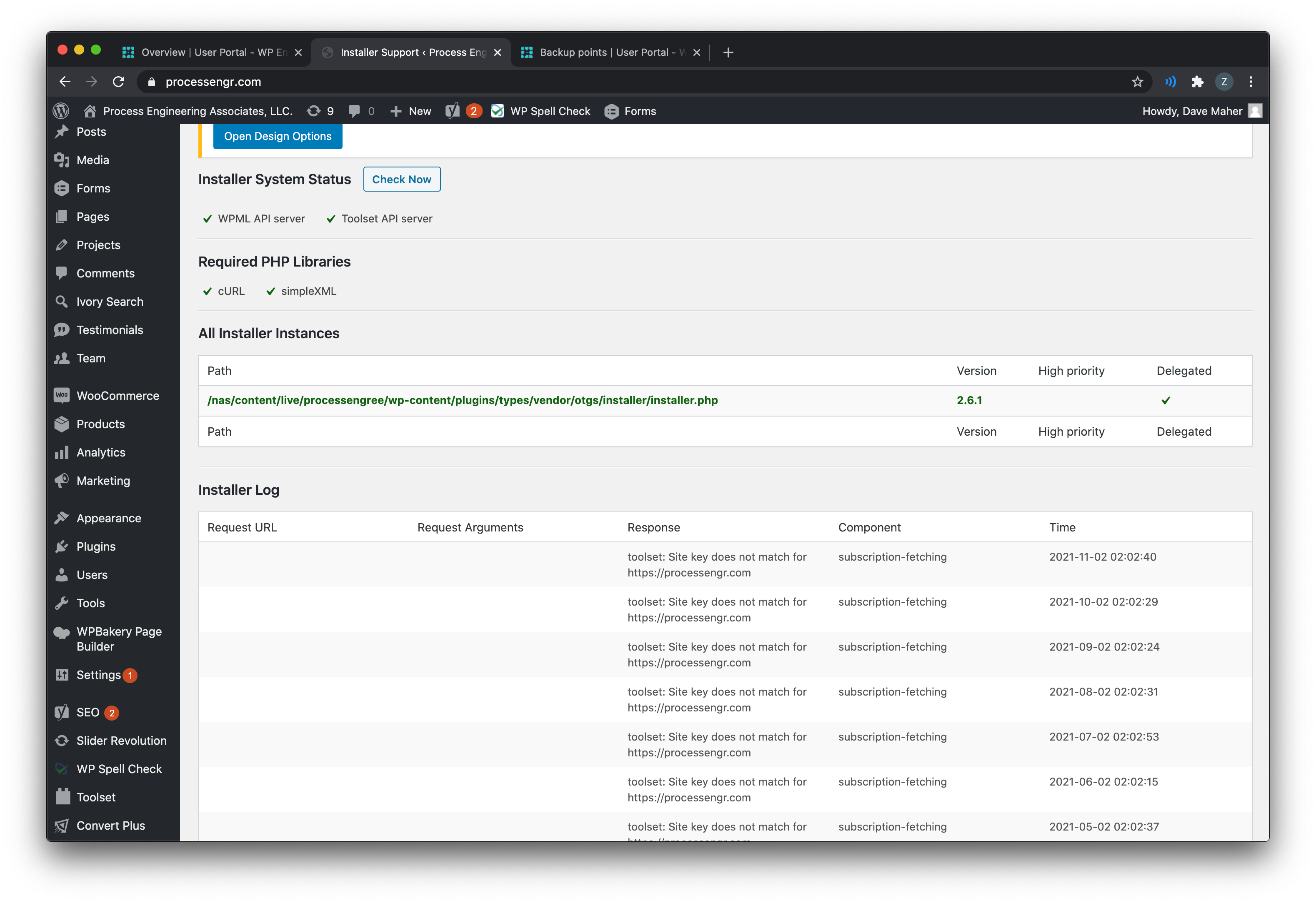
Hi, Shane is unavailable today so I'm checking in on his outstanding tickets. I hope that's okay. I can see in your account information a site key registered for hidden link;, but it looks like your screenshots are taken on hidden link or maybe hidden link. Your final site domain must be identical to the registration key domain, otherwise you'll see an error when trying to register or connect. If you're using Toolset in a development environment with a different URL from the URL used to register the key, the plugins will continue to work as expected but you won't be able to register and get automatic plugin updates in the development site. You must install and update Toolset plugins manually in the dev environment in this case, or temporarily unregister the live site URL and register the dev site URL to enable automatic updates in dev. Current Toolset plugins are available for download in the Downloads area here: https://toolset.com/account/downloads
To register a new site key for the new site URL, please follow these steps to prevent problems with mismatched URLs:
- Go to https://toolset.com/account/sites and find the list of your existing keys - there should be only one for hidden link. Click the trash can icon in that row to delete the existing key.
- Log in to your wordpress site dashboard and go to wp-admin > Plugins > Add New, then click the Commercial tab
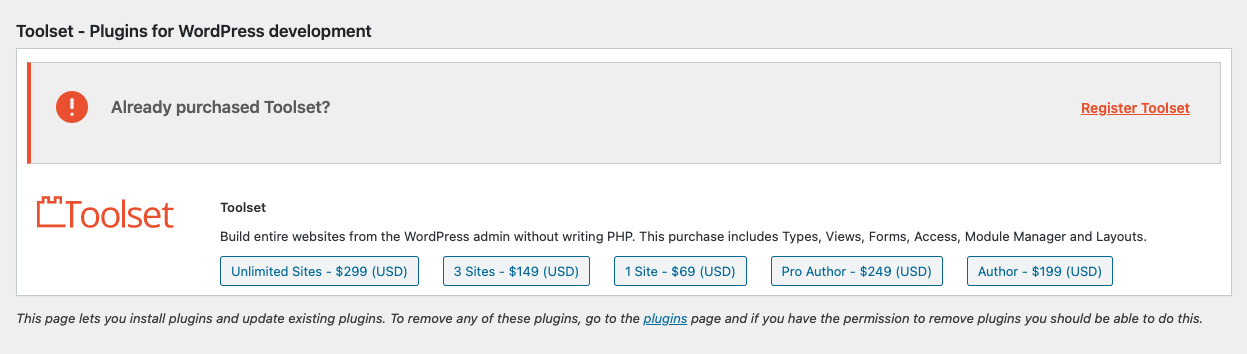
- Scroll down to the Toolset installer panel and click "Unregister Toolset from this site" if the plugins are already registered (for instance if you migrated from a staging site). After that the page will reload.
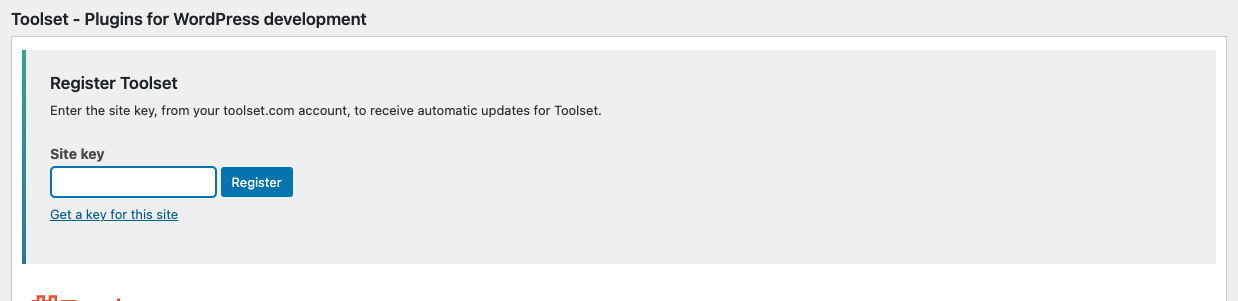
- Click "Register Toolset", then "Get a key for this site" (screenshots attached).
- You will be redirected to the Toolset sites area and a new key will be generated automatically for the correct URL, preventing any mismatched URL issues. Copy the new key.
- Return to the Toolset installer in your wp-admin area and paste the key you just copied into the Site key field, then click Register.
That should do it. If you're still having problems after following this process, please let me know.