Tell us what you are trying to do?
Hi! Toolset plugin shows this error message on our site Loviacollection.com:
"Toolset plugin cannot connect to toolset.com
Toolset needs to connect to its server to check for new releases and security updates. Something in the network or security settings is preventing this. Please allow outgoing communication to toolset.com to remove this notice.
Need help?
See the communication error details and let us know in Toolset technical support."
We have just renewed our lisence and connected the site. We asked our hosting provider and they said that there should be no restrictions that could be causing this.
Is there any documentation that you are following?
Is there a similar example that we can see?
What is the link to your site?
hidden link
Hi there,
Would you please go to WordPress Dashboard > Toolset > Settings, scroll down and click the "Toolset Debug Information and Troubleshooting ." link.
Then, please scroll down and click the "Installer Support" link.
After that scroll down and you will see a table. Please provide the screenshot of the top most row.
Also as a general rule of thumb, please do as follows:
- Make sure that you are logged in Toolset.com
- Go to "WordPress Dashboard > Plugins > Add New > Commercial (Tab)".
- Click the Unregister link to unregister Toolset.
- Click the "Register Toolset" at the right section of the screen.
- Click the "Get a key for this site" link annotated in the screenshot below.
- A new page will open up and the auto-generated key will show in pop-up.
- Copy the key and paste it into the "Site Key" input box annotated in the screenshot below.
- Click the "OK" button.
See if it fixes the issue.
Finally, please double check with the hosting about these specific URLs (not the general toolset.com):
api.toolset.com
cloudfront.net
Thanks.
Hello,
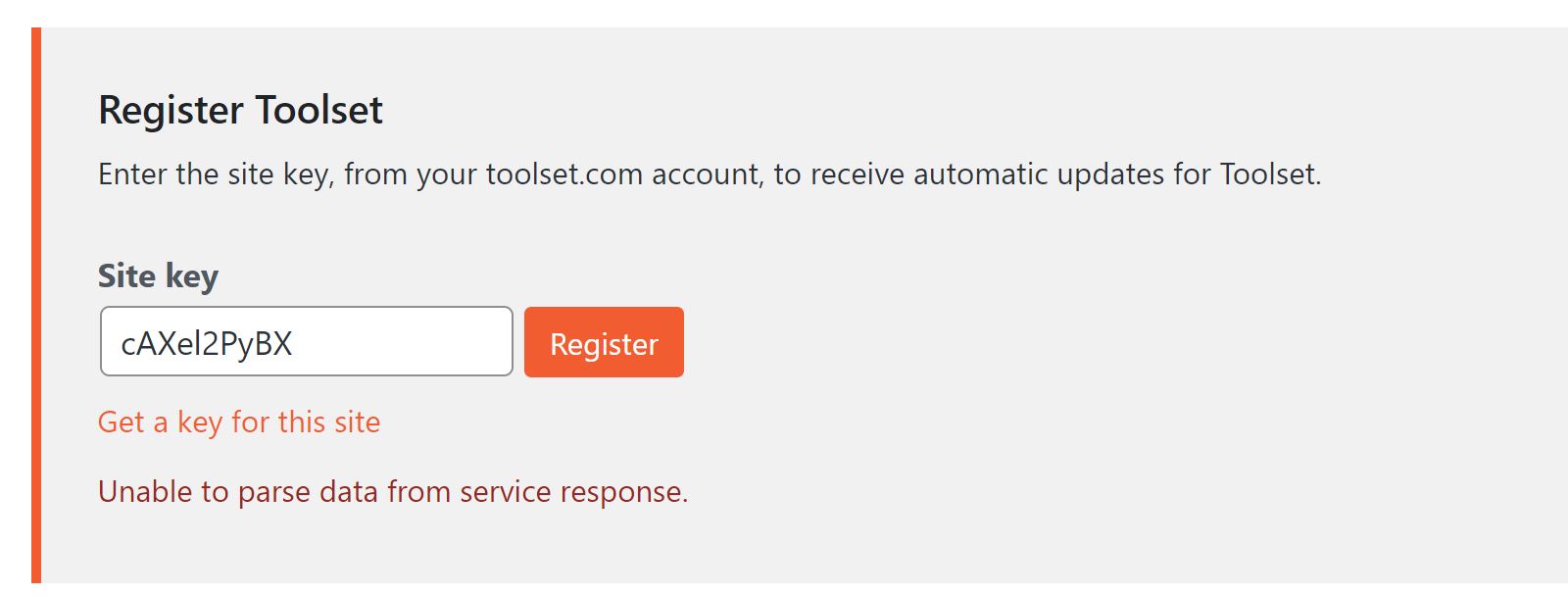
Thank you for the reply. I tried the unregister and register again method, but i get an error: "Unable to parse data from service response." Screenshot attached.
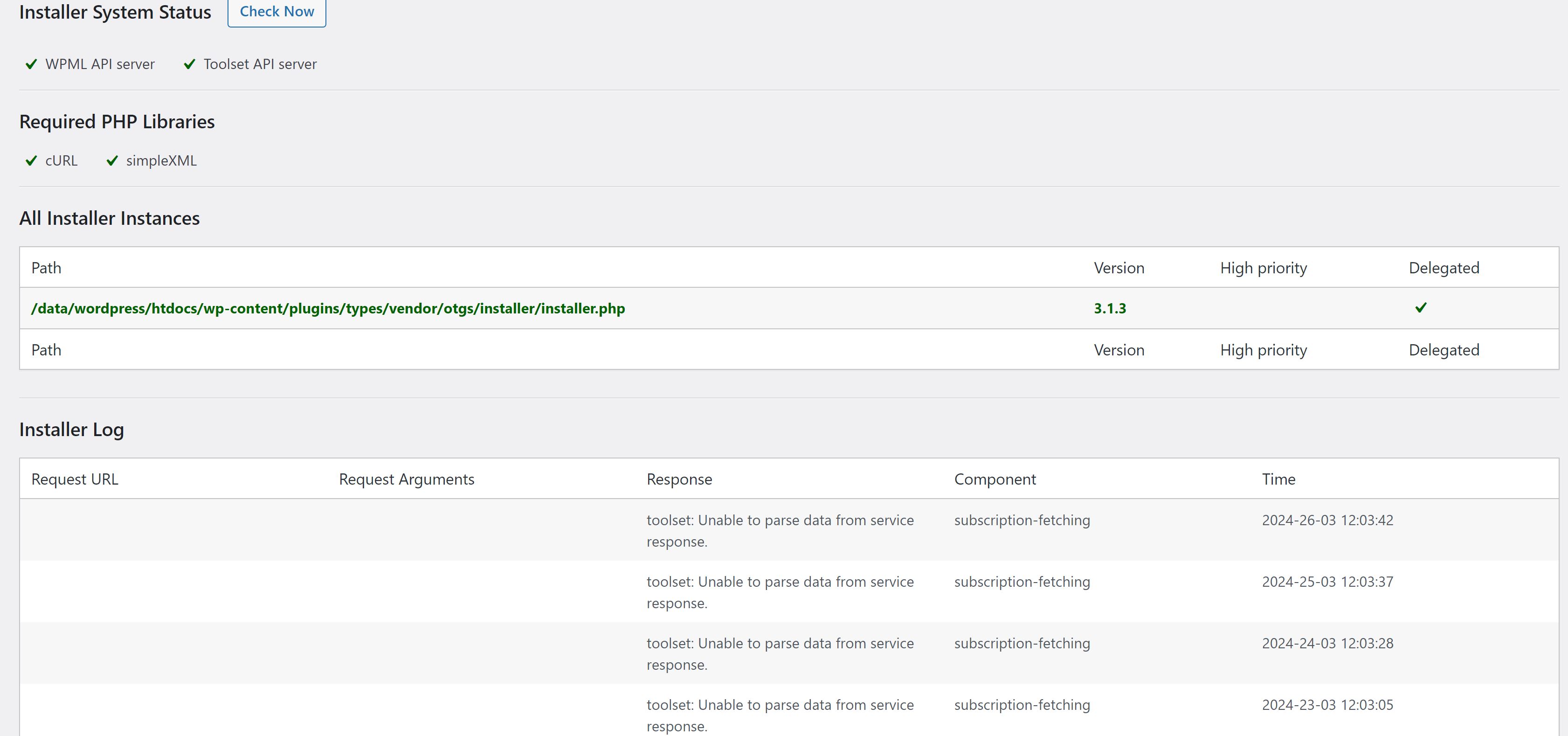
I also attached two screenshots from the table in Installer support page, from the top and bottom where it shows the problem has staarted on 2024-28-02. The new lisence was updated at 2024-22-02, and nothing should have been changed after this.
Hope you can get back to us soon, thanks in advance!
Hi there,
Thank you for the information. would you please set the next reply as private and provide the login information of the website to check?
Meanwhile, I asked the system team if the issue is that somehow your website is blocked on our side or not.
The answer for that will be on Monday.
Thanks.
Hi there,
I have an answer from the system team. Now you can go forward with Toolset registration.
Thank you.