Dear Support,
i wanted to implement a user restriction-managment-workflow for our client, which allows me to define backend-user-roles for the different languages on the website. For the multi-language solution in the website we are using the wpml plugin and they suggest to realize the workflow with the help of your toolset access plugin. So i decided to buy and install it.
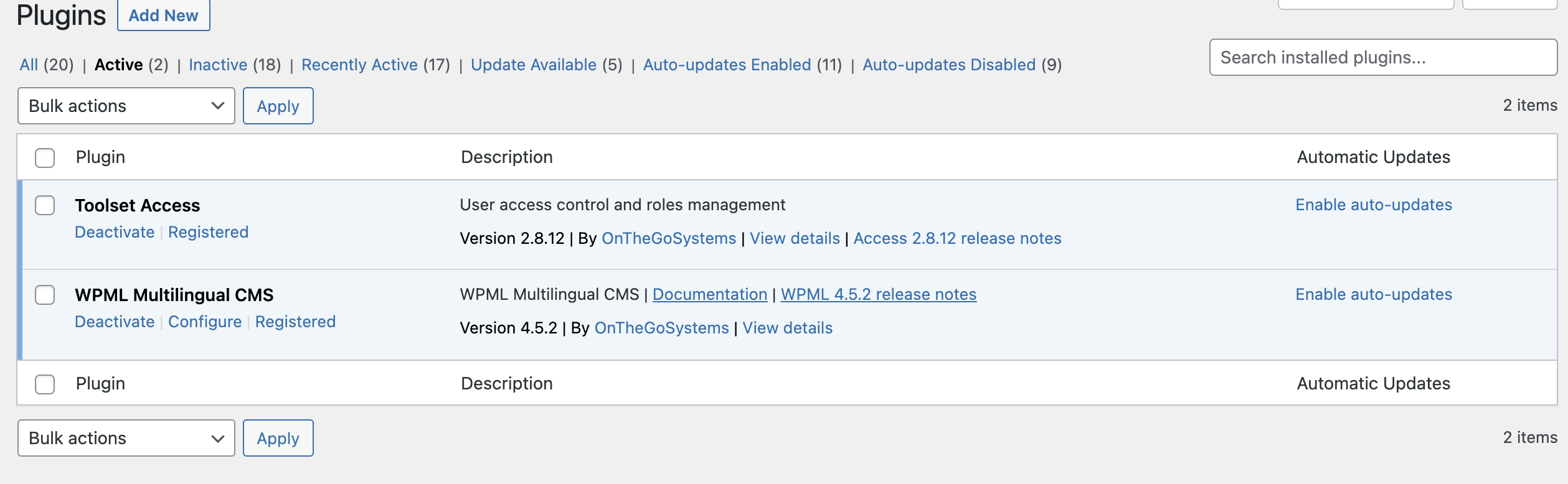
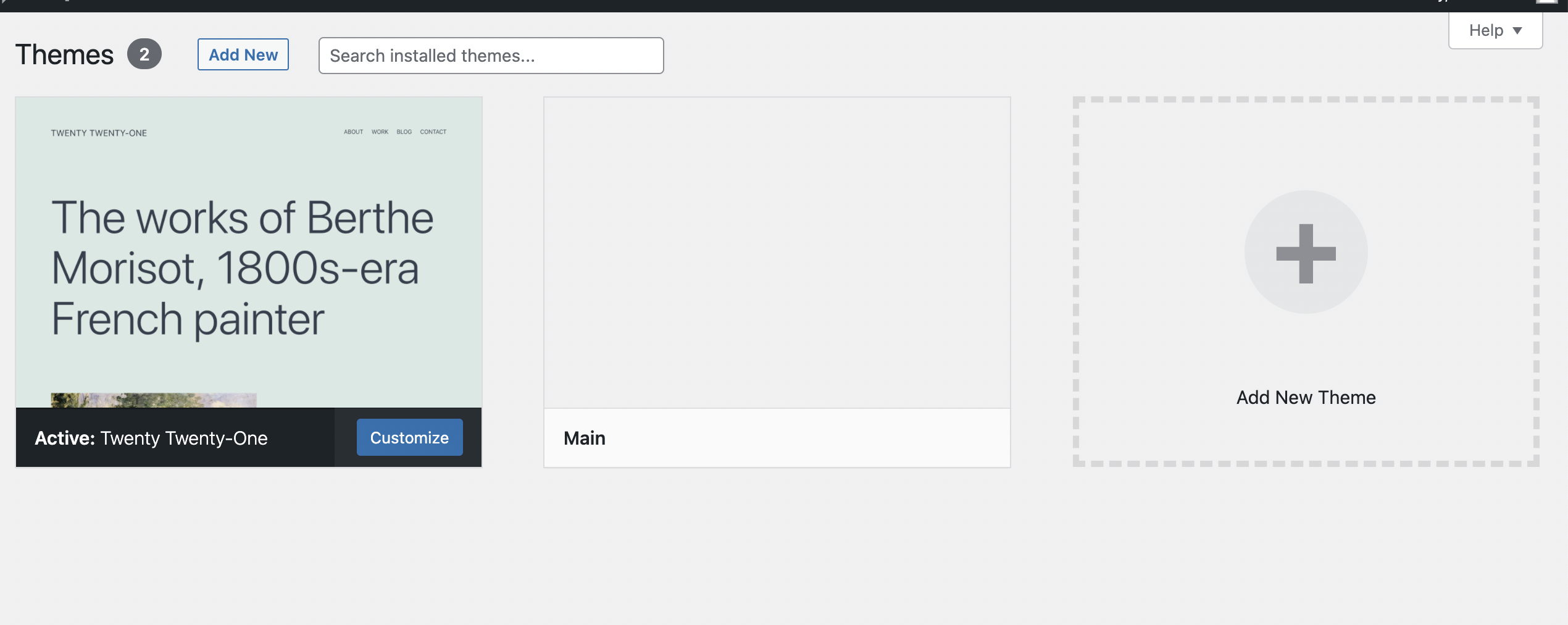
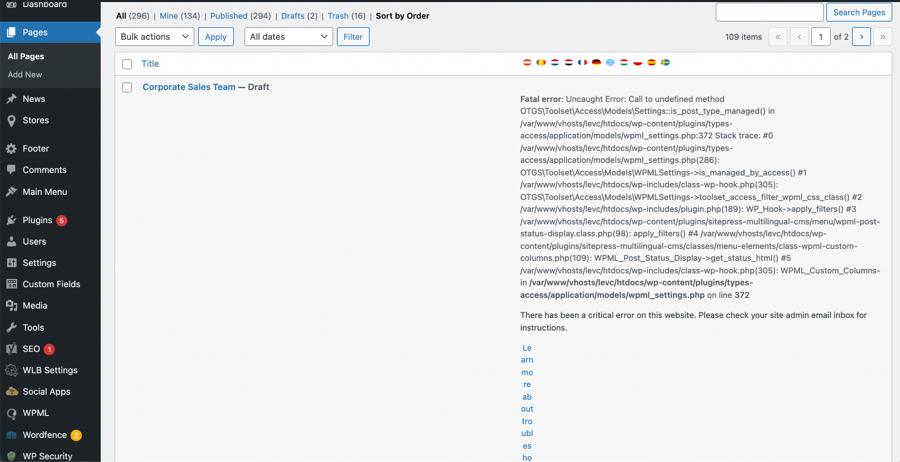
But i have the problem that after the activation of the plugin i get the critical error as you can see in the screen shot. And i only can se the first page in the page menu. I also tried to deinstall all other plugin in use and to switch to the standard Twenty Twenty One theme to exclude the error on an other plugin or in my theme. But the error still remains. So that i guess that it can only be a problem between the wpml and the toolset plugin.
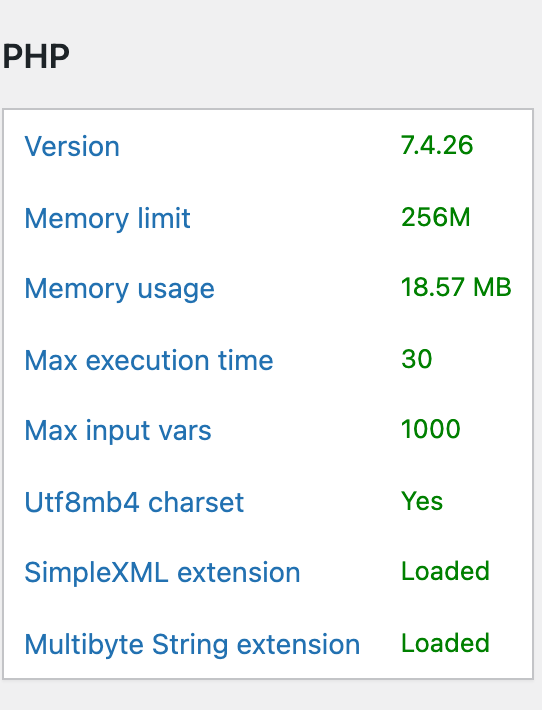
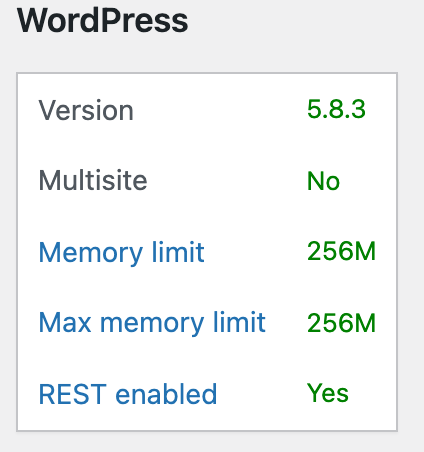
What if you update the WordPress to latest version?
I just checked by creating a test with with WPML and only Toolset Access plugin is active. You can login to the test site using the following URL:
- hidden link
I can see on the page post type I do not see such error you mention.
- hidden link
In order to minimize the cause of the issue and to ensure there is no conflict between third party plugin or theme:
*** Please make a FULL BACKUP of your database and website.***
Could you please try to resolve your issue by deactivating all third-party plugins as well as with the default theme to check for any possible conflicts with any of the plugins or themes?
- Do you see any difference? If no: