Skip Navigation

[Closed] Toolkit not reinstalling; tried too many times; now locked out due to redirect

This support ticket is created 3 years, 1 month ago. There's a good chance that you are reading advice that it now obsolete.

This is the technical support forum for Toolset - a suite of plugins for developing WordPress sites without writing PHP.

Everyone can read this forum, but only Toolset clients can post in it. Toolset support works 6 days per week, 19 hours per day.

This topic contains 1 reply, has 2 voices.

Last updated by Christopher Amirian 3 years, 1 month ago.

Assisted by: Christopher Amirian.

Author
Posts
#2533871
toolkit install.PNG

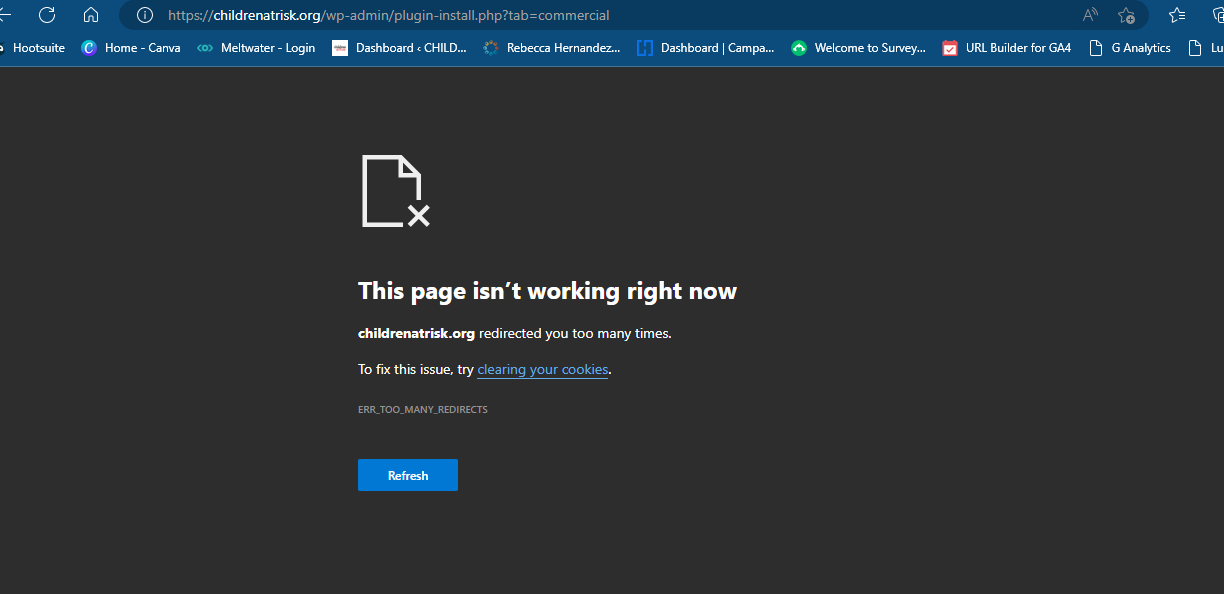
I am trying to: So I followed the instructions on Toolkit, deactivated the plug-in, deleted it and reinstalled it. However, I never saw an area to include the registration code, and now I can’t log into wordpress at all.

Is this something you can help with? Every time I try to login it times out and I can see it’s trying to redirect me to the plug-in installed/commercial page that I was on previously.

I also tried logging in from a different browser. Hope you can help!

Link to a page where the issue can be seen:

I expected to see:

Instead, I got:

#2534773

Christopher Amirian
Supporter

Languages: English (English )

Hi there,

Toolset does not redirect the page so it might be some other issue.

Would you please test the steps below?

- IMPORTANT STEP! Create a backup of your website.
- Switch to the default theme such as "TwentyTwenty" by going to "WordPress Dashboard > Appearance > themes".
- Go to "WordPress Dashboard > Plugins" and deactivate all plugins except Toolset and its add-ons.
- Check if you can still recreate the issue.
- If not, re-activate your plugins one by one and check the issue each time to find out the plugin that causes the problem.

Thanks.

The topic ‘[Closed] Toolkit not reinstalling; tried too many times; now locked out due to redirect’ is closed to new replies.