I am trying to:
- I have a Custom Type Editing Model with a form including 12 Wysiwyg textareas
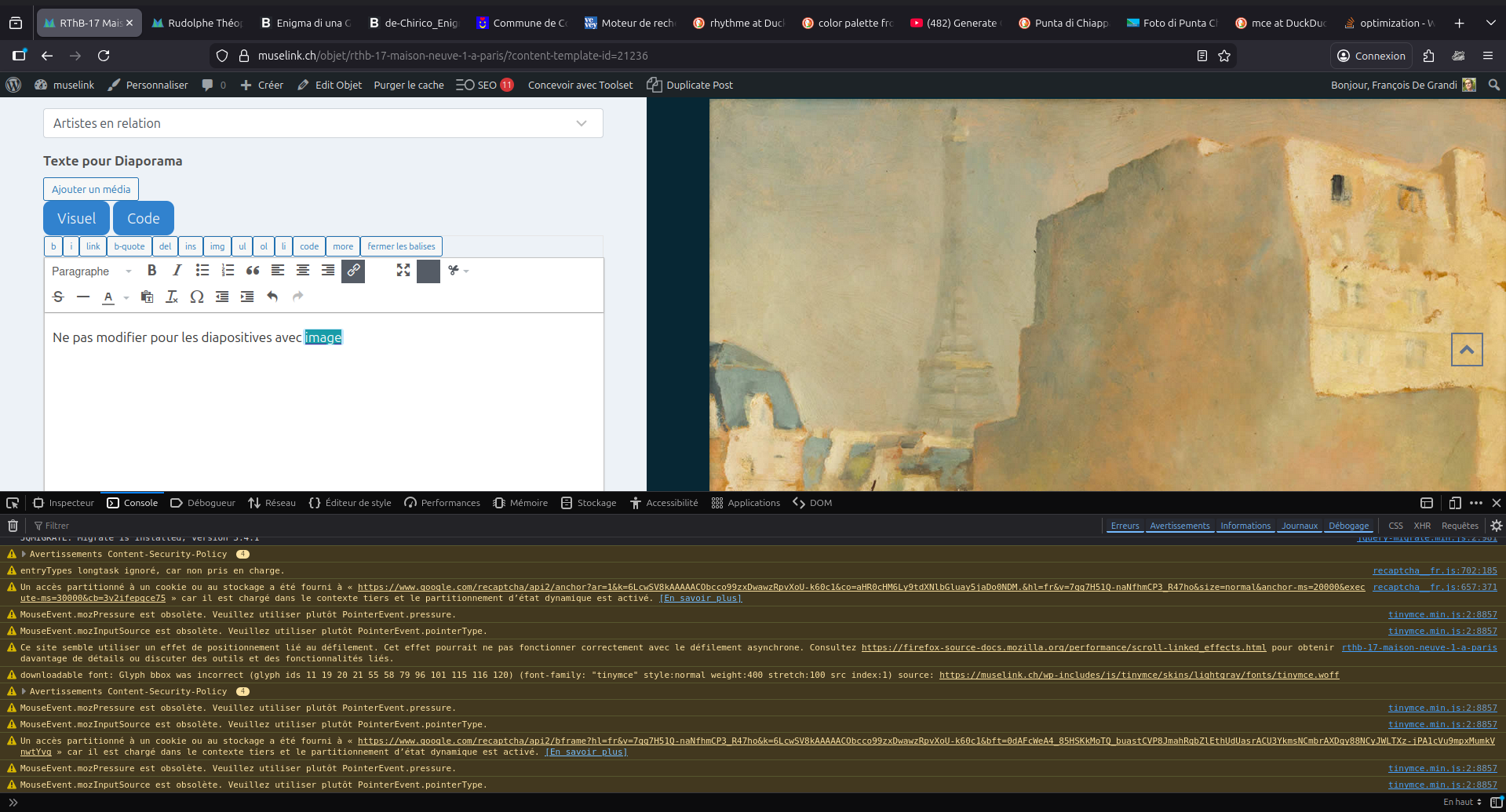
- in any of them, the link button (see attachment 1) does not work properly :
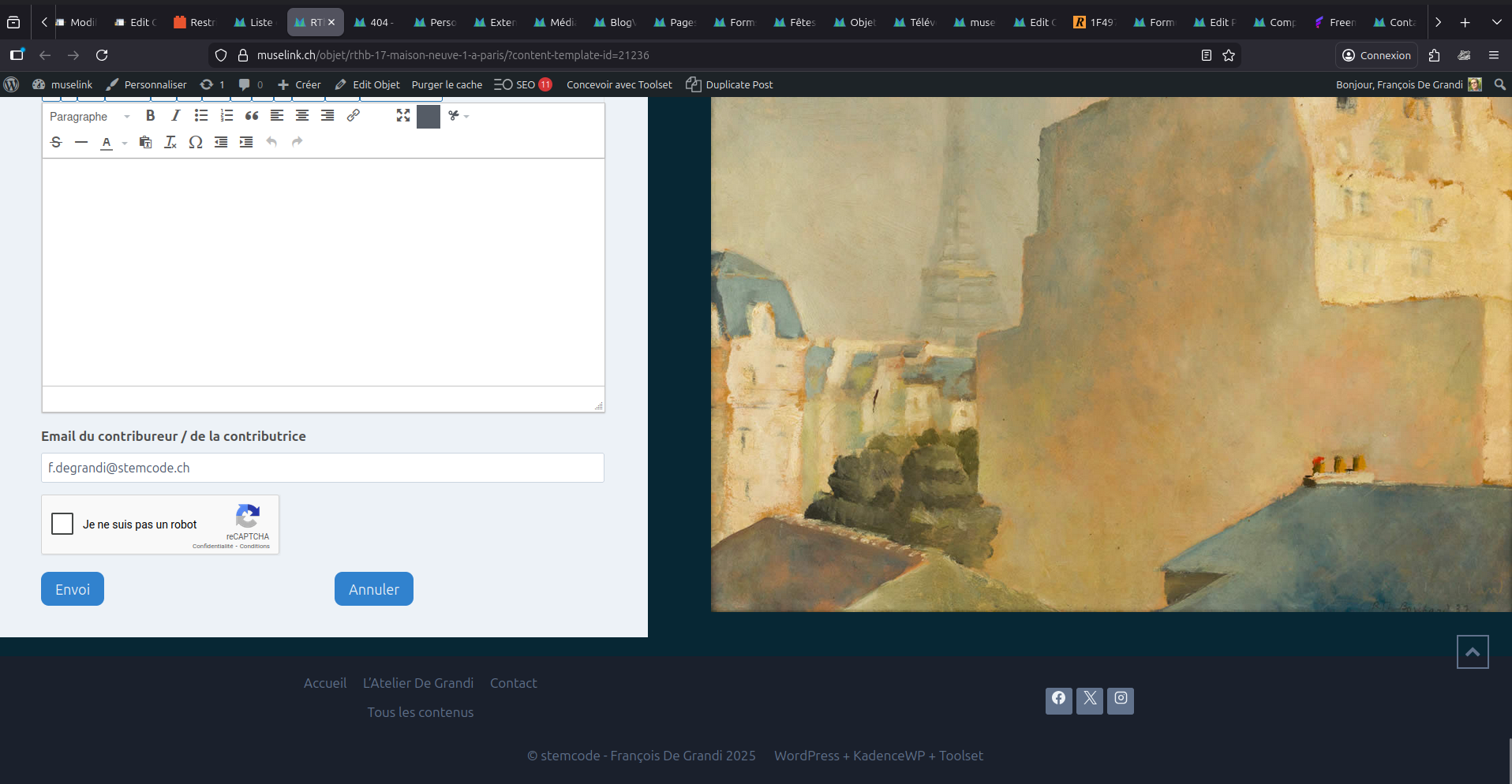
>> after selecting a text, when the link button is clicked, the display jumps to the end of the page (see attachment 2)
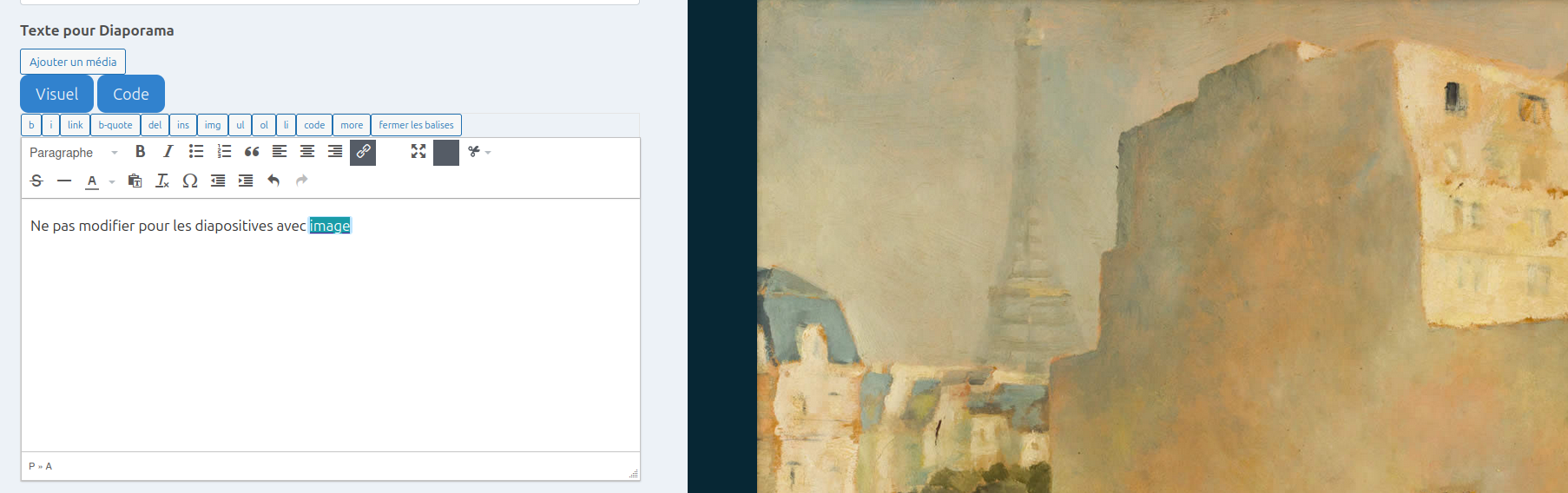
>> when returning to the concerned Wysiwyg textarea, the selected text is underlined (seems to be kinked)
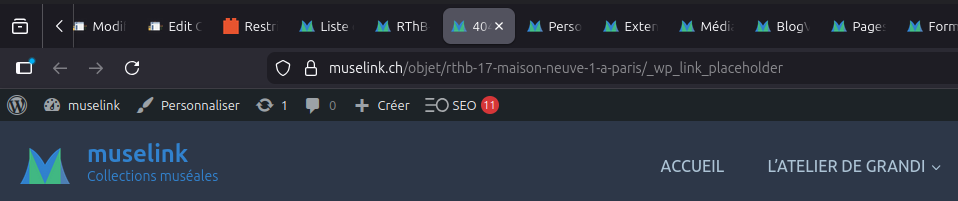
>> when this apparent link is clicked, it turns out that the URL it points to contains only a _wp_link_placeholder (see attachment 3)
>> when opening the console in devtools, I get several warnings concerning a deprecated JS Event code... (see attachment 4)
Link to a page where the issue can be seen: hidden link
You need to be logged in to access the Editing Model :
- I Here is your temporary access link :
I expected to see:
- I should see a small dialog box for entering a URL
Instead, I got: nothing
Why this issue is critical for this site ?
- the site is a collaborative platform for museums : it allows external experts to enter articles of documentation for museum srt works
- these experts are historians, journaliste, art critiques or artists who do not know how to create a text link in HTML
- therefore the necessity of using the Toolset Wysiwyg text area with the link button
Thank you in advance for helping me with this issue / bug.
Best regards,
This behavior usually happens when the editor’s link script is broken by a plugin/theme JS conflict (so WordPress falls back to _wp_link_placeholder).
Please follow the steps below and see if it you can find the culprit?
- IMPORTANT STEP! Create a backup of your website. Or better approach will be to test this on a copy/staging version of the website to avoid any disruption of a live website.
- Switch to the default theme such as "TwentyTwenty" by going to "WordPress Dashboard > Appearance > themes".
- Go to "WordPress Dashboard > Plugins" and deactivate all plugins except:
. Toolset Types
. Toolset Blocks/Views
- Check if you can still recreate the issue.
- If not, re-activate your plugins one by one and check the issue each time to find out the plugin that causes the problem.
I removed the temporary access as this is a public forum and is not safe to give links that contain access to the admin of the website.
Hi Christopher,
Thank you for your prompt response :
- I did all the steps you recommended in your message ( I also kept the Toolset Forms plugin active, since the problem is in a Toolset form)
- but unfortunately it did not resolve the problem at all : the behavior of the link button remains exactly the same
It is indeed a JS conflict, but I do not know where to look :
- I checked the dev console and debug and looked at the tinyMce JS code
- but it is minified, so I could not find anything meaningful in connection with the link button
I also googled it, and did not find anything specific so far, except a recommendation to upgrade the version of the tinymce editor... ?
So what could I do now ?
This issue is of prime importance for my client, and it needs to be resolved.
I hope you can help.
Thank you. I tried to edit the form and that seems to be working ok. Do I miss something? maybe if you can record your screen using loom.com to show me the exact place and steps I need to do?
I recorded this video showing what I was trying to do: hidden link
Also we will need your permissiont to copy the website to our server for further investigation if needed.
Yes, you have my permission to copy the website to your server for further investigation.
Here is the link to the Loom video I made to show you the problematic behavior of the "insert link" button of the tinymce editor of the Wisiwyg fields of the Toolset form included in the content model for editing "Objets" Types.
: hidden link
Let me know if the link works properly,
I hope this helps and I am waiting for your response.
Best regards,
One more thing :
- all other buttons of the tinymce editor in those Wysiwyg fields do function properly and the Objet instance is updated correctly when the form is submitted.
Thank you for the information and the video. I tried to copy the website, but I do not have the correct user login, and the temporary login you gave does not work for me.
Would you please set the next reply as private and create an administrator role for me?
One more thing is to check if you changed the theme, either? Because the issue you are experiencing might come from a code that might be from the theme or the custom snippets of Toolset that you have.
However - this issue is tricky as it involves tinymce editor and inside tinymce editor there is link button and tinymce edtor is rendreded using iframe. I do not have any concrete solution yet but just curious if you setup a staging/test site and then try to disable all non-Toolset plugins and check if that helps. Do you see any difference when only Toolset plugins active or additionally with defualt theme?
Hi Minesh,
Yes, after doing a full site backup, I did all the steps you suggest and that Christopher asked me to do in his previous message of December 23 :
- but, as mentioned in my previous message of December 24, unfortunately it did not resolve the problem at all : the behavior of the link button remains exactly the same, it still jumps to the end of the page.
Therefor, meanwhile, since this linking functionality is key to this site, I found a workaround, for the people who will use that form to contribute to the museum documentation, and who do not know how to insert a link in HTML at all :
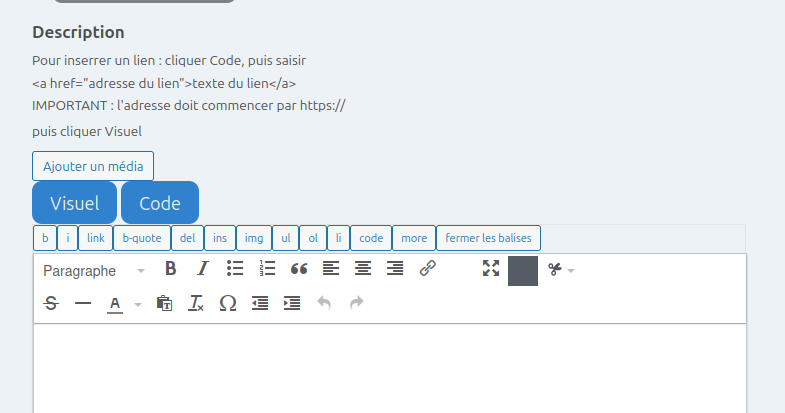
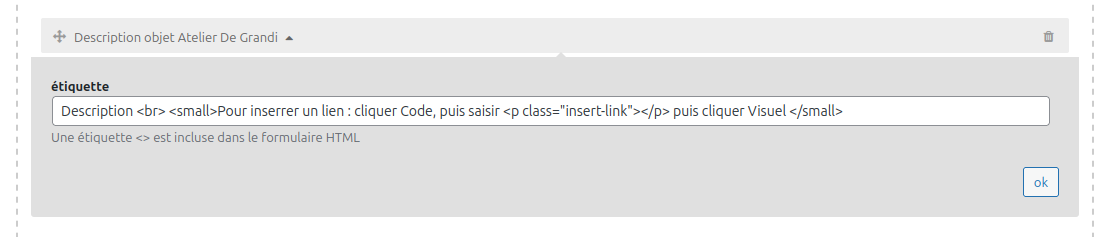
- I used the Wysiwyg field's label field to insert a small text describing how to insert a link : see attachment 1
- I then added a small JavaScript code snippet in the JS field of tĥe form, in order to sanitize the HTML code they have to copy : : see attachment 2
- if you watch the video I made for Christopher in my previous message of December 24, you will be able to see the result on the Form (the admin account I set up for Christopher is still active) : see attachment 3
For now it will suffice. I keep this ticket open.
I do understand that this is a difficult issue for you to debug, because it involves an external plugin : tinymce.
But I think that I am not the first nor the last user to encounter this problem, and, since I suppose that Toolset must have a contract to use tinymce with it's vendor, I suggest that you check with them, to find out if they had this problem before, and help youtodebug it.
So I hope you will find the solution and I will wait until then to close this ticket.
I must tell you that the Toolset plugins are extraordinarily powerful : I have done things with them that I had not been able to do with anything else, especially on this museum site.
Thank you in advance for your efforts.
Best regards,
Francesco De Grandi