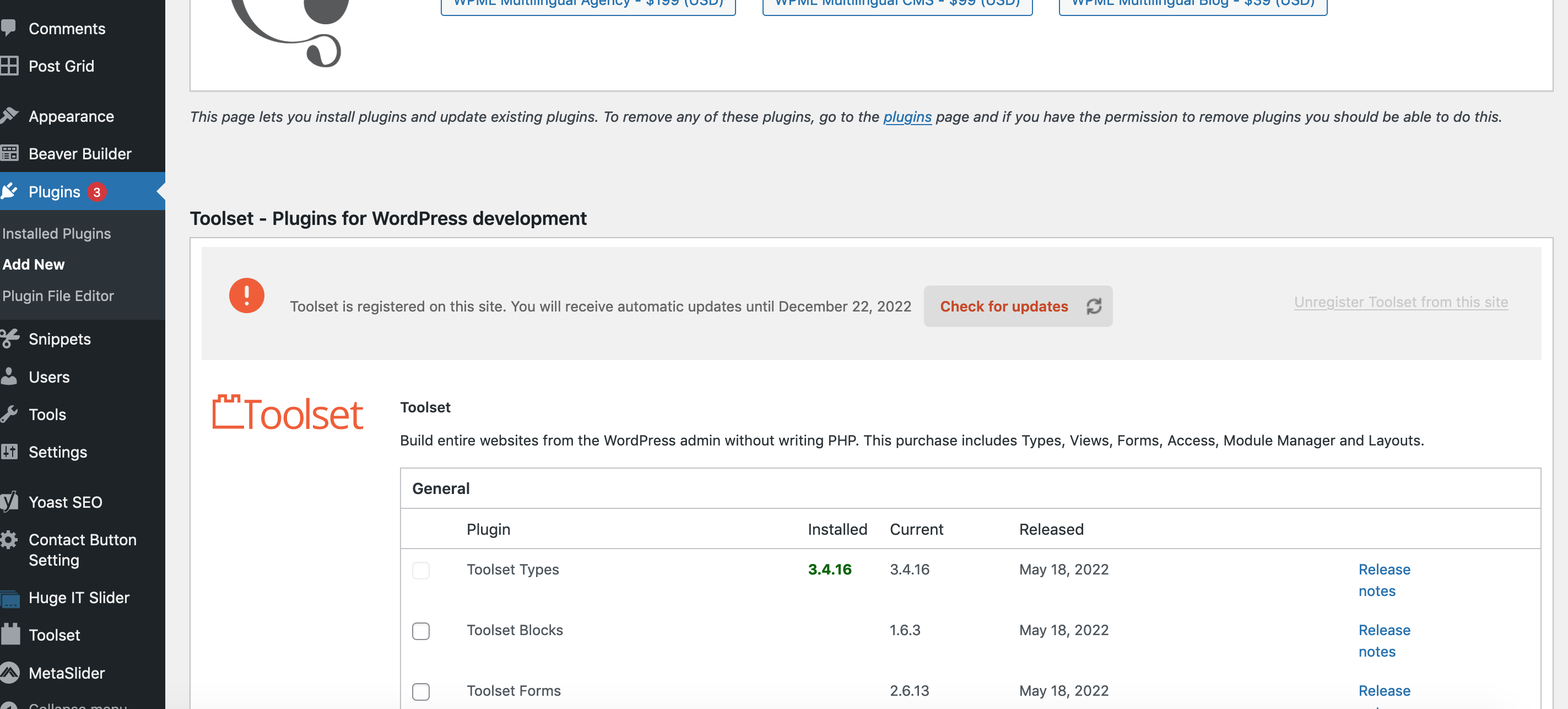
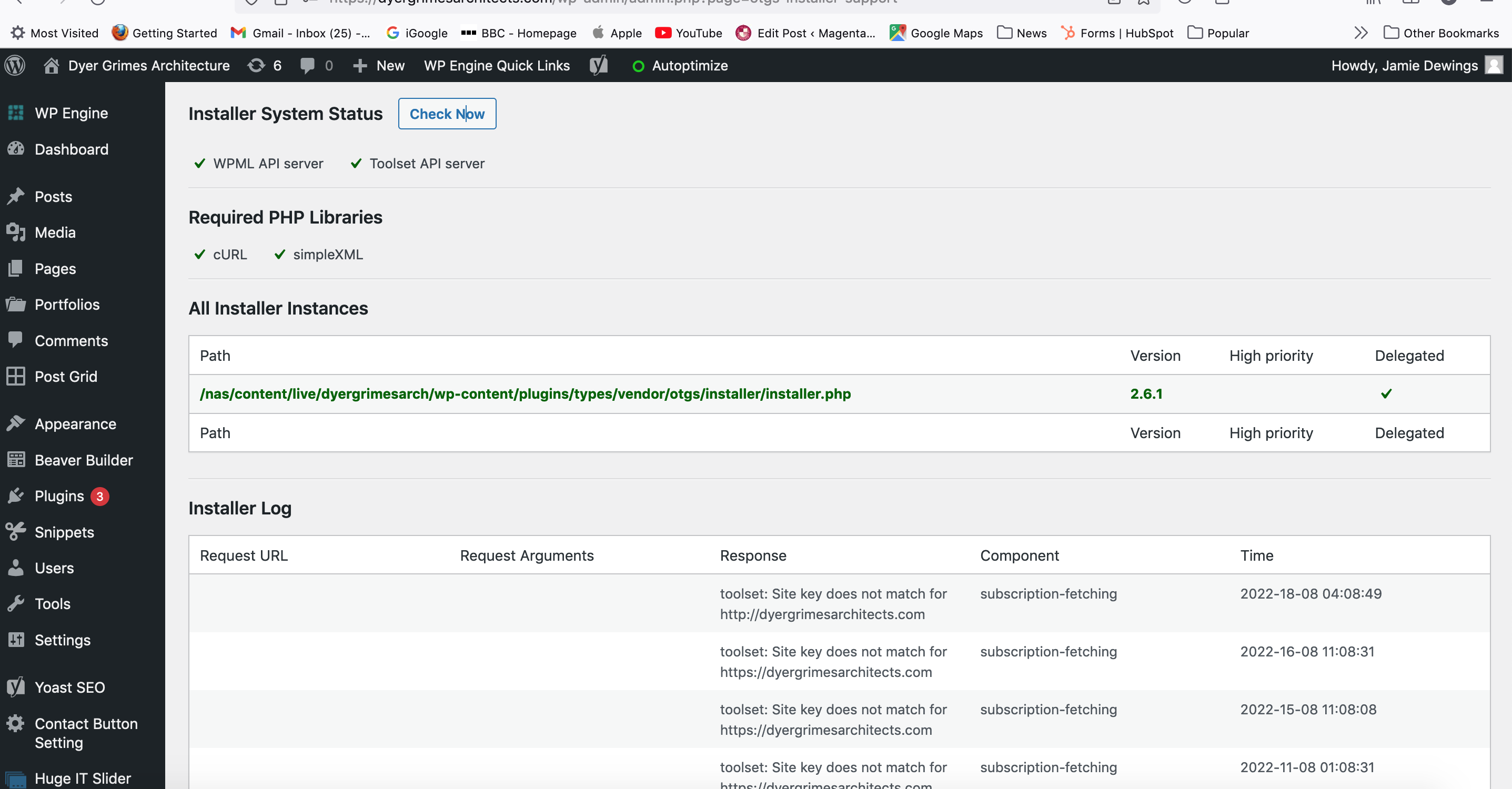
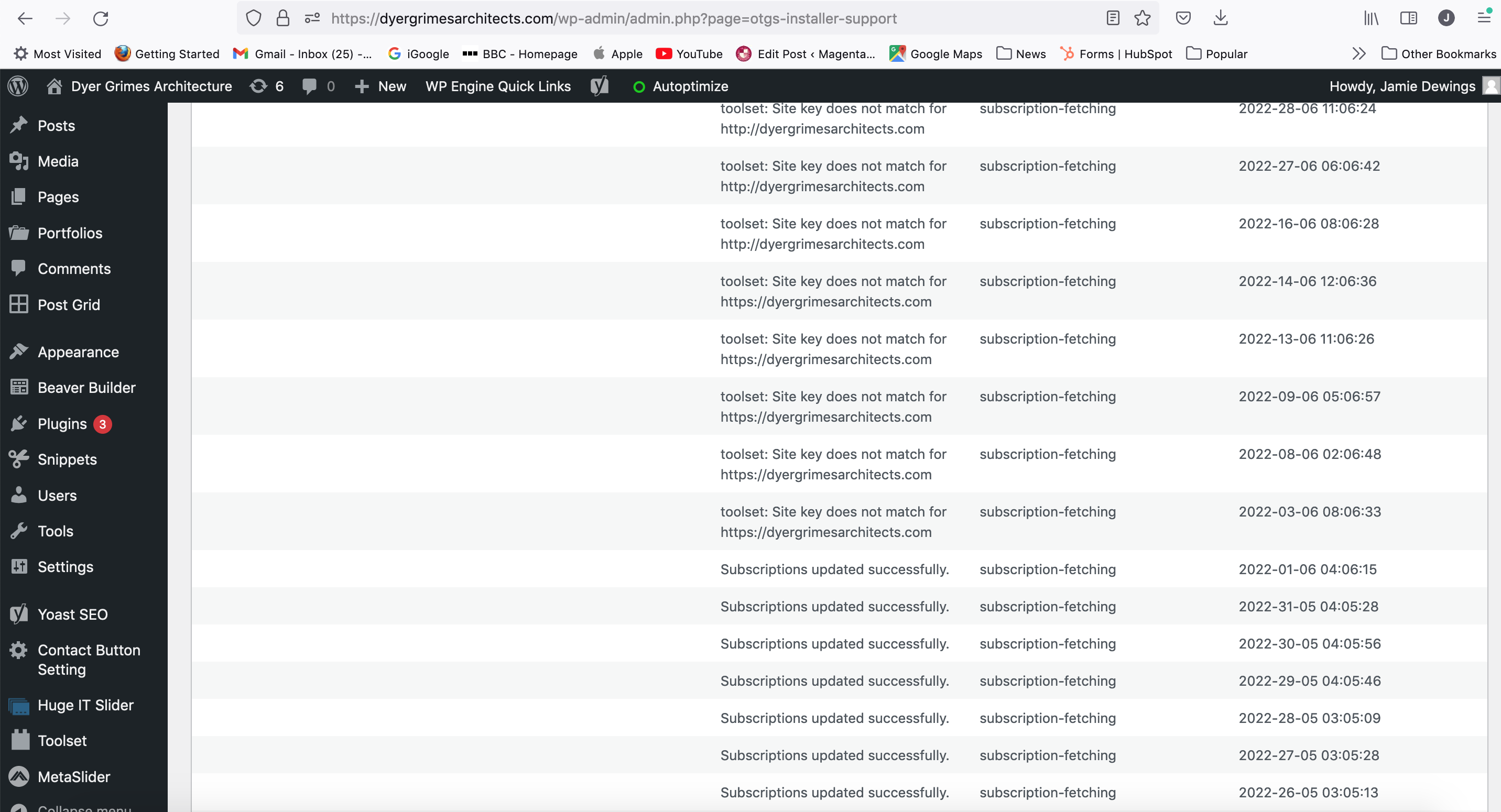
Tell us what you are trying to do? I moved the site between environments in the WP Engine back end today and the same issue happened as on 01 June. Looking at the Installer Log when I fixed it on 01 June it happened again on 03 June and hasn't been fixed since. I have tried un-registering and re-registering with the site key in my account and still nothing. Can you help?
Is there any documentation that you are following? No
Is there a similar example that we can see? see attached screenshots
What is the link to your site? dyergrimesarchitects.com/
Let me know if you need anymore info. I look forward to your reply
Thanks Jamie
This error generally occurs when you've migrated your site and the url changes and your Toolset plugins can no longer validate with our servers.
To check if your plugins are able to validate correctly you will need to go to Toolset -> Dashboard, then click on help in the top right hand corner. Select the Toolset Debug tab then click "Toolset Debug Information and Troubleshooting"
From there you will be taken to the Toolset Debug information. Scroll down on the page until you see the link for "Installer Support". Click this link.
You should now be able to see your site validation information. If you're see "Toolset site key not matching for hidden link" then you will need to regenerate your site as the URL may have changed and your key isn't validating for the current URL.