Skip Navigation

[Resolved] showing login/register even after user already logged in

This support ticket is created 3 years, 10 months ago. There's a good chance that you are reading advice that it now obsolete.

This is the technical support forum for Toolset - a suite of plugins for developing WordPress sites without writing PHP.

Everyone can read this forum, but only Toolset clients can post in it. Toolset support works 6 days per week, 19 hours per day.

Sun Mon Tue Wed Thu Fri Sat
- 10:00 – 13:00 10:00 – 13:00 10:00 – 13:00 10:00 – 13:00 10:00 – 13:00 -
- 14:00 – 18:00 14:00 – 18:00 14:00 – 18:00 14:00 – 18:00 14:00 – 18:00 -

Supporter timezone: Asia/Kolkata (GMT+05:30)

This topic contains 13 replies, has 2 voices.

Last updated by hadeyL 3 years, 10 months ago.

Assisted by: Minesh.

Author
Posts
#2329347
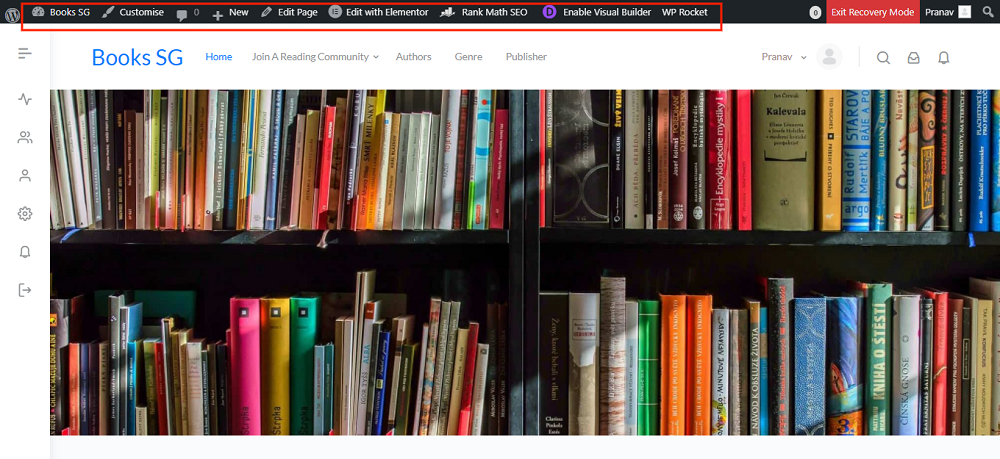
screenshot-books.sg-2022.03.29-14_09_16.png

hello
I'm using toolset plugin and gs bookshowcase
these three plugin
1. Toolset Access
2. Toolset Types
3. Toolset Blocks
creating issue when i'm deactivate these three then login working fine
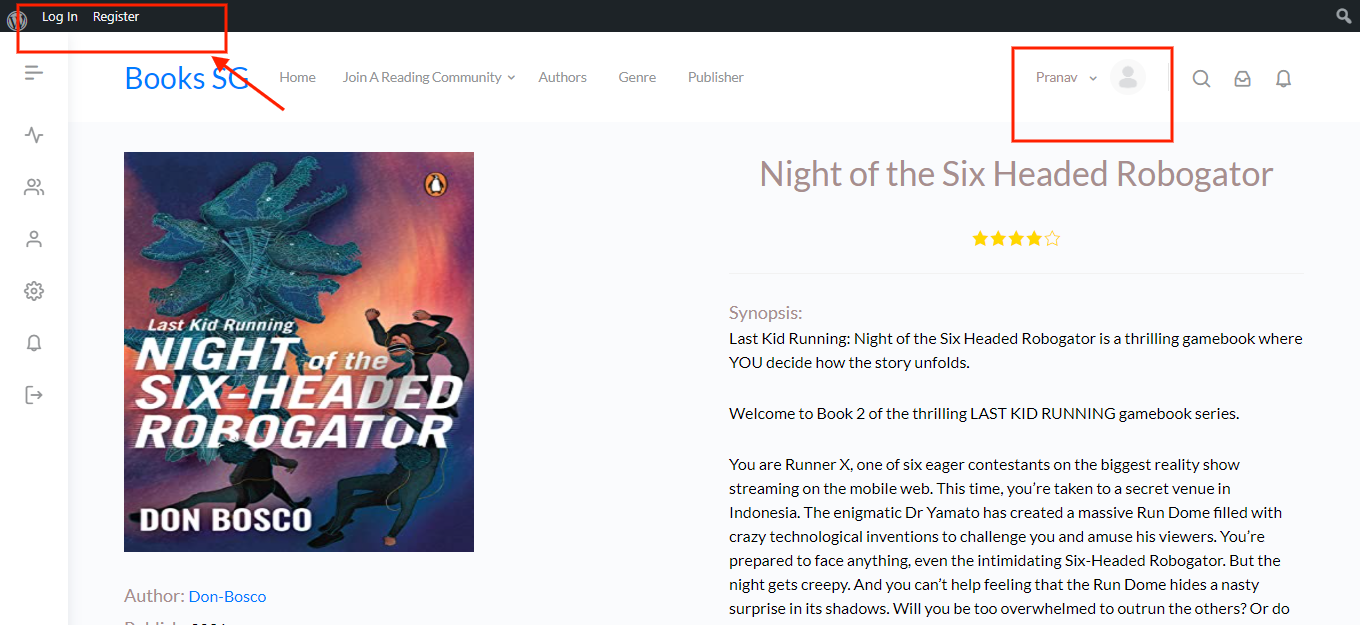
using these plugin when user already login it is showing login/register on admin bar
it is happening only when i'm open book detail page for other page it is working fine
please check and let me know what is the issue

Thanks

#2329393

Minesh
Supporter

Languages: English (English )

Timezone: Asia/Kolkata (GMT+05:30)

Hello. Thank you for contacting the Toolset support.

I will require to check what thing is adding the login/register links on admin bar when you are logged in and for that I will require admin access details.

*** Please make a FULL BACKUP of your database and website.***
I would also eventually need to request temporary access (WP-Admin and FTP) to your site. Preferably to a test site where the problem has been replicated if possible in order to be of better help and check if some configurations might need to be changed.

I have set the next reply to private which means only you and I have access to it.

#2329609

Minesh
Supporter

Languages: English (English )

Timezone: Asia/Kolkata (GMT+05:30)

I checked and the those admin bar links are added by buddypress or any addon buddypress plugin.

The workaround would be by adding custom code and for that I will require FTP access details.

I have set the next reply to private which means only you and I have access to it.

#2329891

Minesh
Supporter

Languages: English (English )

Timezone: Asia/Kolkata (GMT+05:30)

Can you please check now: hidden link

I've added the following hook to your theme's functions.php file:

add_action('wp_head', 'func_hide_login_register_links');

function func_hide_login_register_links() {
if (!is_admin() and is_user_logged_in()) {
  echo '<style>
    #wp-admin-bar-bp-login, #wp-admin-bar-bp-register {
       display:none;
    } 
  </style>';
	}
}

Can you please confirm it works as expected.

#2329921
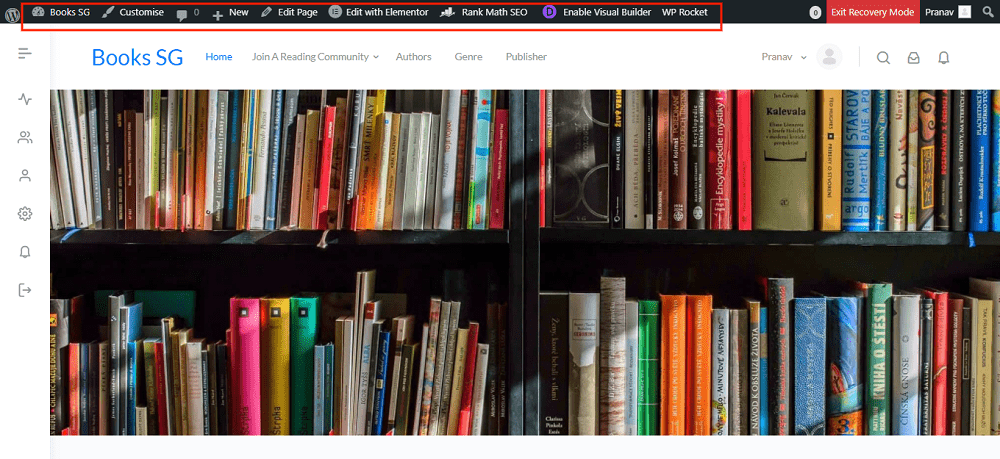
screenshot-books.sg-2022.03.30-12_35_36.png

hi
I'm not want like this
as you can see other pages also have correct admin bar(how its like attached screenshot)
after add your code there is also error came
I want in admin bar showing like other pages

this issue occur after adding your code
Error Details
=============
An error of type E_PARSE was caused in line 1003 of the file /home/thebusi/public_html/books.sg/wp-content/themes/buddyboss-theme-child/functions.php. Error message: syntax error, unexpected '!'

Please have a look

#2329935

Minesh
Supporter

Languages: English (English )

Timezone: Asia/Kolkata (GMT+05:30)

If I disable the code, see on single page how the admin bar looks like:
=> hidden link

I see Toolset plugins are already disabled on your site, so its not Toolset fault.

#2329937
screenshot-books.sg-2022.03.30-12_35_36-min.png

I just rollback your code
I'm using toolset type if I'm deactivate it after that it is working fine
but with toolset type plugin admin bar not working fine only for post pages on other pages it is working fine
on book detail page I want to show admin bar as I sent in screenshot

please have a look

#2330041

Minesh
Supporter

Languages: English (English )

Timezone: Asia/Kolkata (GMT+05:30)

I checked with my test site where only Toolset plugins and WP Rocket plugin is installed and activated. You can login to the site using the following link:
=> hidden link

If you visit the single post for post type GYM on frontend, please check below link:
=> hidden link

I can see the admin bar works as expected and all options are presented there.

This could be the conflict between the theme or plugin you are using. Can you please try to deactivate plugins one by one or also try to check with default theme - Do you able to locate the any plugin that has conflict or theme?

#2330143

already checked by deactivate plugin

I'm using gs bookshowcase plugin to show books

found confliction with toolset type plugin
As I told you before if I'm deactivate toolset type plugin after that it is working fine

please check

#2330759

Minesh
Supporter

Languages: English (English )

Timezone: Asia/Kolkata (GMT+05:30)

Can you please send me duplicator copy of your site, this will require further debugging and we do not recommend to debug on live sites.
=> https://toolset.com/faq/provide-supporters-copy-site/

I have set the next reply to private which means only you and I have access to it.

#2333341

Minesh
Supporter

Languages: English (English )

Timezone: Asia/Kolkata (GMT+05:30)

I've escalated your issue to our next level support. Please hold on for further updates.

#2333353

ok thanks
waiting for your next reply

#2334237

Minesh
Supporter

Languages: English (English )

Timezone: Asia/Kolkata (GMT+05:30)

Our next level support has checked the issue and we found it working when we switch to the parent theme as well as with default twenty twentytwo theme.

The issue happens only with your child theme and we do not debug child themes and you will have to check with your theme author for further assistance.

#2334955

My issue is resolved now. Thank you for help