Skip Navigation

[Resolved] Problem using Divi and Toolset

This support ticket is created 4 years ago. There's a good chance that you are reading advice that it now obsolete.

This is the technical support forum for Toolset - a suite of plugins for developing WordPress sites without writing PHP.

Everyone can read this forum, but only Toolset clients can post in it. Toolset support works 6 days per week, 19 hours per day.

Sun Mon Tue Wed Thu Fri Sat
- 9:00 – 12:00 9:00 – 12:00 9:00 – 12:00 9:00 – 12:00 9:00 – 12:00 -
- 13:00 – 18:00 13:00 – 18:00 13:00 – 18:00 14:00 – 18:00 13:00 – 18:00 -

Supporter timezone: America/Jamaica (GMT-05:00)

This topic contains 2 replies, has 2 voices.

Last updated by ugoL 4 years ago.

Assisted by: Shane.

Author
Posts
#2277535
04.JPG
03.JPG
02.JPG
01.JPG

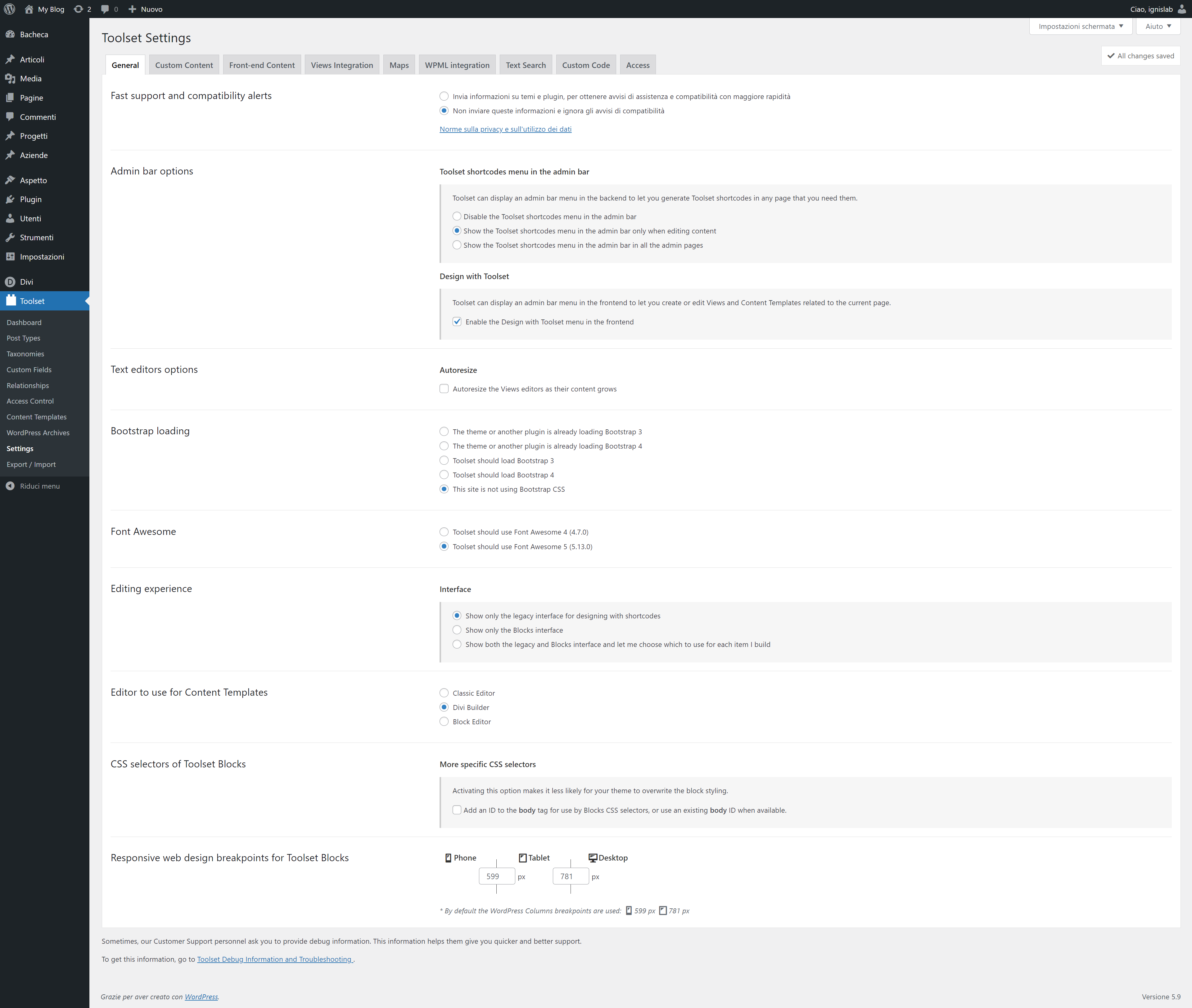
We try to create a listing of agency.
We try different tutorials, like this hidden link but its always tha same problem, cant disable Gutemberg.
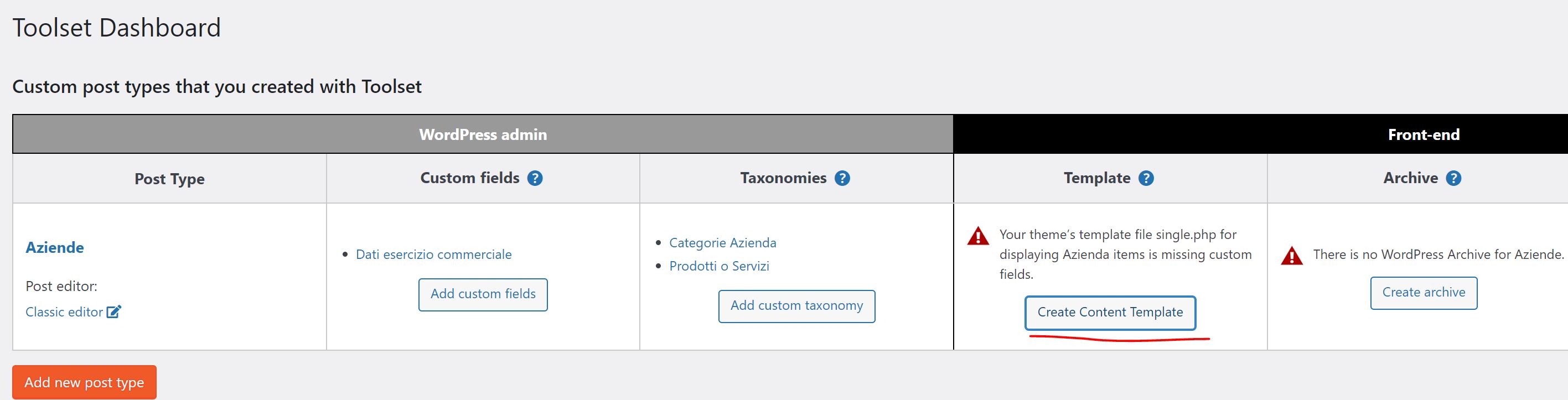
Creating a custom post and taxomies its all ok.
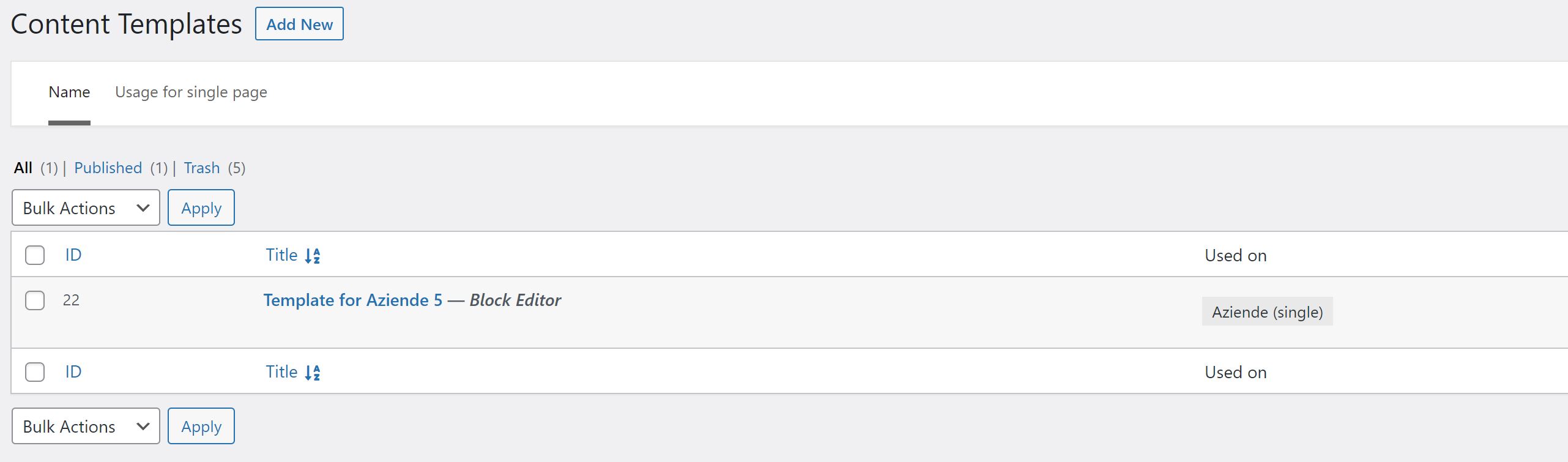
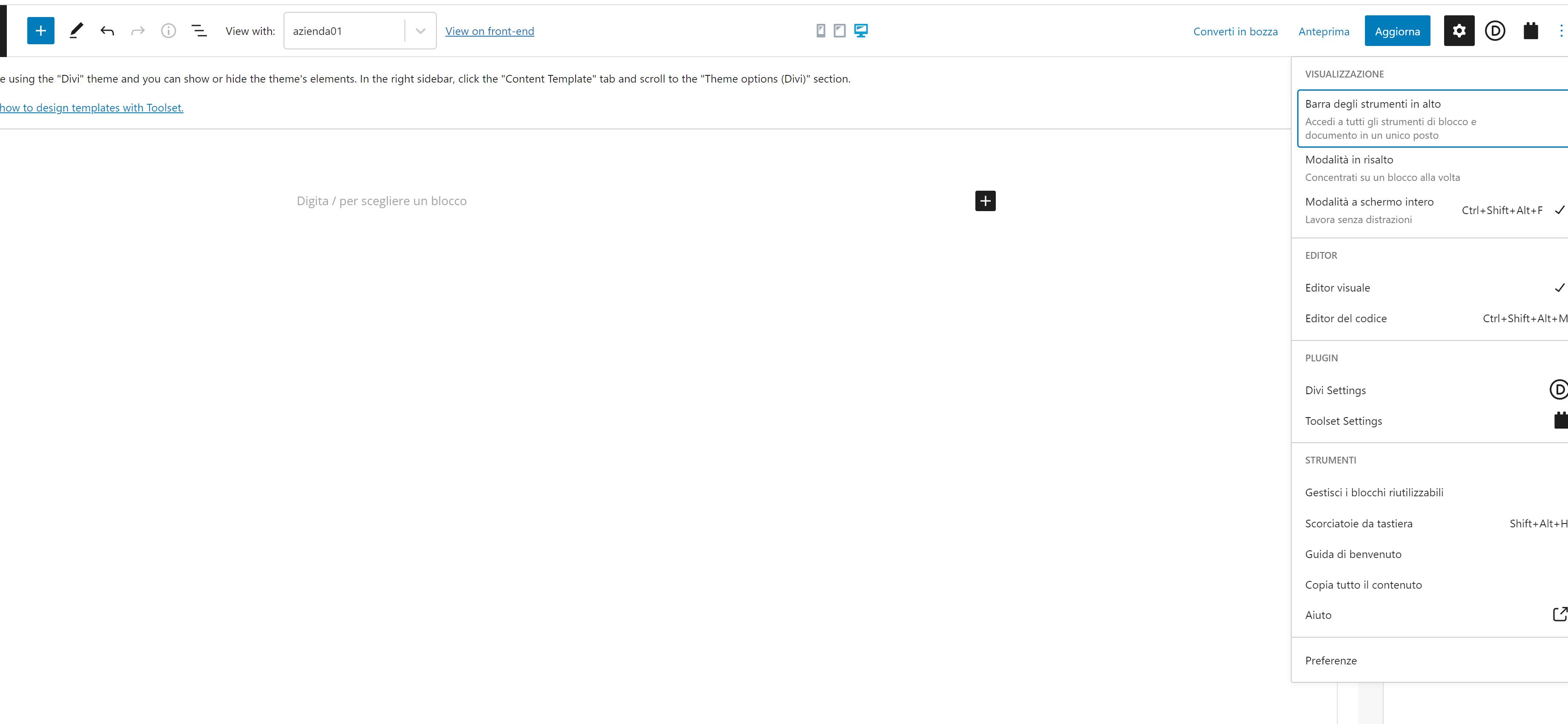
But when create the template for a single "agency" its always the block editor and can not switch to divi builder.
We disable gutemberg by Divi settings and with a plugin, everywere disappear (post taxonomies), but only in "template design" its still there.

#2277649

Nigel
Supporter

Languages: English (English ) Spanish (Español )

Timezone: Europe/London (GMT+00:00)

Hi there

It is no longer recommended to design Toolset templates using Divi.

You should avoid mixing Toolset and Divi on the same page.

The Divi theme lets you create templates for single custom posts, which is one option.

Or you can create a Toolset Content Template for the post type, and design it with the block editor (Gutenberg).

Designing Toolset templates with the Divi builder is no longer supported.

Please see the video on this page for guidance about using Divi and Toolset together: https://toolset.com/2020/01/how-to-build-advanced-sites-with-toolset-and-divi/

#2277843

My issue is resolved now. Thank you!