Hello. Thank you for contacting the Toolset support.
I checked but I could not able to spot the dealer information template you use. Can you please share Elementor templtae link where you added that dealear information?
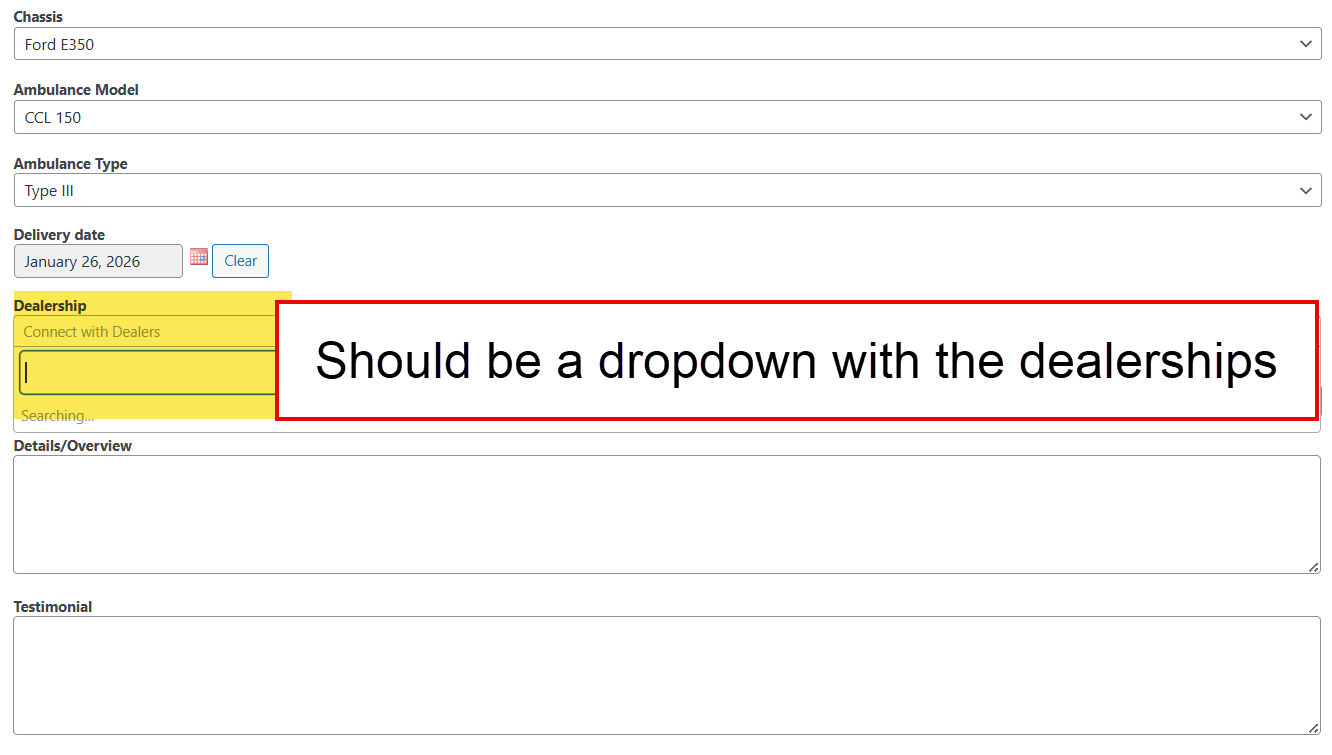
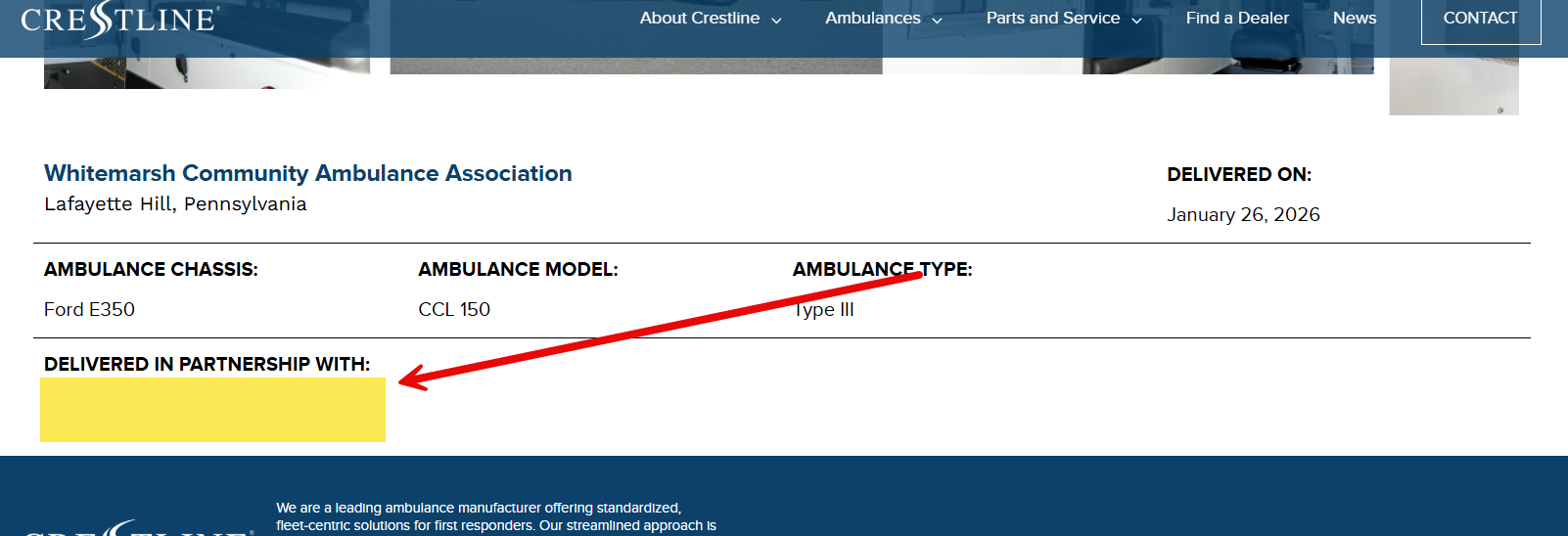
Ok - when I checked further, I see there is no dealer associated with that post in backend when I edit the post and strange thing is that even I can not attach the dealer:
- hidden link
Yes, that's the issue we're encountering. It was working before. I tried re-saving the custom fields settings. I also created a new custom type and tried the post reference field and also tried using Post instead of dealer just to find which exactly is causing the issue. I've ran out of things to try and have also deactivated most of the plugins on the site.
We have other websites that is using Post Reference but they're still all working so not sure what made this site different.
I just with my local test installation where I have added post reference field and it works without any issues.
Can you check with brand new installation and setup a post reference field and check if that works, if yes that means and that confirm the situation that the issue is with your site.
In that case:
Could you please try to resolve your issue by deactivating all third-party plugins as well as the default theme to check for any possible conflicts with any of the plugins or themes?
- Do you see any difference? if no:
I will require test site where I can add/delete plugins as well as perform deep troubleshooting.
I wonder if it's also caused by a recent change we did and just didn't notice this issue when reviewing the site.
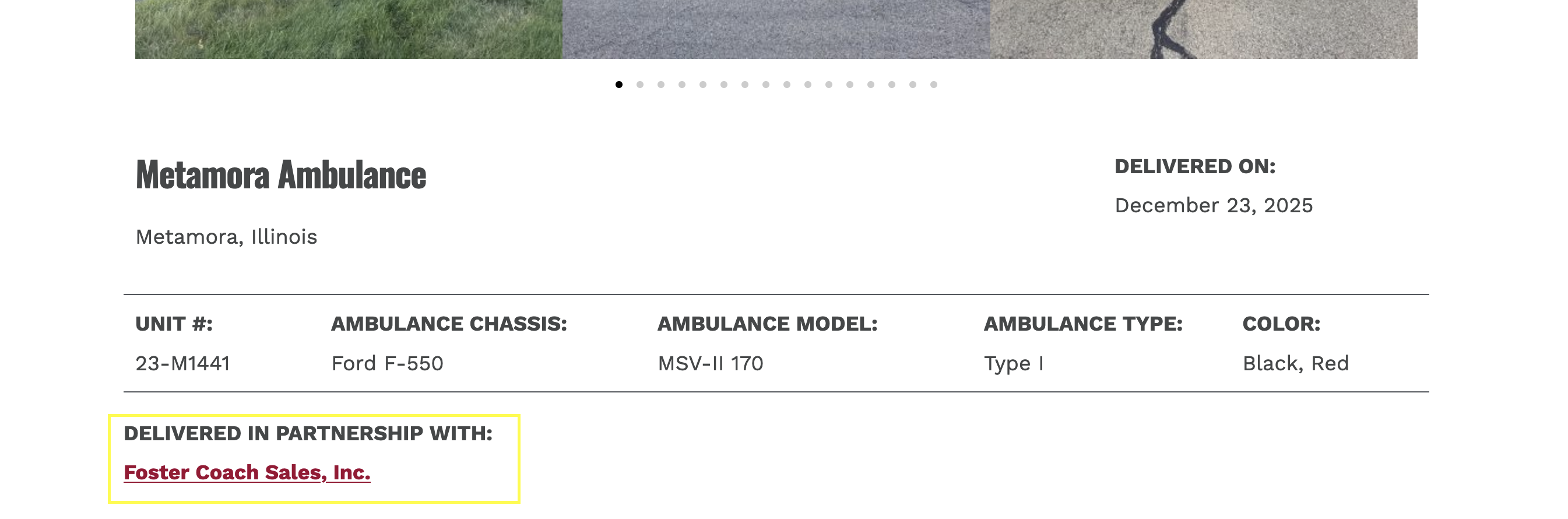
We migrated from Flywheel to Siteground as a Multisite. Here's the site on Flywheel with the same delivery item in the reference above - hidden link
The site is now split as separate stand alone single WP sites. I wonder if this changed something in Toolset?
That's the only major change I can think of that could have caused this.
We availed Siteground migration service so we don't know what method/plugins they used exactly.
We do actually have a new site in development on Siteground with the similar set-up of using the Post Reference field. Here's an example delivery page - hidden link
So this confirms your question that Post Reference field works on a new site.
I will try re-creating Dealer and Delivery as new post type on the test site hidden link and see if that makes a difference.
I tried deleting the Dealer and Delivery items as well as the post type and imported it directly from the site where the Post Reference was still working - hidden link
Post Reference field still doesn't work on the test site, see here - hidden link
I actually tried that last time and tried just now and encountered this error "An error when creating a relationship "Dealers Deliveries": No relationship with slug "dealer-delivery" was found."
Well - I do not know the actual site history and I do not see any other reproted the same issue in recent time. It could be due to confclit of slugs or anythings else.
That is why I asked you to create a brand new test site and create Dealers and Delivery post type and also create post reference field and try to add few posts and check if that works.
What if you try to download the latest Toolset Blocks plugin from the Downloads page and replace it with your existing one.
- https://toolset.com/account/downloads/