Skip Navigation

[Resolved] Post form elements not visible?

This support ticket is created 3 years ago. There's a good chance that you are reading advice that it now obsolete.

This is the technical support forum for Toolset - a suite of plugins for developing WordPress sites without writing PHP.

Everyone can read this forum, but only Toolset clients can post in it. Toolset support works 6 days per week, 19 hours per day.

Sun Mon Tue Wed Thu Fri Sat
- 10:00 – 13:00 10:00 – 13:00 10:00 – 13:00 10:00 – 13:00 10:00 – 13:00 -
- 14:00 – 18:00 14:00 – 18:00 14:00 – 18:00 14:00 – 18:00 14:00 – 18:00 -

Supporter timezone: Asia/Kolkata (GMT+05:30)

This topic contains 9 replies, has 2 voices.

Last updated by Minesh 2 years, 12 months ago.

Assisted by: Minesh.

Author
Posts
#2567671
CleanShot 2023-03-07 at 13.32.23@2x.png

Hello,
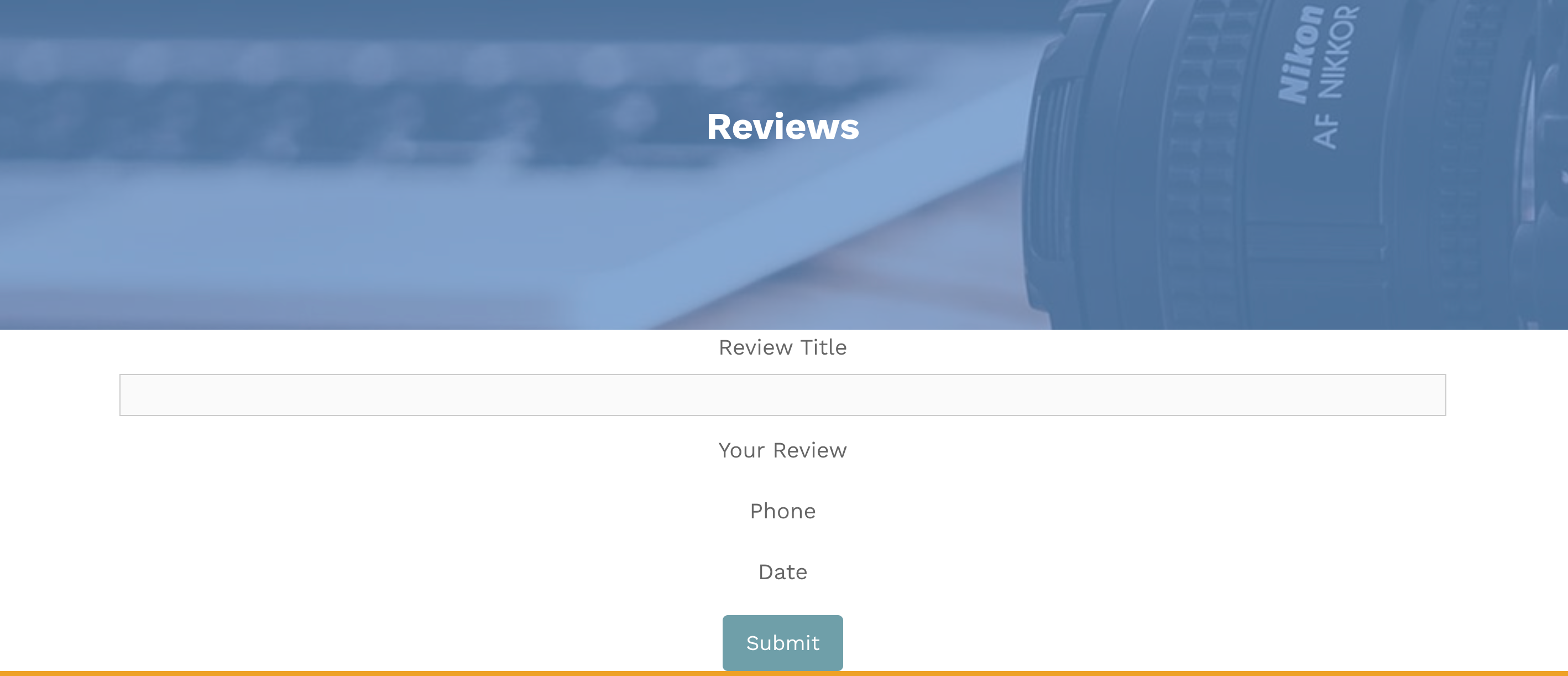
I have created a post from for adding reviews. But the elements I've added - multiple lines [Your Review], phone and date are not showing at the front end?

hidden link

Thanks
Rich

#2567773
Screenshot 2023-03-07 at 16.01.32.png
Screenshot 2023-03-07 at 16.01.14.png

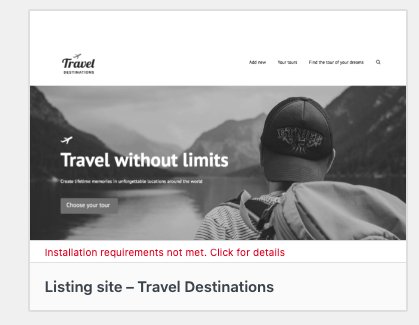
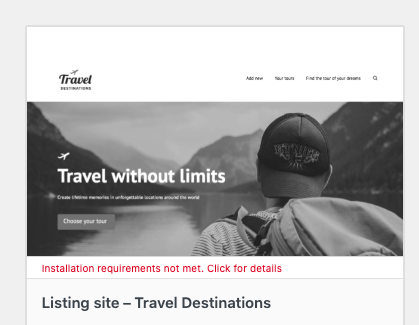
Ok, instead of waiting I decided to run a clean install in the hope of installing the ref site: Listing site – Travel Destinations.
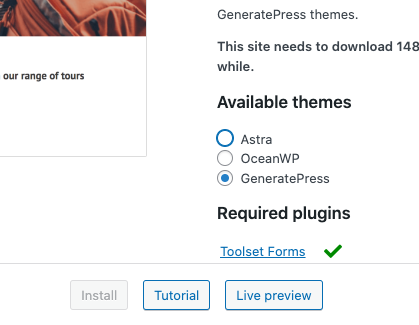
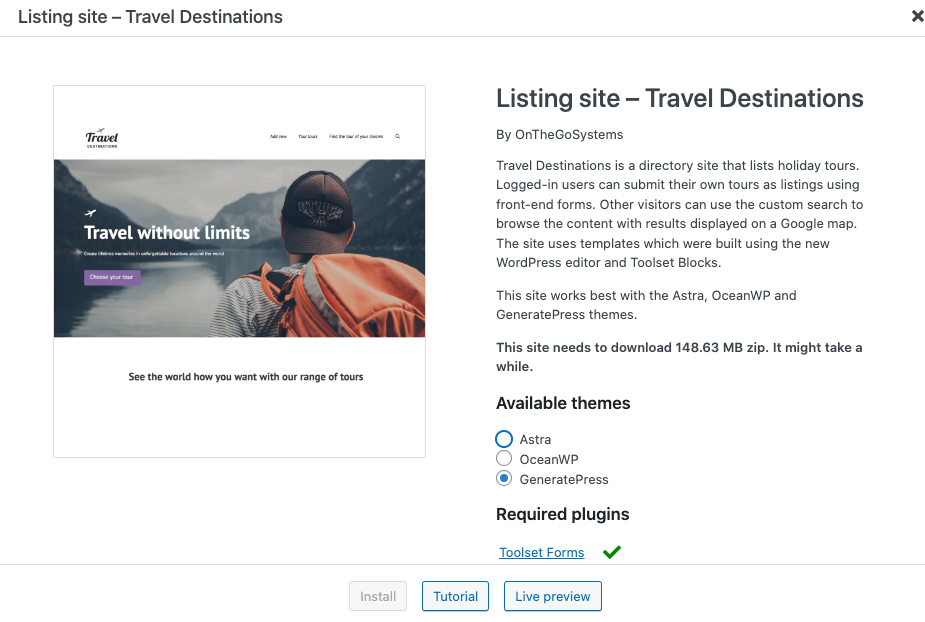
But I'm unable to do so as the install button is greyed out?

Can you help?

hidden link

#2568301

Minesh
Supporter

Languages: English (English )

Timezone: Asia/Kolkata (GMT+05:30)

Hello. Thank you for contacting the Toolset support.

Regarding the reference site you are trying to create - I can see that there is a error that "Installation requirement does not match.". See the screenshot you shared:
=> https://toolset.com/wp-content/uploads/2023/03/2567773-Screenshot_2023_03_07_at_16.01.14.png

Now regarding the issue, I'm not sure why the form fields are not get displayed. I will have to check whats going wrong with your setup and for that I will require admin access details.

*** Please make a FULL BACKUP of your database and website.***
I would also eventually need to request temporary access (WP-Admin and FTP) to your site. Preferably to a test site where the problem has been replicated if possible in order to be of better help and check if some configurations might need to be changed.

I have set the next reply to private which means only you and I have access to it.

#2568317

Minesh
Supporter

Languages: English (English )

Timezone: Asia/Kolkata (GMT+05:30)

I do not see the page now: hidden link

Have you deleted it? where I can see the issue as well as do you mean you do not able to install the theme? if yes, what theme you would like to install?

#2568321
Screenshot 2023-03-08 at 12.09.56.png

So as I have stated I have since removed that installation and created a new one.

The issue I have now is not being able to install "travel destinations' - see screenshot

#2568333

Minesh
Supporter

Languages: English (English )

Timezone: Asia/Kolkata (GMT+05:30)

The reason you were not able to install the reference site "Travel Destination" because you did not installed the Toolset access plugin as per requirement. I've installed that now.

You should go to reference site page now:
- hidden link
- Click on "Travel Destination" site to install and just check mark the two checkboxes at bottom of the popup and you will be able to install the site now.

#2568335
Screenshot 2023-03-08 at 12.20.48.png

Excellent, thank you. Unfortunately I can't see those checkboxes [I'm currently working on a MacBook Air].

Could you possibly do this for me or advise on how I access the checkboxes?

#2568347

Minesh
Supporter

Languages: English (English )

Timezone: Asia/Kolkata (GMT+05:30)

Please check the following video: hidden link

If you still do not able to make it - please confirm that the access details you shared for a site is a blank site and there in nothing to backup and I will install the "Travel Destination" reference site.

#2568361

Thanks Minesh. I'm still having difficulty so could you go ahead and install this for me.
Just to confirm that it is blank site.

#2568363

Minesh
Supporter

Languages: English (English )

Timezone: Asia/Kolkata (GMT+05:30)

Its done. Thanks.