Tell us what you are trying to do?
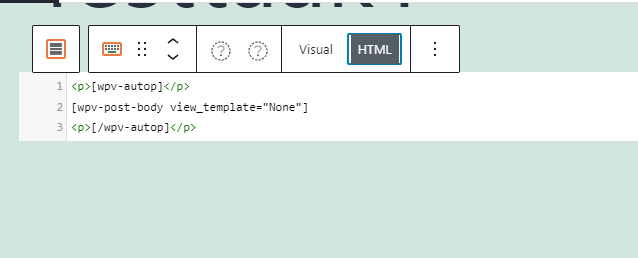
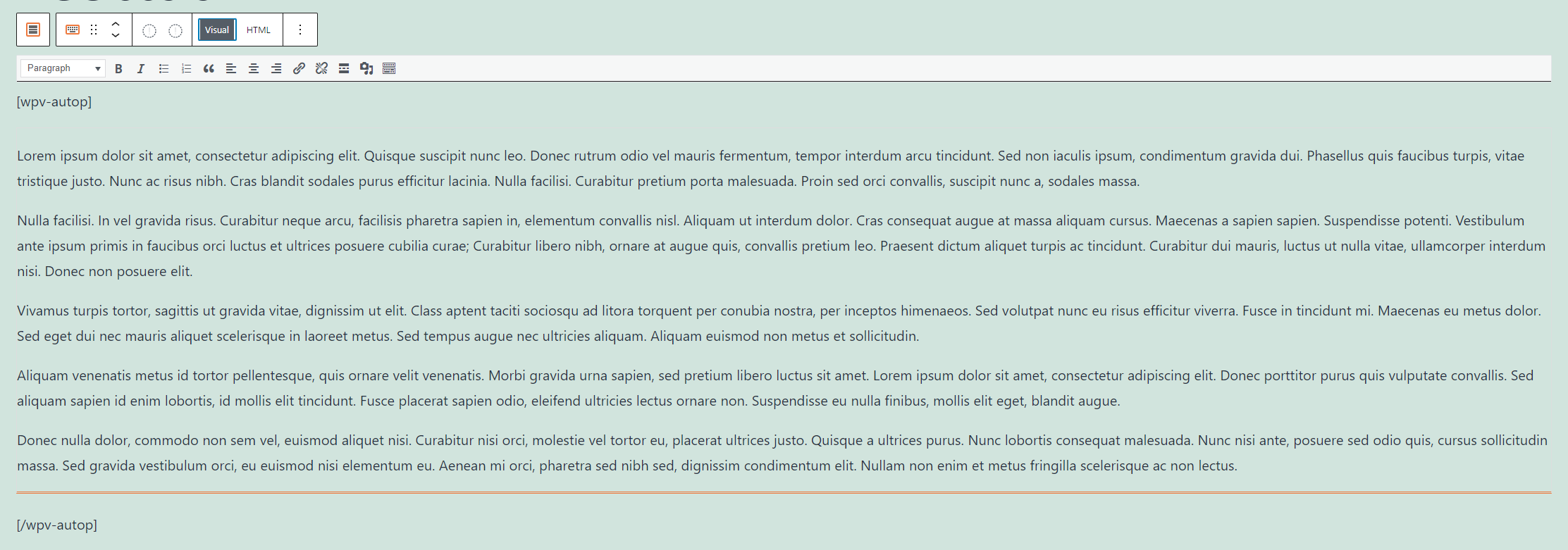
I am trying to make a content template for my posts. I used the "Fields and Text >> Post Body" option. When I view the post in the editor (back-end), the content shows correctly. But when I view it front-end, the enters are missing. I saw another ticket with the same problem and it was suggested to put [wpv-autop][/wpv-autop] around the field. But also this does not work.
When I look in the HTML of the editor, I saw that the <p> tags are automatically removed around the [wpv-post-body view_template="None"]. I tried to add them manually, but when I save the post the <p> will disappear.
What is the link to your site?
The link to my site is: hidden link
An example page without enters: hidden link
Thank you for your quick reply. I tried to change the Post Body into a single field, but this also does not work, unfortunately.
Again, the post shows correctly back-end, but incorrectly front-end. The enters are still missing.
I also tried to add other HTML styling, like bold text and this does work. It seems that only the enters are not displayed correctly.
Can you please share admin access details and let me check whats going wrong with your setup.
*** Please make a FULL BACKUP of your database and website.***
I would also eventually need to request temporary access (WP-Admin and FTP) to your site. Preferably to a test site where the problem has been replicated if possible in order to be of better help and check if some configurations might need to be changed.
I have set the next reply to private which means only you and I have access to it.
Thank you very much for your reply. The issue is solved. It's very strange that the template is the problem since the posts are correctly displayed when there is no Toolset content template attached.