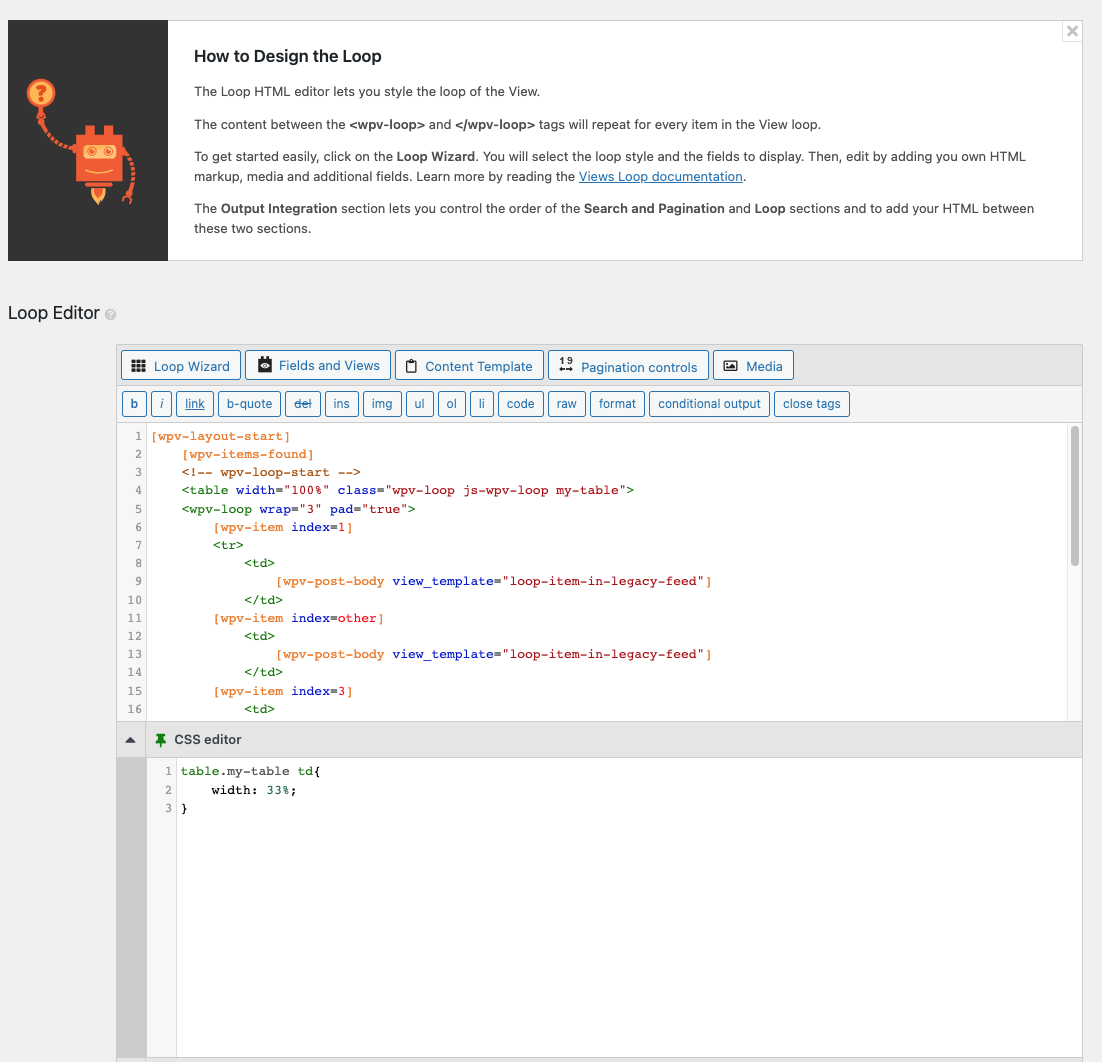
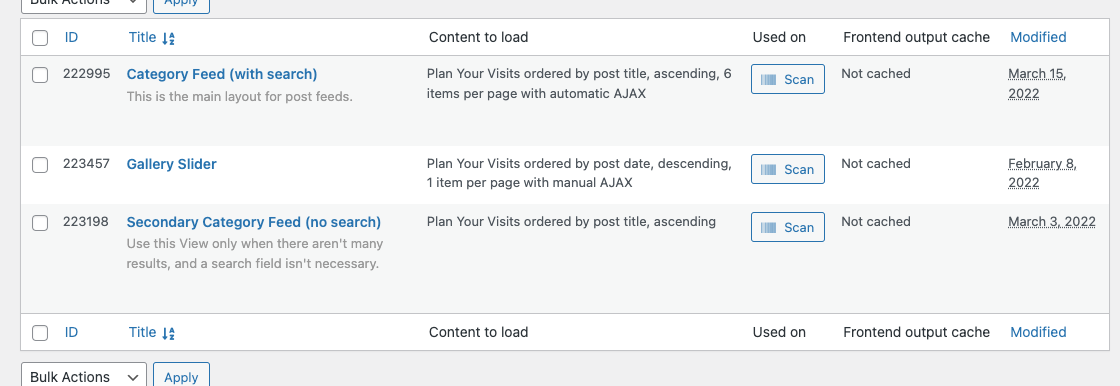
Tell us what you are trying to do? Want the columns to be responsive, maybe change to 1 column on mobile.
Is there any documentation that you are following? The one setting that is called out on responsive is enabled.
What is the link to your site? hidden link hidden link
Shane Supporter
Languages:
English (English )
Timezone:
America/Jamaica (GMT-05:00)
Hi Melissa,
Thank you for getting in touch.
Based on what I see on your site you are using a Table based grid instead of the bootstrap based grid. Unfortunately HTML tables are not responsive.
In order for you to have your columns responsive you will need to remake the layout of the view to use a Bootstrap grid if you're using classic view or just select the grid layout if you're creating the view using Blocks.
Thanks,
What is the easiest way to fix this?
What do I need to do to use the bootstrap based grid? We are creating the page using a Divi Theme that contains a visual builder.
Shane Supporter
Languages:
English (English )
Timezone:
America/Jamaica (GMT-05:00)
Hi Melissa,
The easiest way to fix this is to essentially rebuild the loop output section of your view.
Are you using the classic editor to create your view ? Meaning your view is created by going to Toolset -> Views -> Add New?
Please let me know.
Yes, using classic editor
Shane Supporter
Languages:
English (English )
Timezone:
America/Jamaica (GMT-05:00)
Hi Melissa,
In this case you're going to need to use the Loop Wizard and recreate the loop output layout by selecting the Bootstrap grid.
From there you're able to specify the number of columns you want to use. Either way the columns will be responsive when viewed on smaller devices.
Thanks,
My issue is resolved now. Thank you!