Hello. Thank you for contacting the Toolset support.
It's not from Toolset but WordPress has added the panel for metaboxes, I've drag that metabox panel at half of the page and you can see now metabox (custom fields) are visible.
first I show a series of images of existing/old exposition data stored (show still correct and ok):
20260812-12:41/old_expo_screendata_01.jpg
20260812-12:41/old_expo_screendata_02.jpg
20260812-12:41/old_expo_screendata_03.jpg
20260812-12:41/old_expo_screendata_04.jpg
20260812-12:41/old_expo_screendata_05.jpg
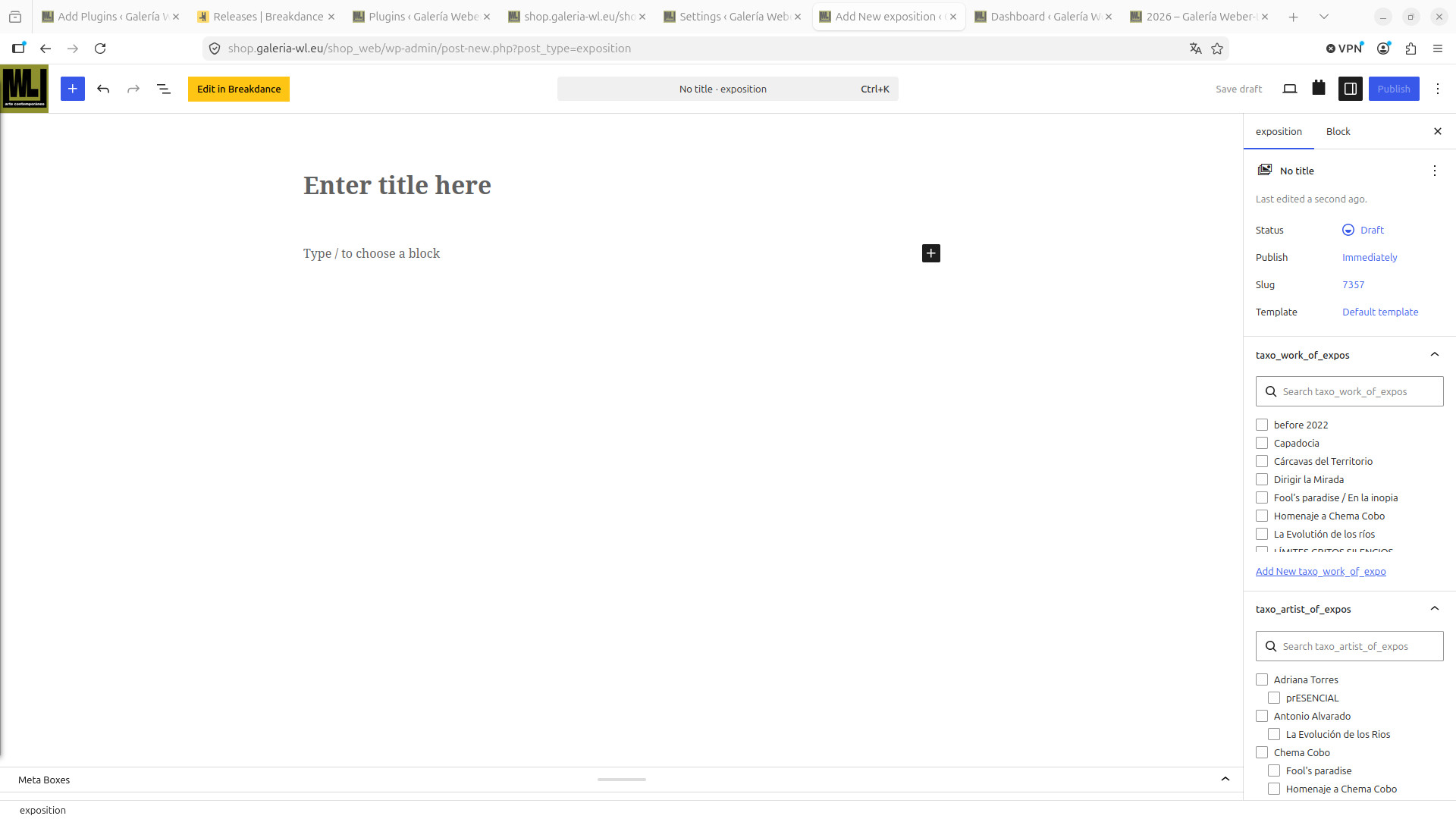
2 screens (I found: one i used the othe ?new?) of new exposition:
20260812-12:41/old_editing_new_exposition.jpg
20260812-12:41/old_editing_template_new_exposition.jpg
too bad that I cannot use either to introduce my data
expositions (Capadocia) already inputed before changes:
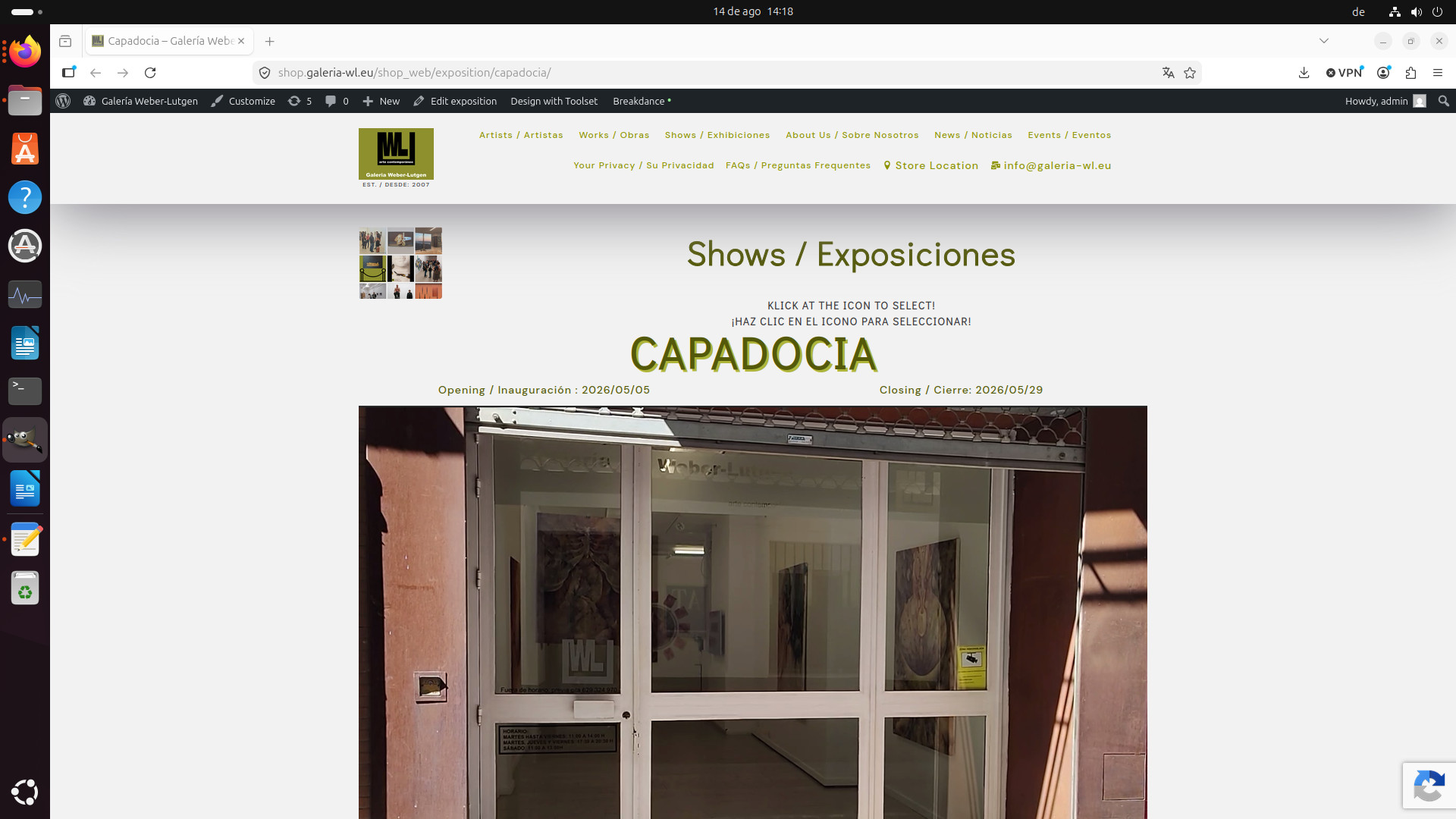
- image "show_capadocia_ web_ok.jpg" with URL "hidden link" is rendered correctly
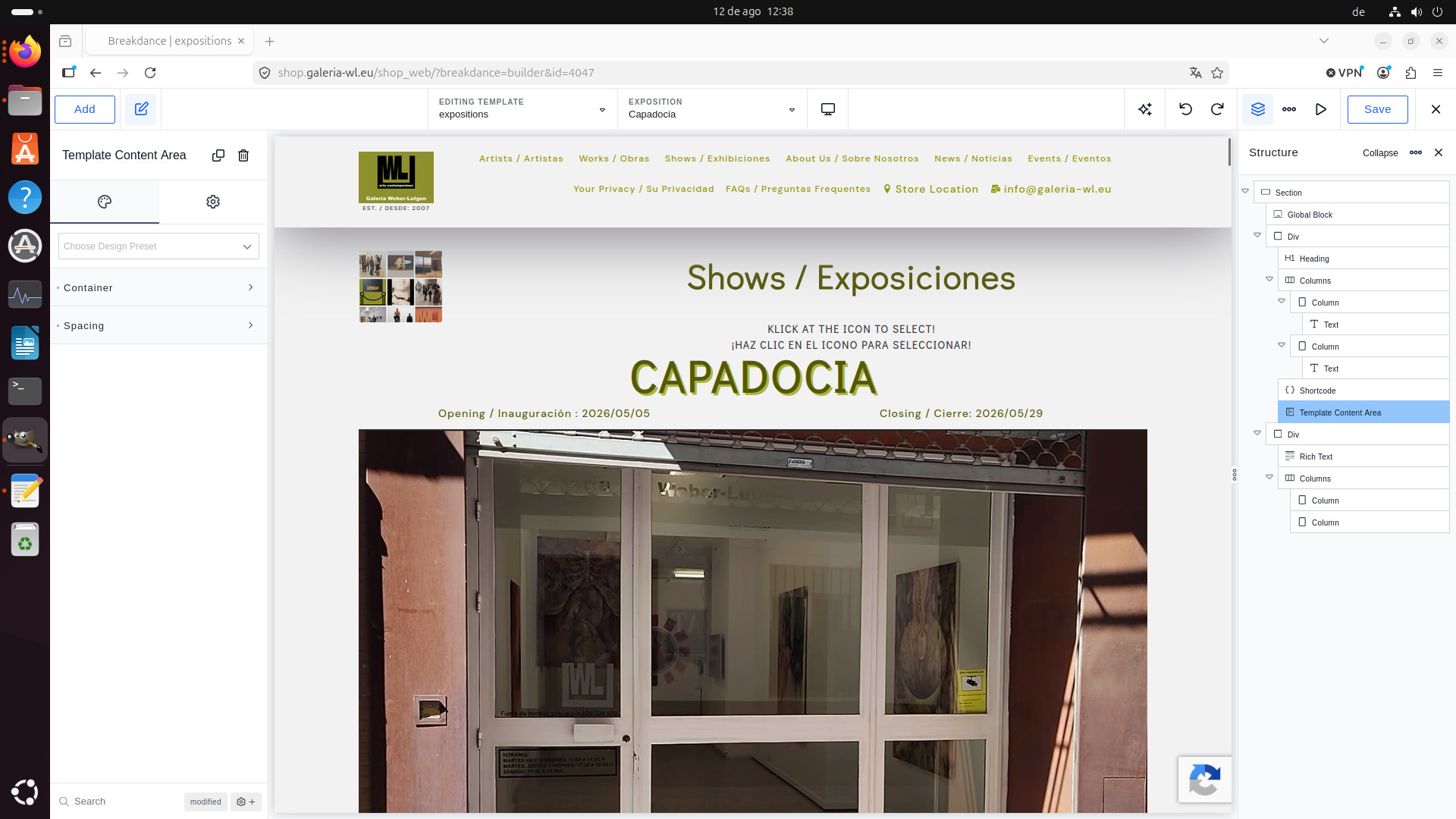
- image "show_capadocia_ pre_editing_screen.jpg" with URL "hidden link" which formaly was not shown
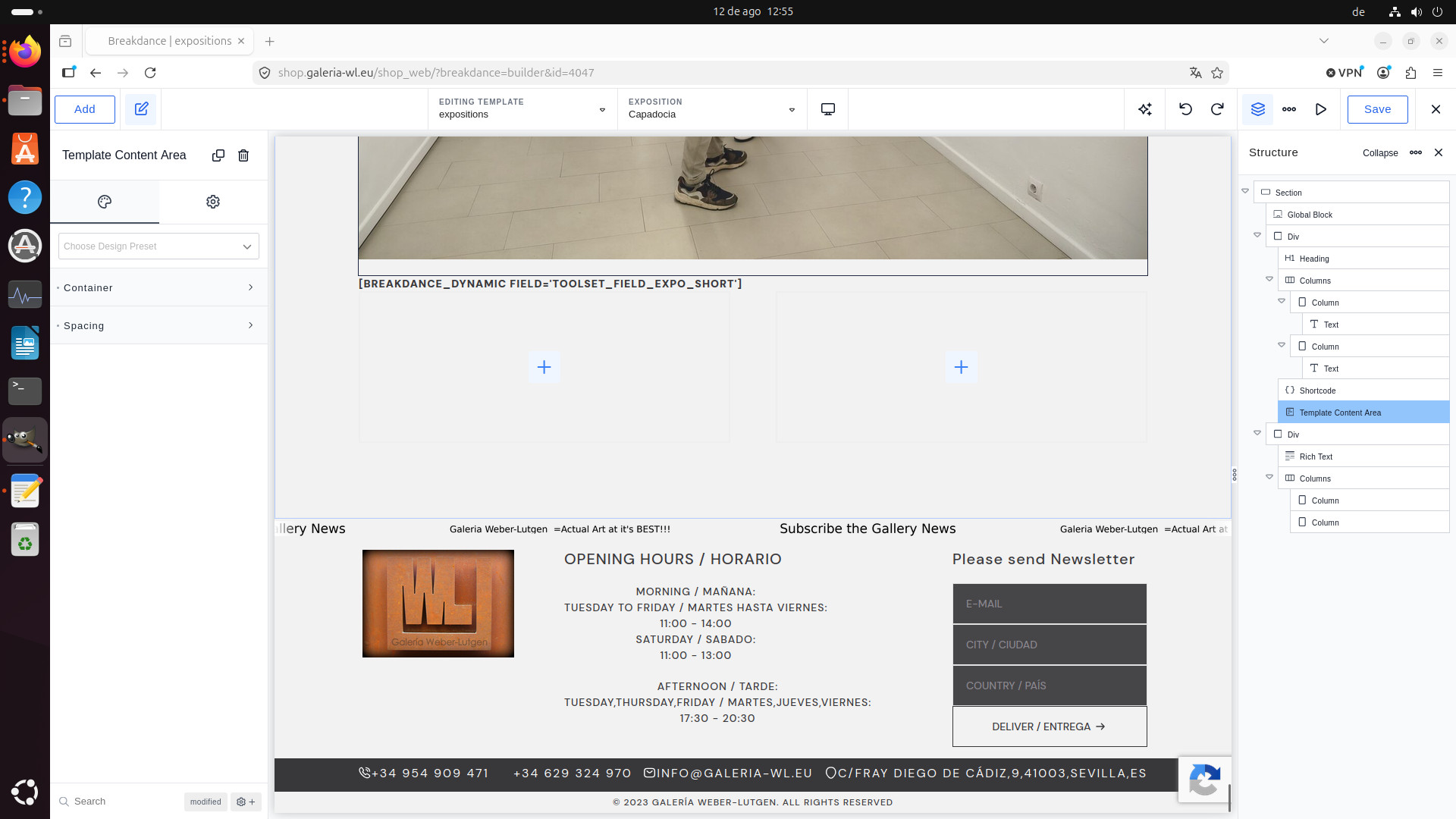
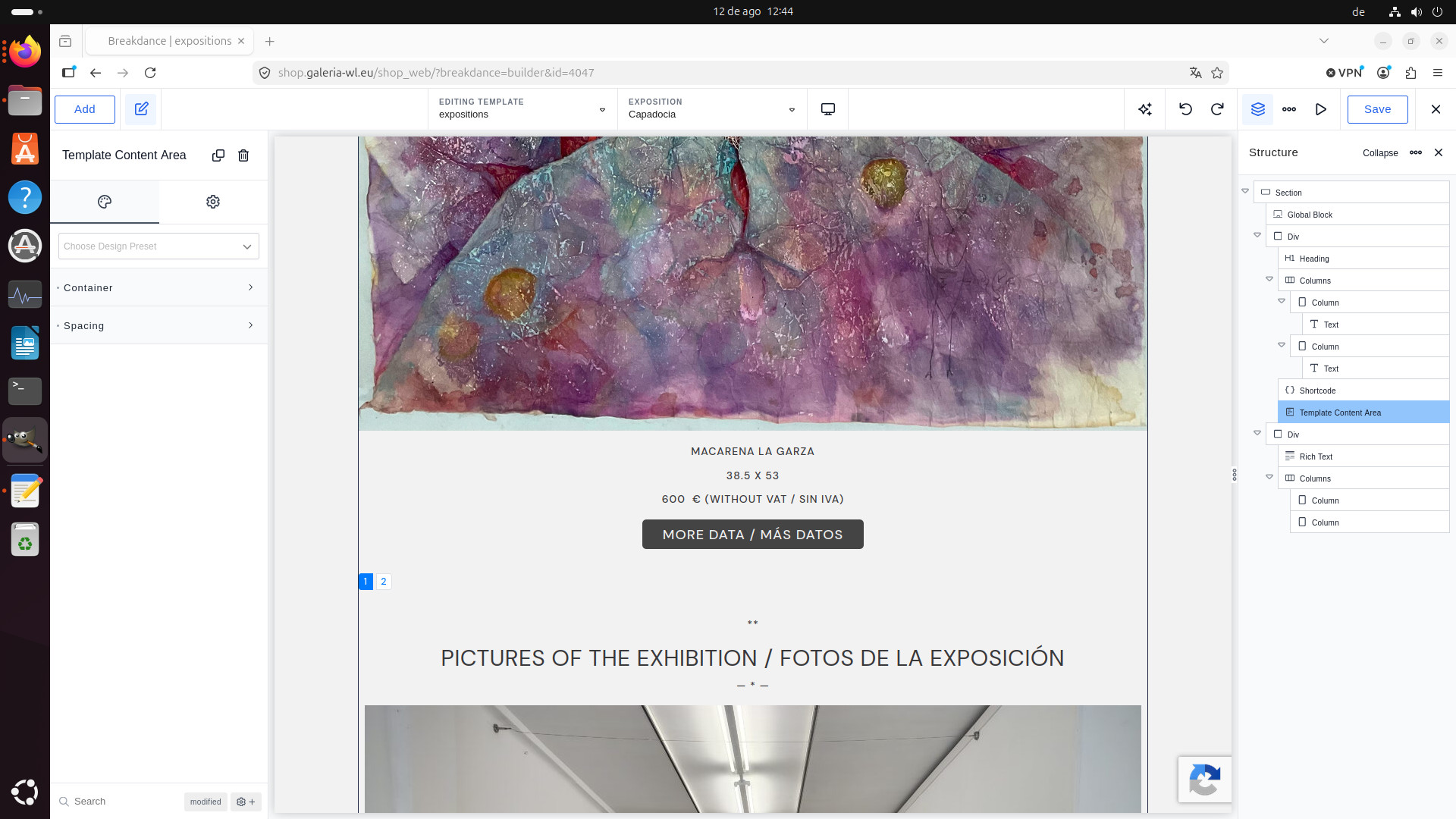
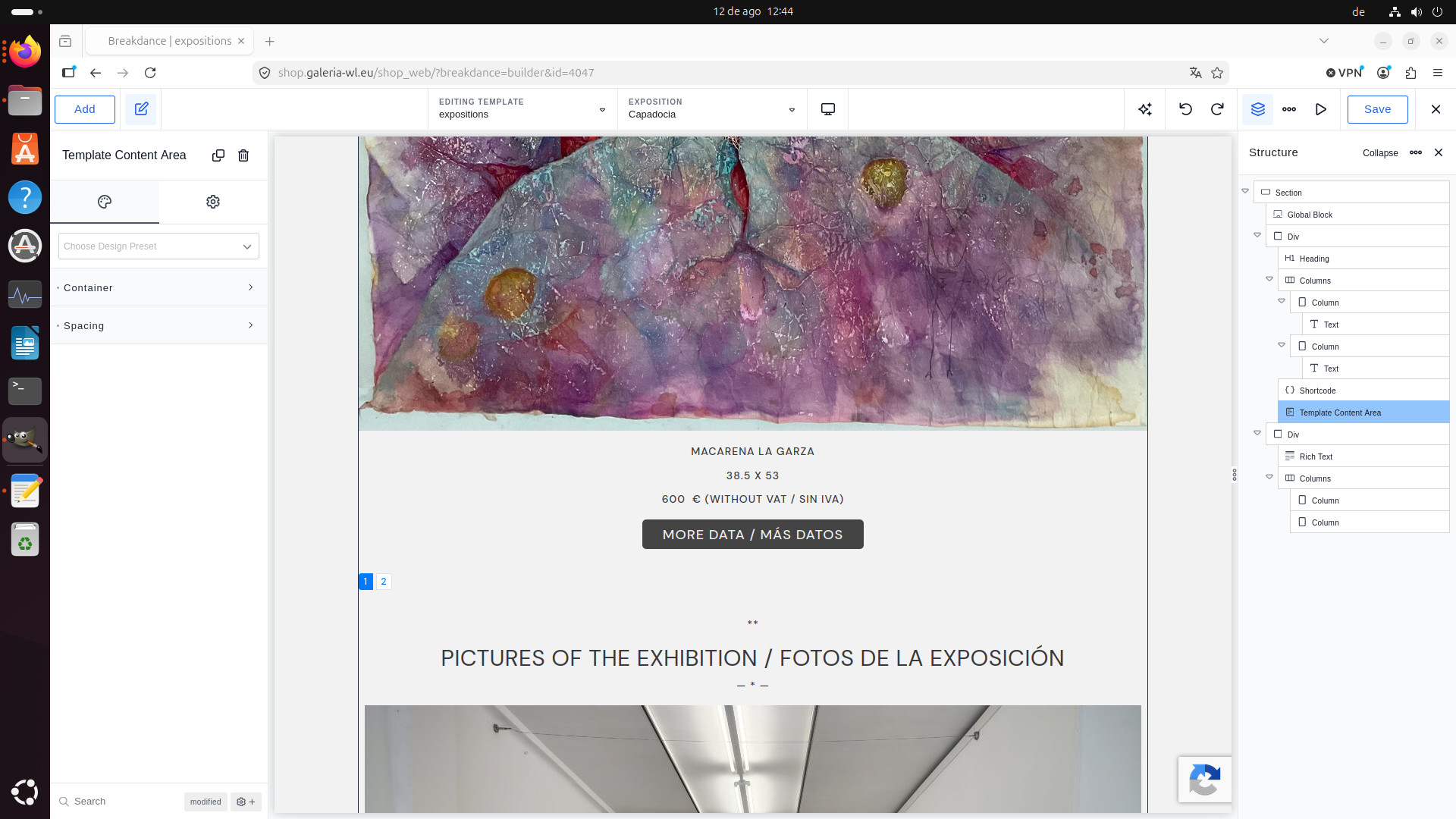
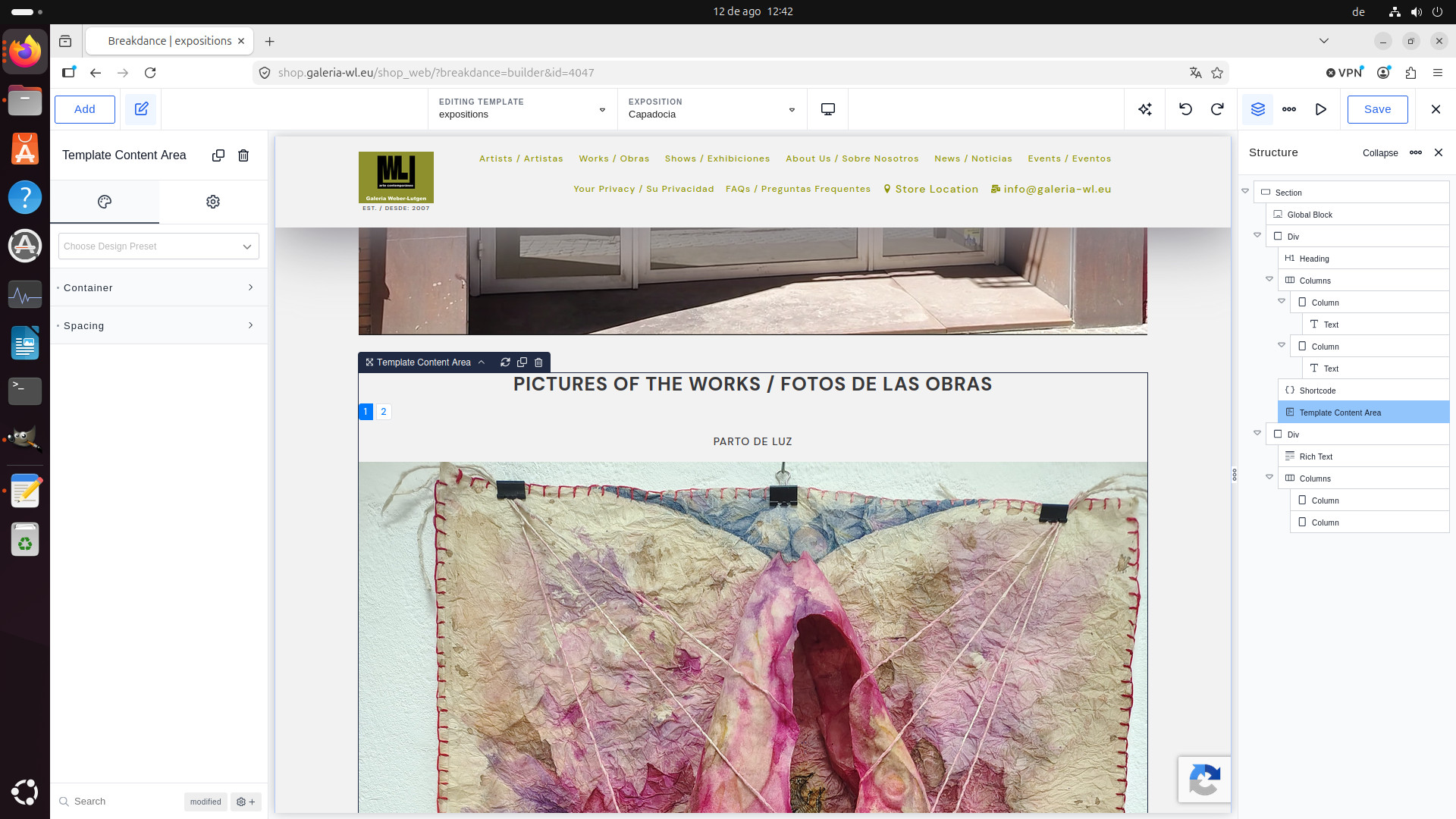
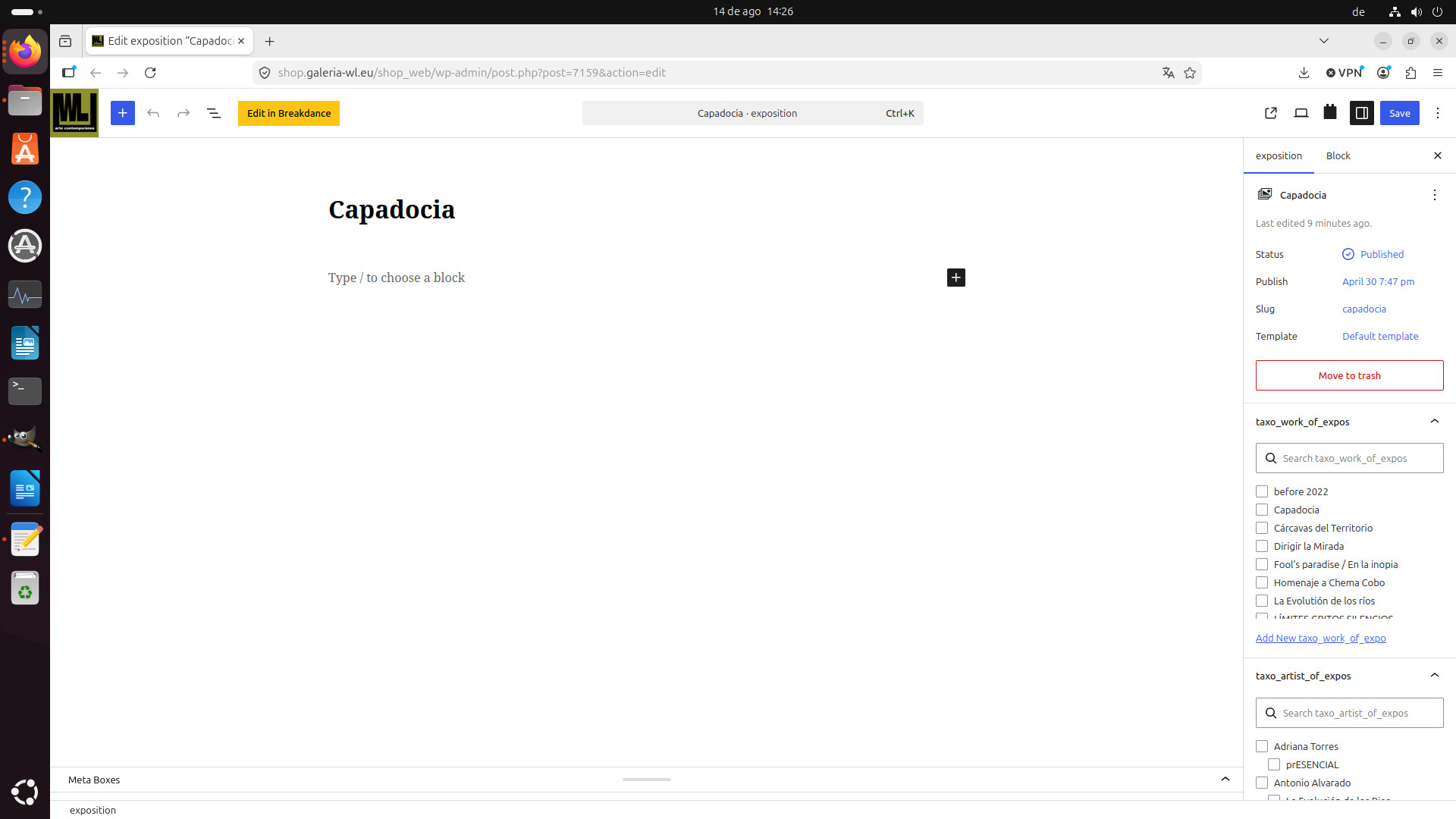
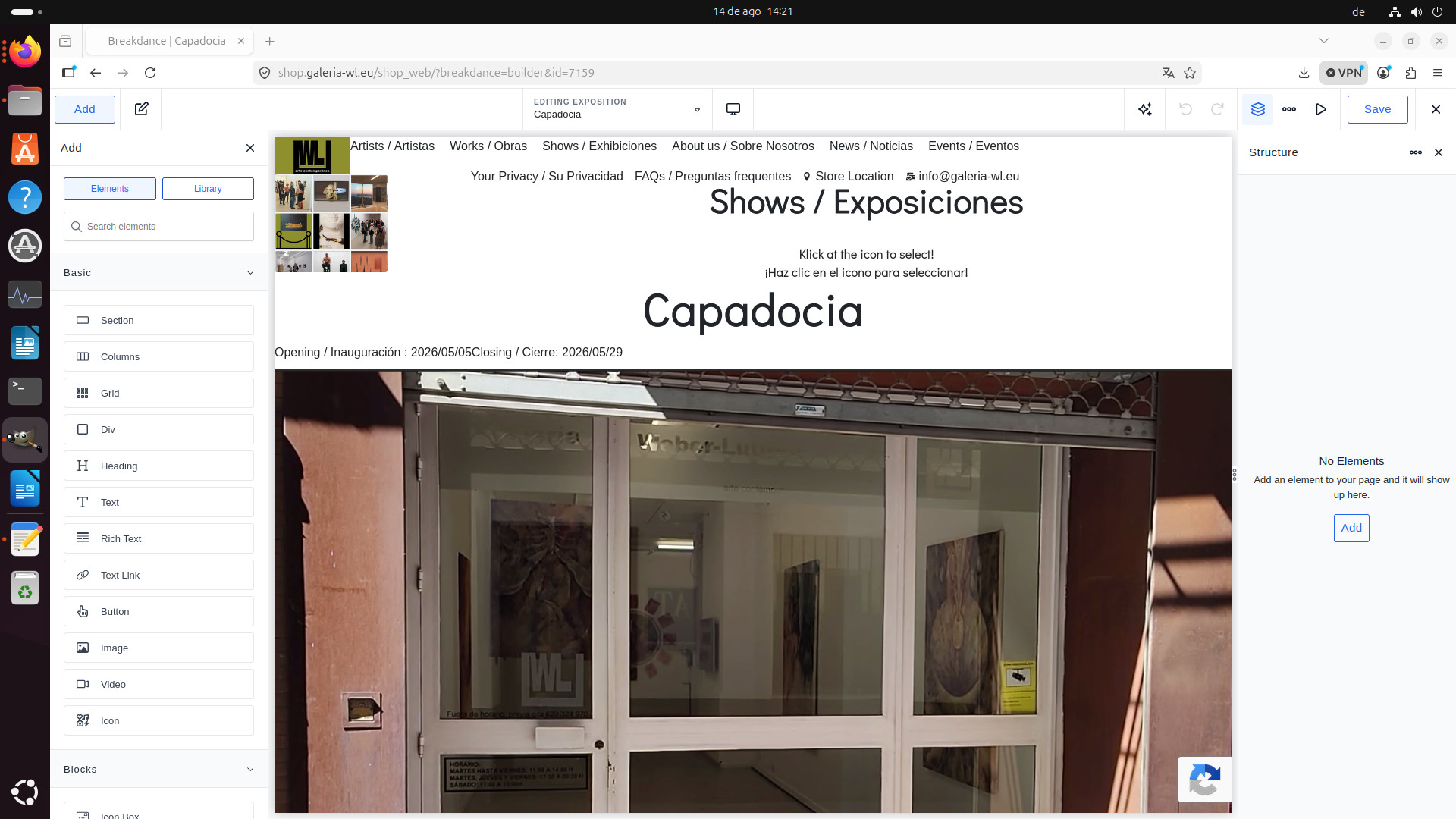
- image "show_capadocia_ editing_not_ok.jpg" with URL "hidden link" does not show structures -> does not allow changes and/or inputs
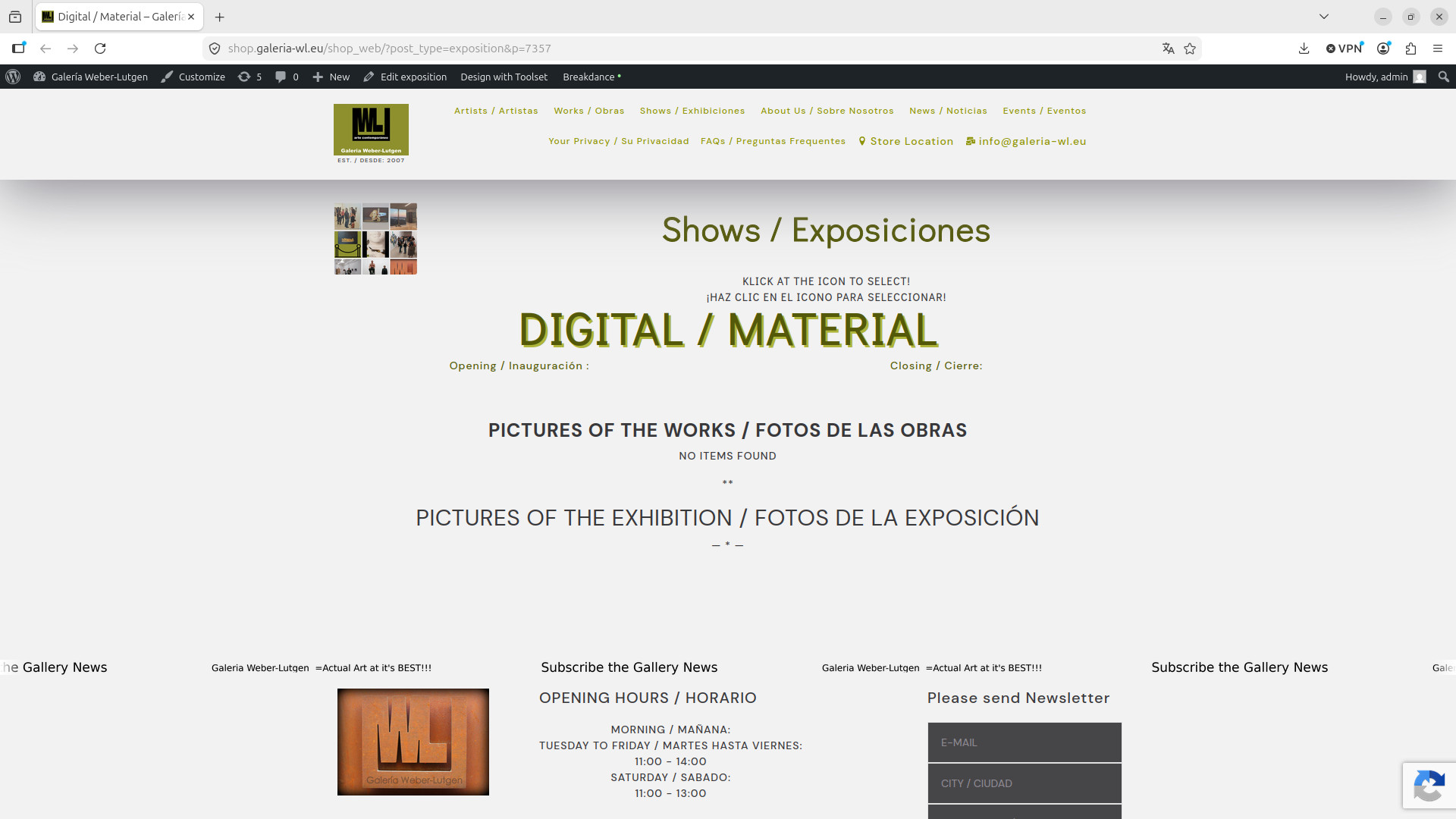
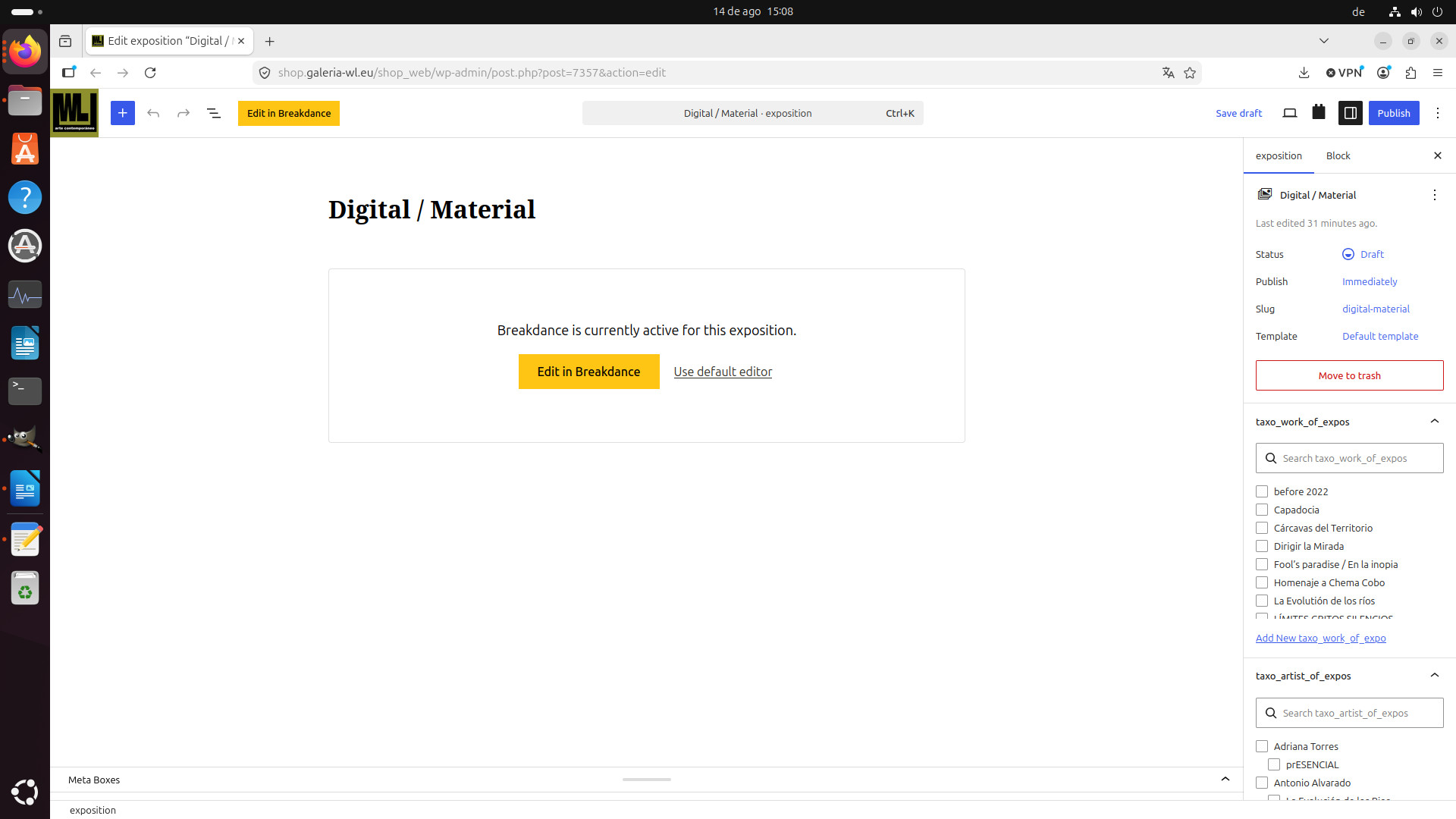
expositions (Digital / Material)
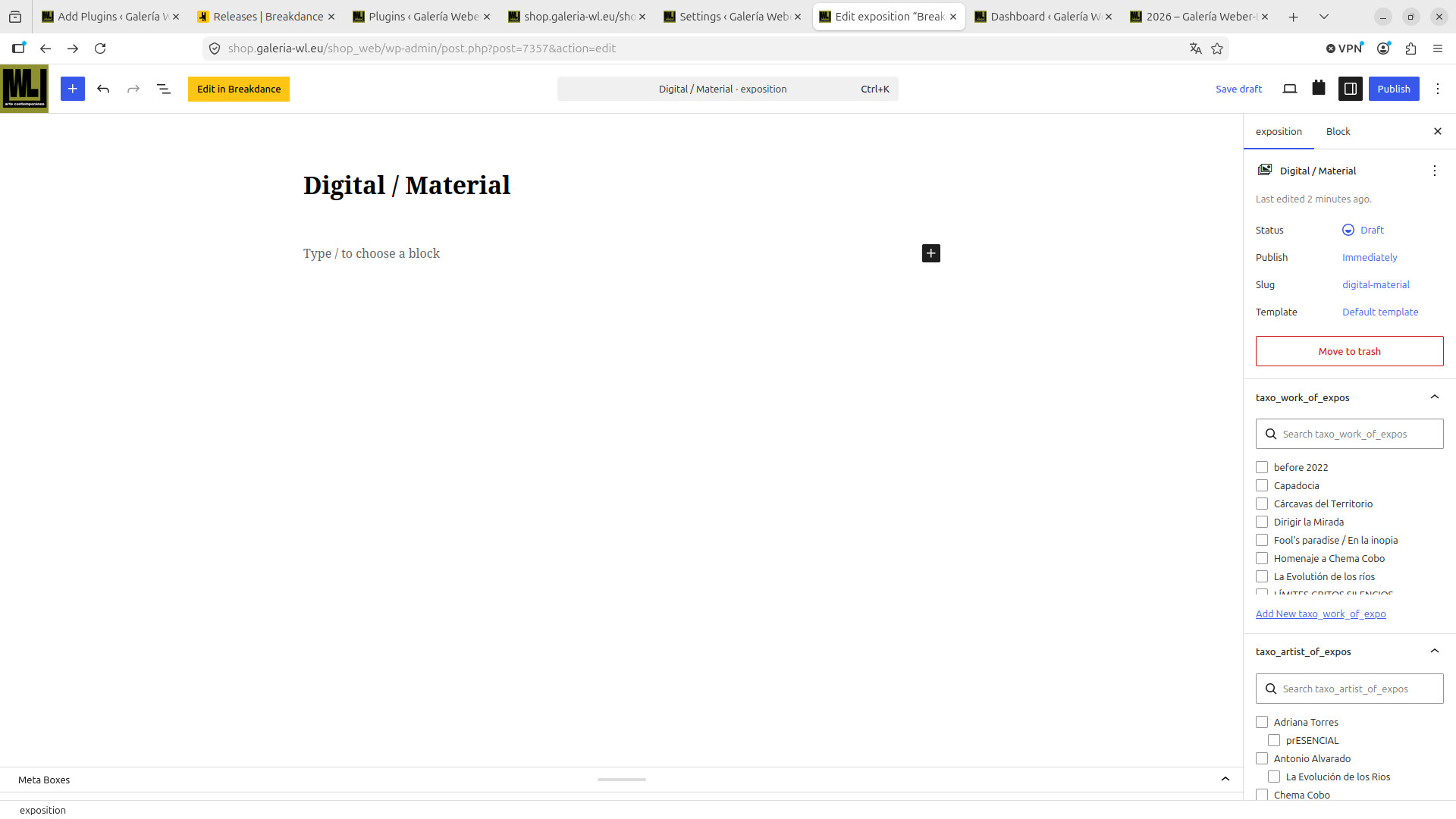
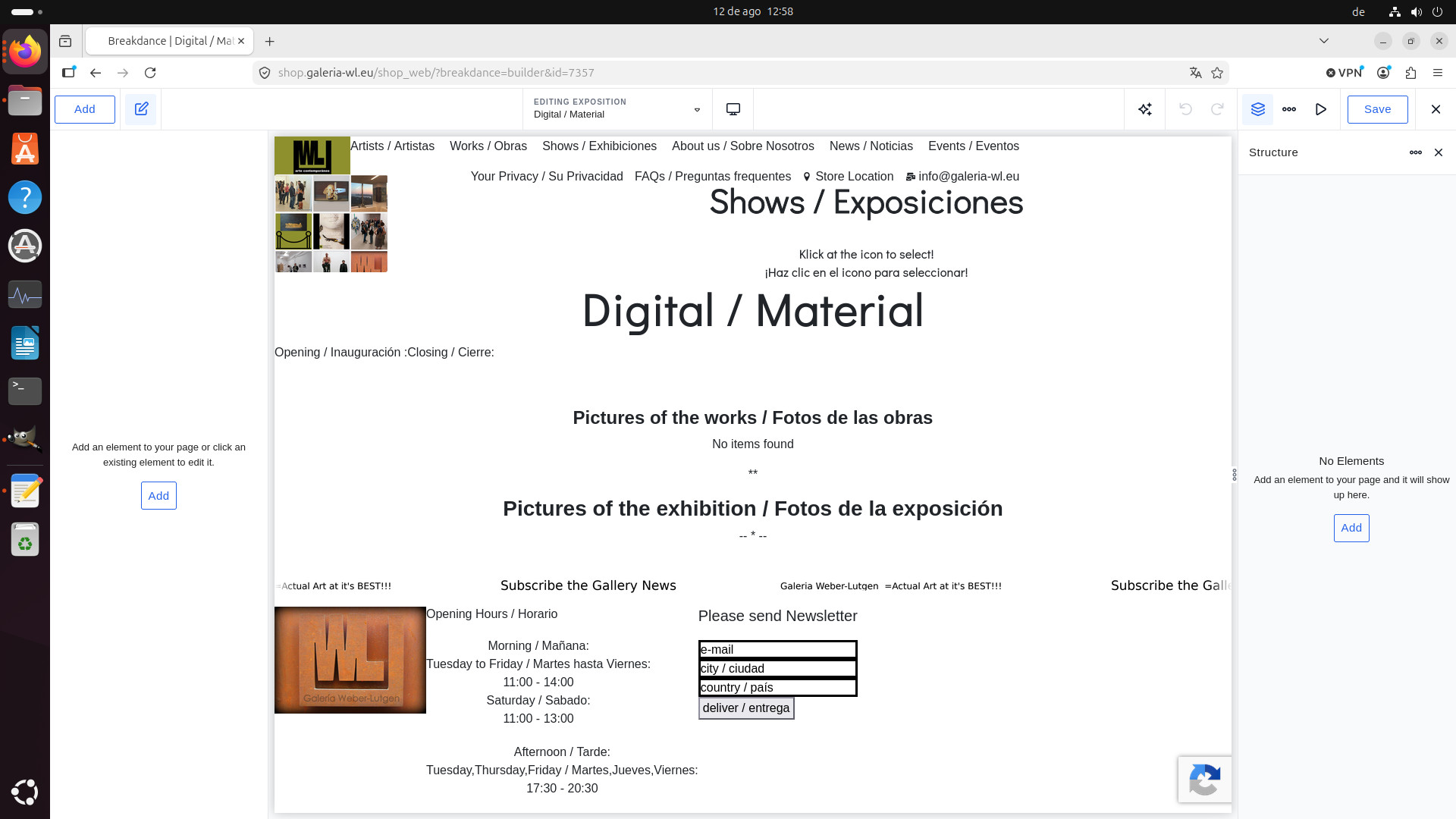
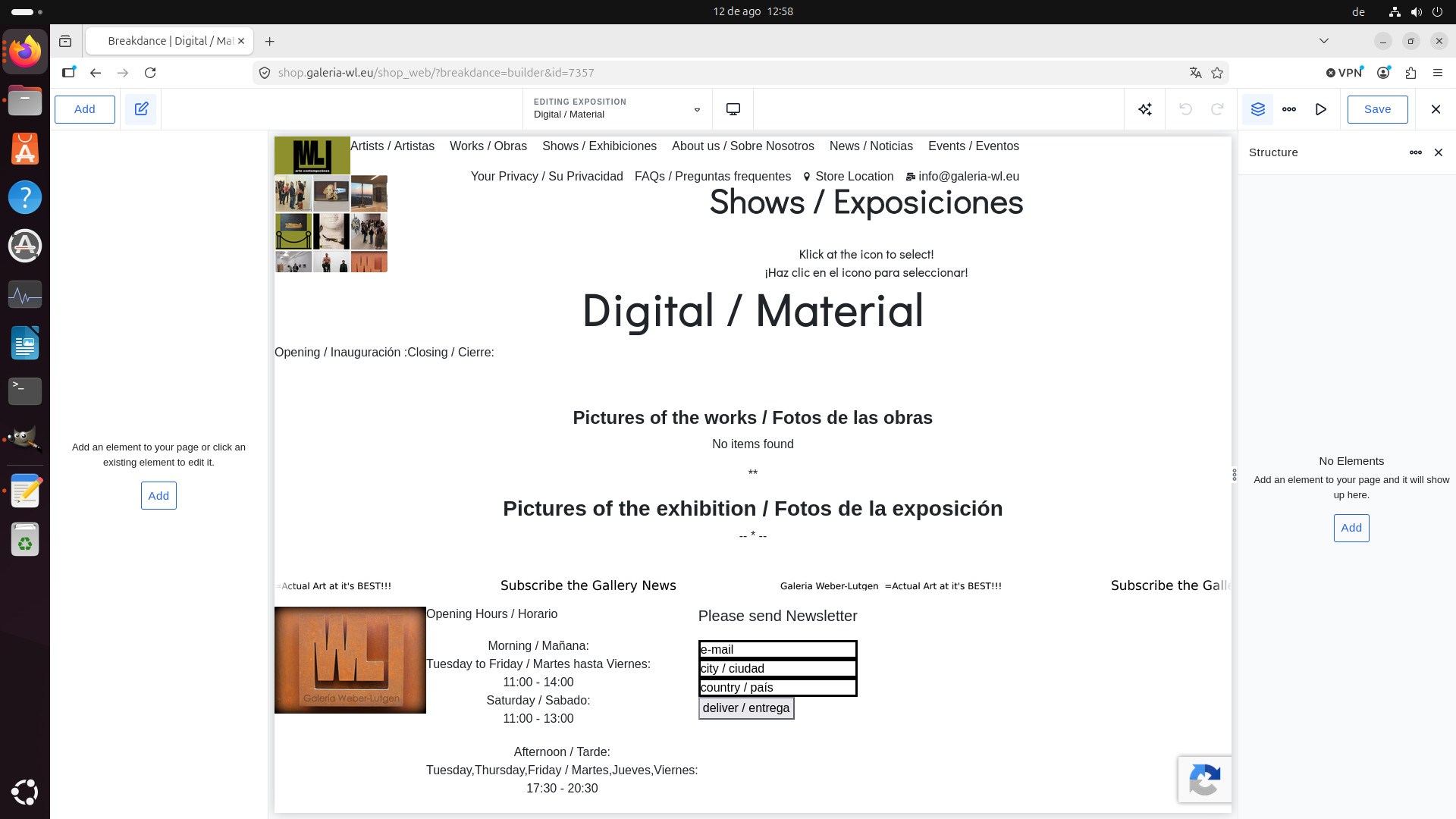
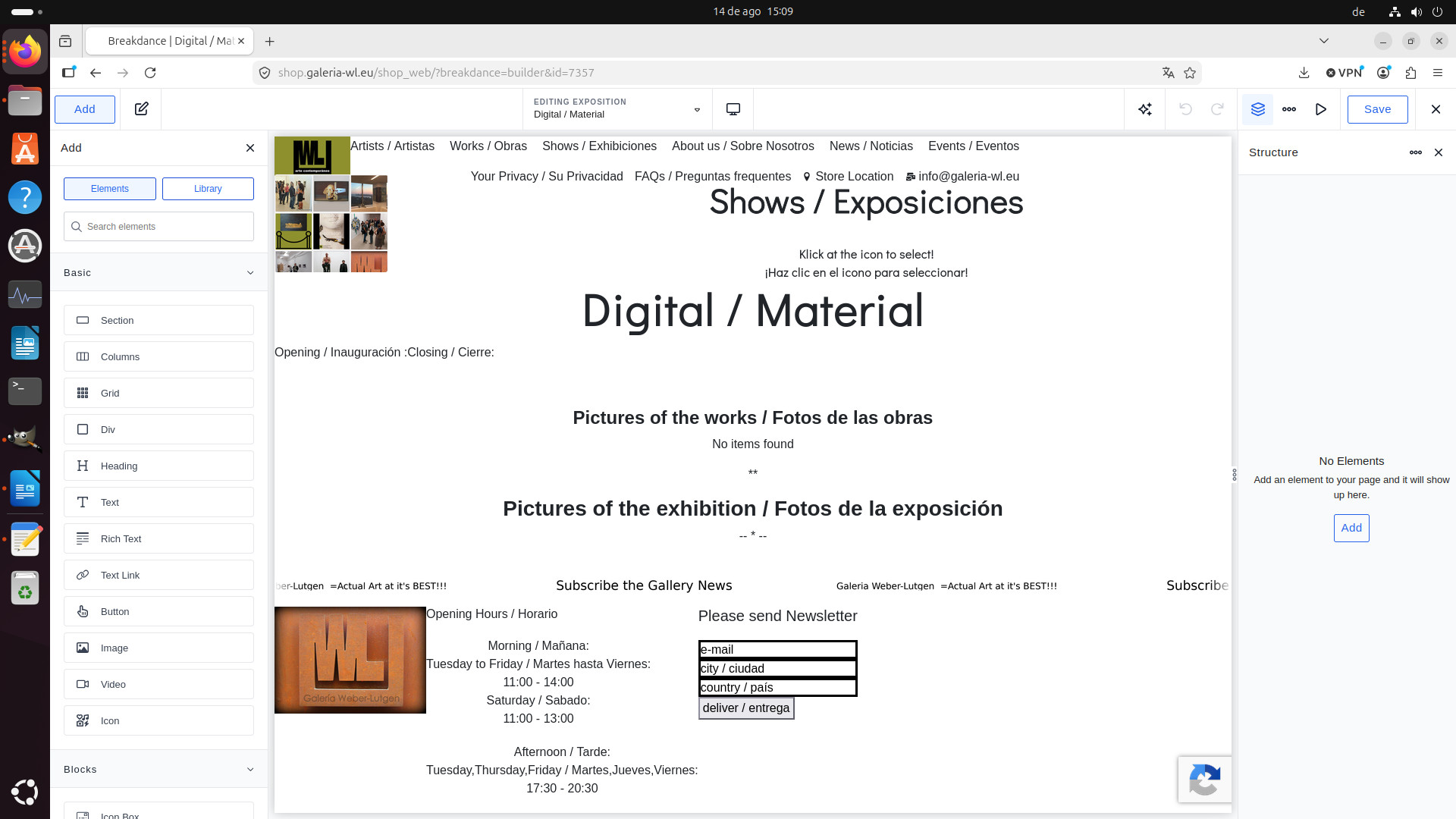
- has a new point "edit in breakdance" wich formerly was not present which directly leads to image "digital_material_o3.jpg" with URL "hidden link". no elements are shown and as far as I con see no introduction of data is possible resp. shown
- edit (sub-point of Digital / Material) leads to screen "digital_material_o2.jpg" and from there to "digital_material_o3.jpg"
expositions (Capadocia) already inputed before changes:
As it was a global block from Breakdance you need to edit with your global block page - with the following link:
- hidden link
And please mind that you are using Breakdance builder here, to get support on that, you must contact the Breackdance builder support in future.
Also, before reporting the issue in front of them or in front of us, in order to isolate the issue, please disable all third-party plugins and then try to enable plugins one by one and see if you able to spot the culprit plugin.
first I am aware of what does Breakdance and what does Toolset. I till now I did not have any problem of interference but have the project to try to eliminate toolset once I have time/lasure to do so.
now back to our problem.
"- hidden link" shows what I need!
now how do I edit that???
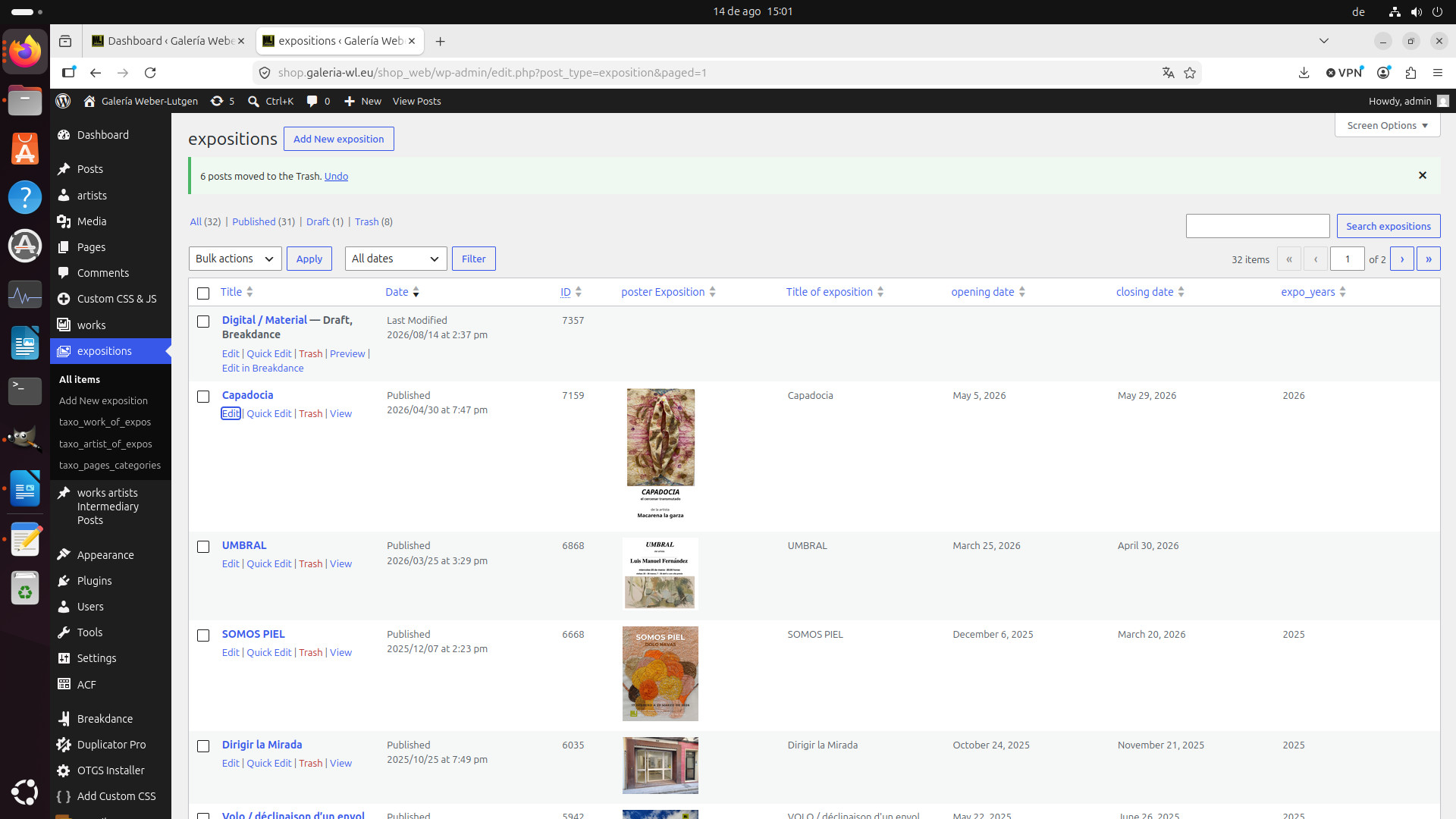
at "hidden link" I get (for newly introduced exposition following options under colum "Title" for newly introduced expo "Digital / Material":
"Digital / Material — Draft
Edit | Quick Edit | Trash | Preview"
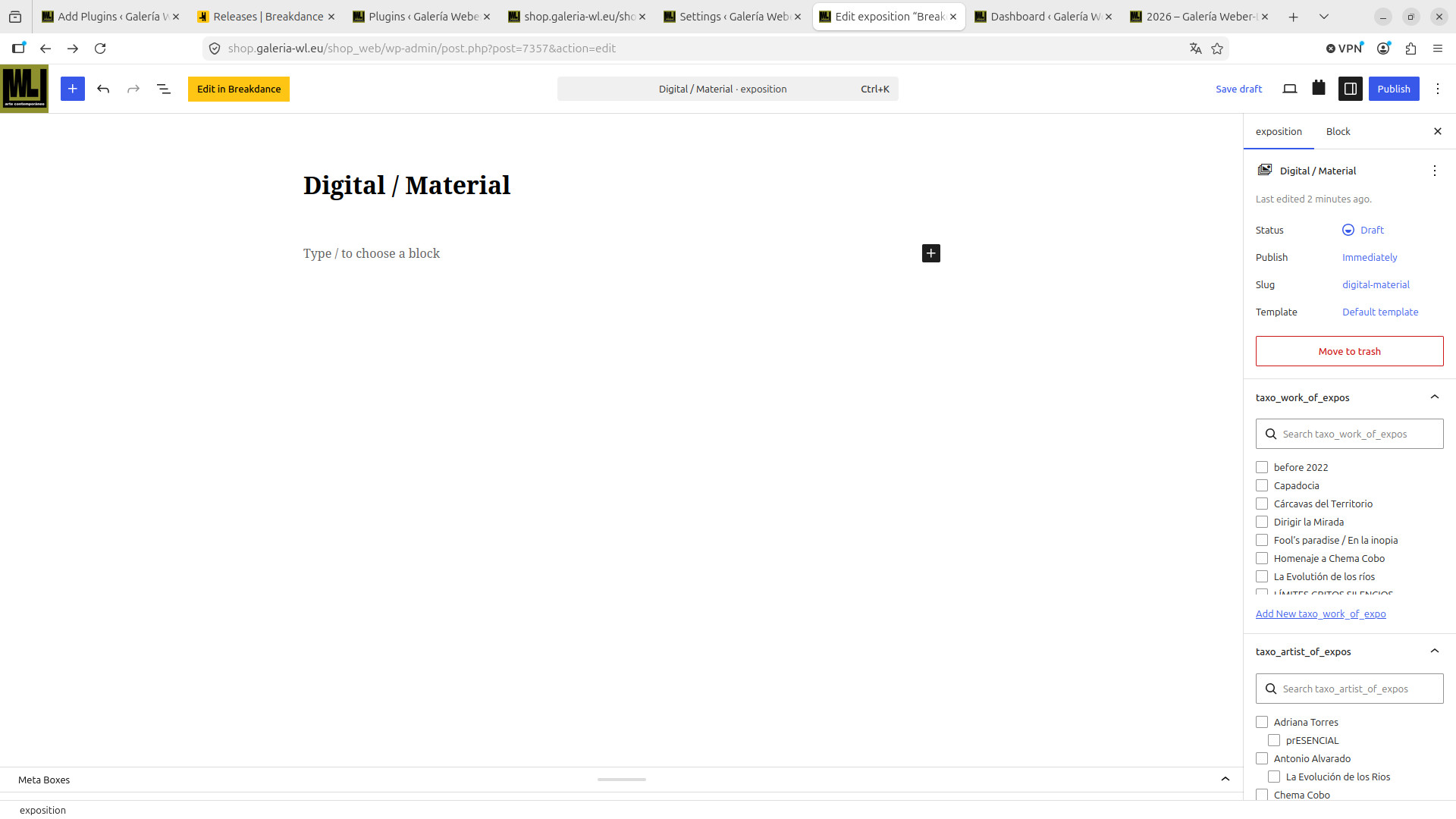
- edit: gets me to "hidden link" which sends me if I pinch at "Edit in breakdance" to "hidden link" which is the same uneditable page I showed in my reply of August 14, 2026 at 2:14 pm Reply #2873158 which is uneditable!!!!
- quick edit: seems to work ok (I think cannot realy check at this point)
-trash: I did not check
- previev seems to render well
I did not resend the screencasts because still are same as in my reply of August 14, 2026 at 2:14 pm Reply #2873158
now back to our problem:
"- hidden link" shows what I need!
now how do I edit that???
===>
I already asked you to check the compatibility, is the issue is due to Toolset or WordPress update or any other plugin you are using currently?
You need to follow the standard compatibility check in order to find the root cause of this issue and for that as I suggested with my previous reply:
*** Please make a FULL BACKUP of your database and website.***
Could you please try to resolve your issue by deactivating all third-party plugins as well as switch to the default theme (if rerequired) to check for any possible conflicts with any of the plugins or themes?
In additoin to that - we did not announced that we are fully compatible with Brakedance builder. Here is the Doc that shows which page buildres have limited integration with Toolset:
- https://toolset.com/related-lesson/page-builders/
As the issue is on Edit post using Breakedance page builder, I strongly suggest that you should contact Breakdance page builder support and it they identify that the root cause is Toolset and share information then I will take that information and escalate it accordinly in front of our Devs.
hi
after sending I updated the site and following subpoints at the main menu
"artists
works
expositions
works artists intermediary posts
"
disappeared.
before sending the above I saw your response in my mail.
so as I do not know what went wrong I will recopy the active site "web" to "shop" update that site to actual state and proceed to your instructions before coming back to you.
ok - that's the correct approach. Please setup a test site and then try to run the compatility test as suggested and then try to isolate the issue by deactivating all plugins and later activate it one by one and see if you able to spot the issue.
Also, try to switch to default theme and notice if you able to spot the issue.