I am trying to:
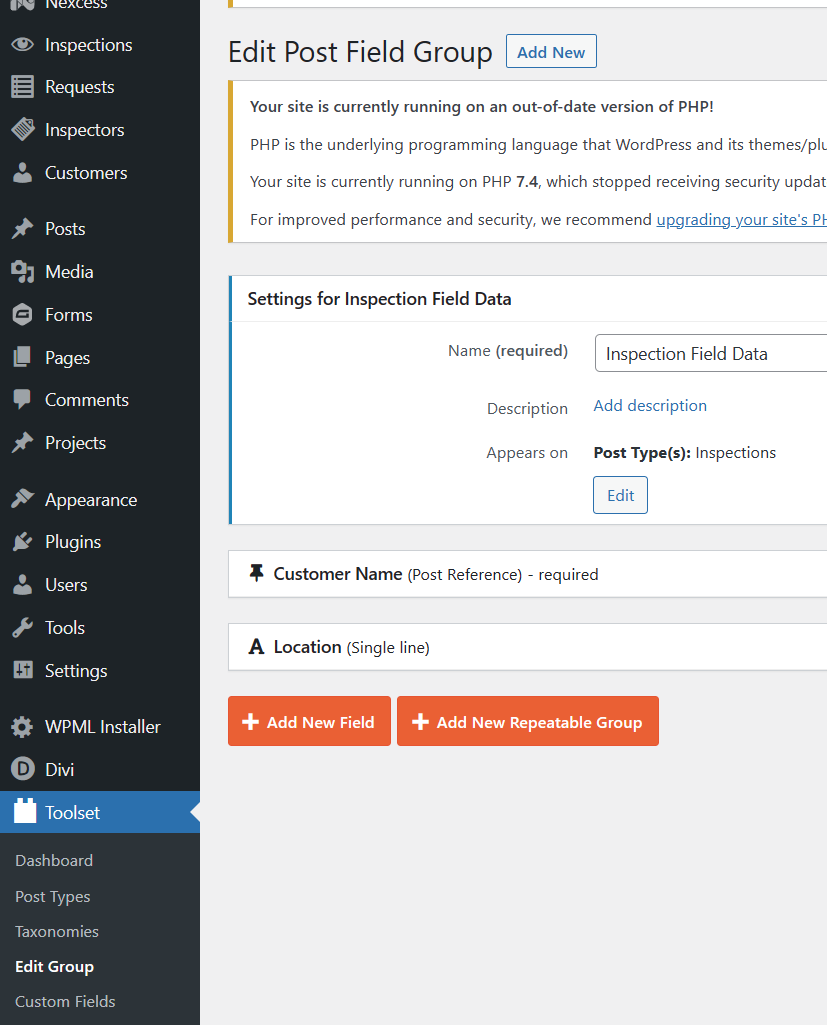
Create custom fields in several new post types on a development site. I have 4 total, and recently 3 out of the 4 started displaying custom fields as options under the Body of the new post.
I have also downgraded from PHP 8.0 to PHP 7.4 to attempt to resolve this issue, as I had seen multiple reports of incompatibility with PHP 8.0.
Link to a page where the issue can be seen: hidden link
I expected to see:
custom fields below the main body of the new post
Hello. Thank you for contacting the Toolset support.
That is really strange.
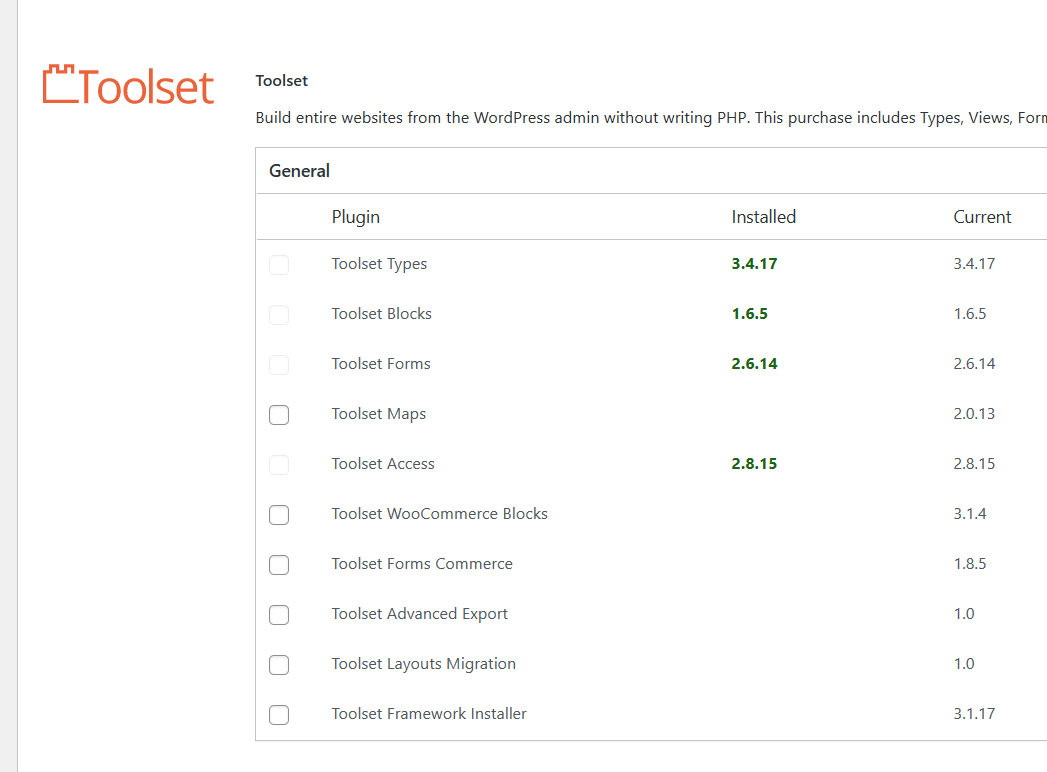
After reviewing your debug information, I can see that you are running with outdated Toolset plugins. We always recommend running your site with latest stable Toolset plugin version. Could you please try to update all Toolset plugins to its latest official release version.
*** Please make a FULL BACKUP of your database and website.***
You can download latest Toolset plugins from your account's download page:
=> https://toolset.com/account/downloads/
Do you see any difference after updating all Toolset plugins to latest release? If no:
*** Please make a FULL BACKUP of your database and website.***
I would also eventually need to request temporary access (WP-Admin) to your site. Preferably to a test site where the problem has been replicated if possible in order to be of better help and check if some configurations might need to be changed.
I have set the next reply to private which means only you and I have access to it.
Thank you for your suggestion, I had thought we checked updates several times and had no idea there was a separate panel for add-ons from the WordPress update page. Once I ran updates through /wp-admin/plugin-install.php?tab=commercial, our issue resolved itself.
Thank you for your help in this matter, was very confused and had no idea about the updates.