Skip Navigation

[Resolved] Meta_key not visible

This support ticket is created 3 years, 3 months ago. There's a good chance that you are reading advice that it now obsolete.

This is the technical support forum for Toolset - a suite of plugins for developing WordPress sites without writing PHP.

Everyone can read this forum, but only Toolset clients can post in it. Toolset support works 6 days per week, 19 hours per day.

Sun Mon Tue Wed Thu Fri Sat
- 10:00 – 13:00 10:00 – 13:00 10:00 – 13:00 10:00 – 13:00 10:00 – 13:00 -
- 14:00 – 18:00 14:00 – 18:00 14:00 – 18:00 14:00 – 18:00 14:00 – 18:00 -

Supporter timezone: Asia/Kolkata (GMT+05:30)

This topic contains 2 replies, has 2 voices.

Last updated by myrkoF 3 years, 3 months ago.

Assisted by: Minesh.

Author
Posts
#2493677
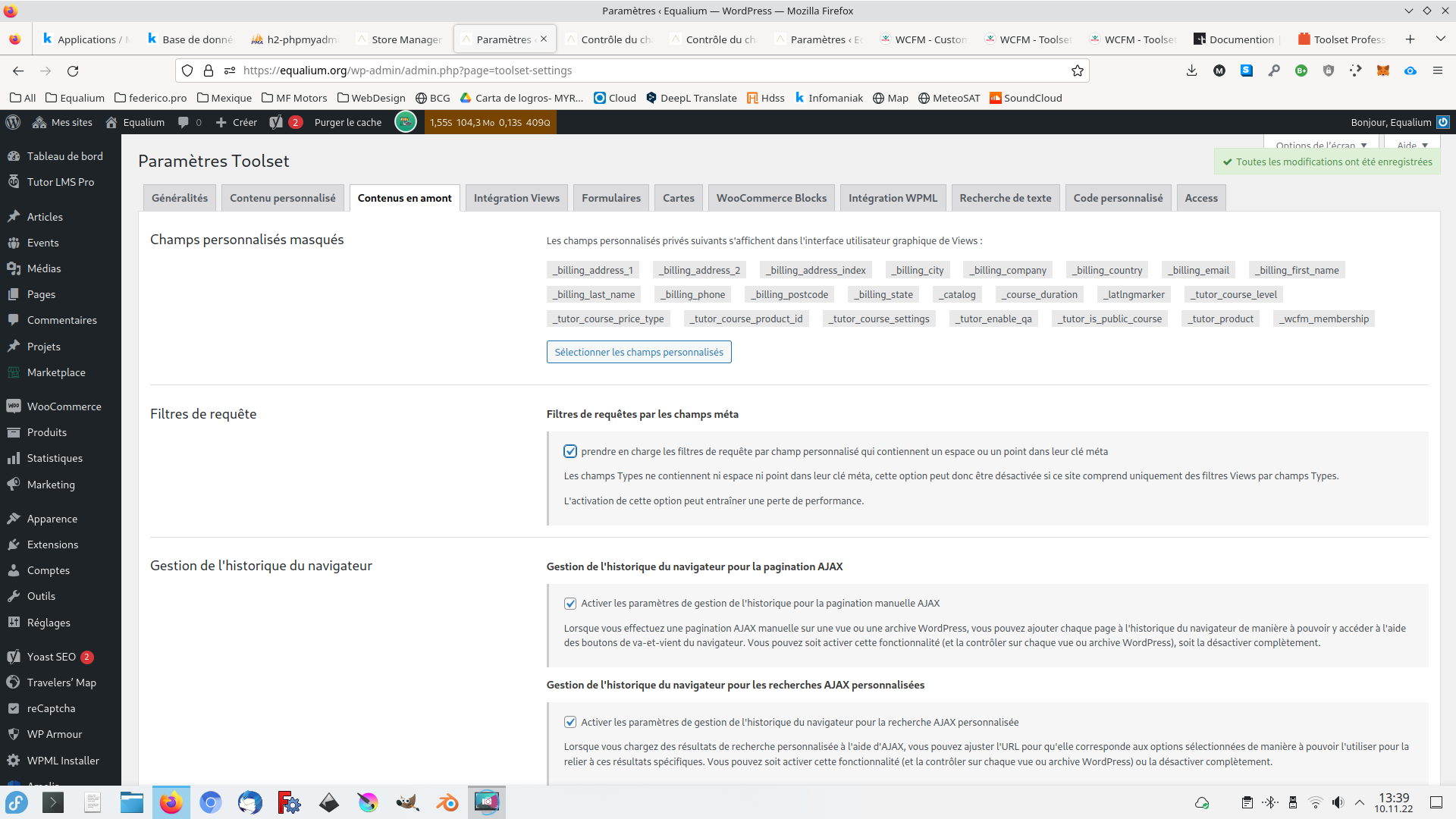
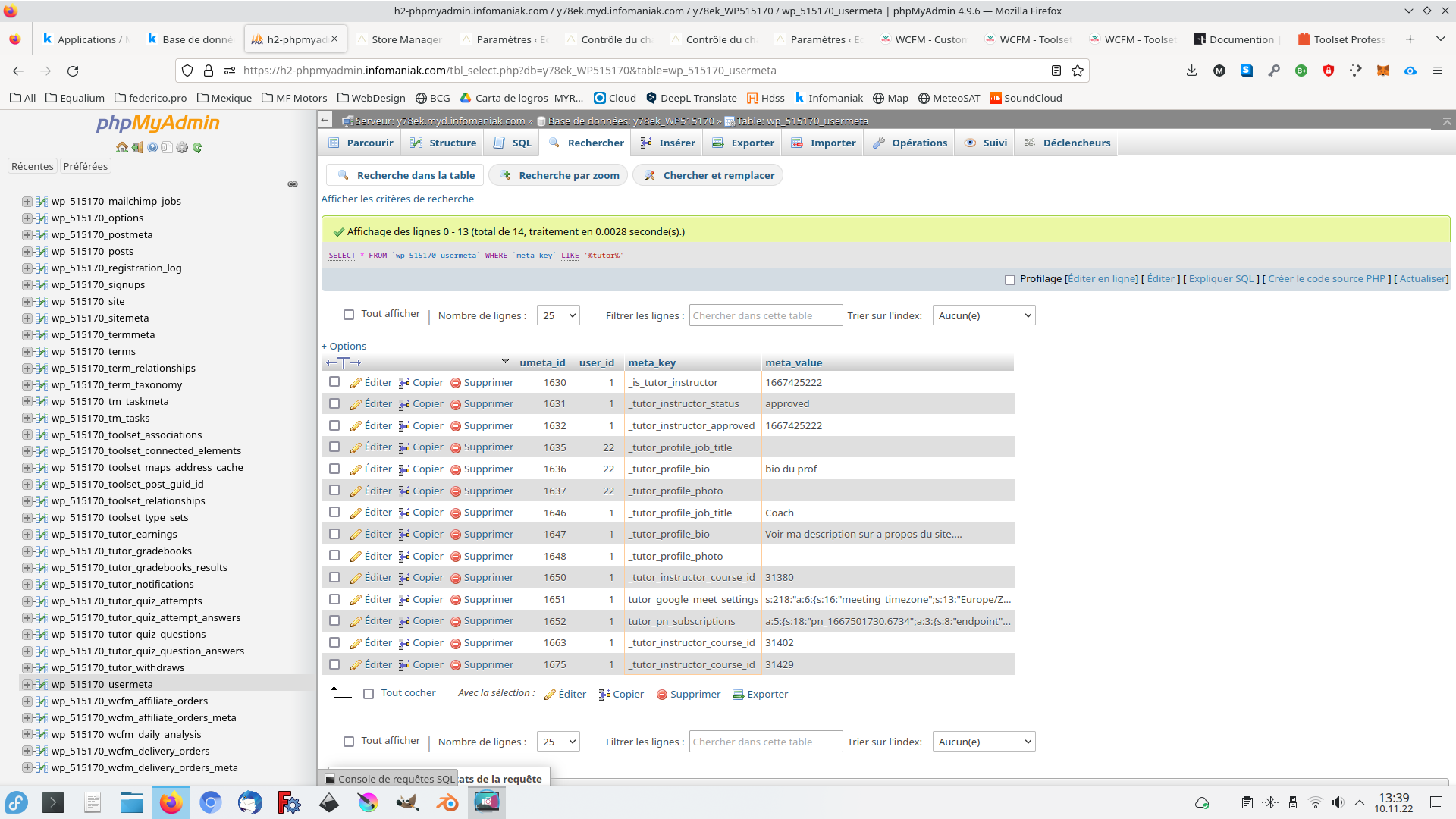
Screenshot_20221110_134057.png
Screenshot_20221110_133938.png
Screenshot_20221110_133914.png

Tell us what you are trying to do?
Hello,
I neet to map (create custom field )with types but meta_Key value starting with an " _" are not visible so i can't manage them with types..

I'm building a site with WCFM woocommere and tutor lms
I would like a custom user form in the front end to register new user and a custom form for edit profile in the front end for the users.
WCFM is a multivendor with specific fields ex: "store_name" or " _wcfm_store_location" (stored in the wp table _usermeta)
tutor LMS has also specific fields like ex: _tutor_profile_bio

with toolset i would like a custom form with this specific meta_key of the plugins ( _wcfm_store_location , _tutor_profile_bio)
It easy to map a custom field with existing meta_key of WP or other plugins when the meta_key start with normal charters, but when the meta start with " _xxxx" i can't see it in toolset , see the printscreen

how can i do this ?

Is there any documentation that you are following?

Is there a similar example that we can see?

What is the link to your site?

#2494203

Minesh
Supporter

Languages: English (English )

Timezone: Asia/Kolkata (GMT+05:30)

Hello. Thank you for contacting the Toolset support.

As you want to use the third party custom fields with forms, its obvious and most important thing is how data stored with those fields. If its strings then its ok.

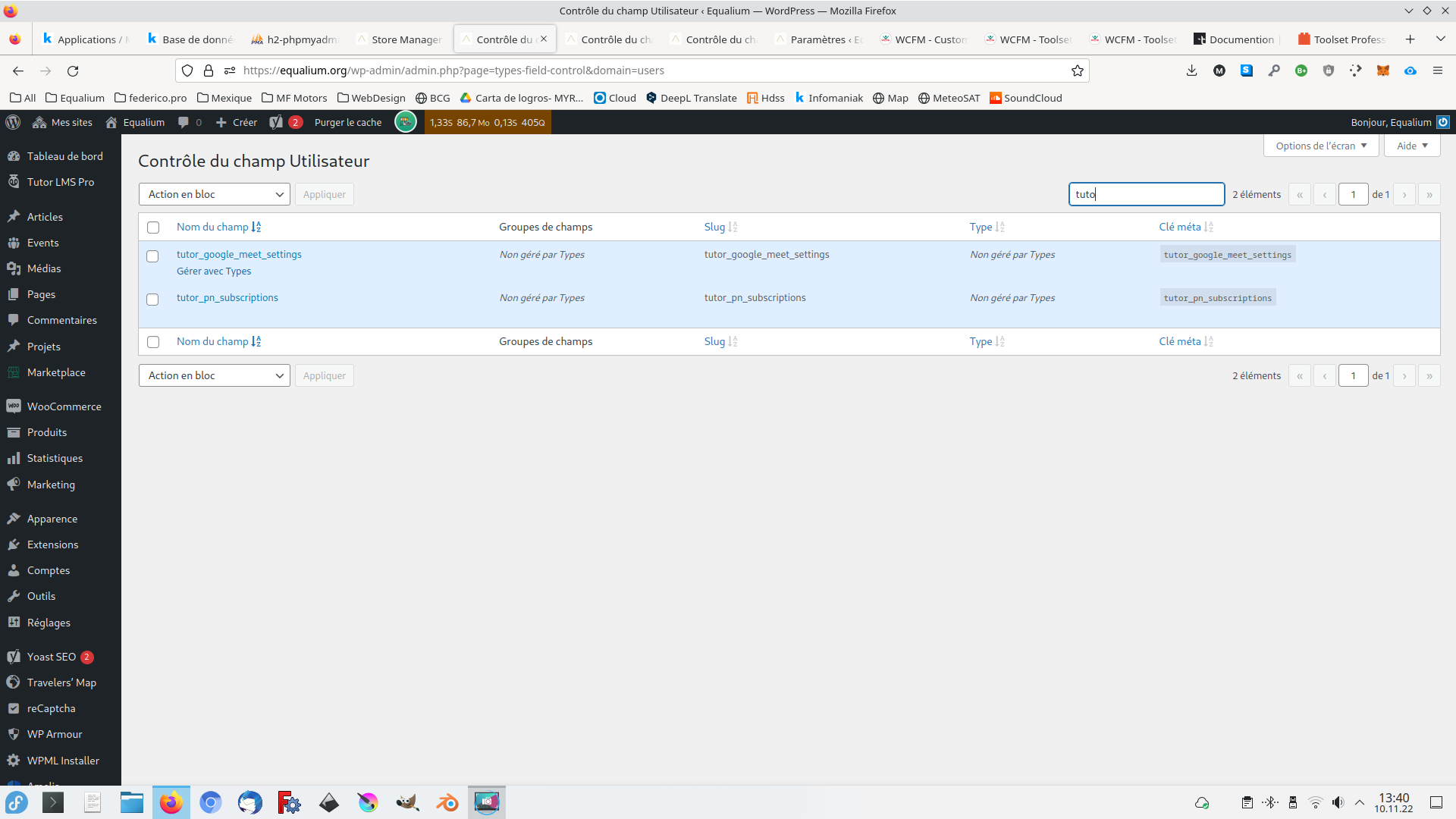
Here is a Doc that you should try to follow and check if you able to see those custom fields with this section:
- https://toolset.com/course-lesson/letting-toolset-edit-custom-fields-created-by-other-plugins/

if no, then the way is to add a Generic field:
- https://toolset.com/course-lesson/adding-generic-fields-to-forms/

And then use the Toolset Form's hook "cred_save_data" and save the values of your desired fields to your desired meta keys.

More info:
- https://toolset.com/documentation/programmer-reference/cred-api/#cred_save_data

#2497487

My issue is resolved now. Thank you!