Skip Navigation

[Closed] Mapping 3 images causes it to put images in the wrong place.

This support ticket is created 3 years, 2 months ago. There's a good chance that you are reading advice that it now obsolete.

This is the technical support forum for Toolset - a suite of plugins for developing WordPress sites without writing PHP.

Everyone can read this forum, but only Toolset clients can post in it. Toolset support works 6 days per week, 19 hours per day.

This topic contains 2 replies, has 2 voices.

Last updated by Nigel 3 years, 2 months ago.

Author
Posts
#2517035

I am trying to:
Attach 3 images to a custom post

Link to a page where the issue can be seen:
hidden link

I expected to see:
The 3 images

Instead, I got:
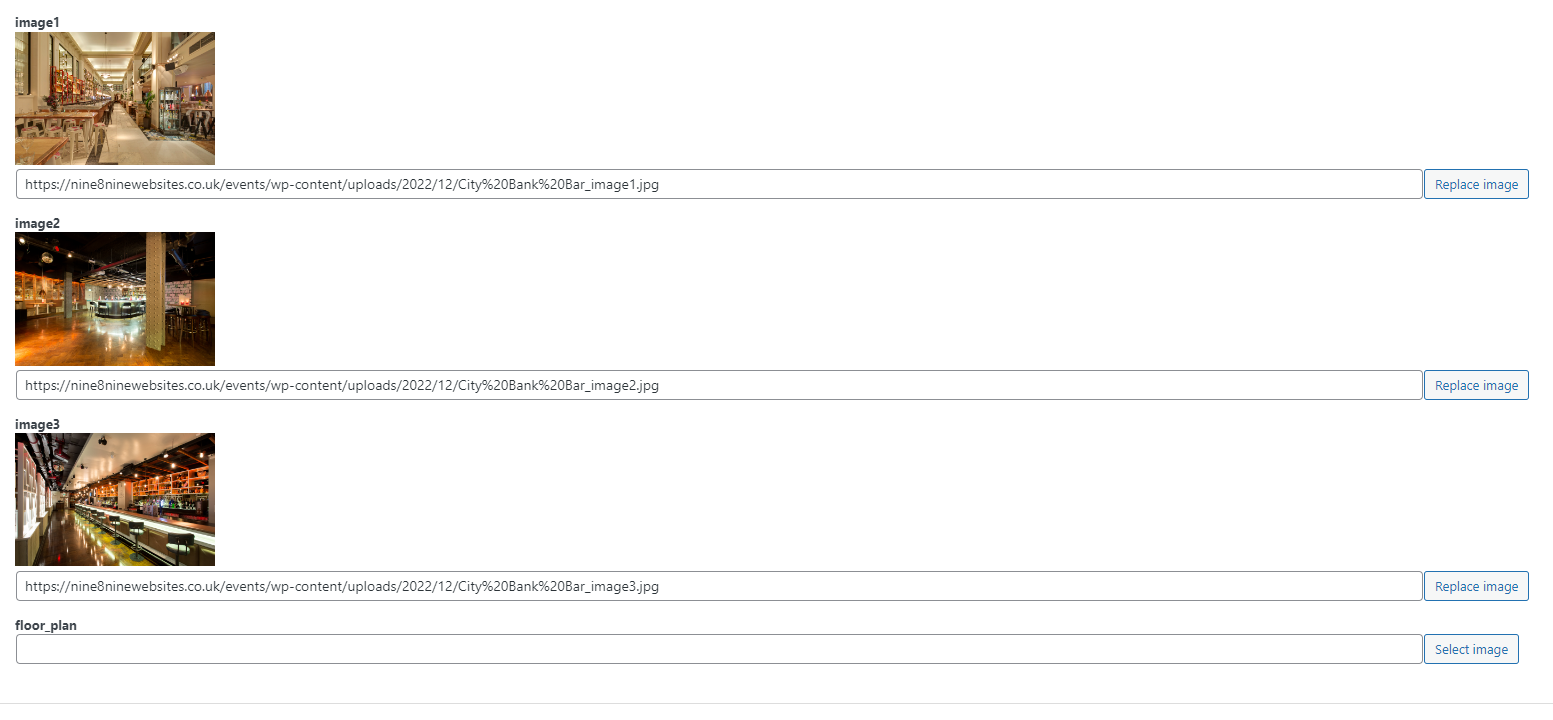
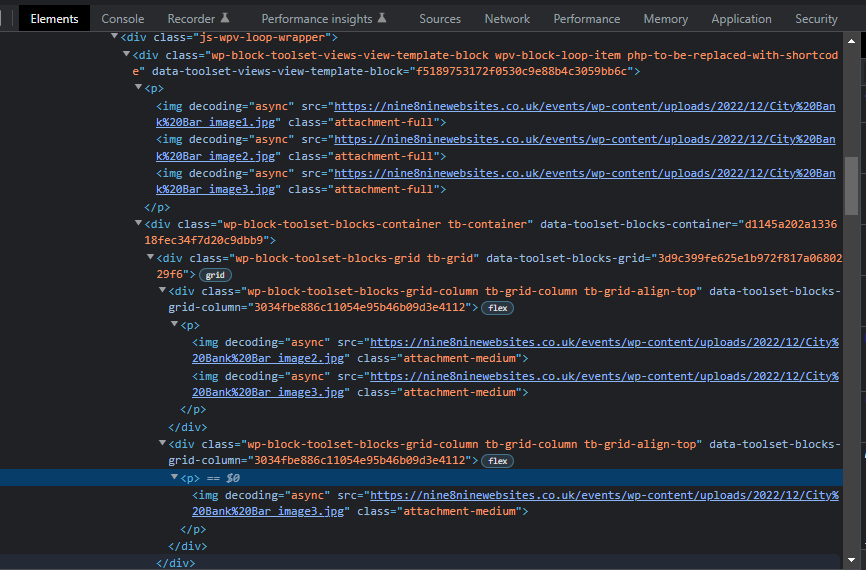
Image 1 displays "image 1, image 2, image 3"
Image 2 displays "image 1, image 2"
Image 3 displays "image 3"

#2517037
2.png
1.png
6.png
5.png
4.png
3.png

Screenshots attached

#2518699

Nigel
Supporter

Languages: English (English ) Spanish (Español )

Timezone: Europe/London (GMT+00:00)

Hi there

Sorry, I'm not quite sure what the problem is, if you could please elaborate.

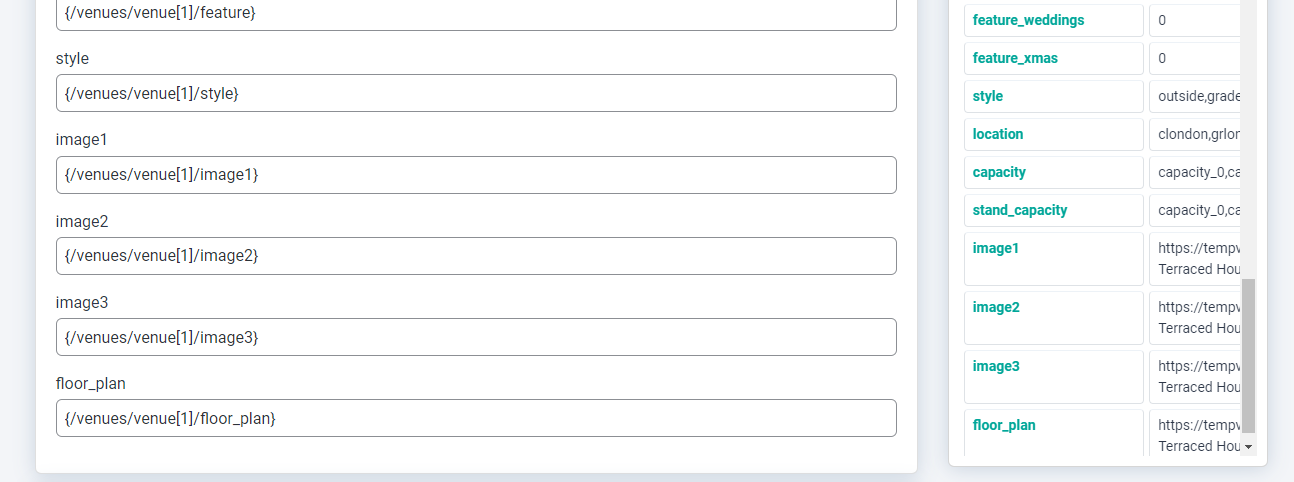
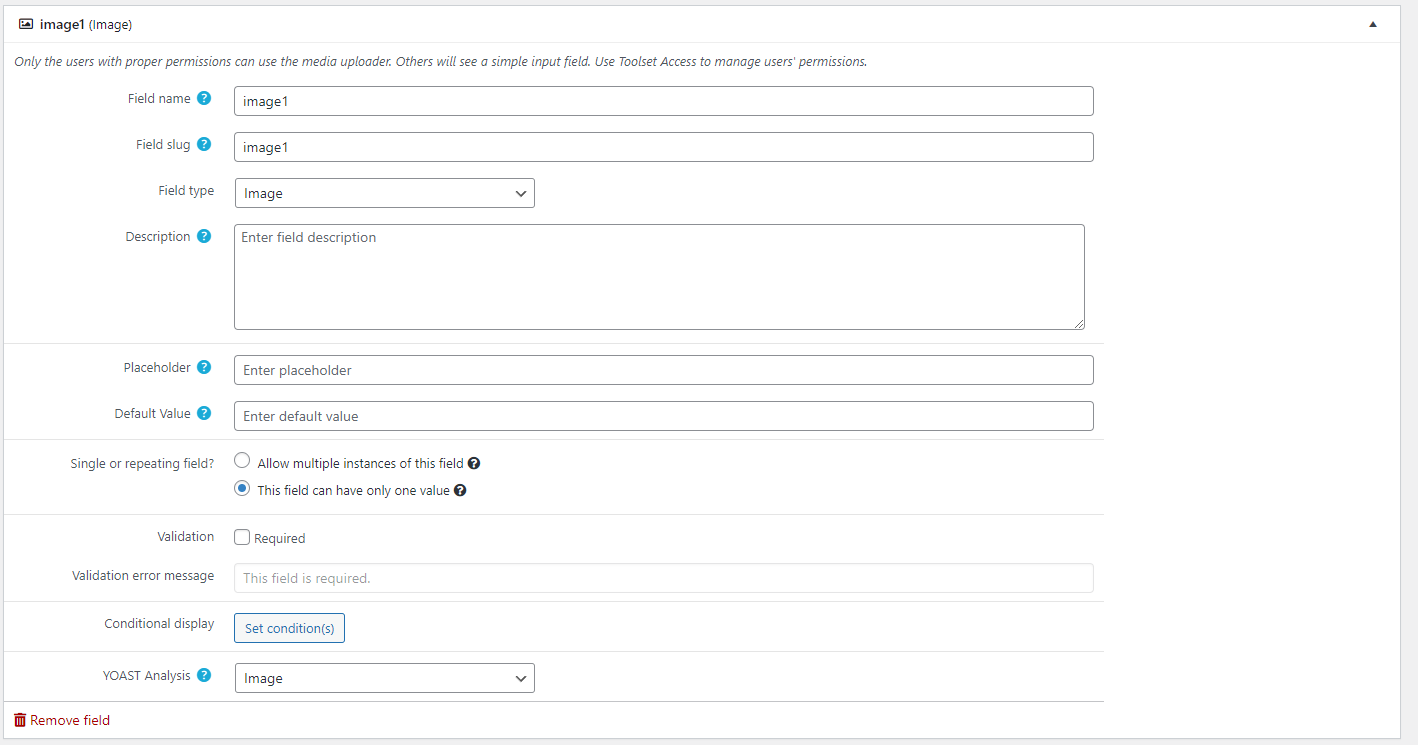
It looks like you have set up several custom image fields using Types (image1, image2 etc.), and you are using WP All Import to import content with values for these images.

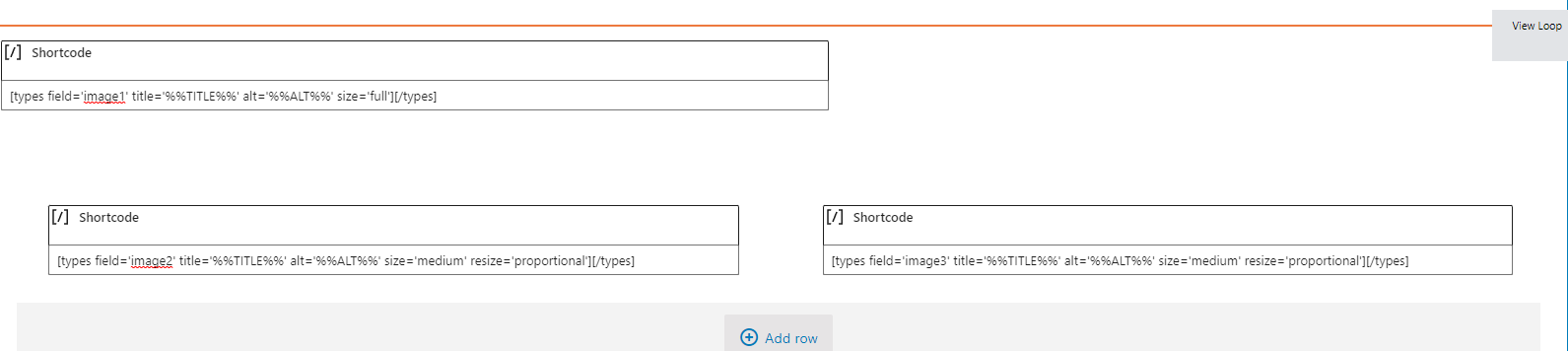
For some reason you are trying to output the images using types shortcodes in shortcode blocks (this predates the move to Blocks when the legacy editor was based on shortcodes). You should, I think, be outputting your image fields using the Toolset Image block.

In any case, it's not clear what the problem is when you try to do that.

The topic ‘[Closed] Mapping 3 images causes it to put images in the wrong place.’ is closed to new replies.