Skip Navigation

[Resolved] Limit View Items To Just Current Page

This support ticket is created 3 years, 7 months ago. There's a good chance that you are reading advice that it now obsolete.

This is the technical support forum for Toolset - a suite of plugins for developing WordPress sites without writing PHP.

Everyone can read this forum, but only Toolset clients can post in it. Toolset support works 6 days per week, 19 hours per day.

Sun Mon Tue Wed Thu Fri Sat
- 9:00 – 12:00 9:00 – 12:00 9:00 – 12:00 9:00 – 12:00 9:00 – 12:00 -
- 13:00 – 18:00 13:00 – 18:00 13:00 – 18:00 14:00 – 18:00 13:00 – 18:00 -

Supporter timezone: America/Jamaica (GMT-05:00)

This topic contains 2 replies, has 2 voices.

Last updated by nickP-5 3 years, 7 months ago.

Assisted by: Shane.

Author
Posts
#2406961
Xnip2022-06-28_17-49-16.jpg
Xnip2022-06-28_17-48-40.jpg

Tell us what you are trying to do?
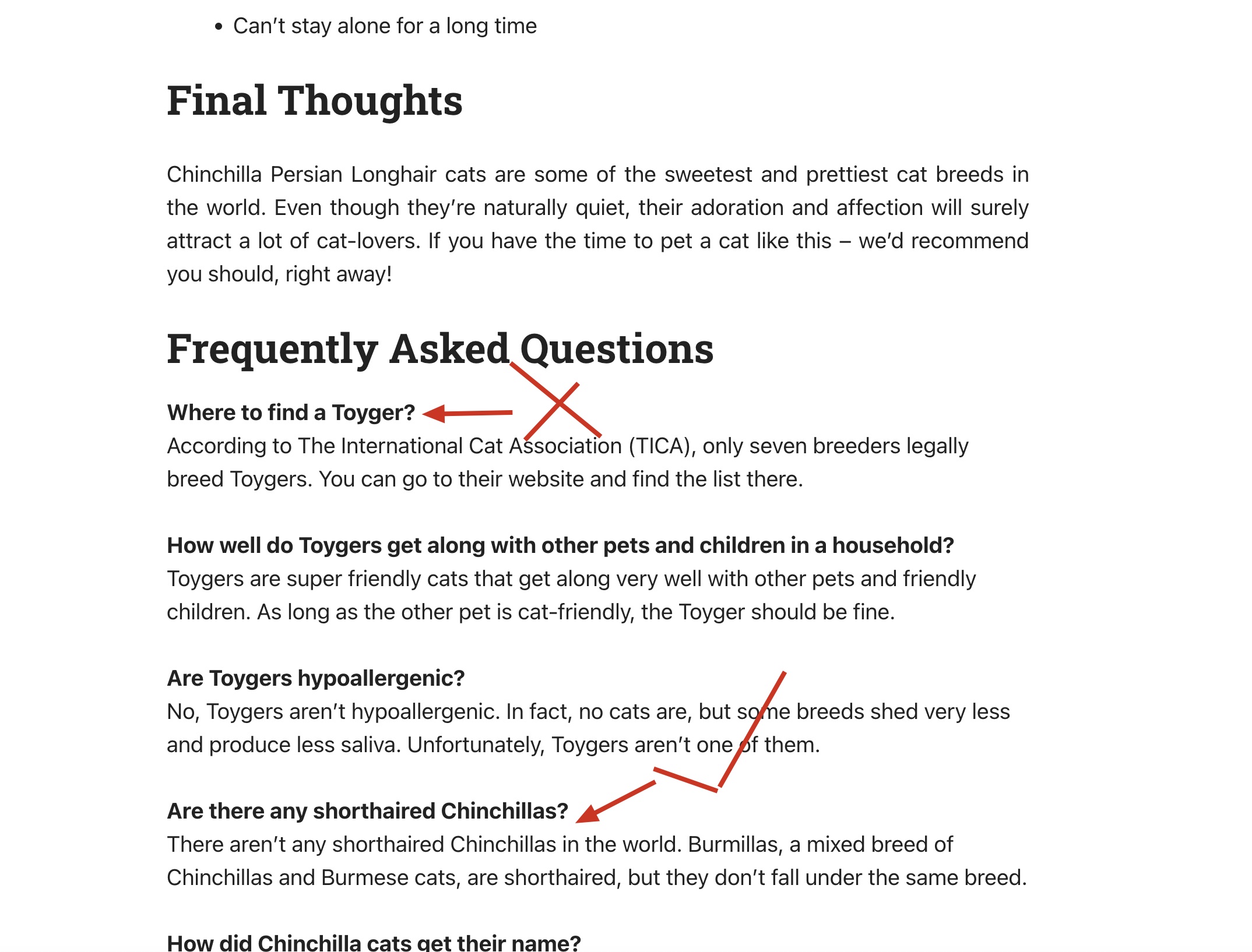
On my pages I'm displaying FAQ items in a view using a repeater content field. I'm finding that its displaying FAQ items from other pages, so I'd like to limit it to just the current page

Is there any documentation that you are following?

Is there a similar example that we can see?

What is the link to your site?
hidden link
FAQ at the bottom
You'll see that FAQ's from other breeds are showing

#2407081

Shane
Supporter

Languages: English (English )

Timezone: America/Jamaica (GMT-05:00)

Hi Nick,

Thank you for getting in touch.

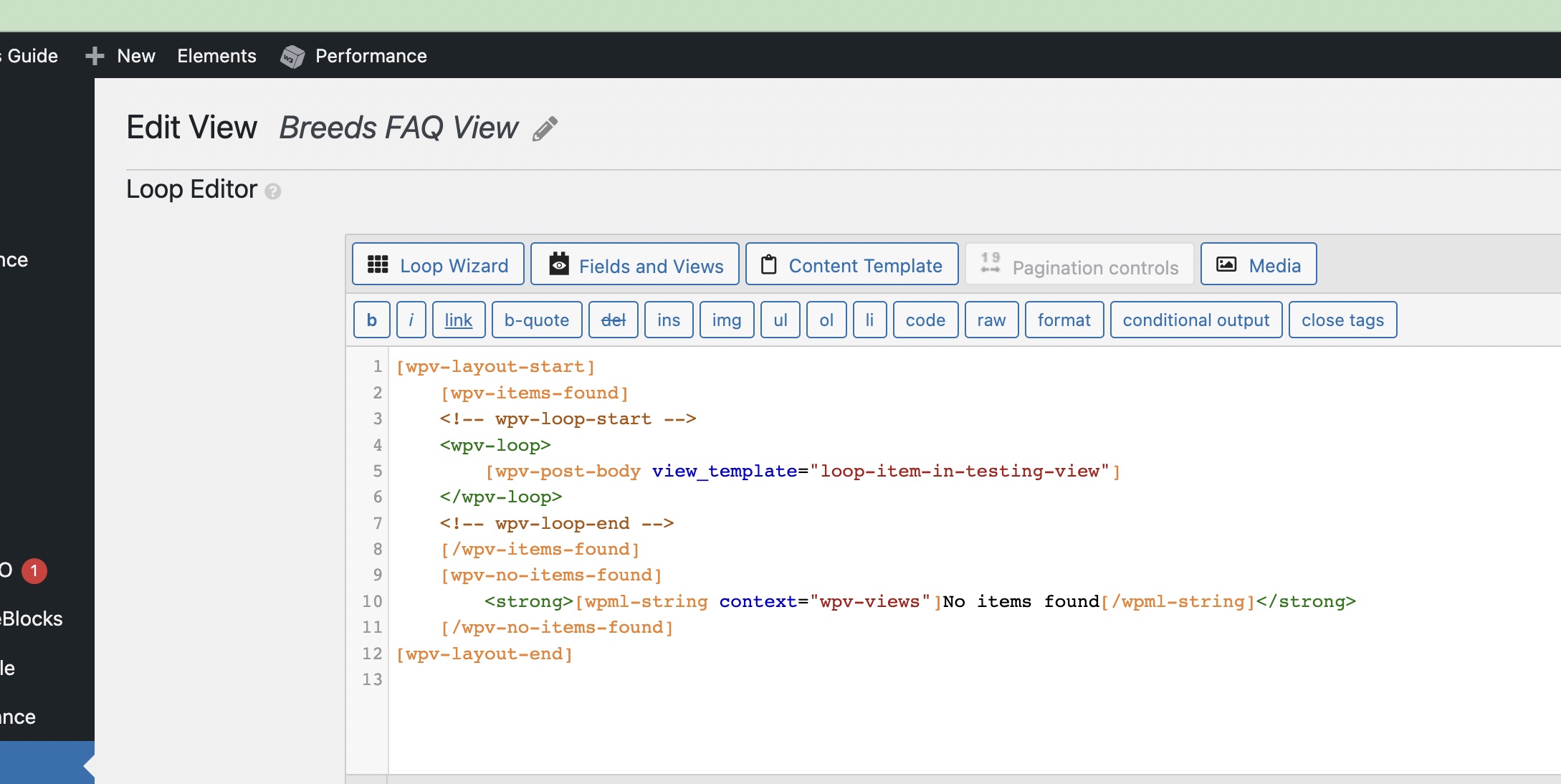
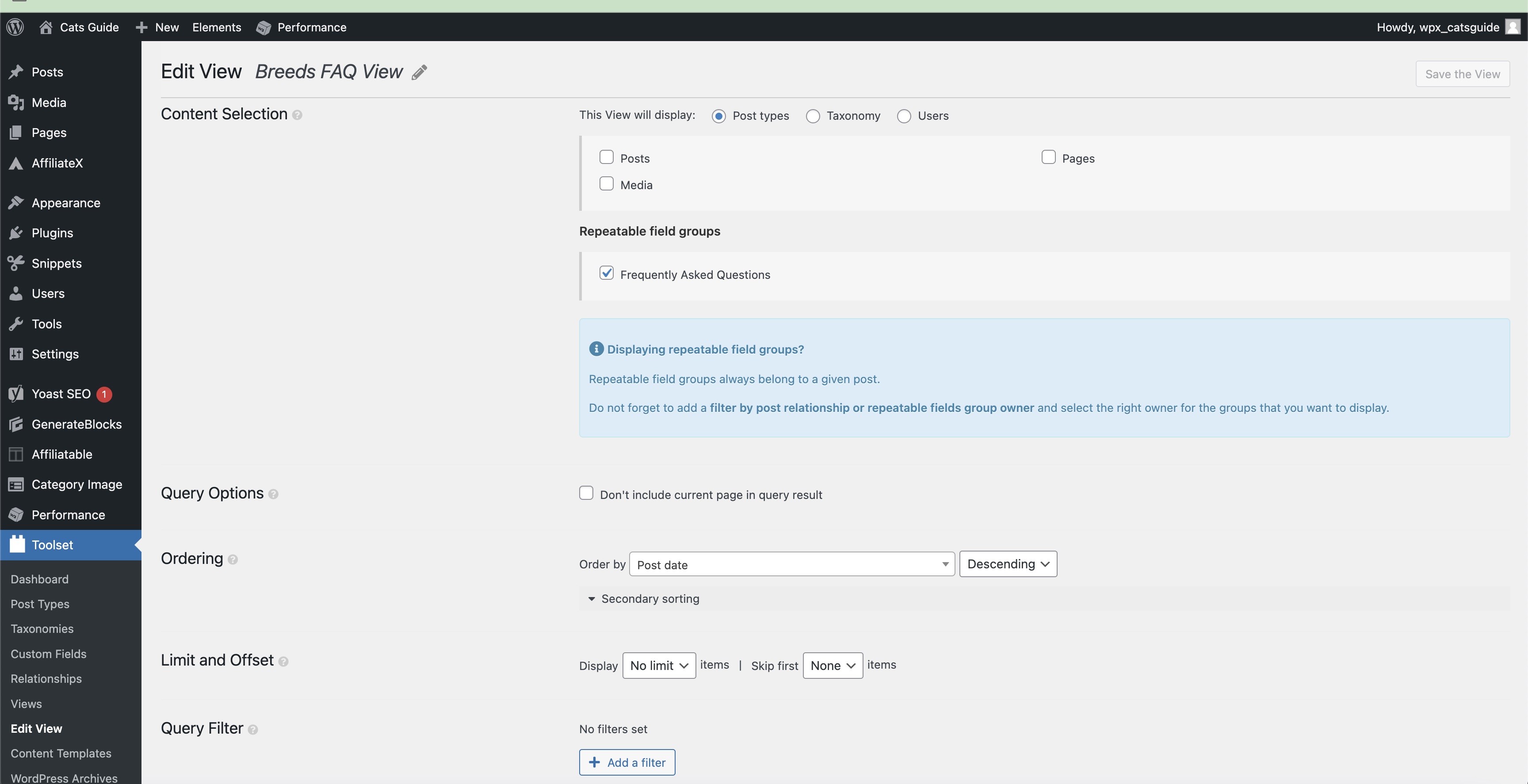
Your view is set to display the Repeating Field Group ? Can you provide a screenshot of the post select section of your view so that I can understand the content that you're selecting ?

If it turns out to be that you're selecting the Repeating Field Group post type then what is missing is the query filter for the Post Relationship.

On your view you should see an Add query filter button below the Order section of your view. If you're not seeing this then I recommend scrolling to the top of your view page and Selecting Screen Options.

From there enable the Query Filter section.

Thanks,
Shane

#2407189
Xnip2022-06-28_23-31-32.jpg

Thanks, sorted.