Skip Navigation

[Resolved] Licence issue

This is the technical support forum for Toolset - a suite of plugins for developing WordPress sites without writing PHP.

Everyone can read this forum, but only Toolset clients can post in it. Toolset support works 6 days per week, 19 hours per day.

Sun Mon Tue Wed Thu Fri Sat
- 10:00 – 13:00 10:00 – 13:00 10:00 – 13:00 10:00 – 13:00 10:00 – 13:00 -
- 14:00 – 18:00 14:00 – 18:00 14:00 – 18:00 14:00 – 18:00 14:00 – 18:00 -

Supporter timezone: Asia/Kolkata (GMT+05:30)

This topic contains 5 replies, has 1 voice.

Last updated by Minesh 1 week, 6 days ago.

Assisted by: Minesh.

Author
Posts
#2837254
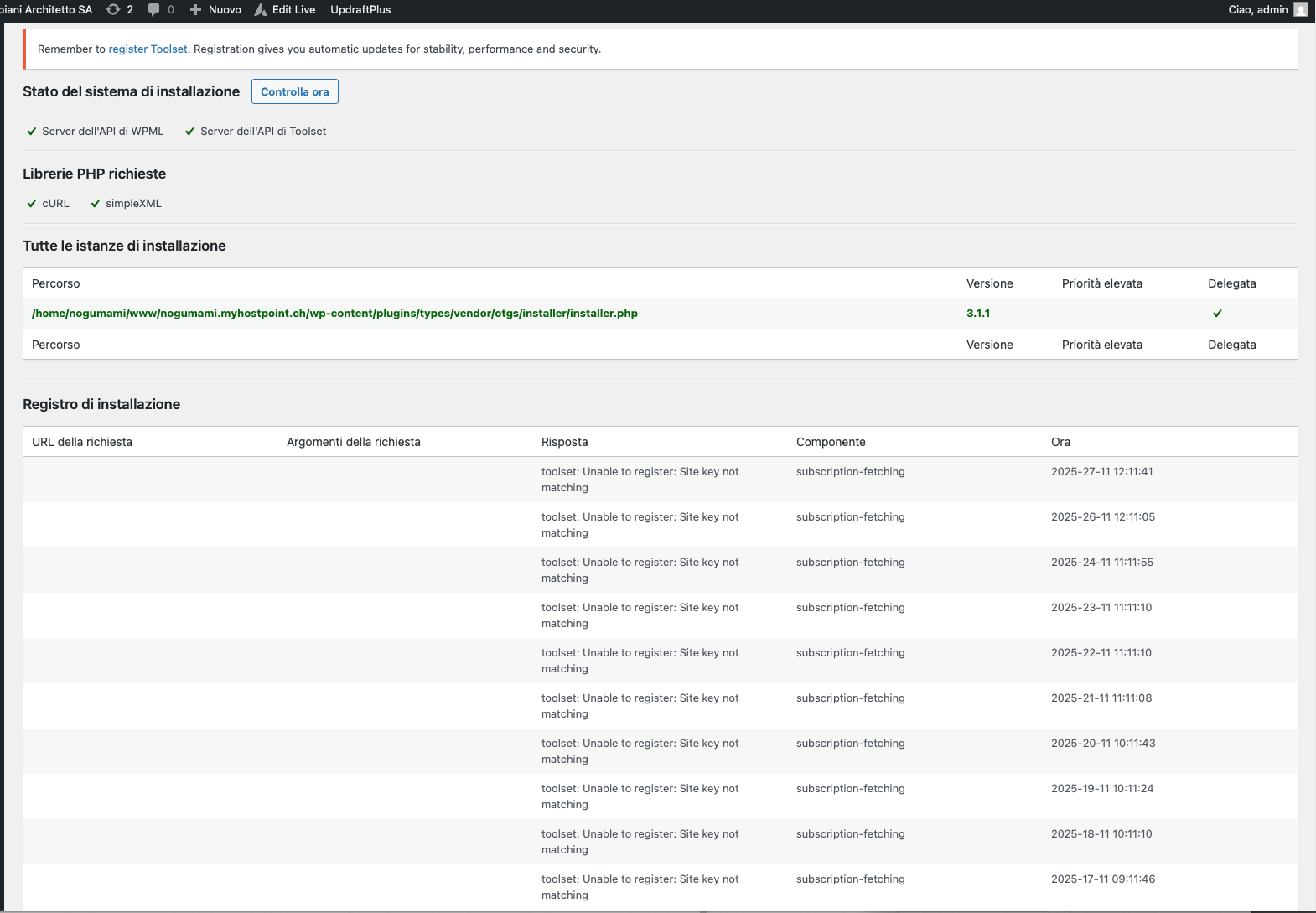
Screenshot 2025-11-27 alle 09.25.44.png
Screenshot 2025-11-27 alle 09.25.36.png
Screenshot 2025-11-27 alle 09.25.16.png

hello, I can not link to my license on Robbiani.com. If I try to link with the license code I found on toolset.com it says that it's not correct. Or it can not reach Toolset server. how can I solve that? it seems I can not even update the plugin without linking the right license. Thanks

#2837281

Minesh
Supporter

Languages: English (English )

Timezone: Asia/Kolkata (GMT+05:30)

Hello. Thank you for contacting the Toolset support.

First of all, based on the debug information you shared I find that you are using the outdated Toolset plugins. We always recommend running your site with the latest stable release plugin version.

*** Please make a FULL BACKUP of your database and website.***

Could you please update ALL Toolset plugins to it's latest officially released version. You can download the latest plugin release from your accounts page:
=> https://toolset.com/account/downloads/

Once you download the latest Toolset Types plugin, install and activate the Toolset Types plugin then click on the "Regiser" link given with the Types plugin on plugins page and then try to follow the steps given with the following Doc:
- https://toolset.com/faq/how-to-install-and-register-toolset/#automatic-installation-once-you-have-otgs-installer-plugin-installed

#2837282

Hello, thank. I will not lose the view, and everything is already set in the old plugin?

#2837283

Minesh
Supporter

Languages: English (English )

Timezone: Asia/Kolkata (GMT+05:30)

You will not loose any content. However - to be on safer side:

*** Please make a FULL BACKUP of your database and website.***

So, in any worst case, you will have a backup to restore.

#2837289

Should I delete the current plugin, then upload the new one?

#2837292

Minesh
Supporter

Languages: English (English )

Timezone: Asia/Kolkata (GMT+05:30)

Yes - you can delete the current plugins and download the Toolset Types plugin and then updload and activate the Toolset Types plugin and then try to register the Toolset and then once you register Toolset plugins, you can latest install other Toolset plugins using installer.