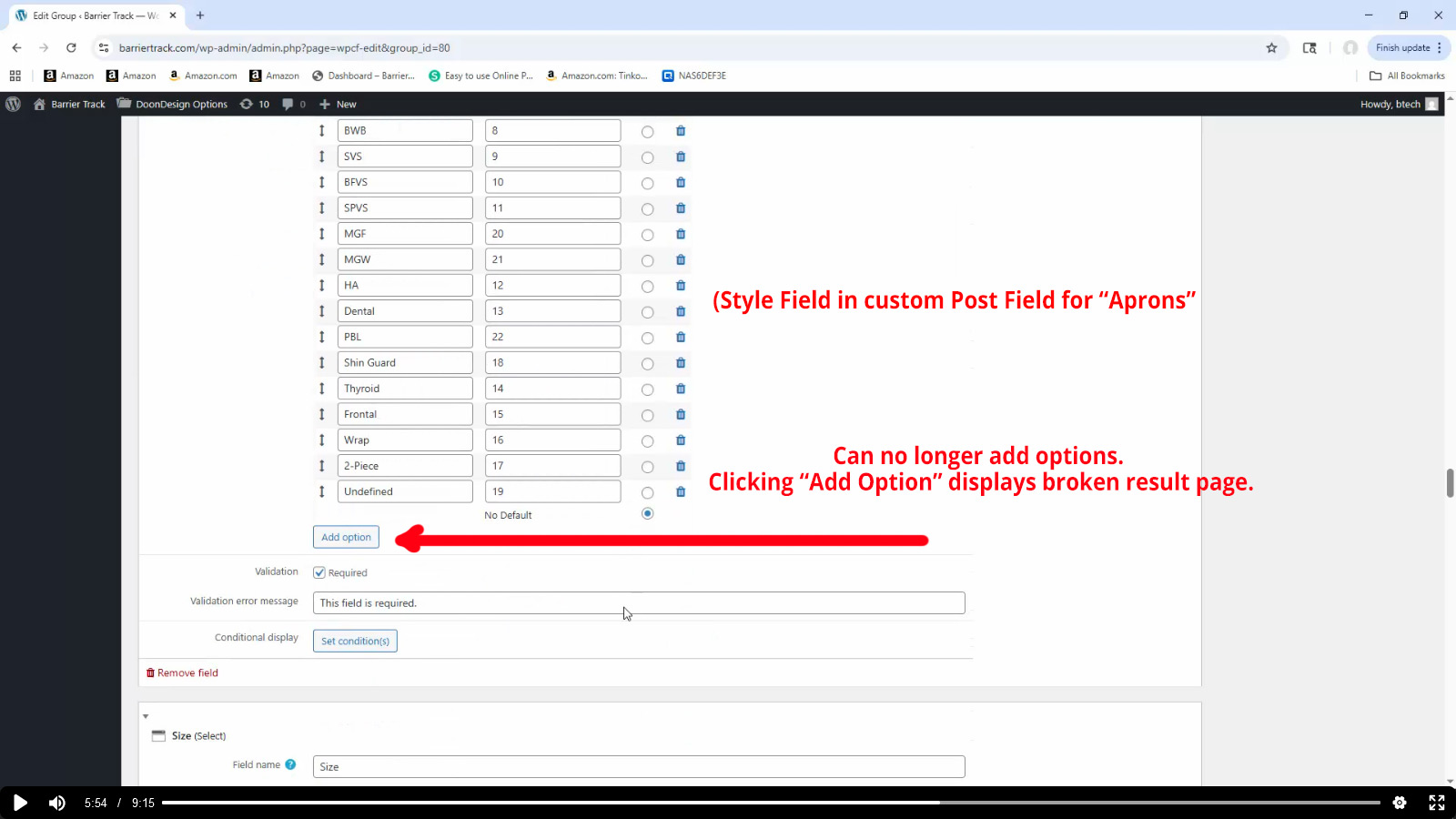
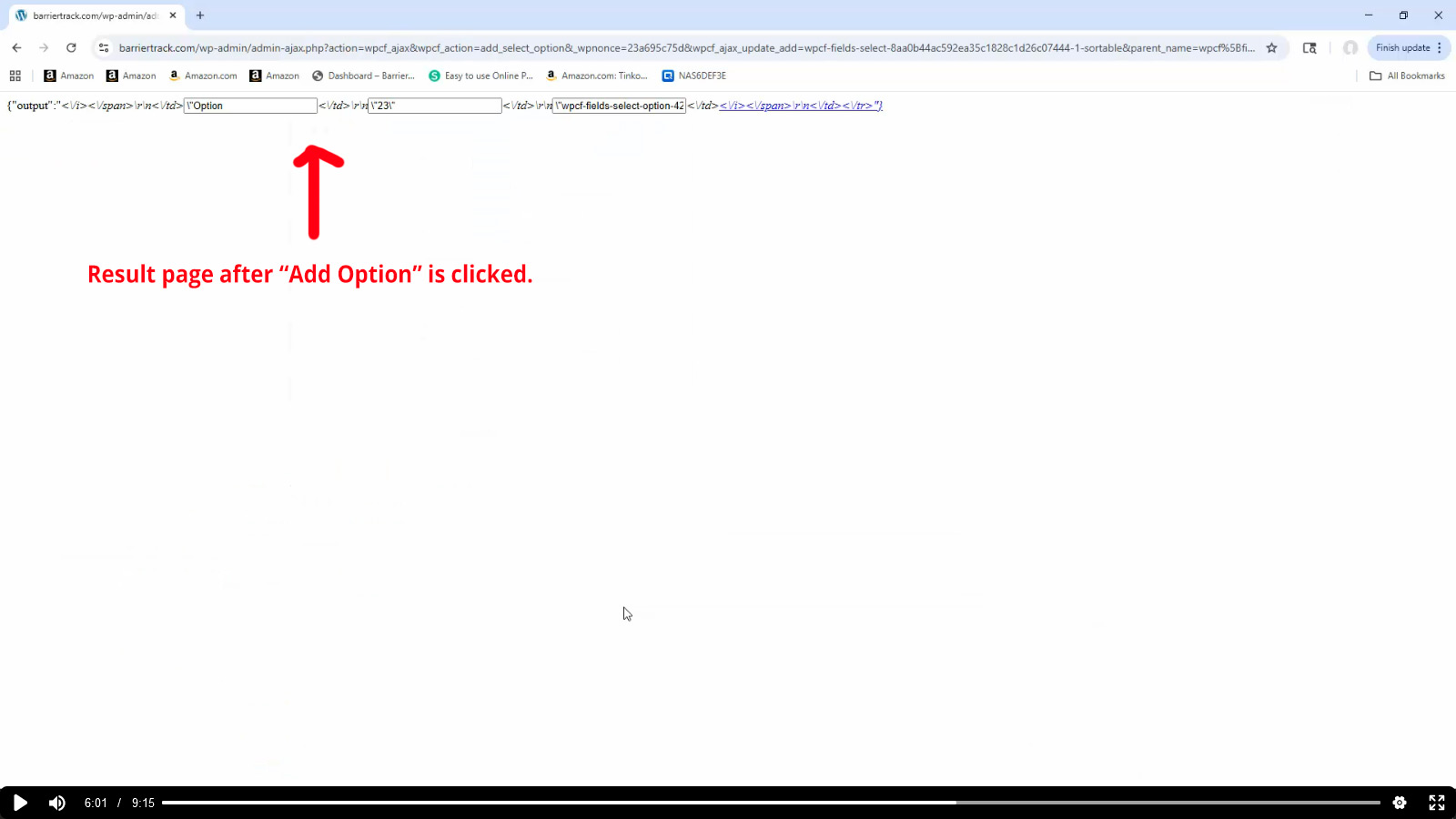
We have been using toolset for many years with no major changes to our website theme or environment. We did that purposely to avoid issues with upgrades, theme breaks and plugin conflicts. At some point long ago, the dropdowns in certain areas of toolset plugins would not work. We found a work-around by editing the css in the developer console in order to force the dropdown panels to the "open" state, by adding a css property to "display:block".
The issue was occurring in the "Post Fields" module where we would occasionally go in and add additional options to our Post Fields properties, such as "Styles" or "Swatches".
Now, upon clicking the "add option" for any custom properties in the Post Field, the process is broken. No new options can be added. That previously worked fine. Now, you get a page that displays some type of half broken html result. We need to have this fixed as well as the javascript downdown UI conflict.
Please advise how this can be achieved.
Video demo of the issue here:
hidden link
Hi,
Welcome to Toolset support. Unfortunately, we are unable to give support for that old of a version.
There have been many code changes between the Toolset views 2.4 that you use and 3.6.21, which is the latest version.
Same for the Toolset Types.
I suggest that you copy the website to a staging version and update all Toolset plugins and WordPress to the latest version.
Then try to see if the problem persists or not.
Thanks.
Ok. I will have to begin there. Thanks.