Tell us what you are trying to do?
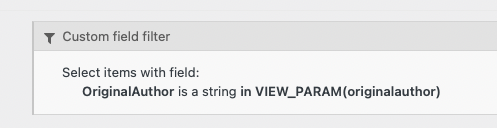
I have a library website and on a page for a book I display a View "Other Titles By This Author". This View uses a custom field filter: "Select items with field: OriginalAuthor is a string equal to VIEW_PARAM(originalauthor)"
"OriginalAuthor" is a field with multiple values possible.
This View displays only books where the author is the first one listed. How can I display books by all the authors?
Is there any documentation that you are following?
No
Is there a similar example that we can see?
What is the link to your site? hidden link
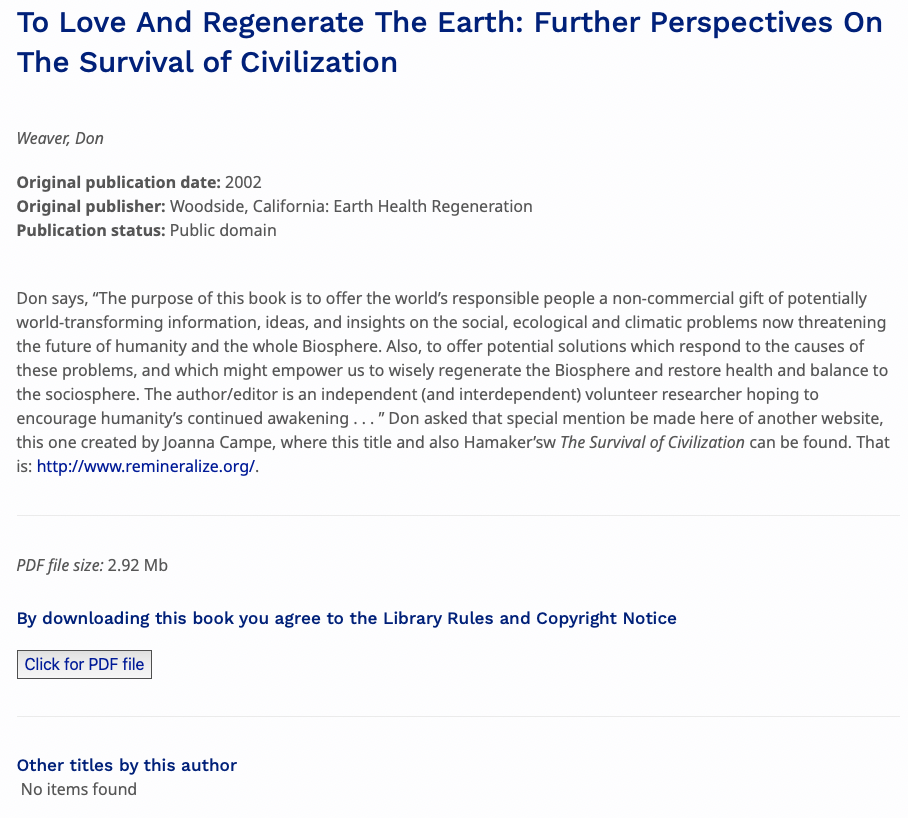
OriginalAuthor of this book is Don Weaver. Look at the bottom of the page for Other titles by this author: Fruiticulture. Click on Fruiticulture. Don Weaver is the second OriginalAuthor of this book. Notice that Other titles by this author is empty.
Let's make sure we understand the problem correctly.
This first page is for a book that has just one author (stored in a custom field), Dan Weaver
hidden link
It has a section "Other titles by this author", which links to the book page Fruiticulture. That link is generated by a View, the View shown in your screenshots, which includes a Query Filter to specify the author.
You do not show how this View is inserted, but you must be passing the value of the author custom field to the View to provide the value to be used in the Query Filter.
For this page it is working.
But when we go to the Fruiticulture page, we see that the same View is not.
The Fruiticulture page has two authors (two values for the author custom field).
So where you pass the "author" to the View to provide the value for the author, there are two authors to pass, and the Query Filter as currently specified cannot work.
This will probably need a code solution, using the API filter wpv_filter_query to modify the query for it to work as expected, but before going further we would need to see how you are passing the author(s) to your View.
Can you show the wpv-view shortcode you use to insert the View?
Thank you for your reply. Your description is correct. I am using this shortcode in my book template:
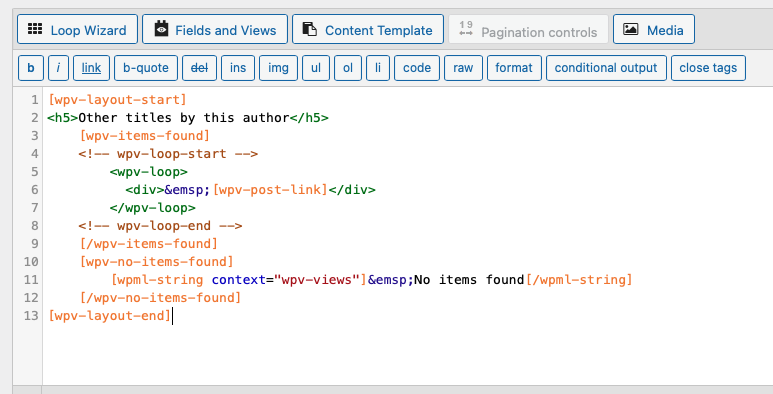
[wpv-view name="Other titles by this author" originalauthor='[wpv-post-field name="wpcf-originalauthor"]']
OK, I don't think it is necessary to use custom code after all.
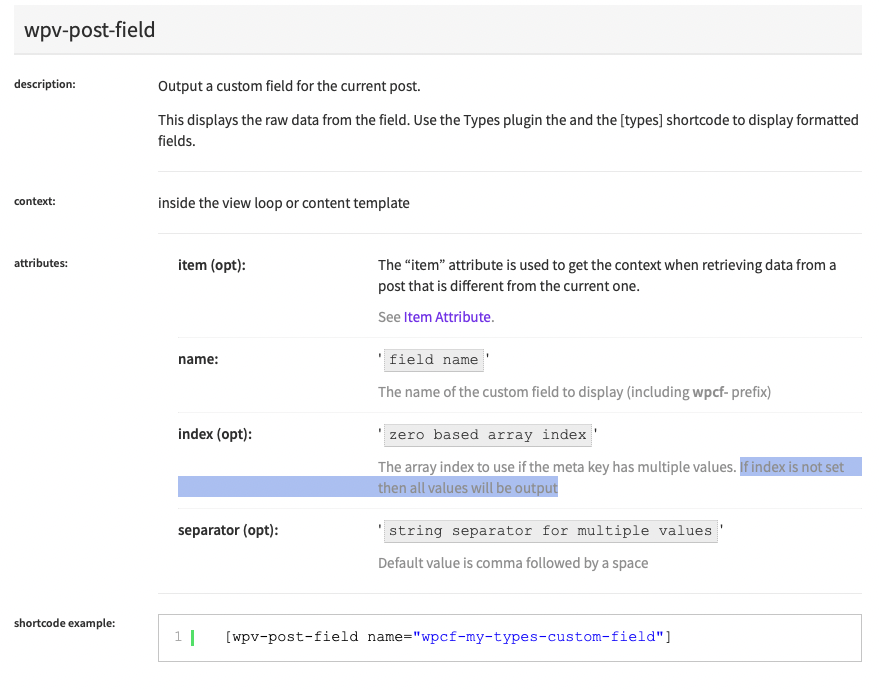
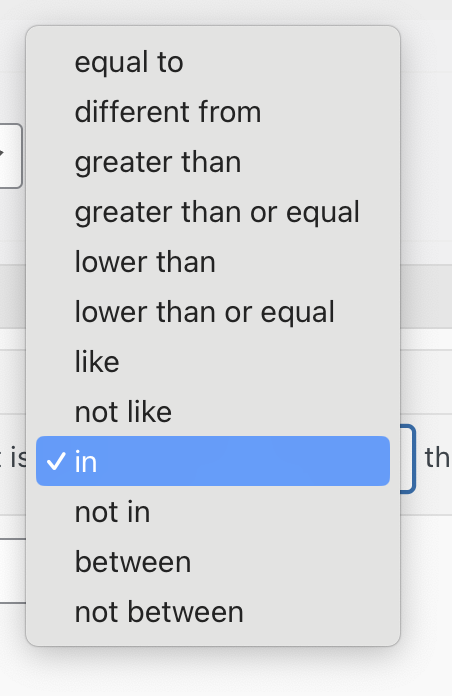
Because the wpv-post-field shortcode will output all of the authors in a comma separated list which you then pass to the View via shortcode attribute, it should be enough to just change the comparison specified in the Query Filter to use 'in' rather than 'equal to'.
Hmmm. Could I get access to your site to check myself? I'd like to examine the generated queries to confirm they are set up as I expect.
Ideally I would do this on a staging site, but if you don't have one available, I'd need to make the same change temporarily just while I inspect the queries.
Let me mark your next reply as private so that I can get log-in credentials from you—you may want to create a temporary admin user for me to use that you can later delete. And be sure to have a current backup of your site.
I realise the problem relates to how you store the author data as surname, first name, and so the comma-separated list used for the meta_value is broken: