Skip Navigation

[Resolved] Images uploaded in post form by user, can be replaced but can’t be deleted

This is the technical support forum for Toolset - a suite of plugins for developing WordPress sites without writing PHP.

Everyone can read this forum, but only Toolset clients can post in it. Toolset support works 6 days per week, 19 hours per day.

Sun Mon Tue Wed Thu Fri Sat
- 10:00 – 13:00 10:00 – 13:00 10:00 – 13:00 10:00 – 13:00 10:00 – 13:00 -
- 14:00 – 18:00 14:00 – 18:00 14:00 – 18:00 14:00 – 18:00 14:00 – 18:00 -

Supporter timezone: Asia/Kolkata (GMT+05:30)

This topic contains 4 replies, has 1 voice.

Last updated by Minesh 2 weeks, 4 days ago.

Assisted by: Minesh.

Author
Posts
#2848544
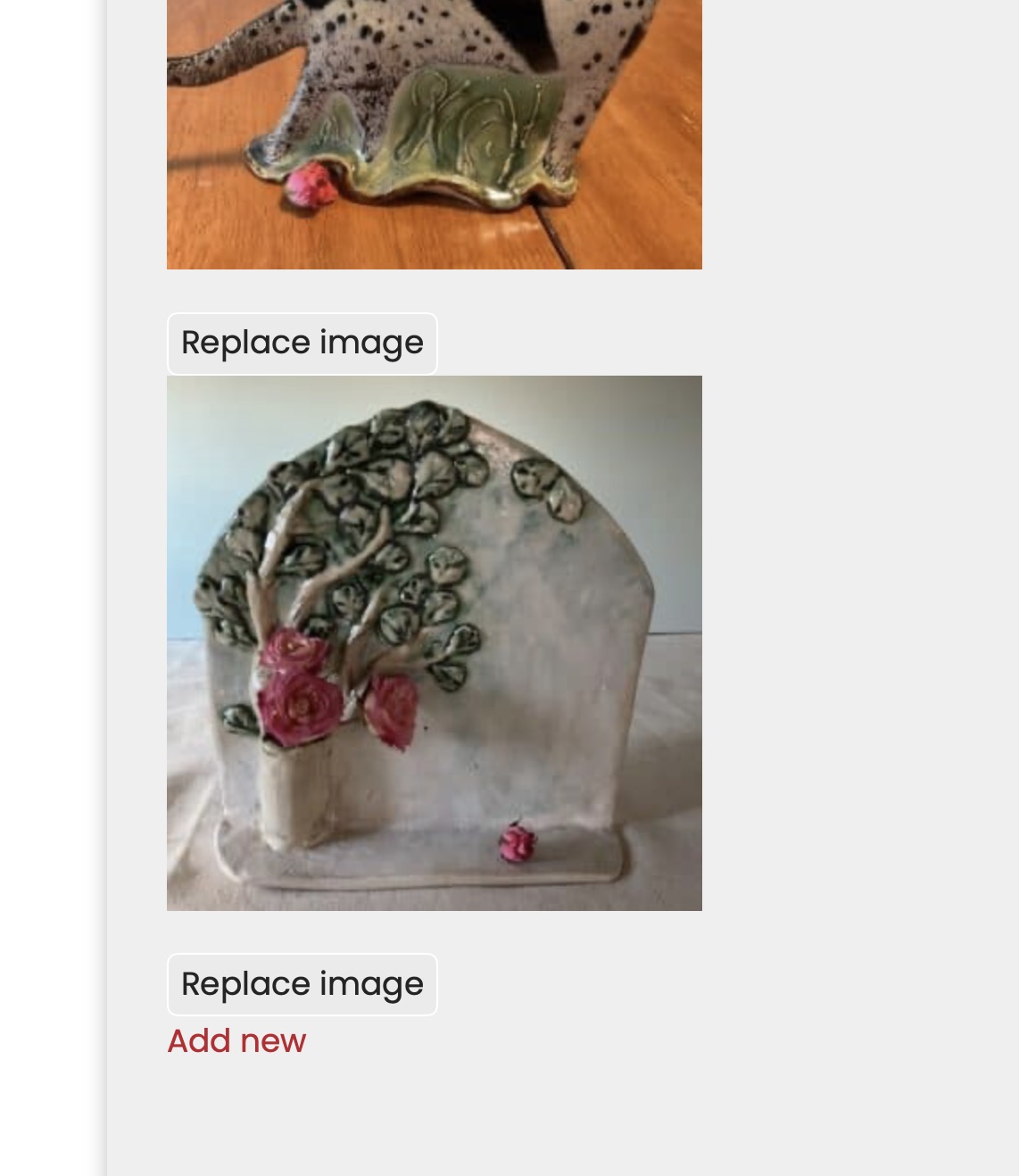
Screenshot 2026-02-17 at 5.20.22 PM.JPG

Tell us what you are trying to do? On this user post form: hidden link user can replace image but can't delete/remove image. What do we need to do to allow them to remove a gallery image?

What is the link to your site? hidden link

#2848558

Minesh
Supporter

Languages: English (English )

Timezone: Asia/Kolkata (GMT+05:30)

Hello. Thank you for contacting the Toolset support.

Can you please share admin access details and let me check whats going wrong with your setup.

*** Please make a FULL BACKUP of your database and website.***
I would also eventually need to request temporary access (WP-Admin and FTP) to your site. Preferably to a test site where the problem has been replicated if possible in order to be of better help and check if some configurations might need to be changed.

I have set the next reply to private which means only you and I have access to it.

#2848713

Minesh
Supporter

Languages: English (English )

Timezone: Asia/Kolkata (GMT+05:30)

Can you please share problem URL where I can see the form you added on frontend where I can see the images without delete button?

#2848754
Screenshot 2026-02-19 at 6.51.24 AM.JPG

You can see it here: hidden link and expand the accordion as shown in the image.

#2848870

Minesh
Supporter

Languages: English (English )

Timezone: Asia/Kolkata (GMT+05:30)

When I checked the page source I can see the following HTML rendered and available with the page source: hidden link

<div class="wpt-credfile-action js-wpt-credfile-action js-toolset-media-field-action">

<span role="button" data-action="delete" class="dashicons-before dashicons-no wpt-credfile-delete js-wpt-credfile-delete js-toolset-media-field-delete" title="Clear value" style=""></span>

<input type="button" class="js-toolset-media-field-trigger" data-meta="{"metakey":"wpcf-gallery-image[0]","title":"Gallery Image","parent":2850,"type":"image","multiple":true,"preview":"img","previewsize":"thumbnail","select_label":"Upload or select image","edit_label":"Replace image"}" value="Replace image">

</div>

It seems that the dashicons are missing and hense the icon to delete the image not displyed on frontend. Can you check with cornerstone page builder support how to make this working and hook dashicon with accordion.

Maybe you can also check with brandnew installation and check if dashicons are available with edit form with normal page build using Toolset.