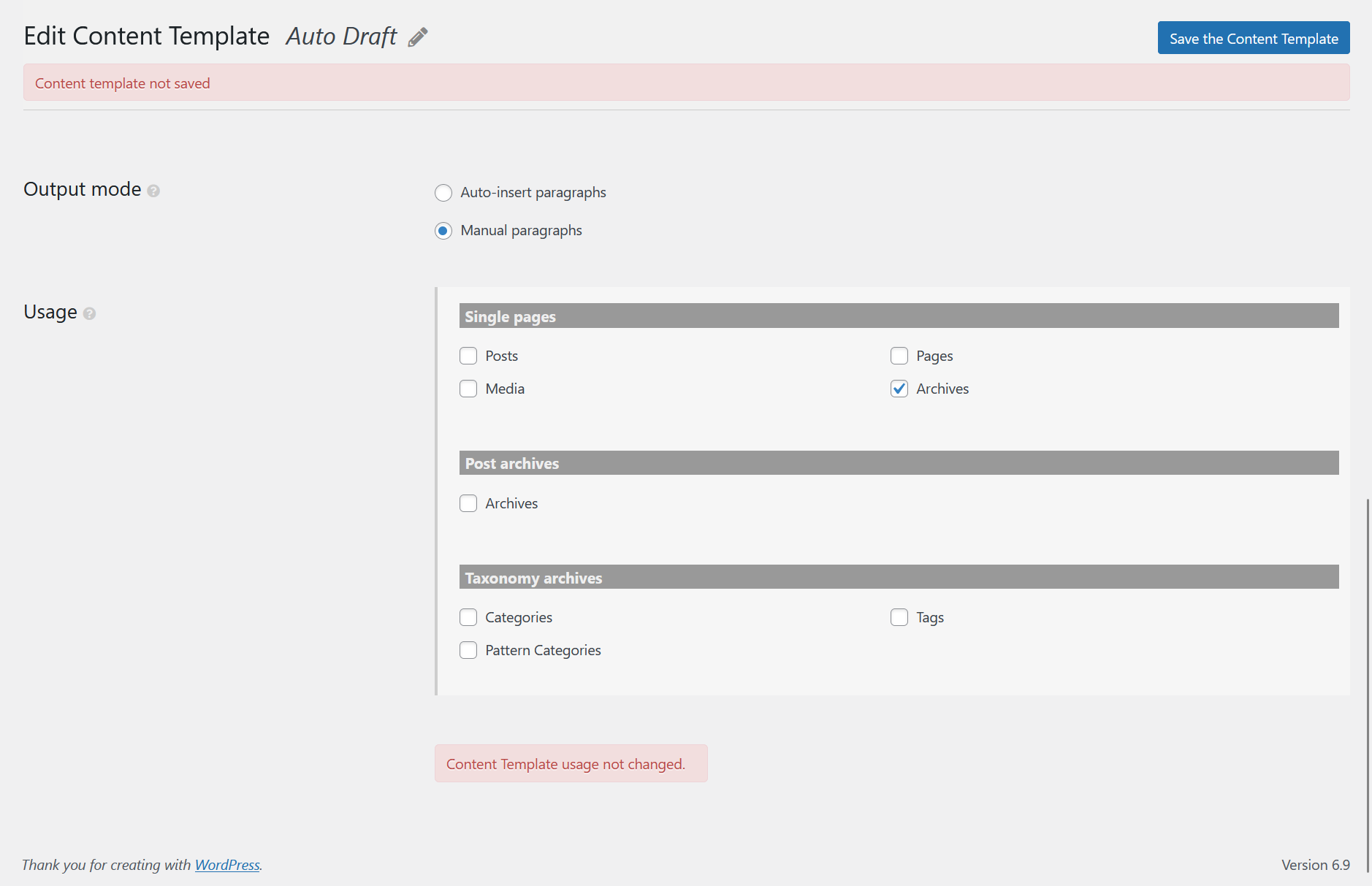
I have imported my previous blog articles into a new install. I want the previous articles to reside in "Archives". I have successfully imported them. I am making a content template but it won't save
AI is helping some but the process is straightforward common sense.
Is there a similar example that we can see? I've attached an image.
What is the link to your site? It is local on my Surface Tablet.
Hi,
Welcome to Toolset support. It might be a problem with the import or there is a conflict or Toolset is not updated.
These are my initial possibilities with the information that you provided.
1) Import
Use a plugin such as All in one Migration or the native WordPress importer.
2) Conflict
- IMPORTANT STEP! Create a backup of your website. Or better approach will be to test this on a copy/staging version of the website to avoid any disruption of a live website.
- Switch to the default theme such as "TwentyTwenty" by going to "WordPress Dashboard > Appearance > themes".
- Go to "WordPress Dashboard > Plugins" and deactivate all plugins except:
. Toolset Types
. Toolset Blocks
- Check if you can still recreate the issue.
- If not, re-activate your plugins one by one and check the issue each time to find out the plugin that causes the problem.
3) Update Toolset
- IMPORTANT STEP! Create a backup of your website. Or better approach will be to test this on a copy/staging version of the website to avoid any disruption of a live website.
- Go to "WordPress Dashboard > Plugins > Add new > Commercial (tab)".
- Click the "Check for Updates" button.
- Update Toolset and its addons there.
Thanks.
I am working on a staging site locally, to do a complete restructure of my blog. So, I'm not able to send you the link. However, I am here working your suggestions. I will let you know how it goes. Thank you for your help so far!
In your point #2 regarding potential conflicts, you said to deactivate all plugins except for Types and Block. It turns out I did not have Blocks installed. I installed it and voila! I was able to save the template. Thank you.