https://toolset.com/forums/topic/unable-to-create-new-repeatable-groups-for-events-using-toolset/
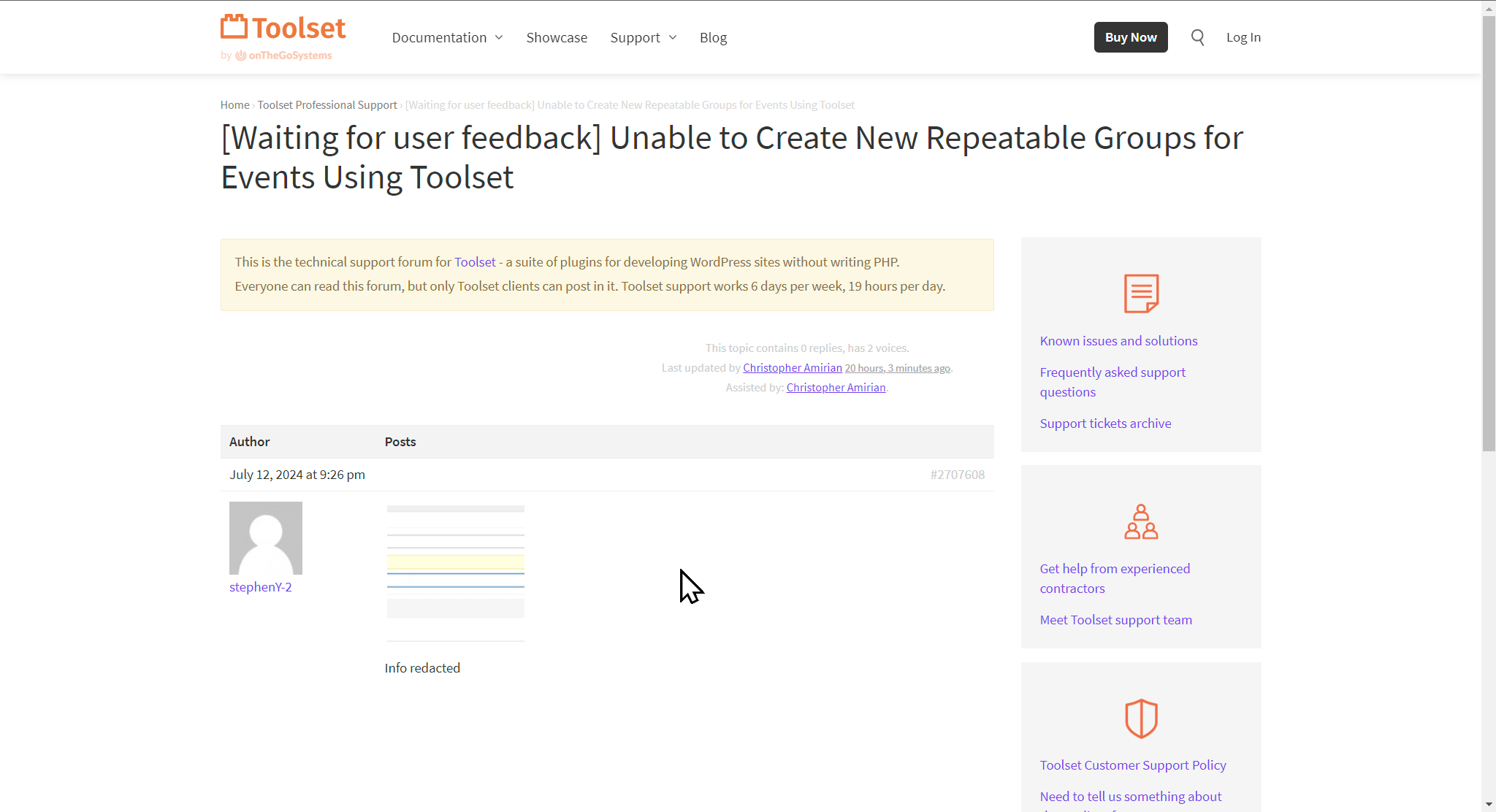
I'm trying to reply on this ticket and there is no way to write a reply. There isn't a link or anything else. I'm logged into my account and I have more information on this ticket. See attached. I've tried through the email link as well as through the website.
Why is your support process so difficult? Why can't I just submit a ticket like every other product I pay for. To be up front, your forum process is VERY frustrating and I don't like having to request my posts be made private. They should be private from the beginning.
I have more information for this ticket and I'd like to submit it. Thanks. Cheers.
Steve.
Hi Steve,
That is strange as you should be able to reply back to this ticket.
The only thing you need to do is to click the private checkbox to make sure it is private.
You should be able to click that option now and add private information.
Thank you.
Chris --
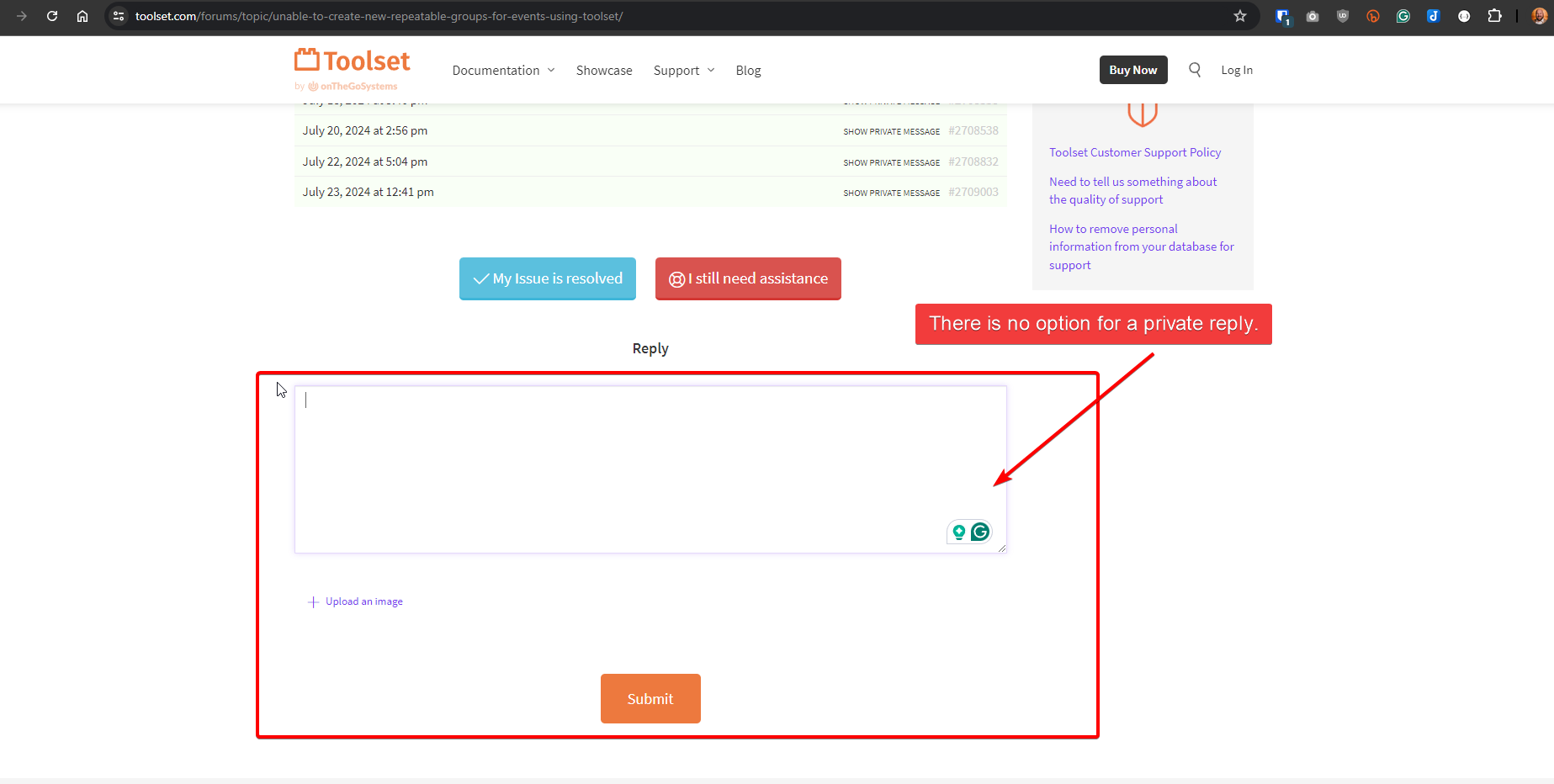
Thanks for fixing the issue and now I can reply on the ticket, but there is no option for a private reply. See attached. I also don't have the form to provide the credentials to my site for you to look at. It's just a simple reply text box. See attached.
To be clear, the private check box is not always present. It is not present when you create the initial post and it doesn't always appear when you do a reply. I have this option on this post, but not the post I want to reply on.
Thanks for your help. Cheers.
Steve.
Hi there,
That is strange, Would you please try now?
Chris, I can't access anything on that ticket now. Everything is hidden. It's just like it was before. There is no option to reply at all. What's going on?? Can I just send an email to you guys?? This shouldn't be this difficult. Thanks.
Hi there,
You need to login to Toolset.com to see the messages as you asked from us to hide the messages.
You need to login by clicking the login link at the top right section of the screen which you uploaded.
Thanks,.
Chris --
Yes, I'm well aware that logging into Toolset.com is necessary to view messages. For the record, I was logged in when I sent my previous message and I'm logged in as I send this one.
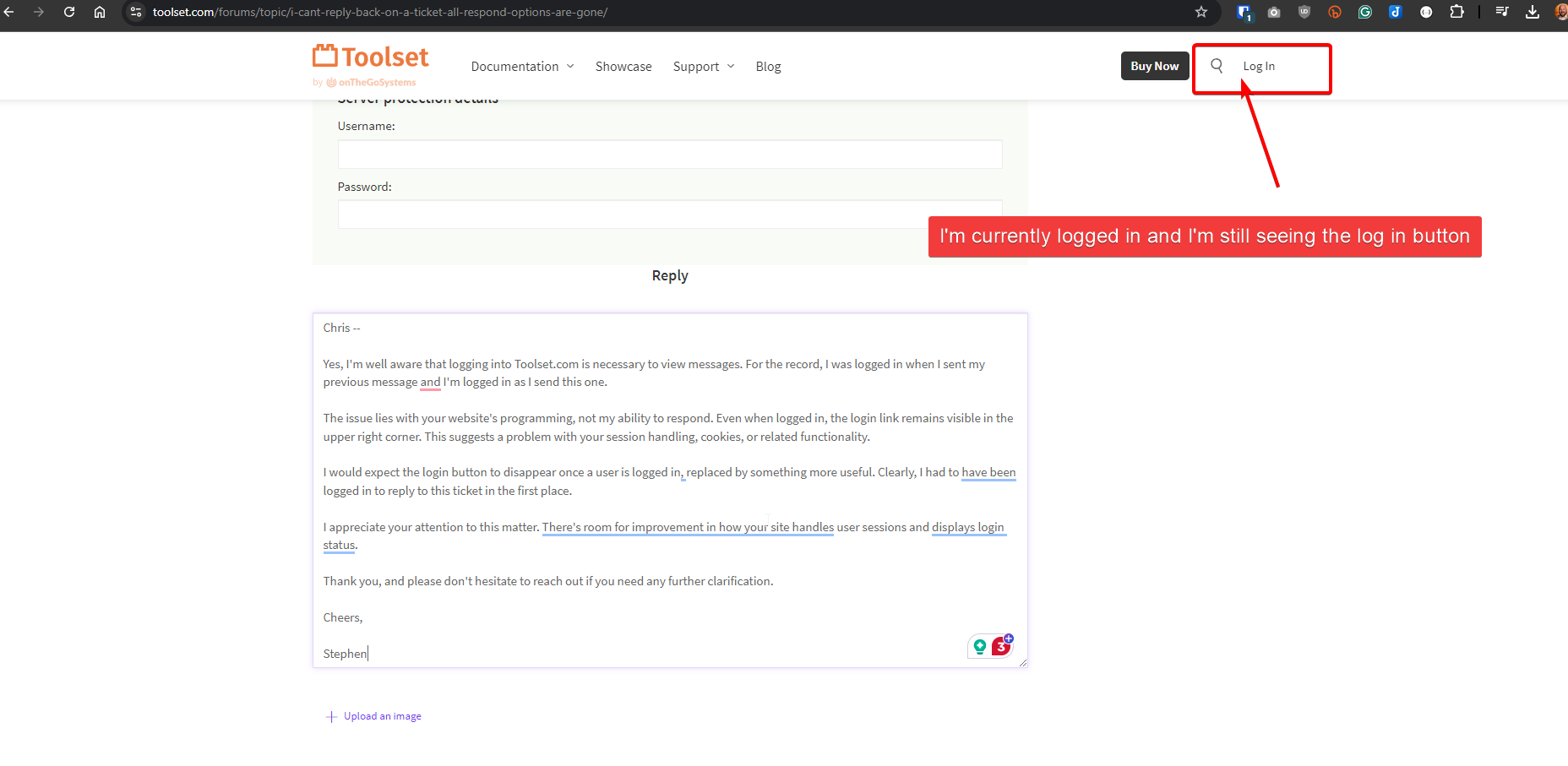
The issue lies with your website's programming, not my ability to respond. Even when logged in, the login link remains visible in the upper right corner. This suggests a problem with your session handling, cookies, or related functionality.
I would expect the login button to disappear once a user is logged in, replaced by something more useful. Clearly, I had to have been logged in to reply to this ticket in the first place.
I appreciate your attention to this matter. There's room for improvement in how your site handles user sessions and displays login status.
Thank you, and please don't hesitate to reach out if you need any further clarification.
Cheers,
Stephen
Thank you Stephen,
I reported this to the system team. I will get back to you if there is a need to test with you here.
I'd appreciate it