I built this site a long time ago, and now I am having trouble remembering how it works!
I am using hbook plugin for hotel reservations
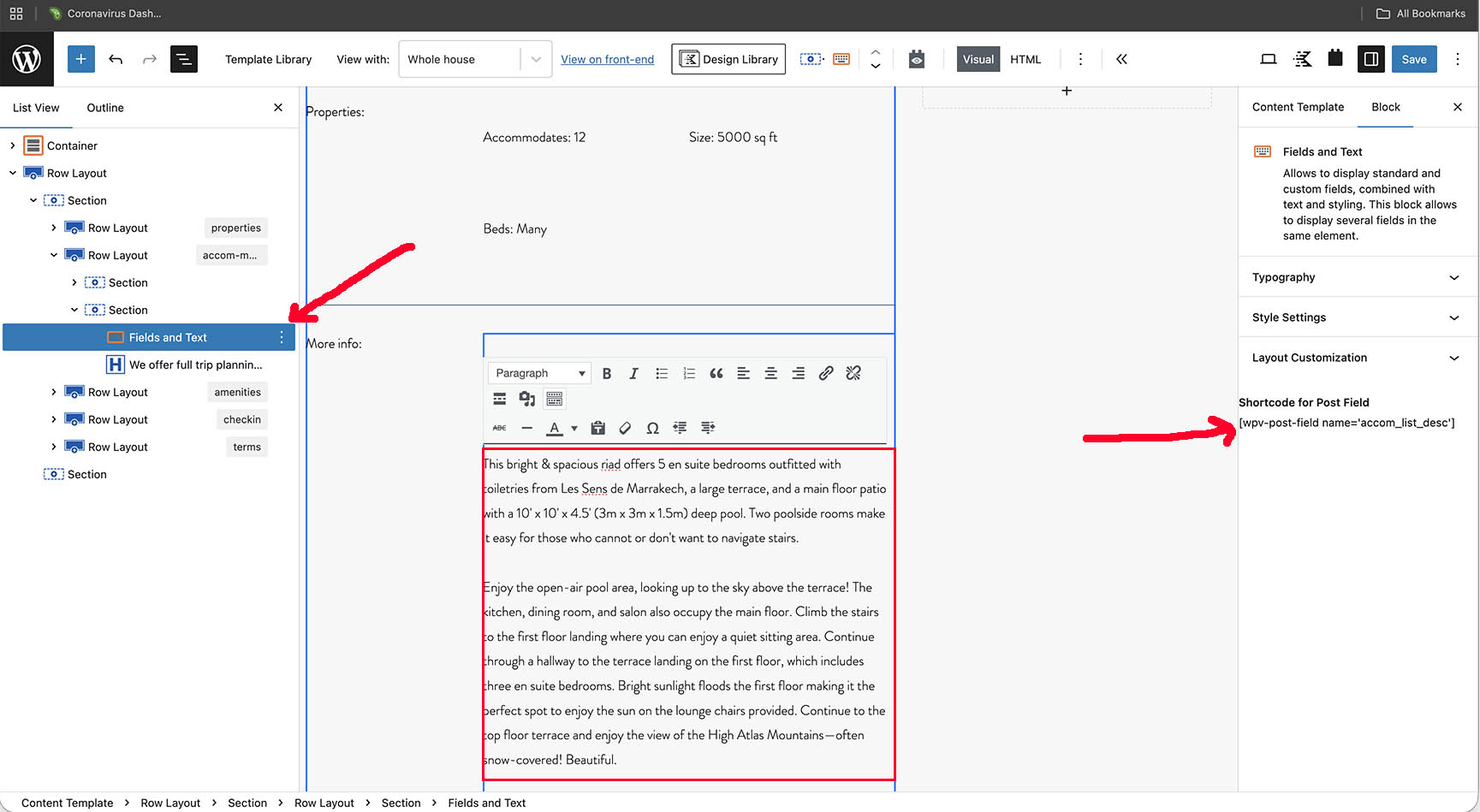
I have a Toolset Fields and Text block inserted into a template. It shows it is displaying this shortcode: wpv-post-field name='accom_list_desc'
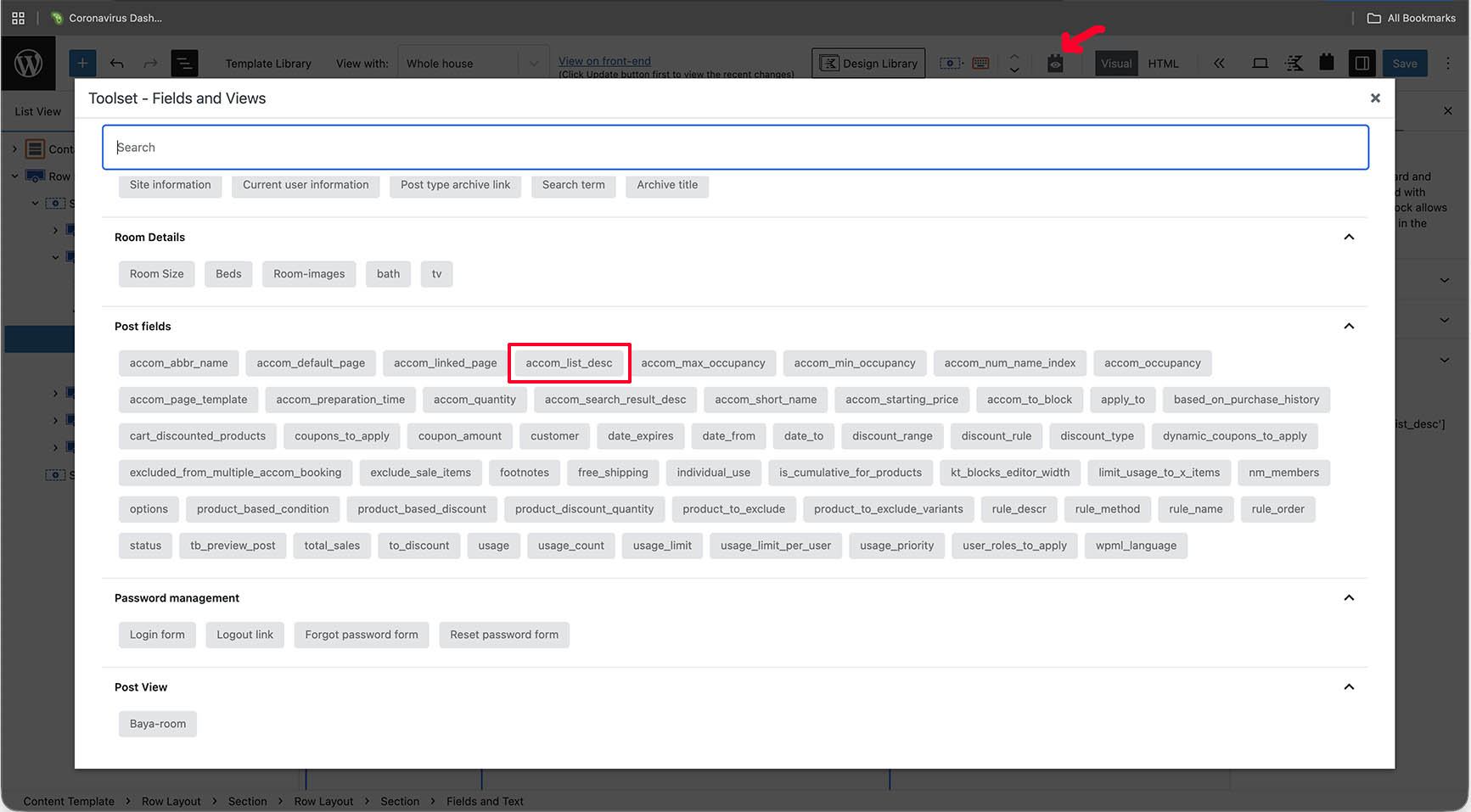
I can see that field listed in the Post fields area when I click 'Add field or View'
It displays a few paragraphs of text for a hotel room description. If I add it again I get a duplicate of the text as expected.
My problem is I can not find where this text is coming from.
I assume it is somewhere in hbook but I can not find it.
It is the text listed to the right of 'More info' on this or any other rooms page hidden link
I know this may not be directly a toolset issue, but any help would be appreciated.
Hello. Thank you for contacting the Toolset support.
If you created the custom field "accom_list_desc" using Toolset Types then you can see that field created at Toolset => Custom Fields => Edit your custom field group.
You can see that field in action with the post type, so either add/edit the post type where you can expect this field should be attached and you can see it with content on edit post screen of that post type.