Skip Navigation

[Resolved] I am having trouble getting a field group to assign to a post type.

This is the technical support forum for Toolset - a suite of plugins for developing WordPress sites without writing PHP.

Everyone can read this forum, but only Toolset clients can post in it. Toolset support works 6 days per week, 19 hours per day.

Sun Mon Tue Wed Thu Fri Sat
- 10:00 – 13:00 10:00 – 13:00 10:00 – 13:00 10:00 – 13:00 10:00 – 13:00 -
- 14:00 – 18:00 14:00 – 18:00 14:00 – 18:00 14:00 – 18:00 14:00 – 18:00 -

Supporter timezone: Asia/Kolkata (GMT+05:30)

This topic contains 10 replies, has 1 voice.

Last updated by Minesh 1 month ago.

Assisted by: Minesh.

Author
Posts
#2842648
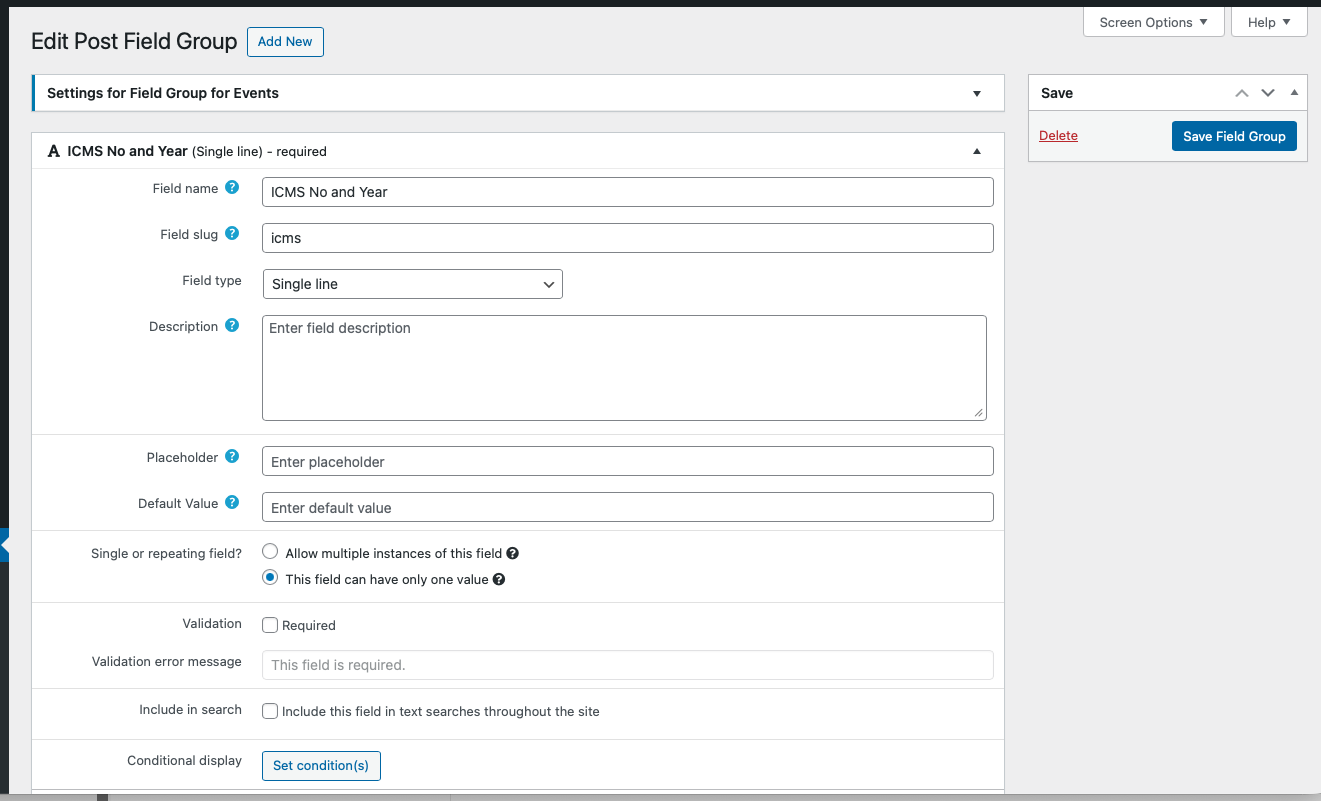
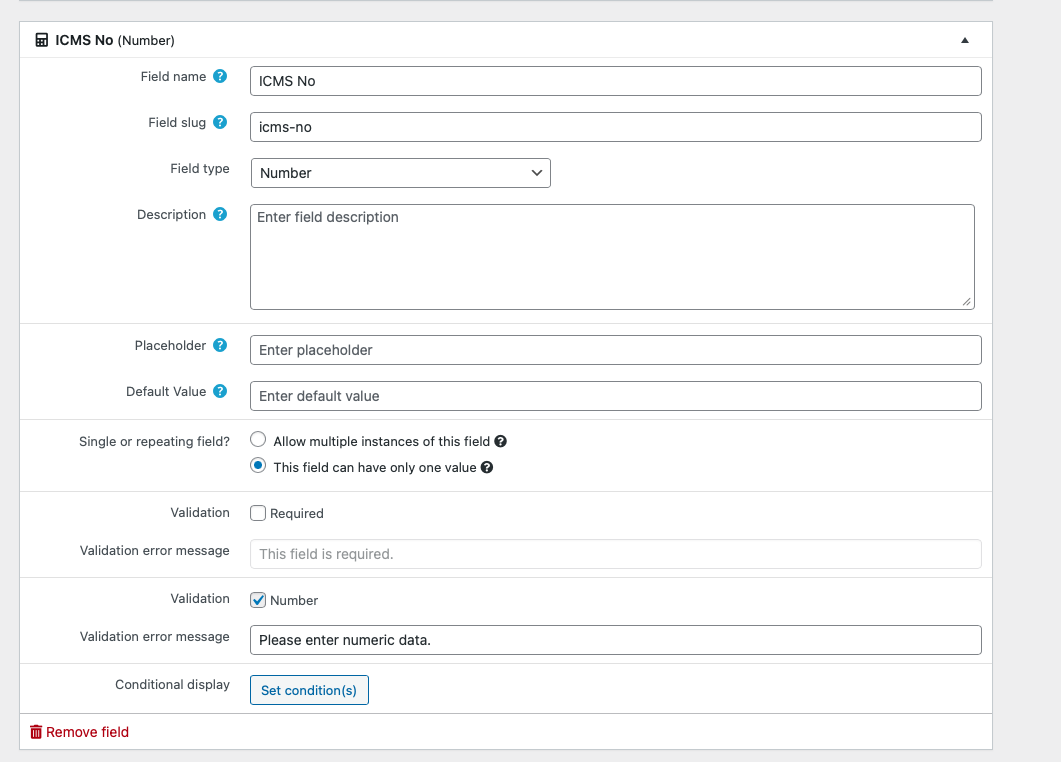
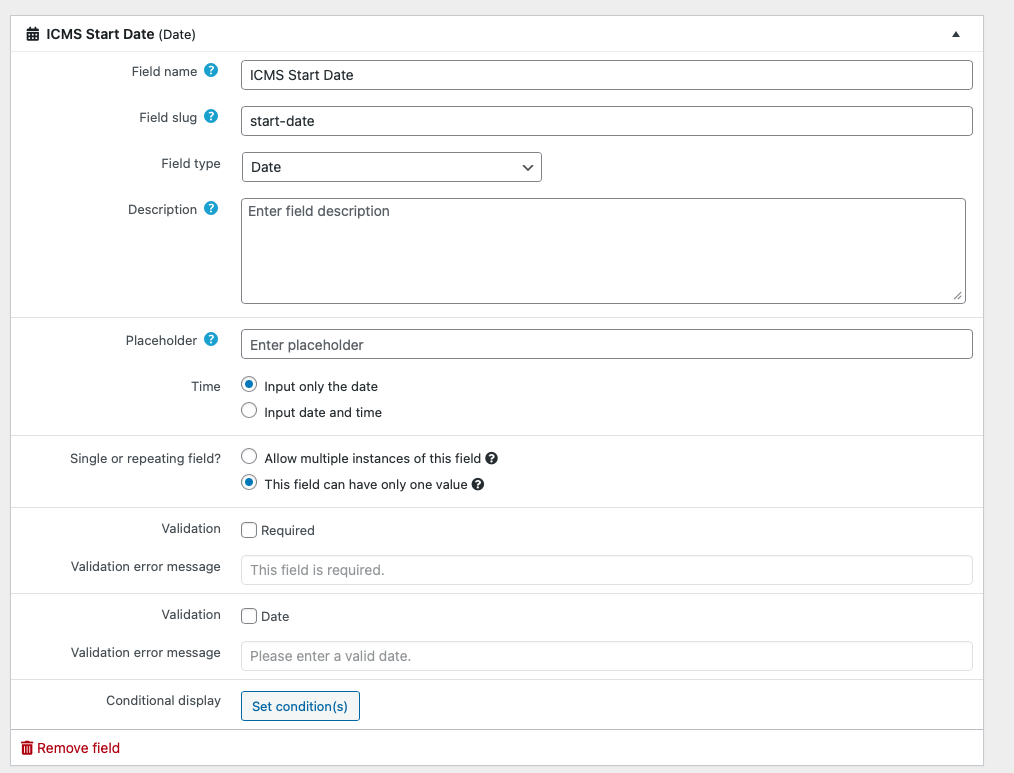
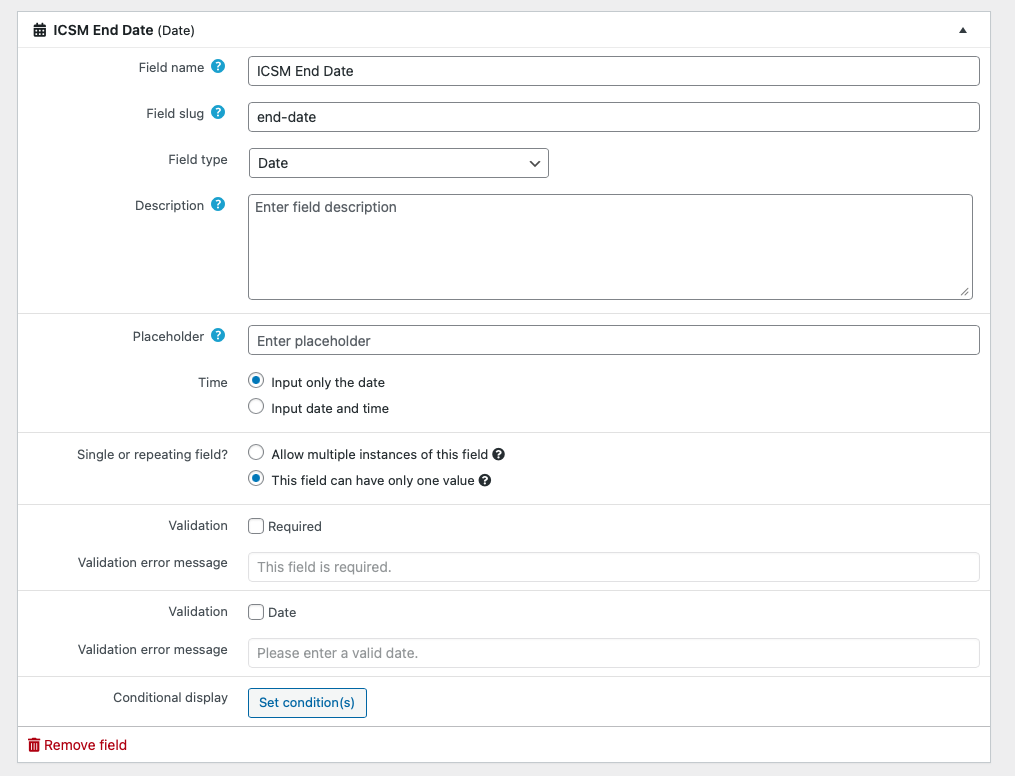
Screenshot 2026-01-08 at 1.55.26 PM.png
Screenshot 2026-01-08 at 1.54.46 PM.png
Screenshot 2026-01-08 at 1.54.17 PM.png
Screenshot 2026-01-08 at 1.53.54 PM.png
Screenshot 2026-01-08 at 1.51.12 PM.png

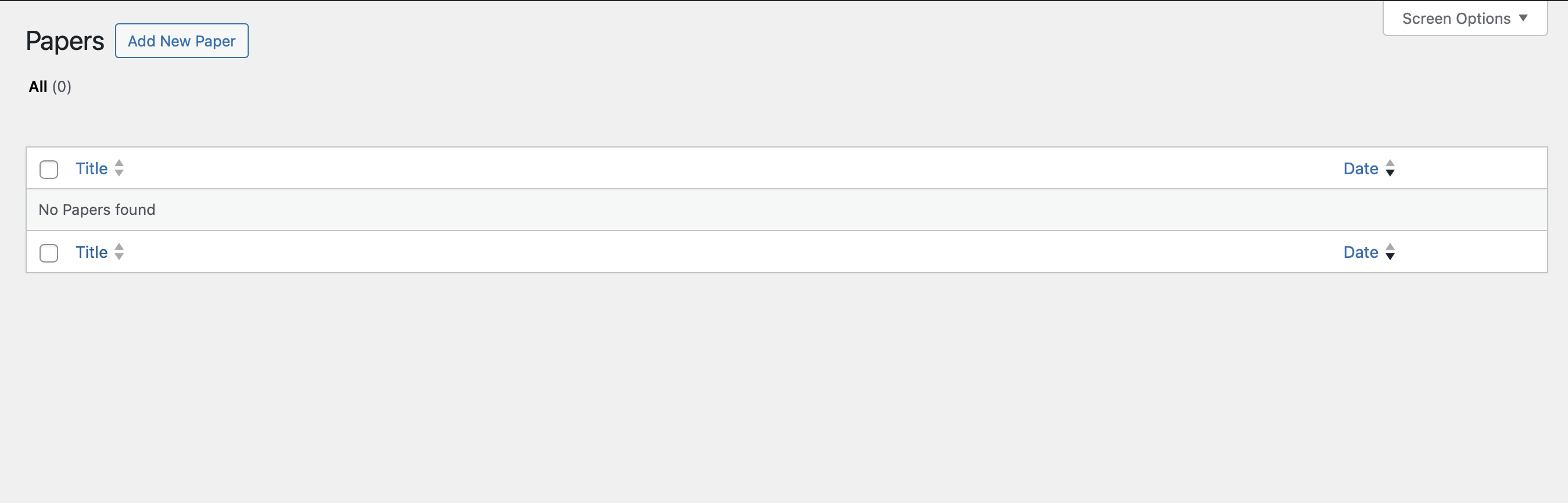
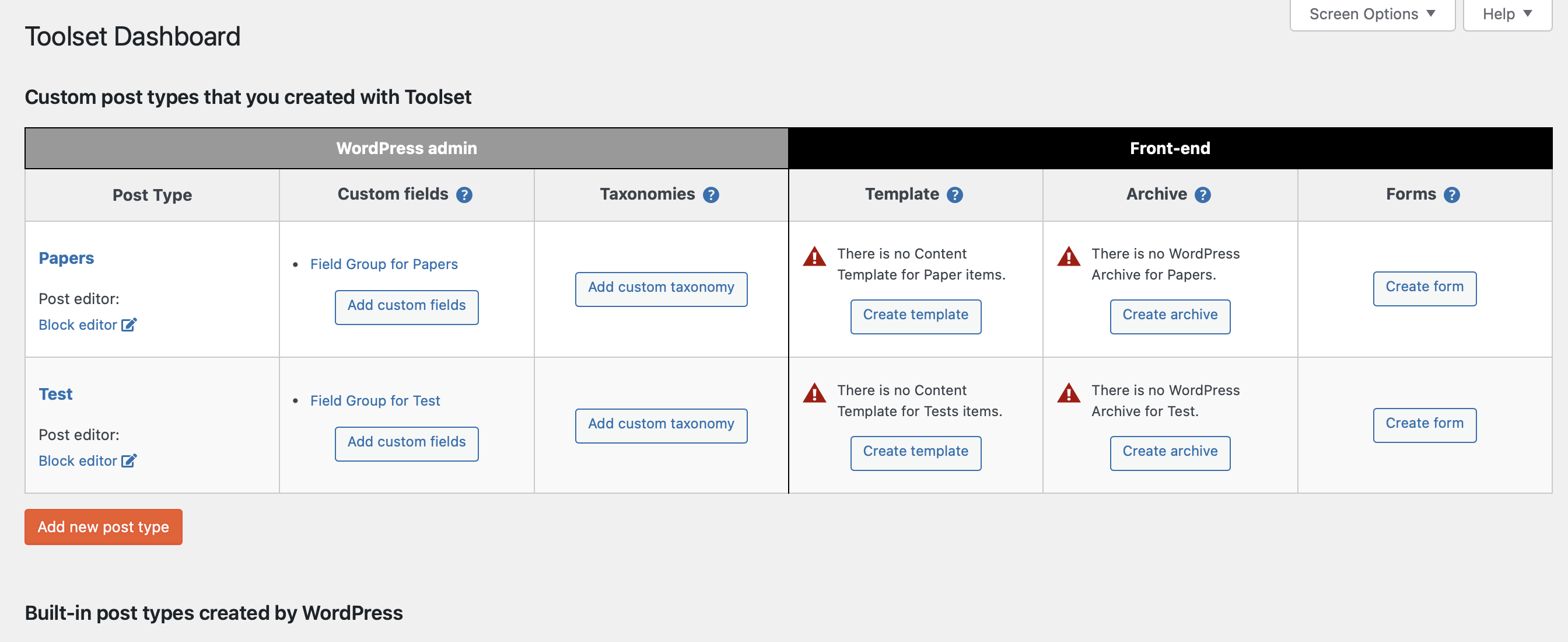
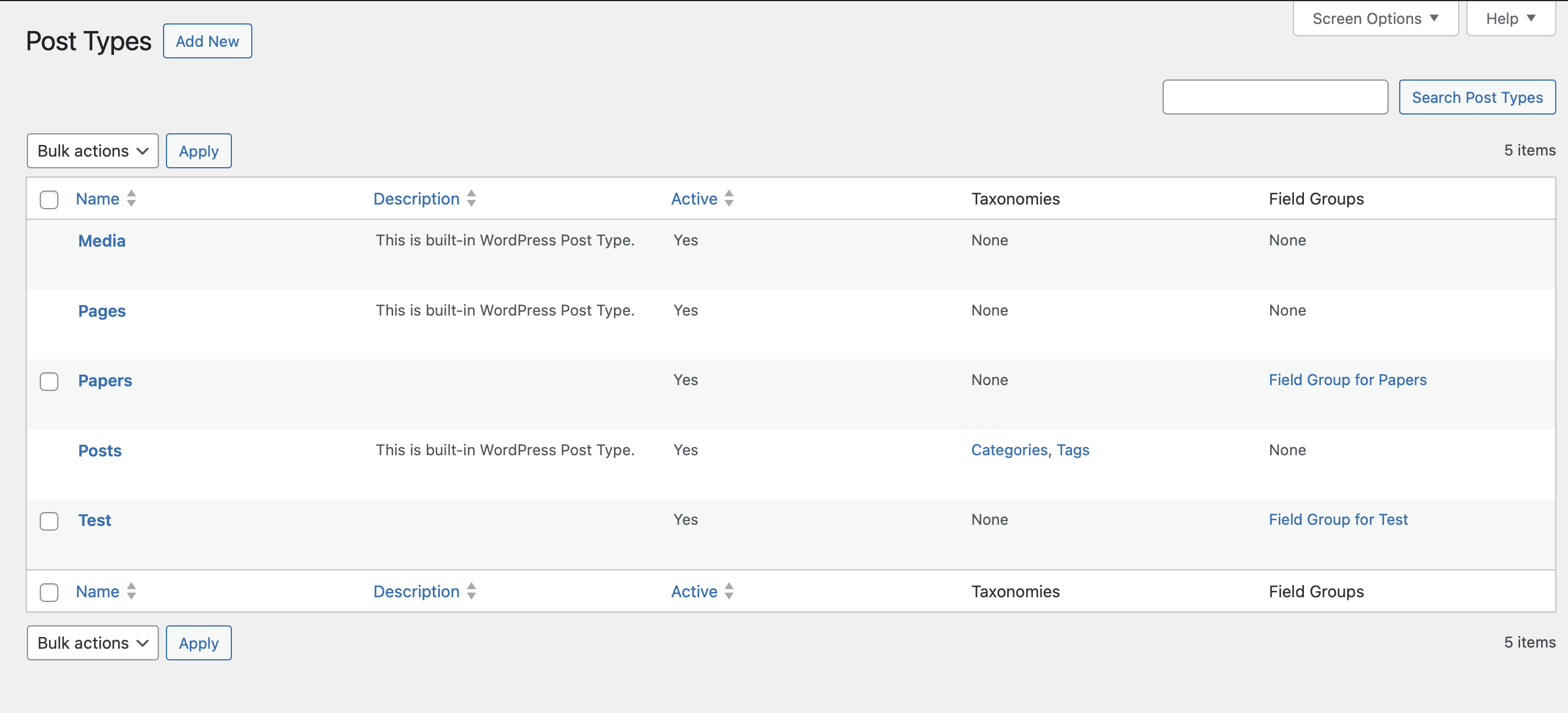
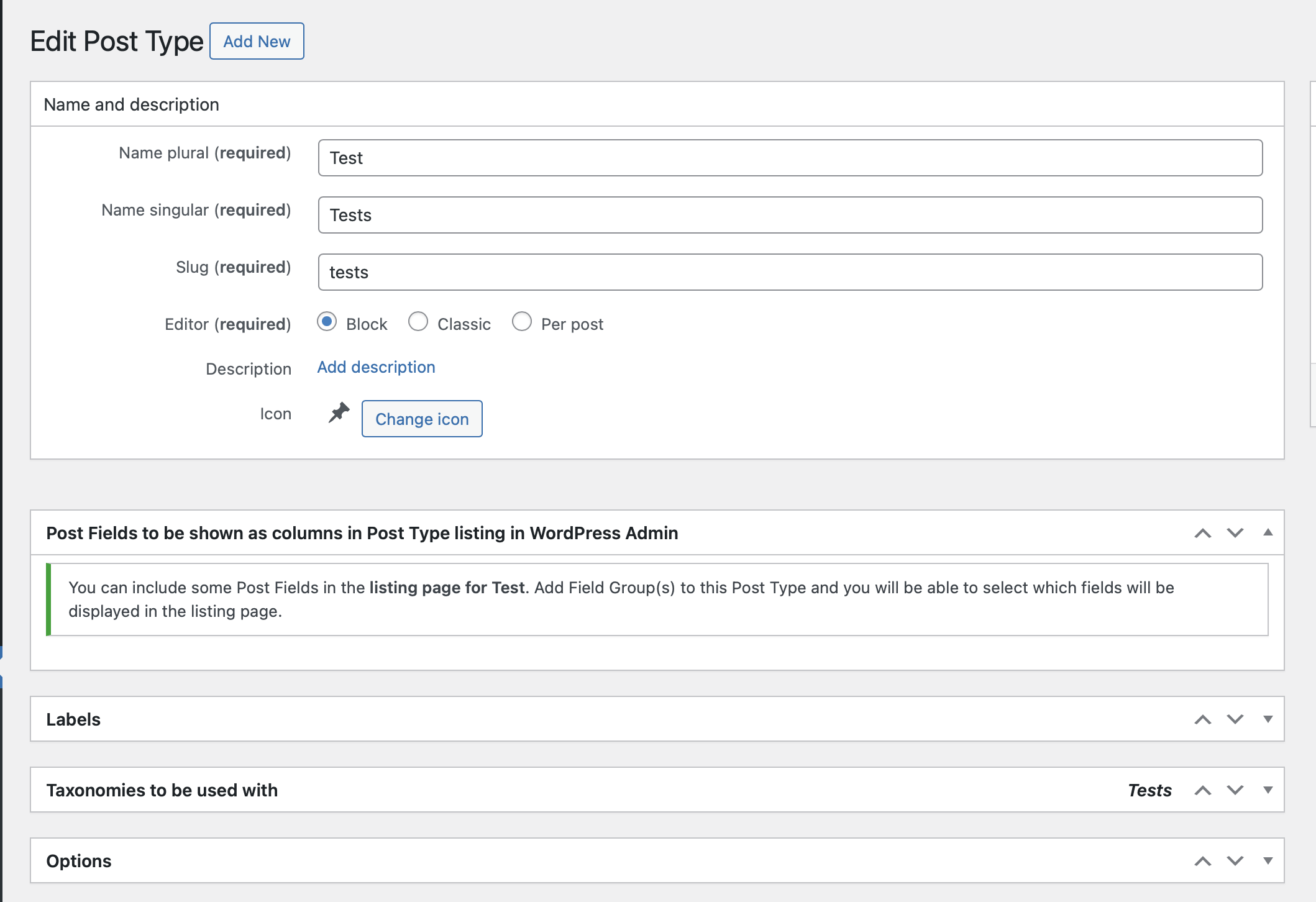
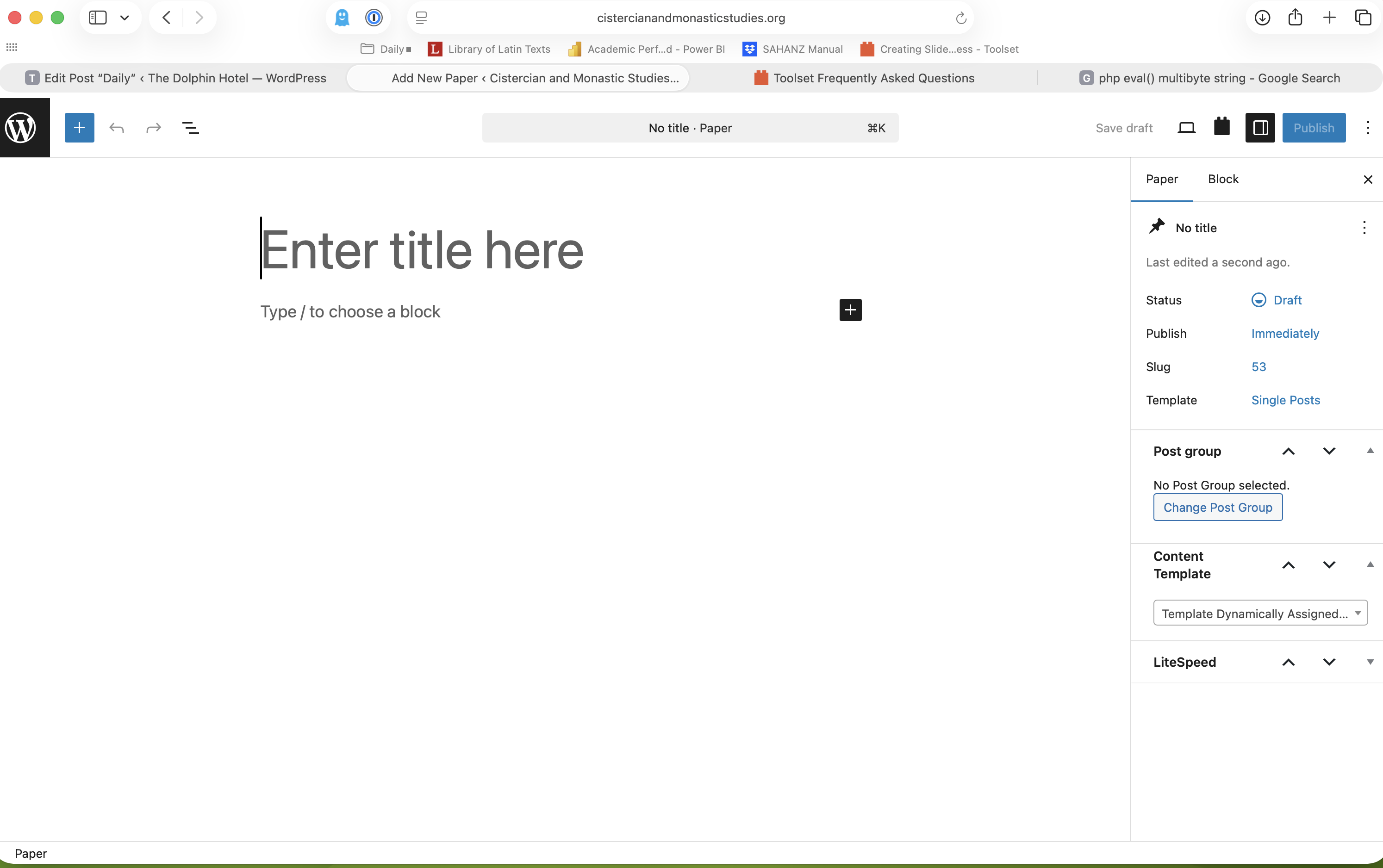
Tell us what you are trying to do? I am building a new site. I have created a post type. I then create a field group but it does not seem to successfully get assigned to the post type. I have set access control for the post type. I have also tried deleting and recreating the type and the field group multiple times with not change. The site is a managed WordPress site through Laughingsquid. I have also tried deactivating other third party plugins, but that did not make a difference.

I did see the note on your site about PHP 8.2 causing issues? I am not sure if that may be related.

Is there any documentation that you are following? I am following your tutorial videos.

Is there a similar example that we can see? The issue appears to be similar to the one described here - https://toolset.com/forums/topic/custom-fields-dont-show-up-on-new-post-types/

What is the link to your site? hidden link

#2842676

Minesh
Supporter

Languages: English (English )

Timezone: Asia/Kolkata (GMT+05:30)

Hello. Thank you for contacting the Toolset support.

That is really strange. I do not see any other user reported such isssue in recent time.

Here is a full course on how to create custom post types and custom fields:
- https://toolset.com/course/wordpress-design-course/

And here is specific Doc and it also shows video about how to create custom fields and it should be assigned to post type.
- https://toolset.com/lesson-placement/lesson-placements-1647611-1620037/

Can you please try to follow that and check if that helkps. If it does not help then please send me admin access details and I'm happy to investigate further.

*** Please make a FULL BACKUP of your database and website.***
I would also eventually need to request temporary access (WP-Admin and FTP) to your site. Preferably to a test site where the problem has been replicated if possible in order to be of better help and check if some configurations might need to be changed.

I have set the next reply to private which means only you and I have access to it.

#2842825

Minesh
Supporter

Languages: English (English )

Timezone: Asia/Kolkata (GMT+05:30)

I tried to login to admin using the admin access details you shared but unfortunately it does not work at this end.

I see the following error message when I submit the login details.

Error: The password you entered for the username Minesh_temp_admin is incorrect.

Can you please send me working admin access details.

I have set the next reply to private which means only you and I have access to it.

#2843245

Minesh
Supporter

Languages: English (English )

Timezone: Asia/Kolkata (GMT+05:30)

Indeed - I checked and I can confirm that the custom fields do not get displayed on your site on post add/edit screent.

Can you please send me duplicator copy of your site?
- https://toolset.com/faq/provide-supporters-copy-site/

#2843656

Hi Minesh, Just checking in to see if you had an updates, as it has been a few days since I uploaded the duplicate site. Thanks, Jason

#2843659

Minesh
Supporter

Languages: English (English )

Timezone: Asia/Kolkata (GMT+05:30)

I tried to install the package but I could not as it seems its not the right package.

Can I create a duplicator or use WP ALL in One WP Migration and take package on my own?

#2843662

Hi Monash, Yes that is fine. Best, Jason

#2843663

Apologies. Minesh not Monash! 🙂

#2843703

Minesh
Supporter

Languages: English (English )

Timezone: Asia/Kolkata (GMT+05:30)

I created the duplicator package and downloaded it and I've setup your site on my local computer and I can see the custom fields on your post types as well as post types created by you.

Please check the following screenshots:
With Book post type - hidden link
With your post type - hidden link

It seems its specific to your server otherwise our queue will be full of related such issues.

Can you please try with another server and check. Please check the following Doc for our server requirement:
- https://toolset.com/toolset-requirements/

#2843872
Screenshot 2026-01-18 at 10.30.53 AM.png
Screenshot 2026-01-18 at 10.31.03 AM.png
Screenshot 2026-01-18 at 10.31.14 AM.png
Screenshot 2026-01-18 at 10.31.22 AM.png
Screenshot 2026-01-18 at 10.30.08 AM.png

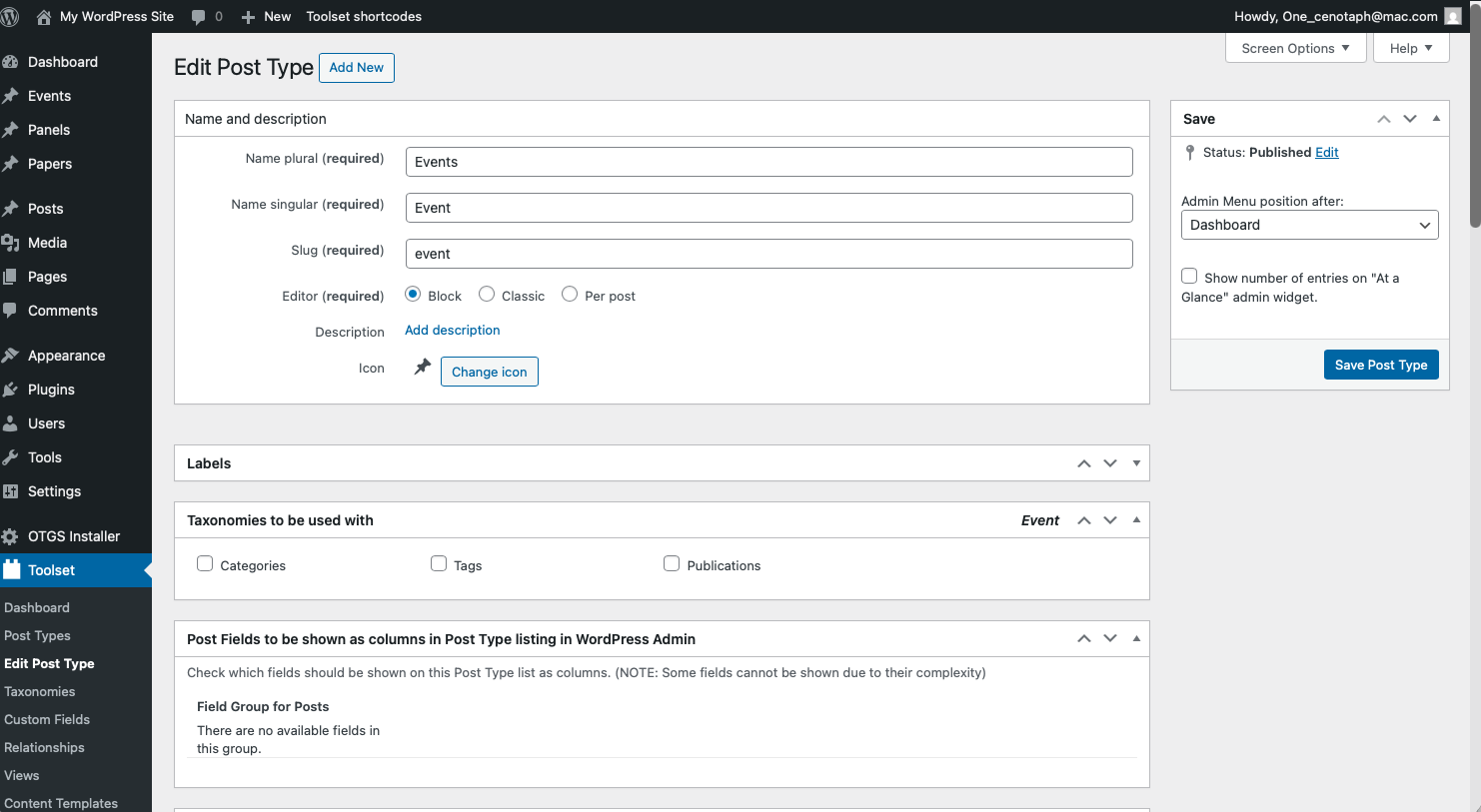
Hi Minesh, The server host changed the read/write permissions, and that seems to have solved most of the problem. However, I now have an issue wit a new Events post type that any custom field I create is deemed to be 'too complex' to be "shown as columns." Any idea what that issue may be? I may need to recreate user access for you, as I restored an early version of the site in the process of working with the server host. - Jason

#2844085

Minesh
Supporter

Languages: English (English )

Timezone: Asia/Kolkata (GMT+05:30)

Glad to know that the original issue reported is resolved now.

As per our support policy, we entertain only one question per ticket. This will help other users searching on the forum as well as help us to write correct problem resolution summery. I request you to mark resolve this ticket and pleaess feel free to open a new ticket with every new question you may have.

Thank you for understanding.