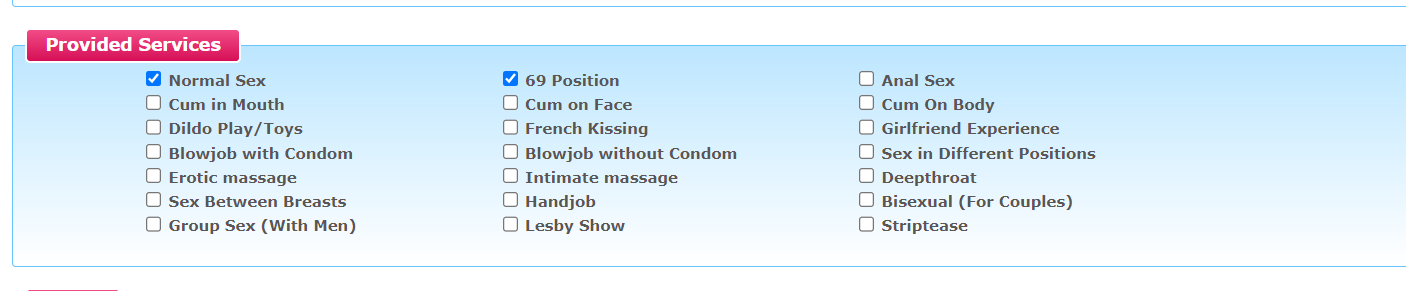
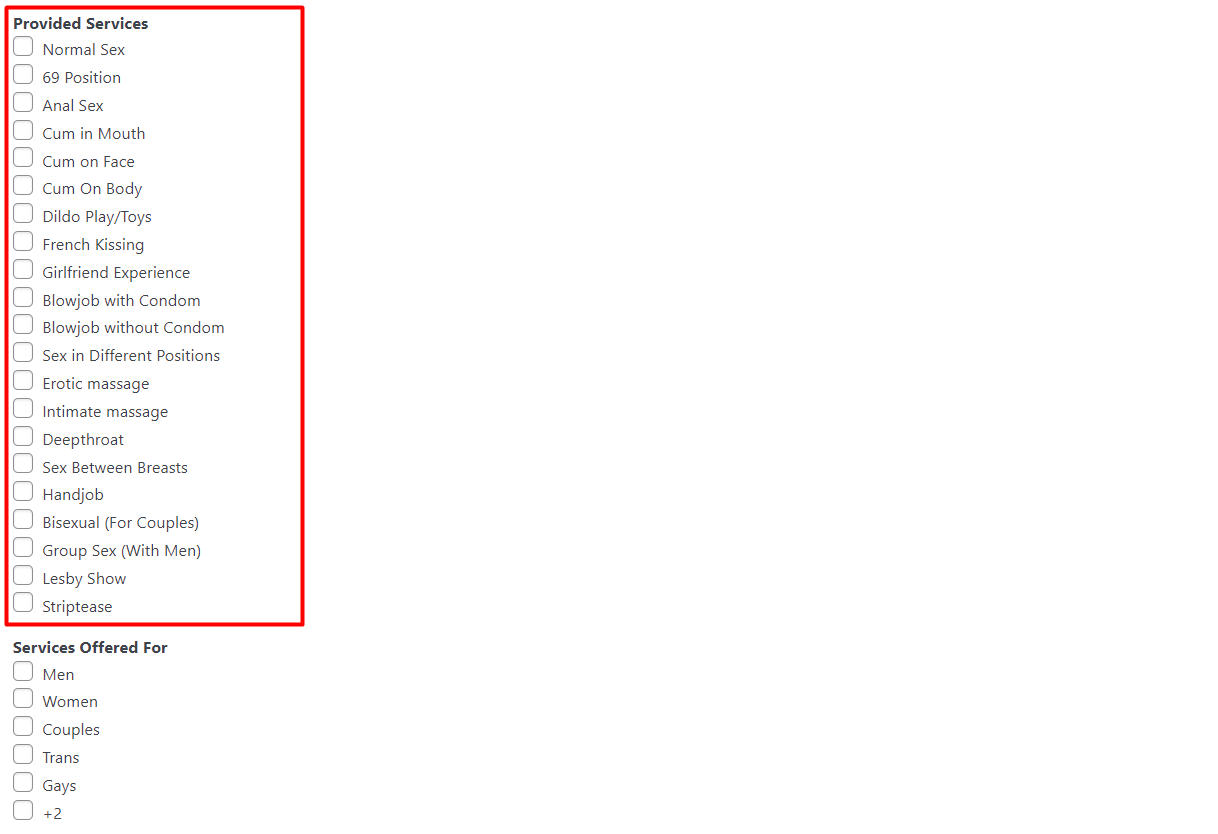
I am trying to: Fill out the form and send it for verification, namely, a certain group of fields is not displayed, I fill in the fields in screenshot 1
Link to a page where the issue can be seen: hidden link
I expected to see: That all values from the fields will come clearly
Instead, I got: As a result, all fields from the form are sent, except for the fields that are shown in screenshot 1, below is a screenshot that shows that these fields remain empty.
Hello, I somehow already updated the plugin to the last version and because of this the design of all forms, site pages got lost, is it possible to somehow fix this without updating the plugins? The update is not installed through the installer, it says that the operation has been completed, but after reloading the page, the plugins are also old. Only manually reinstall, but you need to remove the current version of the plugin and install a new one, otherwise it gives an error, and after the update, as I said, the form design is completely lost, how to solve the problem without updating the plugin?
We do not recommend to use old plugin as with new plugins there will be number of fixes and updates provided. We always recommend to use latest WordPress, PHP and any plugin version, in this case Toolset, if you are using any third party plugins, please make sure that you are using latest third-party plugin version.
Regarding it breaks the design, please make sure you update your theme as well and first run manually update on staging site and then move on production site.
*** Please make a FULL BACKUP of your database and website.***
- My suggestion is that you should update all plugins on Staging site manually and then move to production. You can manually update the plugins from plugins page and you can download the latest Toolset plugins from your account's page:
=> https://toolset.com/account/downloads/
(Deleting current version of plugin will not delete the content you created so you should not worry about that but please make sure you take full backup of your database and website)