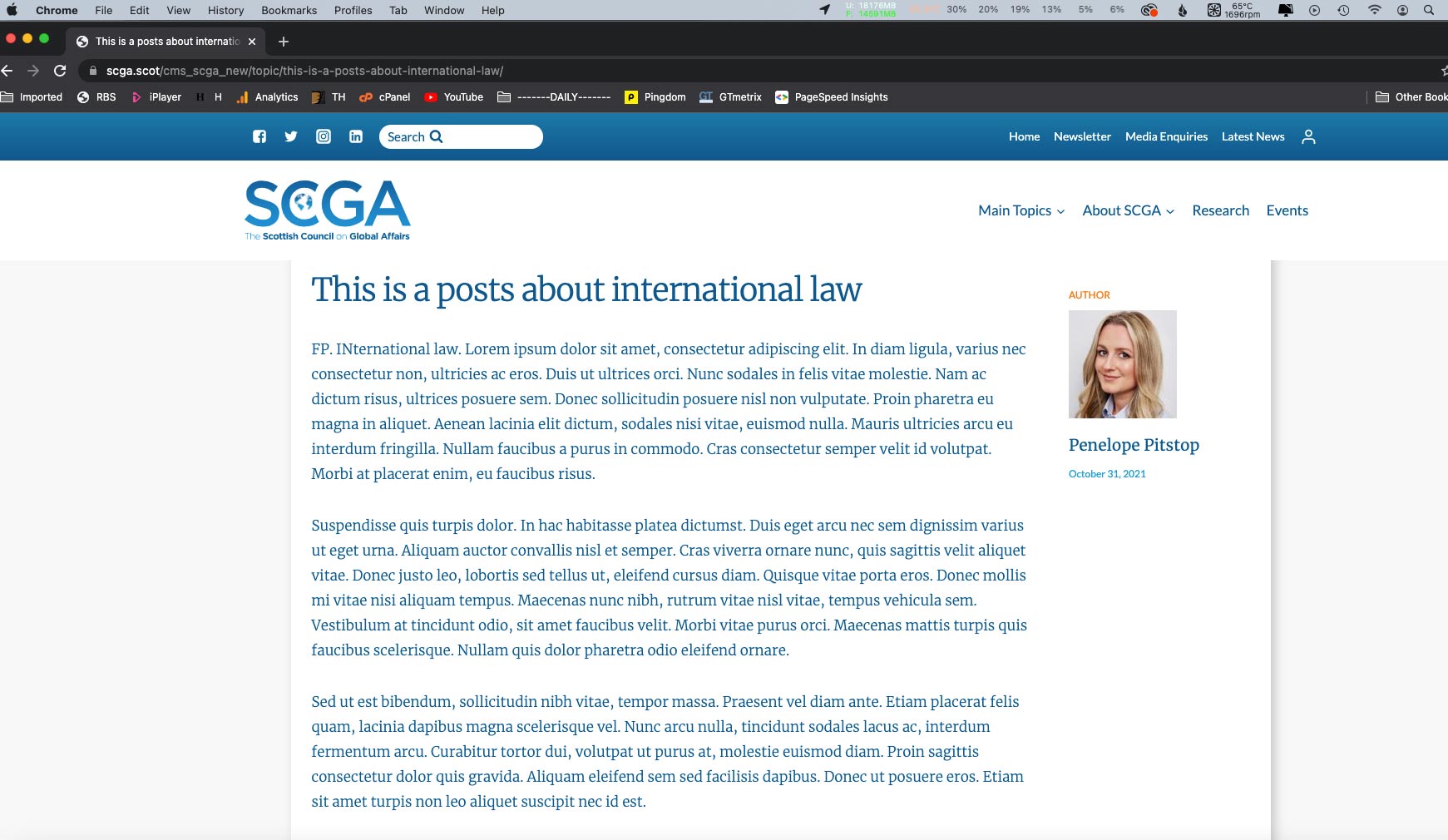
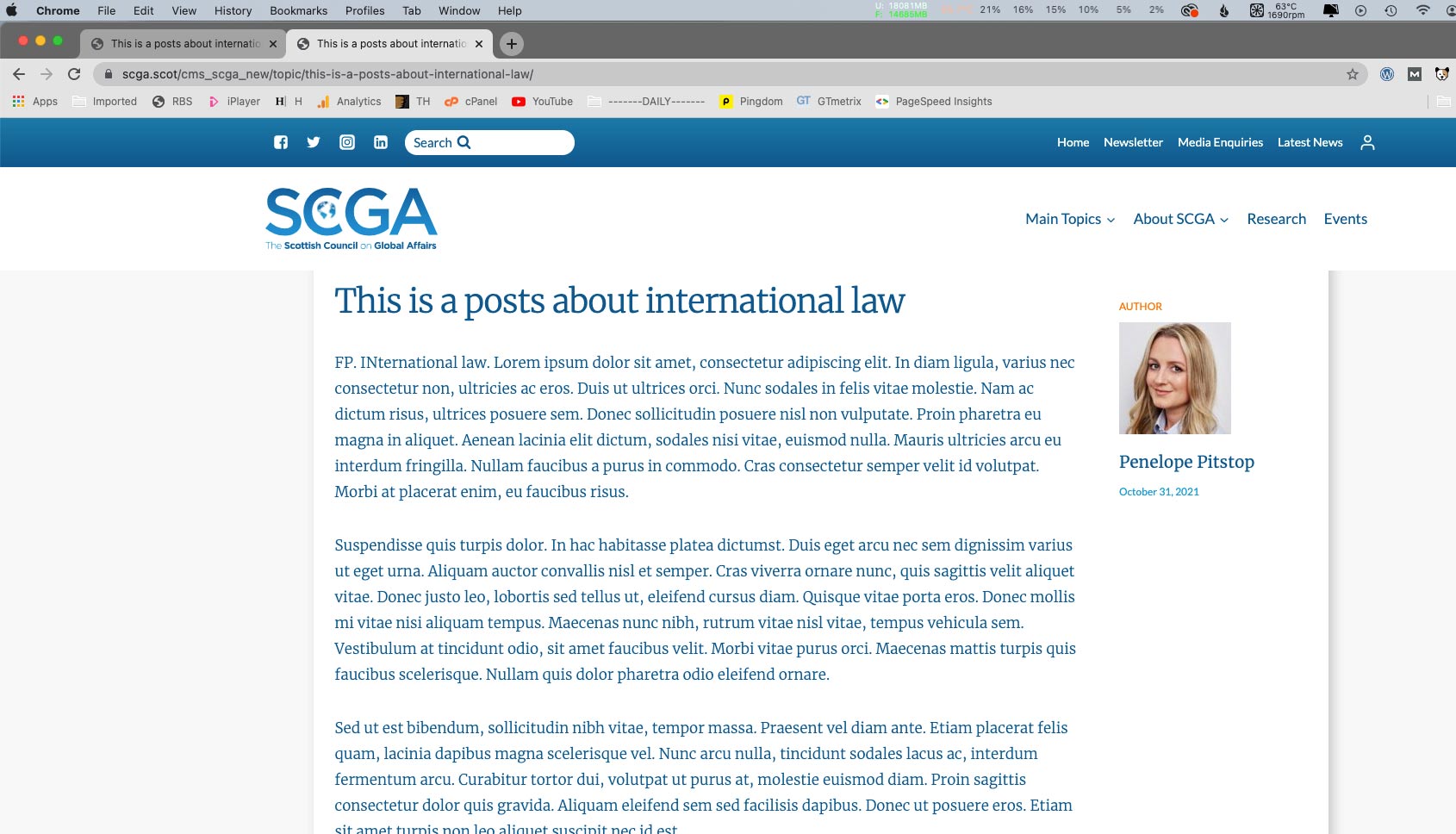
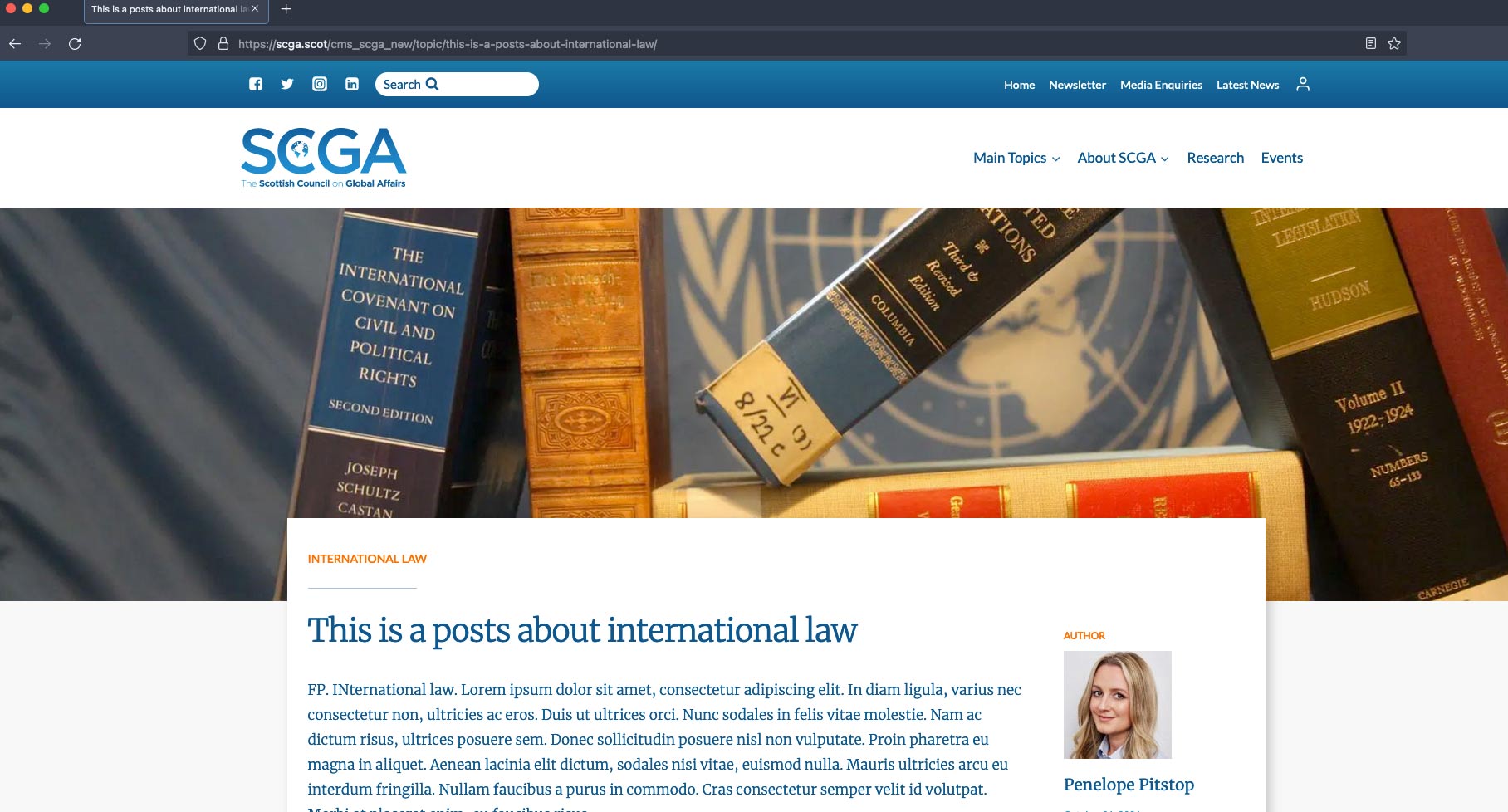
I have designed a template for a Custom Post Type. It works fine on all browsers except Chrome (both Mac & PC) where it does not show the featured image at the top of the page.
Sorry, I can't see how to do this privately. If you look at the main menu and select Main Topics. Choose the very bottom of the 6 options. Now click on any of the 6 example posts. These have all been made using the only custom post type – Dashboard > Toolset > Topics
Occasionally one or two of them will show the featured image in Chrome. Not sure if this is some kind of caching thing or not.
Thank you for the additional details, I did have a look at all 9 of your posts on the frontend using Google chrome and they were all loading the banners for the featured at the top of the page. I also checked while being logged out to see if being logged in was the cause as well.
However even when logged out the images were displaying fine. If you have 1 specific page that's not showing up for you , please send me the link and i'll see what happens on my end.
I've enabled the private fields for your next response.
Hi, If you look at the above URL in either Chrome or Edge, which as you know is built on Chrome, there is no featured image. If you view the page on any other browser you'll see a full-width image across the top of the page as on the attachment.
It shows fine on Safari and Firefox whether logged in or out. I've attached screenshots of Chrome and Chrome Incognito as well as Firefox.
If I go to Console there also appears to be an error showing. I'm not too good with this stuff though...
I had one of my teammates look at this in their Chrome browser as well and they were able to see the stack of books in the banner. It would appear that there is some caching issue appearing on your end as we're not able to see the issue.
What you can try doing is to clear your browser's cache, however there doesn't appear to be anything fundamentally wrong with the setup of your banner.