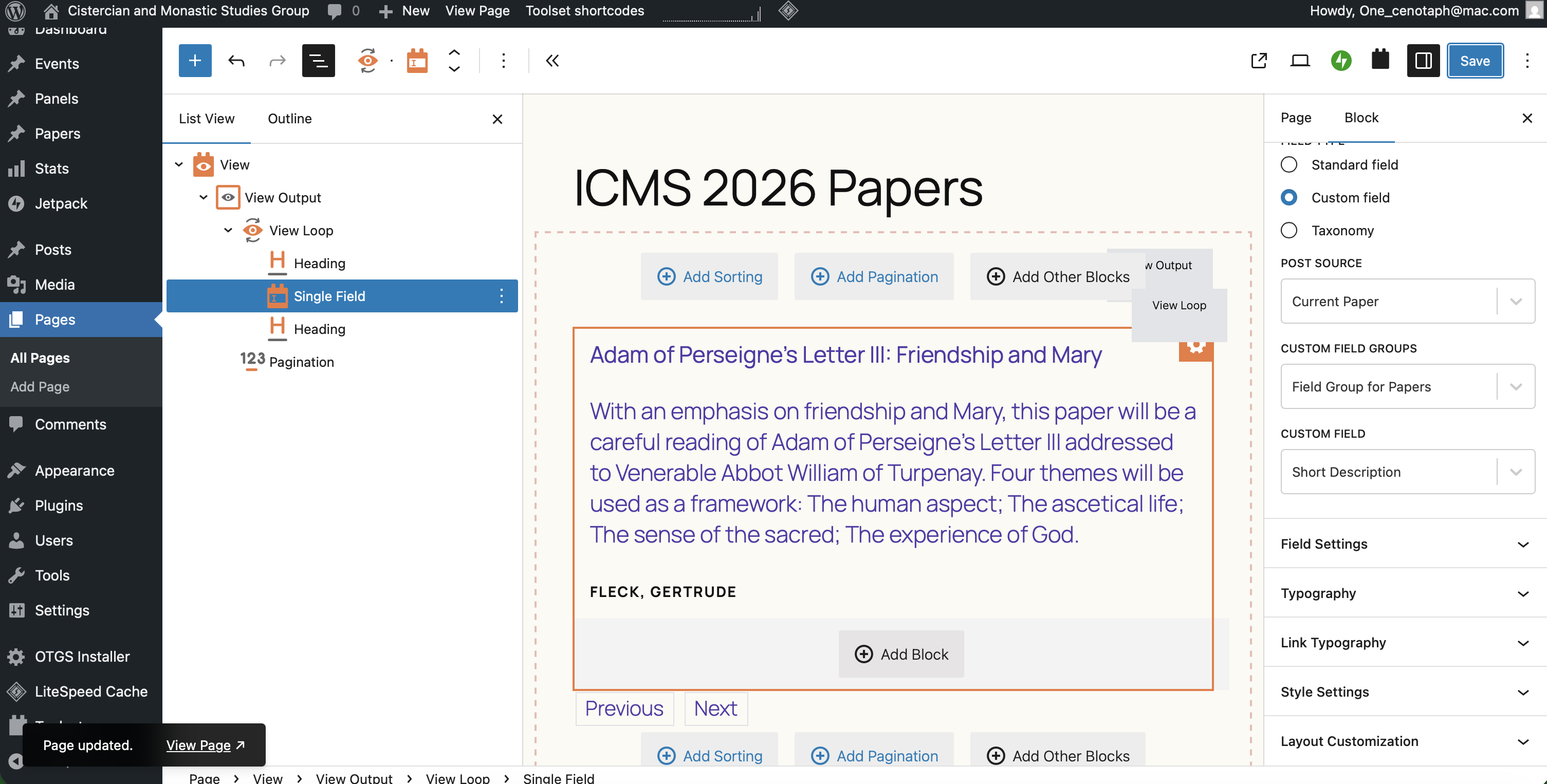
I am trying to: Create a View Loop with dynamic content pulled from a particular post type, in this case "Papers'"
Link to a page where the issue can be seen: hidden link
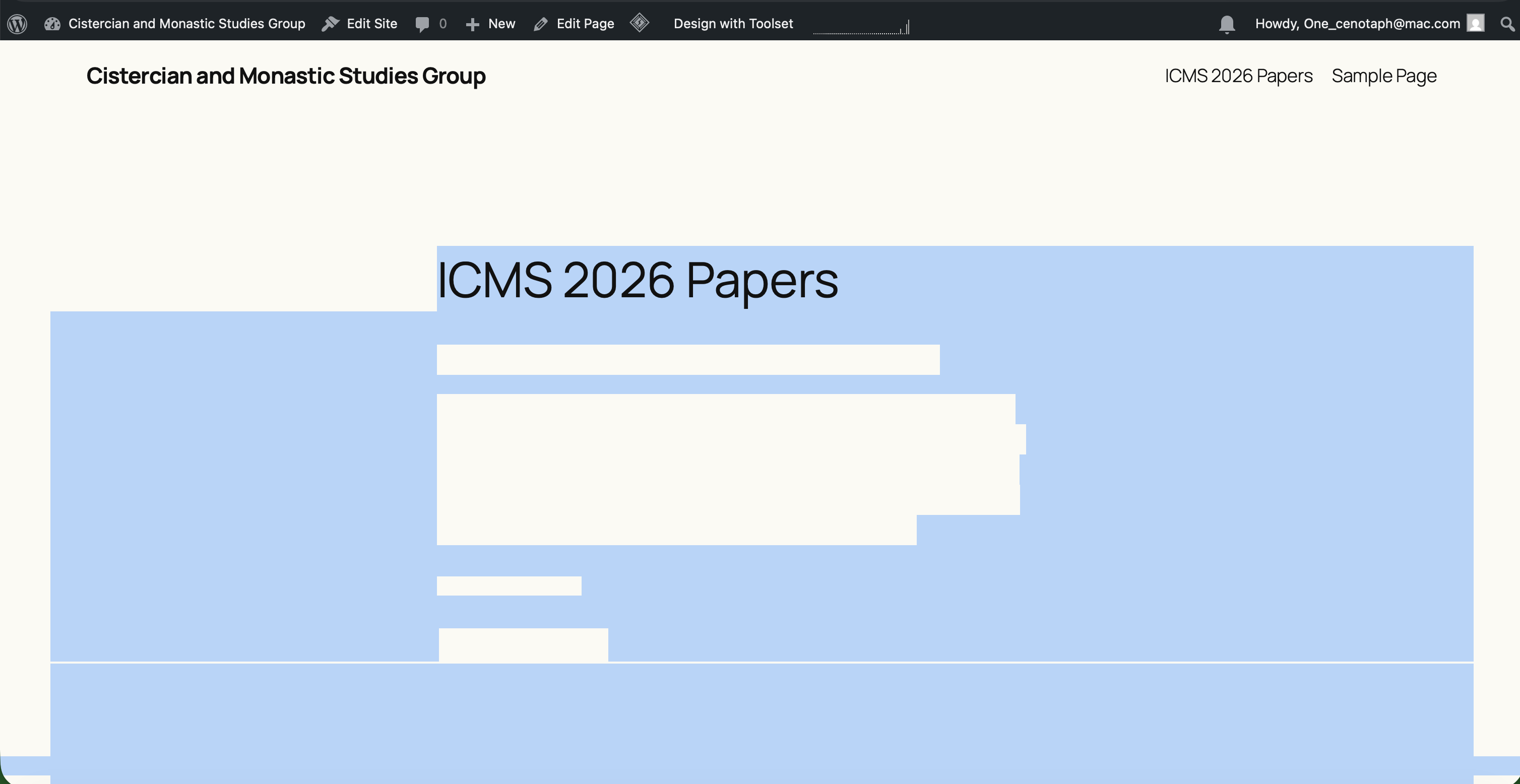
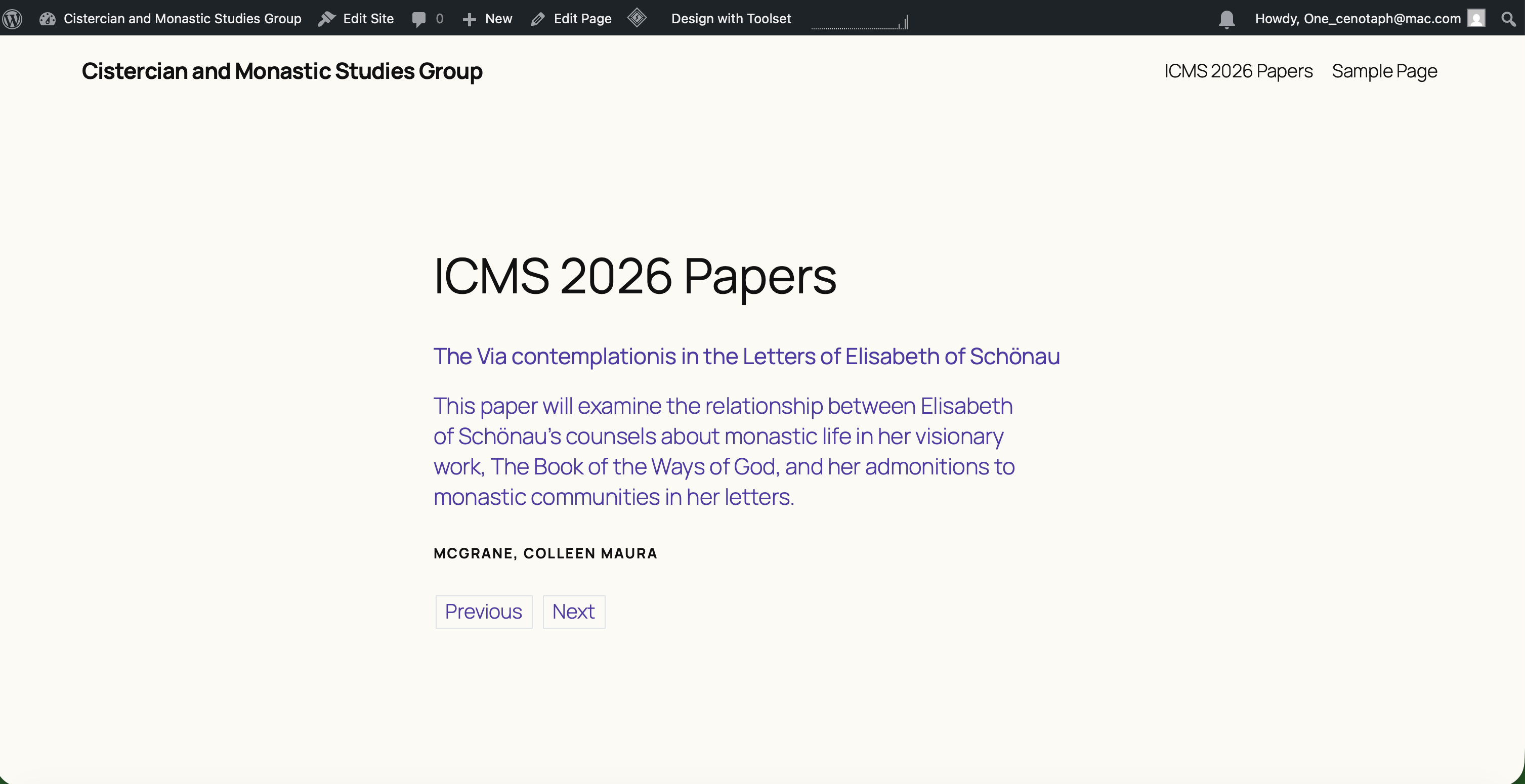
I expected to see: Content pulled from Current Paper, Field Group for Papers - Paper Title, Short Description, and Authors. I see the post content correctly on first load of the edited page, but if I refresh the page, the content disappears. You can select the page and see where the content should be.
Instead, I got: See the attached screenshots in particular, the Reloaded Page Screenshot, where the content is there but has disappeared.
Hello. Thank you for contacting the Toolset support.
I review the debug information you shared and on first impression it seems that the issue is the cache or jetpack plugin you use.
In order to minimize the cause of the issue and to ensure there is no conflict with the theme/plugins you use:
Could you please try to resolve your issue by deactivating all third-party plugins as well as the default theme to check for any possible conflicts with any of the plugins or themes?
- Do you see any difference with only Toolset plugins active?
- What if you exclude the page where you added the view from cache?
I have deactivated all third party plugins, and tried a few different default WordPress themes that are supposed to be compatible with Toolset, but continue to experience the same problem.
If I view the page immediately after I have saved it in the editor, it works. Then after a refresh of the page it stops working again.
*** Please make a FULL BACKUP of your database and website.***
I would also eventually need to request temporary access (WP-Admin and FTP) to your site. Preferably to a test site where the problem has been replicated if possible in order to be of better help and check if some configurations might need to be changed.
I have set the next reply to private which means only you and I have access to it.
Interesting. can you screen grab the block view cache setting? I have noticed a couple of different caching options, so I may have just been disabling the incorrect one.