Tell us what you are trying to do?
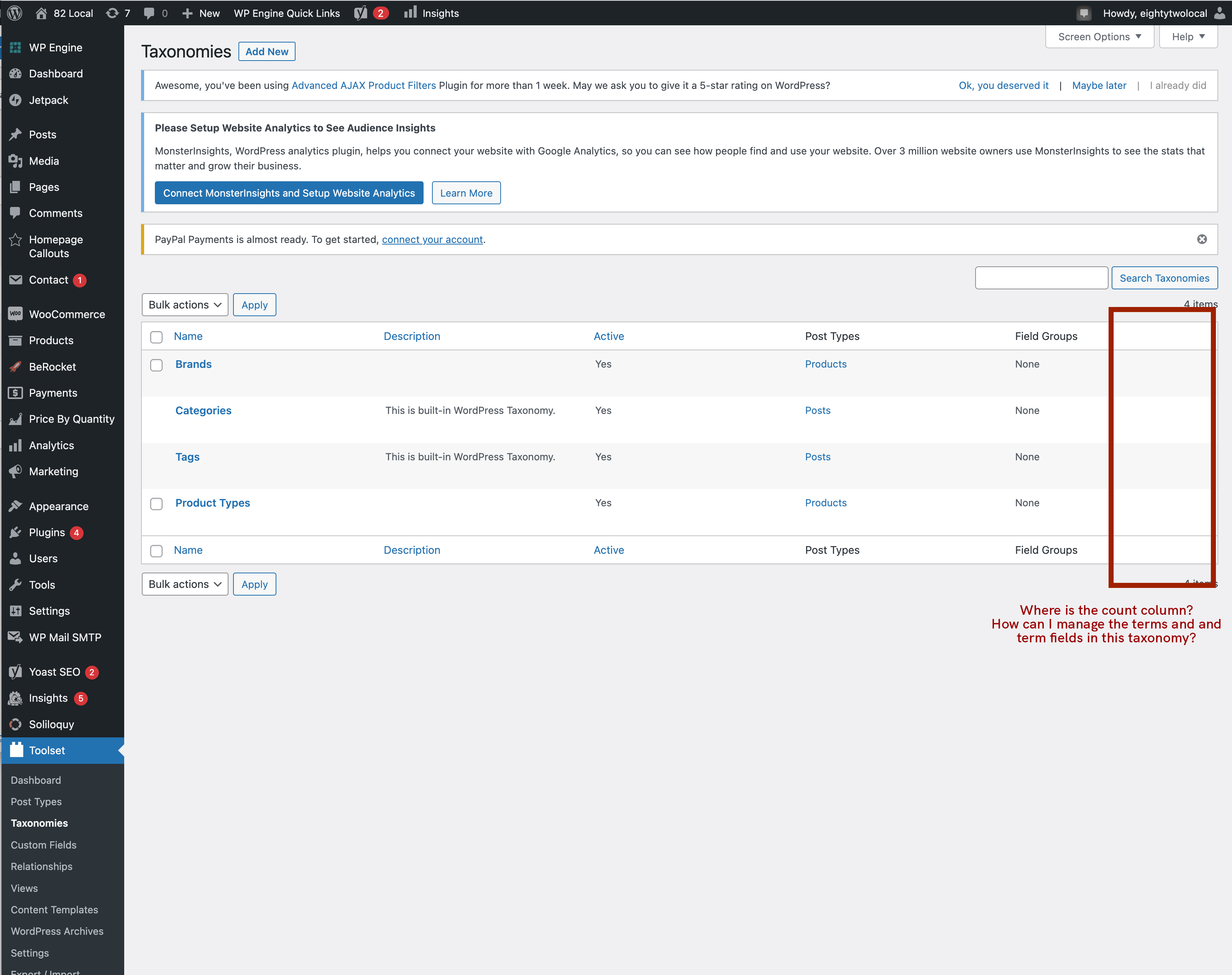
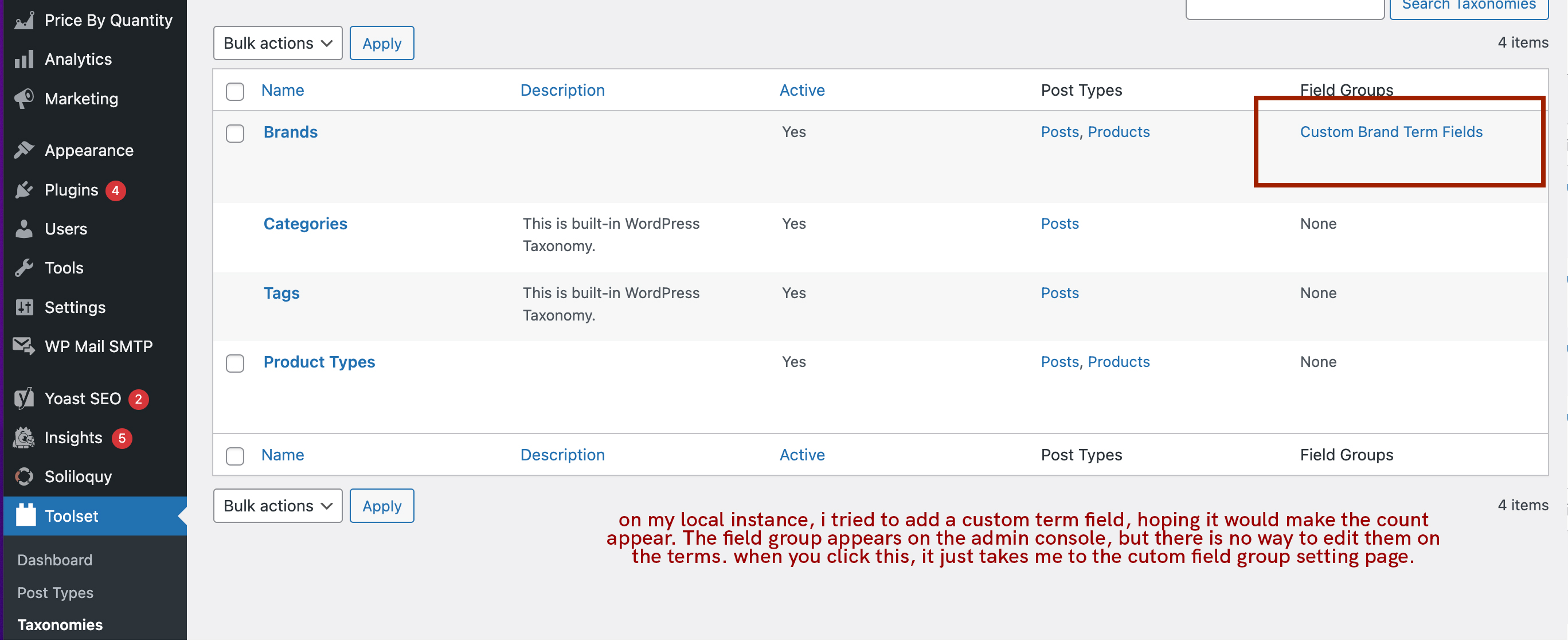
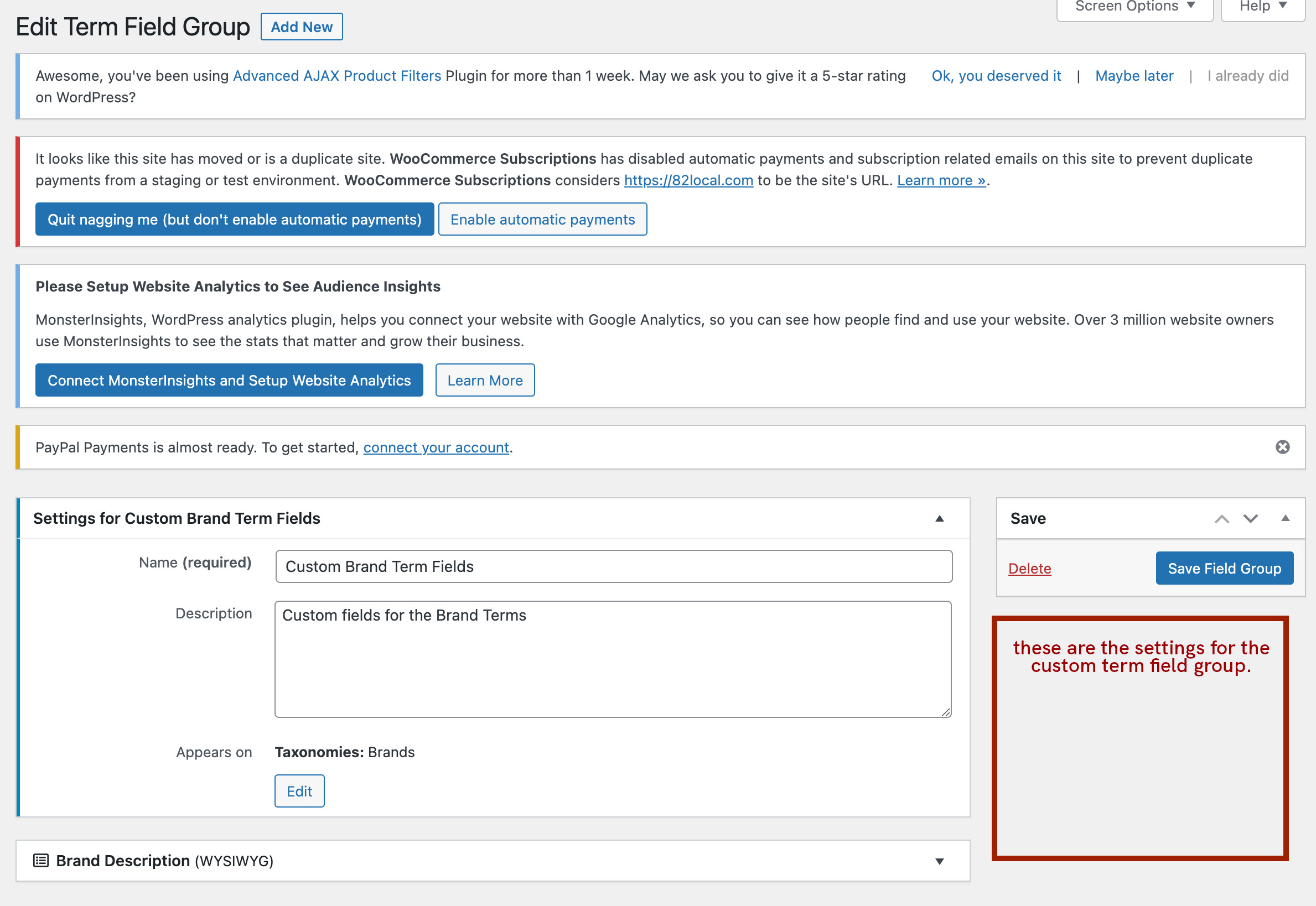
In the custom taxonomy admin console, the "Count" column is missing. Because of this, I have no visibility/ability to manage the terms within a custom taxonomy. It is also preventing me from managing/editing custom taxonomy term fields. For example, i have a custom taxonomy "Brands" that I have created for my WooCommerce products. I want to add custom fields for each brand, but I have no way of viewing / editing these for a single term.
Is there any documentation that you are following?
I have been searching up and down the place and have not found any documentation on this particular problem. I have watched/read all the tutorials/documentation on your custom taxonomies and have not found this issue.
Is there a similar example that we can see?
What is the link to your site?
82local.com
Hi there,
The count for the terms is not added in Toolset > Taxonomiews admin screen.
It is a native WordPress feature that is available in the menu where the taxonomy is available.
For example, if you added the "Brand" taxonomy as a taxonomy of the "Product" custom post type, then you need to go to "Products > Brands" to see the counts.
On my installation, I have a post type called "Property" and a taxonomy called "Property Type".
If I go to "Properties > Property Type" I will see the count and all the terms and stuff like any other WordPress taxonomy. Please check the attached screenshot.
All the term fields also are there.
The Toolset > Taxonomies section is just to create the Taxonomy. The rest is a native feature of WordPress like Posts > Categories.
Thanks.